Adobe Animate (or Animate CC) supports but replaces the former Adobe Flash, and allows users to design interactive animations for games, TV shows, and the web. With it, the vendor states users can bring cartoons and banner ads to life, create animated doodles and avatars, and add action to eLearning content and infographics. With Animate, users can publish to multiple platforms in many formats, and reach viewers on any screen.
$20.99
per month
ShedPro
Score 0.0 out of 10
Small Businesses (1-50 employees)
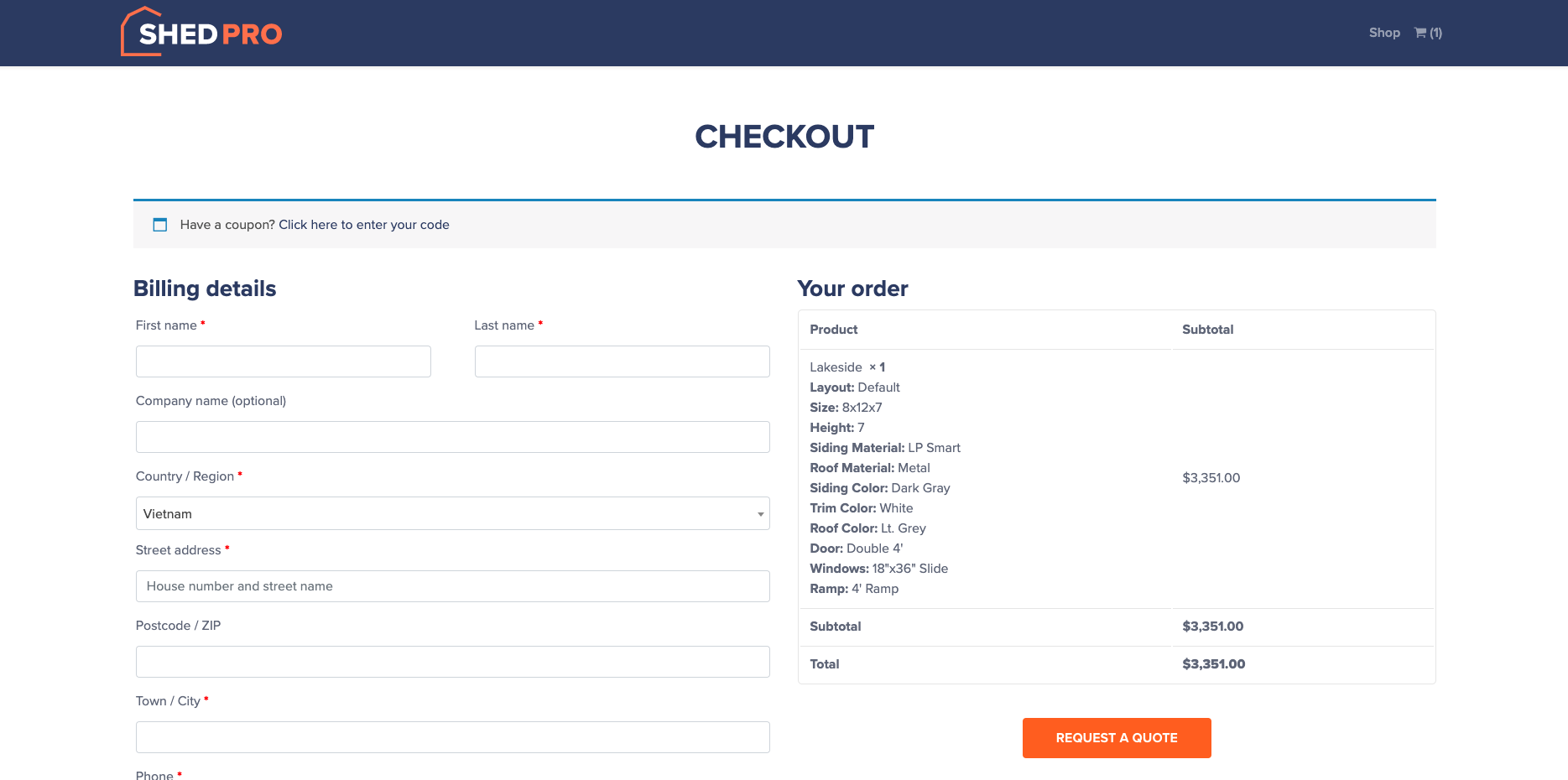
ShedPro is a 3D shed builder tool - A shed sales solution that aims to help users generate leads, simplify the sales process, and drive shed business revenue without the high costs. ShedPro shed businesses an all-in-one solution, including: 3D ShedPro Configurator Sales-focused Website Google Ads Management. The goal of the 3D ShedPro Configurator is to improve the shed buying experience by allowing potential customers to build their…
i can say Adobe Animate is far better in results of animation among cartoon animator or toon boom harmony. but it is lot more difficult to animate and learn how to animate in Adobe Animate. so if you want to learn quick cartoon animator is easy but if you need industry standard …
Adobe Animate was always the preferred software as the support was much better than the competition. And the ease of rendering was also a deciding factor. Results with character animations are much more crisp with Adobe Animate than in any other 2d based animation software.
Adobe Animate is a powerful and versatile animation software that offers a wide range of tools and features. When compared to other animation software, it stacks up well in terms of its capabilities and functionality. Here are a few reasons why one might select Adobe Animate …
We initially used after effects for many of our animations because it was part of our creative cloud subscription and some teammates had experience. We discovered some of the all-in-on features of Animate and decided to migrate a large percentage of our training video …
I find After Effects more difficult to learn. Both are in the same Adobe CC subscription and both have a great interface. But the possibilities in features make After Effects more difficult. Therefore I like to use Animate when the assignment does not need to much complexity, …
Adobe Animate works best for advanced animation and cuts and works well with the entire Adobe suite. There is nothing that compares when it comes to working within the same product.
We haven't used any other animation software to compare. We only use Adobe Animate because it was included with our software suite. We do sometimes use Canva to create animated collateral and graphics, but they are already designed templates for the most part, so it's not a …
Adobe Animate is extremely coordinated across different stages and programs, versus its rivals. Like Adobe Animate, HTML5 incorporates playing highlights for sound inside sites. It additionally has versatile help. In any case, I don't believe it's very there yet and is by all …
As mentioned earlier, Photoshop is an easier program to work with and you can use it to make animated images for digital marketing. It's usually easier to just use Photoshop because the controls are not as cumbersome and there is a minimal learning curve.
Other software we have evaluated include Toon Boom Harmony (which we also use in our classroom) and OpenToonz. Toon Boom and Adobe Animate are the industry standard software used professionally.
We previously used Audacity for sound editing but have found Adobe's Soundbooth functioning to be easier to use. That being said, Soundbooth is being phased out and we are looking for alternatives.
Adobe Flash is very integrated across various platforms and browsers, versus its competitors. Like Adobe Flash, HTML5, includes playing features for audio within websites. It also has mobile support. However, I don't think it's quite there yet and seems to be a few steps behind …
Unfortunately, it doesn't! While there are some disadvantages to HTML5, it's overall just cleaner. Since it's cleaner, browsers prefer it. And again, Flash animations will no longer be supported in a couple years, so users really don't have a choice but to part ways with the …
Adobe Flash is being used in my company and my freelance work because it is the most universal tool used by all. It is able to be used on multiple applications and platforms and it is fairly easy to use once you have been trained. You can also get it with Adobe Suite which is …
The only major alternative is to run your media on HTML5 and find mobile sites (or others) that can run on mobile devices. HTML5 tends to run directly on the browser faster (and doesn't crash very often). I would only select Adobe Flash if a specific website that I needed for …
Adobe Illustrator has a lot more drawing capabilities and features than Flash, but for most tasks, I prefer to use Flash.
For cross-platform development, Xamarin offers a true full, native development environment, but Flash is good for prototyping. The big diadvantage here is …
ToonBoom Harmony has a lot of the compositing stuff from AfterEffects built in and it has much stronger rigging tools than Flash. It's great because it lets you do a mix between both puppeted and animation that is tweaked by hand. However documentation on how to use the program …
It is not easy to talk about software that can be compared as an alternative to Adobe Flash. It all depends on the need and the use that you want. I can recommend doing a thorough analysis of all software that can develop the kind of work you have to do, surely the fact that we …
Adobe Flash is more universally accepted and larger variety of formats accept Flash over Vimeo Pro. We find it easy to promote Flash as the standard for use in our offices because no matter which software is used we can easily integrate into Adobe Flash.
If you need to deliver on a laptop or PC, Flash is okay. iOS/macOS development trumps Flash easily if you have the capability. Developing for iOS and macOS can be just as fast or faster than developing for Flash. Apple Swift has great momentum - Flash is a dying technology …
Adobe flash is best to use for developing applications specifically for desktop and laptop PC websites. We use it a lot with clients who send us content from other countries to stream and/or view video, audio and multimedia. Since there is no mobile browser or device support, it can not be used for any app related projects.
It's being replaced in 2020 so it most likely is not worth learning for anyone who hasn't used it before. Apple devices don't play nice with Flash videos either, and that's a large user base.
Its battery consumption for mobile devices is poor, and probably won't be addressed due to HTML5 replacing it in a year
One of our original reasons for using Flash was for animation, but Toon Boom (a competitor) is really better set up for that task. With built-in mouth synch capabilities, it does a lot of the busywork for you, that Flash made you do yourself.
Flash is usable but definitely has a learning curve that a novice user may need to Google a few tutorials prior. The seamless integration with other Adobe software products is nice for loading content from the cloud. Plus it's great for storing and saving work on the go.
Adobe Animate is a powerful and versatile animation software that offers a wide range of tools and features. When compared to other animation software, it stacks up well in terms of its capabilities and functionality. Here are a few reasons why one might select Adobe Animate over other animation software: Support for a wide range of platforms and devices: Adobe Animate allows you to create animations and interactive content for a wide range of platforms and devices, such as web, mobile, and TV. This makes it a versatile option for creating animations for different platforms. Advanced 2D animation features: Adobe Animate's bone rigging and inverse kinematics features make it easy to create advanced 2D character animations. This makes it a great option for creating animated shorts, explainer videos, and interactive games. Interactive features: Adobe Animate's support for HTML5 Canvas and WebGL allows for the creation of interactive animations and games that can be played on web browsers without the need for any plugins.
Negative, any individual who invested energy learning the program presently feels miserable that it's disappearing.
Activity that was done on Adobe Animate yet would now be able to be made with Toon Boom or even Adobe After Effects.
In addition to the side, since it's an Adobe item, you can lease it as opposed to purchasing the full permit. That implies conceivably individuals could utilize it somewhat more without dishing out as much cash.