Chose Enterprise eTIME, by ADP (discontinued)
eTime is more customizable to specific business needs.

| Product | Rating | Most Used By | Product Summary | Starting Price |
|---|---|---|---|---|
 Enterprise eTIME, by ADP (discontinued) | Enterprise companies (1,001+ employees) | Enterprise eTIME ® was a suite of apps from ADP, used to automate time and labor management, and provide employees and managers with tools to optimize schedules, attendance and leave. The product has been discontinued, and is no longer available for sale. | N/A | |
 Hubstaff | Small Businesses (1-50 employees) | Hubstaff is a workforce analytics software tailored to boost productivity in remote, hybrid, and in-house teams while fostering a positive employee experience. Integrating with over 30 apps, Hubstaff's key features include time tracking, screenshots, activity tracking, URL and app monitoring, workforce analytics, automatic payroll and invoicing, scheduling, GPS and location monitoring, and timesheets. Hubstaff is compatible with Mac, Windows, Linux, Chrome, iOS, and… | $7 per month per user (2 seat minimum) |
| Enterprise eTIME, by ADP (discontinued) | Hubstaff | |||||||||||||||
|---|---|---|---|---|---|---|---|---|---|---|---|---|---|---|---|---|
| Editions & Modules |
|
| ||||||||||||||
| Offerings |
| |||||||||||||||
| Entry-level Setup Fee | Required | No setup fee | ||||||||||||||
| Additional Details | Pricing is based on a per employee model. Billing is monthly, based on a subscription model. | Discount available for annual pricing. | ||||||||||||||
| More Pricing Information | ||||||||||||||||
| Enterprise eTIME, by ADP (discontinued) | Hubstaff | |
|---|---|---|
| Considered Both Products |  Enterprise eTIME, by ADP (discontinued) |  Hubstaff  Ben Clifford Founder & Managing Director Chose Hubstaff Hubstaff felt much more fully-featured, professional and better designed.  Grace Wachina Software Architect Chose Hubstaff I feel that Hubstaff has a pretty straightforward way to set up and is not complicated for users. Hubstaff also offers a great and personalized easy to use intuitive interface where with the help of just one click you can start and stop tracking your daily project activities. …  Brain Blenner Marketing Assistant Chose Hubstaff Hubstaff is one of the most reliable and efficient tools. I personally feel that it is a very useful invention because it has been really helpful for my corporation. Other than that, the customizable approach that Hubstaff has is a great aspect. Also, Hubstaff has job site and …  Annie Kramer Senior Business Analyst Chose Hubstaff Hubstaff is a better tool than Hubstaff. There
are certain details which if present can enhance the overall user experience
and I must mention that Hubstaff has carefully taken into account and has given  Isaac Hetzroni Founder & CEO Chose Hubstaff We used a free screen monitoring tool but Hubstaff was a lot more robust and effective  Mukul Chaturvedi Data Visualization and UX designer Chose Hubstaff Compared to all these 3 products, Hubstaff would always be the winner. All these 3 products have certain limitations and restrictions which brings them down. The selection of functionality in these 3 softwares are very limited or sometimes none. Hubstaff acts as an all-in-one …  Craig Varghese Group Manager, Revenue Accounting Chose Hubstaff It easily gets integrated with all the management software and communication platforms that I was already using in the organization, it gave me the quick one-way platform to handle all of my operations very easily by just getting into the platform. The dashboard is also very …  Alison Crivlare Product Development Engineer Chose Hubstaff Hubstaff is working outstandingly. It helps me to record the work that further
helps my team members to engage more in work. It can easily handle big
projects with full functionality and a modern, reliable UI. A clear template with  Emily Fasano Director Of Finance And Operations Chose Hubstaff Hubstaff keeps interesting and smart features and functions. The most interesting feature is the reporting feature that has brought much convenience
to me. It is no doubt a great tool for planning budgets, managing workflows,
tracking time, and best supervision capabilities.  Eligreg Lopez Desarrollo de contenidos Chose Hubstaff Upwork is just for people working in their platform. Anyone can joing Hubstaff, it even comes with several plans that allow you to track time. Once you choose the upgraded system, more benefits are added to your plan. Even though we don't use the upgraded plan at our company, … |
| Enterprise eTIME, by ADP (discontinued) | Hubstaff | |
|---|---|---|
| Small Businesses |  When I Work Score 8.6 out of 10 |  Traqq Score 9.1 out of 10 |
| Medium-sized Companies |  Paypro Workforce Management Score 9.7 out of 10 |  TimeClock Plus Score 9.5 out of 10 |
| Enterprises |  SAP Fieldglass Score 8.5 out of 10 |  Zoho People Score 8.4 out of 10 |
| All Alternatives | View all alternatives | View all alternatives |
| Enterprise eTIME, by ADP (discontinued) | Hubstaff | |
|---|---|---|
| Likelihood to Recommend | 7.1 (0 ratings) | 9.4 (0 ratings) |
| Likelihood to Renew | 10.0 (0 ratings) | - (0 ratings) |
| Usability | 9.0 (0 ratings) | 9.5 (0 ratings) |
| Support Rating | 7.8 (0 ratings) | 10.0 (0 ratings) |
| Enterprise eTIME, by ADP (discontinued) | Hubstaff | |
|---|---|---|
| Likelihood to Recommend |
 Brandon Macapelit, CISA Compliance Auditor |
|
| Pros |
|
Craig Varghese Group Manager, Revenue Accounting |
| Cons |
|
 Jonathan Turner Finance Manager |
| Likelihood to Renew |
 Christina O'Steen Coordinator of Office Services |
|
| Usability |
|
|
| Reliability and Availability | No answers on this topic |
|
| Performance | No answers on this topic |
|
| Support Rating |
 Stephanie Rigsby Human Resources Generalist |
 David Judge Co Founder |
| Implementation Rating | No answers on this topic |
|
| Alternatives Considered |
 Gerald Wilson Software Engineer |
Annie Kramer Senior Business Analyst |
| Return on Investment |
|
Emily Fasano Director Of Finance And Operations |
| ScreenShots | Enterprise eTIME, by ADP (discontinued) Screenshots  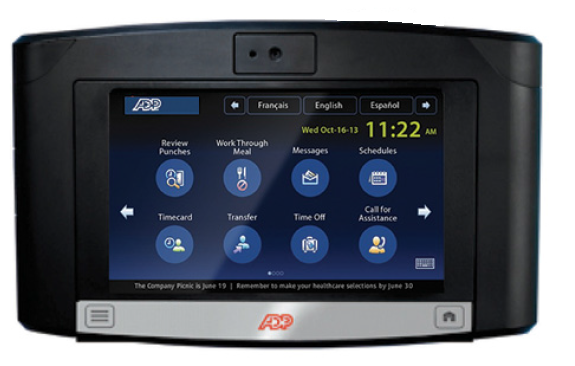  | Hubstaff Screenshots  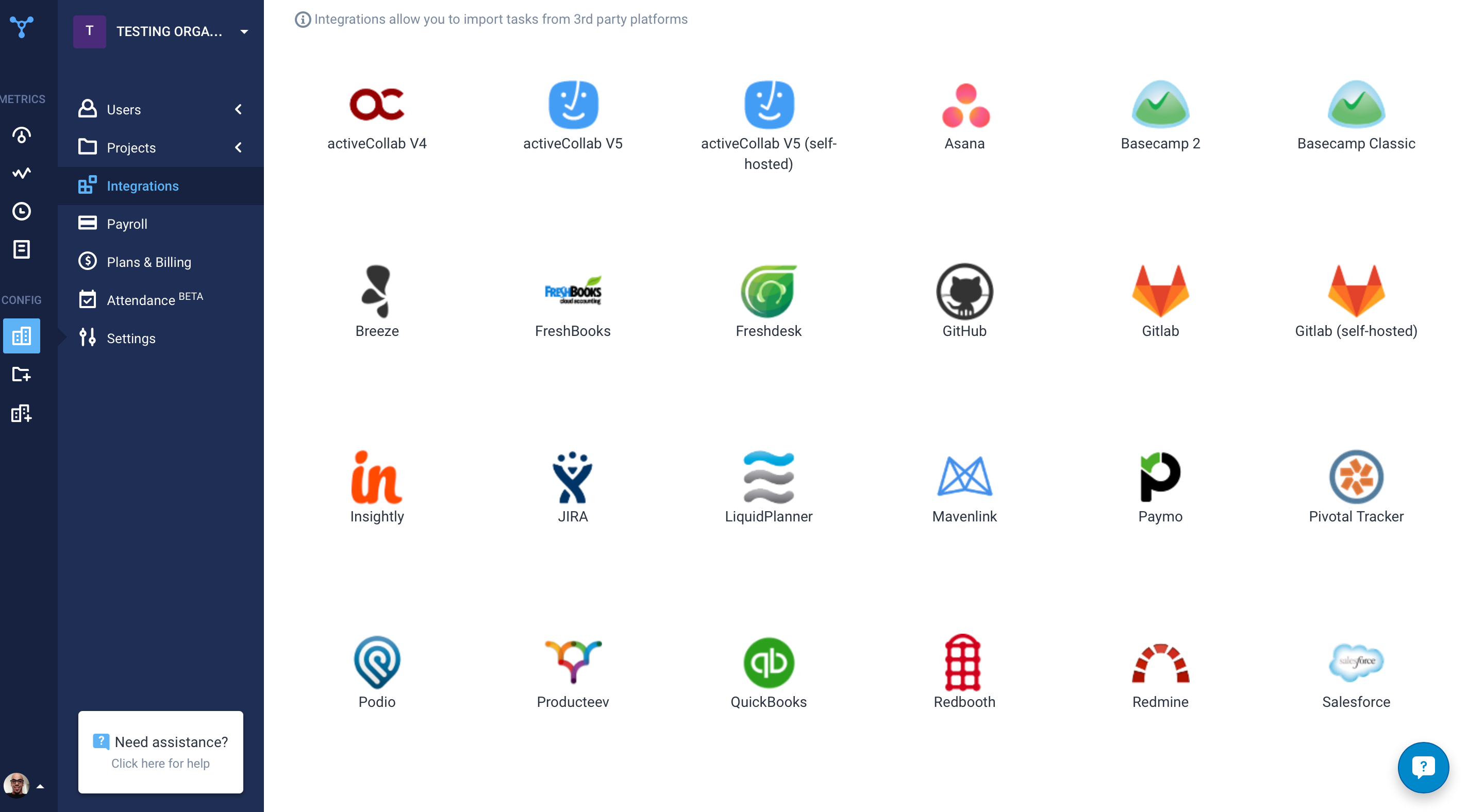 |