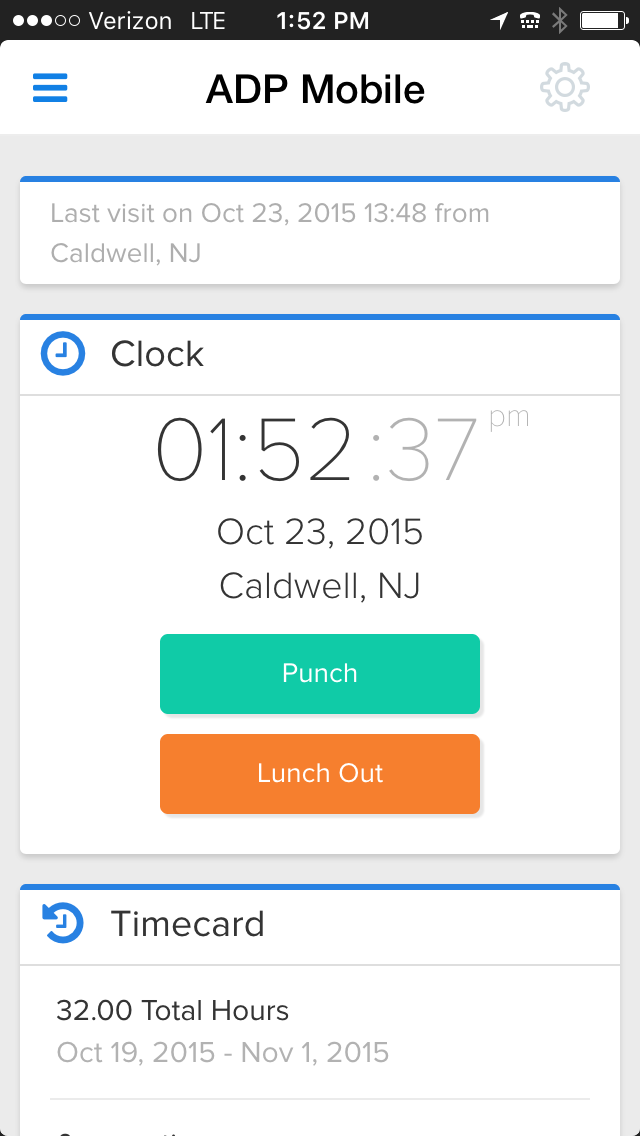
ADP's ezLaborManager is a time tracking and attendance offering.
N/A
Replicon Project Time Tracking
Score 9.9 out of 10
N/A
Replicon's Project Time Tracking suite of applications allows users to track billable time, manage project hours and cost, track project expenses, as well as manage paid time off.
N/A
Pricing
ADP ezLaborManager
Replicon Project Time Tracking
Editions & Modules
ADP Time and Attendance
Call for details
ADP Workforce Now Essential Time
Call for details
No answers on this topic
Offerings
Pricing Offerings
ADP ezLaborManager
Replicon Project Time Tracking
Free Trial
No
Yes
Free/Freemium Version
No
No
Premium Consulting/Integration Services
No
No
Entry-level Setup Fee
Required
No setup fee
Additional Details
—
—
More Pricing Information
Community Pulse
ADP ezLaborManager
Replicon Project Time Tracking
Considered Both Products
ADP ezLaborManager
Verified User
Anonymous
Chose ADP ezLaborManager
ezLaborManager fits the smaller size of our company.
We use ADP Workforce now for our U.S.-based employees and overall for reporting and information storing ADP is better. However, the customer service of ezLaborManager may be a little better. Also the sister program to process payroll at work is light years ahead of Workforce Now.
Based on pricing and reporting capabilities, ADP ezLaborManager was the better choice for our company. It worked well with ADP Payroll, and it was easy to navigate for our administrators and employees.
ADP exLaborManager - I prefer ADP over the Paycor and Aon Hewitt timecard applications. This software was more user friendly, had easier access, reporting, and tracking hours than the others I have used. I am not saying the others are horrible, just that ADP was more simplistic …
Cost and time spent on implementation were factors. ADP is reputable as well. Concerns were costs are high and extra modules that should be part of the standard are high.
I believe it is not in my power to select the best tool. It depends on whatever company I work for. It just happens that we use a different system (and I don't even know if this is an internal system, or another online tool). But I do like my current system. It has a better UI, …
Clocking in/out is easy on the multiple time punch options. Cleaning up punches is also easy when they need to be fixed due to power outages or internet outages. It also helps with approving time off requests by showing on a calendar anyone in that manager's team who might already have the day scheduled off.
I believe it is well suited for a small sized company, like my previous one, that does not want any IT overhead to onboard a new tool. This tool is available online and can be accessed via the internet. It has all the necessary components to help you record your activity. But the solution in its current form is not scalable. [I've] Given few of my reasons I feel this is not well suited for a large company (like the one I currently work at).
The interface of ADP ezLaborManager is simple to use, training only takes a couple of minutes for employees and a couple more for managers.
Time off requests are simple to add to the system, review, and approve or deny. There is a space for comments so that managers and employees can communicate directly on the time off request.
The employee and supervisor approval process confirms that the employees and managers agree on hours work to satisfy in errors in time before processing payroll.
Importing ADP ezLaborManager to RUN Powered by ADP only takes a couple minutes allowing you to get started on processing your payroll in a fraction of the time compared to manual time cards.
It allowed me to fill my work time sheet. Every week I had to fill this. Based on the numbers the company keeps track of which days I worked.
It reminded me to fill the time sheets constantly and also notifies me when it gets approved. So I never really forgot to fill it.
It allowed me to see my vacation days left, and plan ahead.
It had a list of holiday dates which was very handy to plan my trips or vacation.
It had categorization by department and my view of time sheets was only limited to me. I could not see others time sheets, and except for my manager, nobody else could look into mine.
It had internet access, which meant I could fill my sheets anywhere. It came in handy while working from home where a VPN connection may not be present. I also guess that this service being online meant no extra effort from IT department side.
To cancel or delete a recurring schedule has too many steps for the managers to do so they ask me to do their updates for them.
Having several places to make updates is good but also can be bad. When you call ADP, everyone you talk with does things the way they were taught which in turns is you get a different answer. Then you have to remember, how did they do that again?
Sometimes less is more. If you update in one area, it does not cross over to another area that it may be tied to, then it's like you are doing double the work.
The UI in my opinion was too simple. Calendar views were pretty stale.
I don't believe there was a mobile app for this, or this site worked nicely when opened on small devices.
A better view of my time could have been shown. At the time I could only see small excel like boxes filled with numbers. Graphs, or some other visualization of remaining days would have been lucrative.
Very stupid login page. We had to fill "company name" at the login page and this name had to match exactly to what was set in the database. It was frustrating and I always had to refer my notes to get that right.
There wasn't any preselection option which made it hard to do it fast. If I can only set a few fields (because we had long list of dropdowns to choose from) then this process could be much smoother.
A major issue was not being able to see my team-mates schedule or calendar. E.g. when are they taking vacations. So I had to pester them offline to get this information. Many times due to inter-team miscommunication we didn't know about others vacation days during planning. A central place where I could see this information would have helped me a lot.
ADP is a good system to track information but, what it lacks is just some detail that provides time savings. Some instances they have made "updates" that tend to have been better previous to those "updates." One example is for staff to see how they have used their time off in the past. There should be an easy way to report and review such other than looking at pay periods. Pay statement and review and totals can also improve.
The support is not the best as they take much time to get back to you, days for some items as simple as a standard report. They do not know much about their own system I feel and it shows a lack of knowledge on their part. We have gotten wrong answers and it's not so user friendly.
The training provided was based on a generic database and reporting which made it difficult to compare when you had your own database to work at. It also didn't provide good written materials that would be useful after the training session. It was more geared towards the practice tests or applications within the training.
We use ADP Workforce Now for our U.S.-based employees and overall for reporting and information storing ADP is better. However, the customer service of ezLaborManager may be a little better. Also the sister program to process payroll at work is light years ahead of Workforce Now.
I believe it is not in my power to select the best tool. It depends on whatever company I work for. It just happens that we use a different system (and I don't even know if this is an internal system, or another online tool). But I do like my current system. It has a better UI, and more detailed insights about my time. It also shows my pay stubs and other small neat information like tax papers to help me organize. It also has notifications when something new comes up. All these features I think I lacked in Replicon (or maybe my company didn't have access to these).
Replicon helped me maintain a record of my time. This helped during my assessment where my manager could see my work hours.
Replicon was easy to use, so I didn't spend my precious time filling sheets in this site. As far as I can remember, this site only gave me problem once, but was never down.
Though a good tool, I actually never got the use case of recording your time sheets. I think it will be pretty hard for an employee to just fill the time sheet and not show up for work. There are so many meetings and people around you, that you cannot fake your presence. So I feel there is no need to fill time sheets. It is a functionality with no real world solution.