Affinity Designer is a vector graphics software developed by Serif (Europe) Ltd, replacing the former Serif DrawPlus. It is designed for professional illustrators, web designers, game developers, and other creatives.
N/A
Genially
Score 10.0 out of 10
N/A
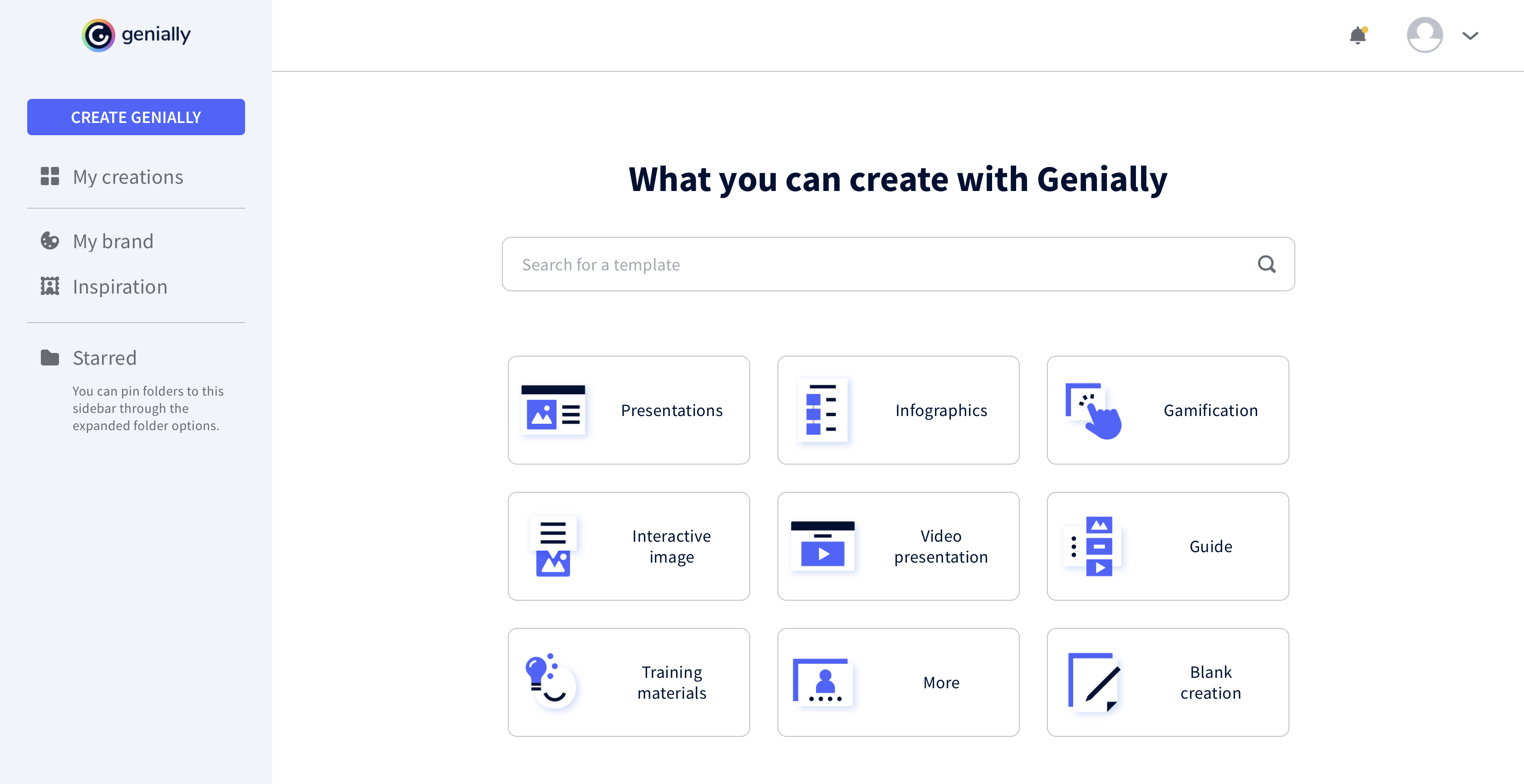
Genially is a provider of interactive visual communication and an online tool to create presentations, interactive images, infographics, dossiers, quizzes, resumes, etc. and enrich them with interactivity and animation effects. Without needing a team of designers and programmers, Genially is designed to allow enterprises to make an impact with striking, visual communication in a flash. It includes interactive and animated effects to distribute…
Affinity Designer stacks up really well against Illustrator, especially for the kind of work I do. While Illustrator might have more niche features that Affinity does not but It does covers the core functionality I need for vector design. And without the ongoing subscription …
The product appears to be just as powerful for what I need. Affinity is easier to use, and the results I get are phenomenal. The tools are inexpensive, so my colleagues can also purchase them to use with me. Right now, I am a pleased and excited Affinity user. Also, I have …
I prefer Genially if I need to make it interactive but use Canva when I'm more in a rush and need a nice design. Also, if I know I need to use different images I usually prefer to use Canva because you can save them there and it has more templates for me to choose from. Having …
This web tool is designed to be broad and wide-reaching because it can be used in several ways such as attracting customers, circulating news, and teaching skills. You don't have to be a programmer to create stunning digital projects that are both unique and stunning.
It's well suited for projects that rely heavily on vector graphics, like logo design, icon sets, and any branding work where scalability is required. I've also used it for things like social media assets and print layouts. So to have branding consistency across formats within one file. The one-time purchase is a big plus, especially for small studios or freelancers who dont have a large software budget. It's not ideal for if you're working in a team that relies heavily on Adobe Creative Cloud for collaboration.
All the controls needed to make presentations interactive using unique content are accessible easily from the platform's menu, and there is no programming knowledge required to make this work. Genially's support for collaboration enables multiple people to work on the same document for faster completion of a project.
Coming from Photoshop and Illustrator, the transition was pretty smooth and most tasks translates well. There was a bit of a learning curve with certain tasks, like masking images, but nothing too steep. The align tools are excellent and the use of personas (especially the Export persona) adds a lot of functionality when exporting slices or working with different formats. The interface is user friendly with frequently used tools easily available
I have not had much opportunity to go directly to support, but the training modules that are employed by the company are fantastic. I also find that if I need to understand something, there is always another user ready and willing to share their secrets. As this tool becomes more accepted local communities will also start to organize
The product appears to be just as powerful for what I need. Affinity is easier to use, and the results I get are phenomenal. The tools are inexpensive, so my colleagues can also purchase them to use with me. Right now, I am a pleased and excited Affinity user. Also, I have more in my pocket to spend on other tools.
I prefer Genially if I need to make it interactive but use Canva when I'm more in a rush and need a nice design. Also, if I know I need to use different images I usually prefer to use Canva because you can save them there and it has more templates for me to choose from. Having said all that, I love Genially because it allows me to do things no other app can.