Amazon S3 is a cloud-based object storage service from Amazon Web Services. It's key features are storage management and monitoring, access management and security, data querying, and data transfer.
N/A
NinjaOne
Score 9.0 out of 10
N/A
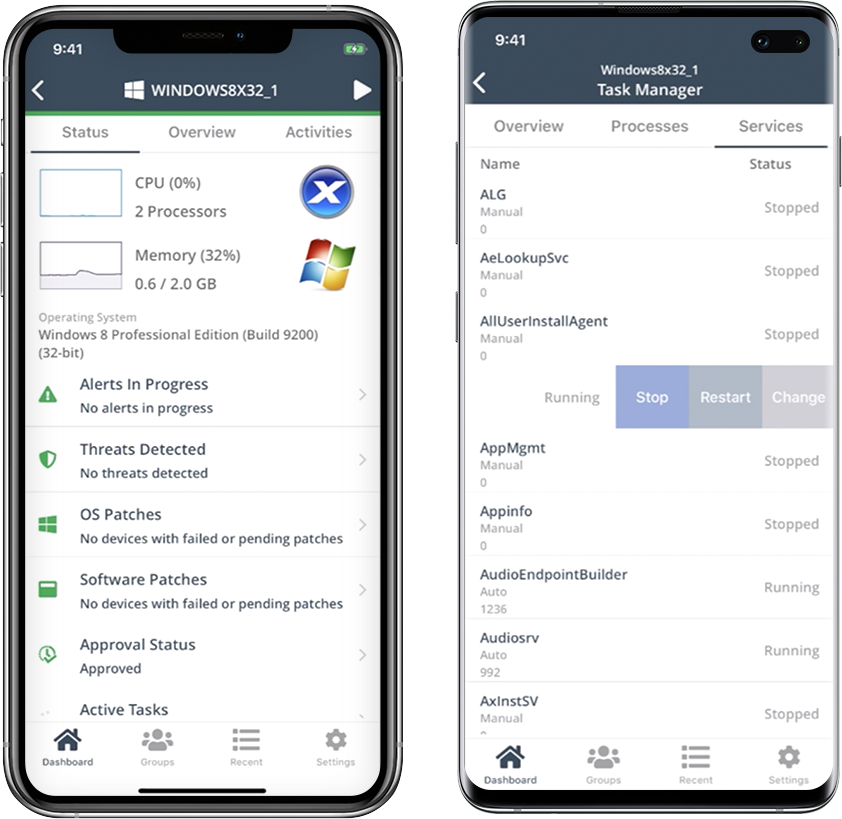
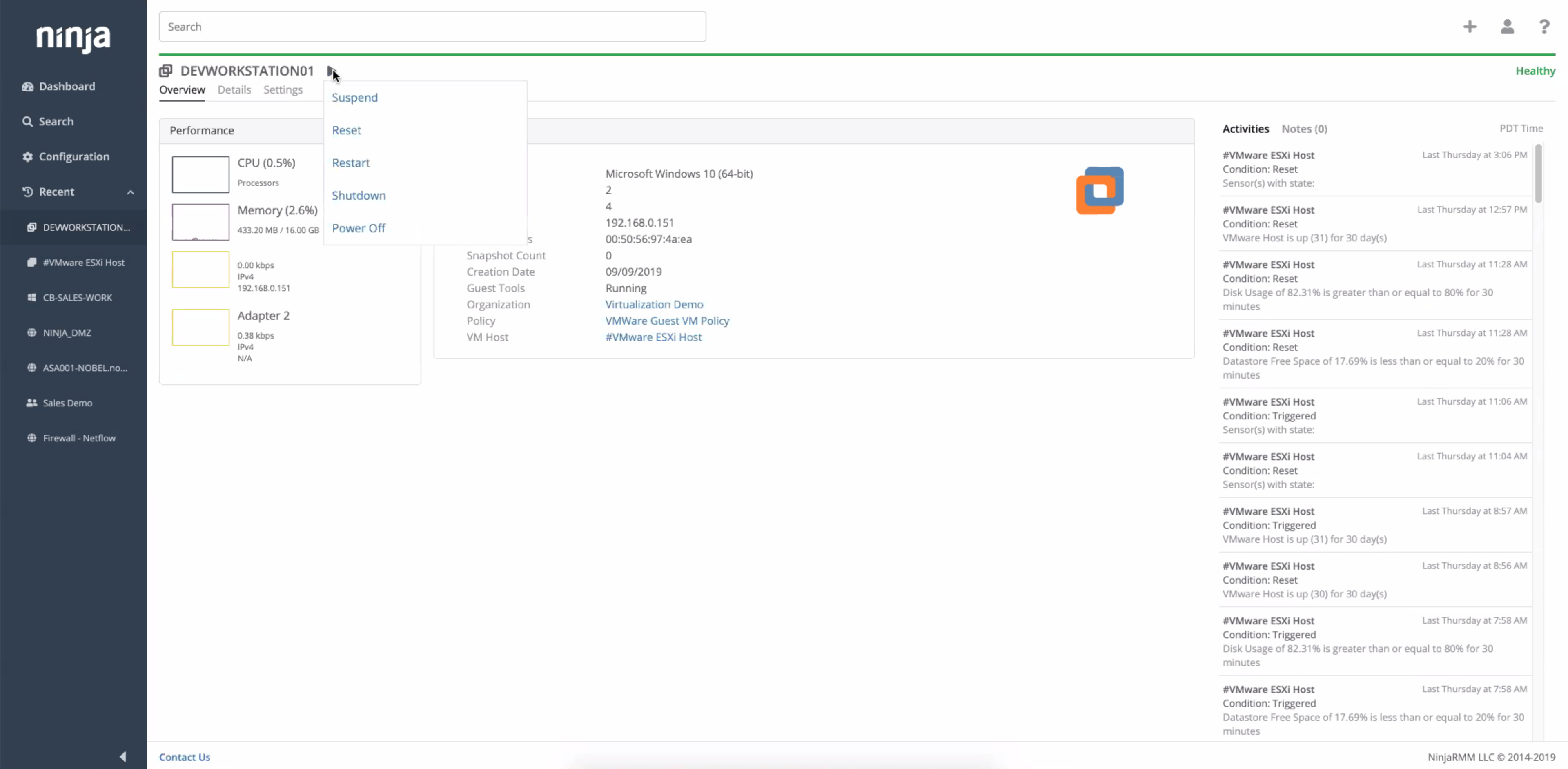
NinjaOne automates the hardest parts of IT, delivering visibility, security, and control over endpoints. The NinjaOne endpoint management platform increases productivity for IT teams and managed service providers, and comes with unlimited onboarding, training, and support.
N/A
Pricing
Amazon S3 (Simple Storage Service)
NinjaOne
Editions & Modules
No answers on this topic
No answers on this topic
Offerings
Pricing Offerings
Amazon S3
NinjaOne
Free Trial
No
Yes
Free/Freemium Version
No
No
Premium Consulting/Integration Services
No
No
Entry-level Setup Fee
No setup fee
No setup fee
Additional Details
—
NinjaOne is a subscription service with a charge rate per month. For more detailed pricing information, contact NinjaOne directly to request a demo or to start 14-days free trial.
More Pricing Information
Community Pulse
Amazon S3 (Simple Storage Service)
NinjaOne
Features
Amazon S3 (Simple Storage Service)
NinjaOne
Data Center Backup
Comparison of Data Center Backup features of Product A and Product B
Amazon S3 (Simple Storage Service)
9.0
Ratings
8% above category average
NinjaOne
-
Ratings
Universal recovery
9.00 Ratings
00 Ratings
Instant recovery
7.90 Ratings
00 Ratings
Recovery verification
8.00 Ratings
00 Ratings
Business application protection
8.60 Ratings
00 Ratings
Multiple backup destinations
9.40 Ratings
00 Ratings
Incremental backup identification
9.30 Ratings
00 Ratings
Backup to the cloud
9.40 Ratings
00 Ratings
Deduplication and file compression
8.70 Ratings
00 Ratings
Snapshots
9.50 Ratings
00 Ratings
Flexible deployment
9.20 Ratings
00 Ratings
Management dashboard
8.10 Ratings
00 Ratings
Platform support
8.70 Ratings
00 Ratings
Retention options
10.00 Ratings
00 Ratings
Encryption
9.80 Ratings
00 Ratings
Enterprise Backup
Comparison of Enterprise Backup features of Product A and Product B
Amazon S3 (Simple Storage Service)
8.8
Ratings
7% above category average
NinjaOne
-
Ratings
Continuous data protection
9.40 Ratings
00 Ratings
Replication
9.20 Ratings
00 Ratings
Operational reporting and analytics
8.40 Ratings
00 Ratings
Malware protection
8.00 Ratings
00 Ratings
Multi-location capabilities
9.50 Ratings
00 Ratings
Ransomware Recovery
8.00 Ratings
00 Ratings
Monitoring Tasks
Comparison of Monitoring Tasks features of Product A and Product B
Amazon S3 (Simple Storage Service)
-
Ratings
NinjaOne
8.9
Ratings
18% above category average
Remote monitoring
00 Ratings
8.80 Ratings
Network device monitoring
00 Ratings
7.50 Ratings
Activity Monitoring
00 Ratings
8.40 Ratings
Management Tasks
Comparison of Management Tasks features of Product A and Product B
For archiving old data that is infrequently accessed it is perfect. You can choose to let it go into cold/glacier storage which saves even further costs but at the expense of accessibility. I like that you can set access rules to automatically move it to the next storage tier after a certain amount of time that it has not been accessed. I also use it a lot with PHP via the API. We have some custom in-house applications that have a fair amount of data uploaded into them. S3 has been a perfect solution to store these files, taking the load off web servers and never having issues with running out of storage.
Whether you are an MSP who needs an all-in-one solution for device management, or you are in-house IT who needs a single pane of glass to manage your devices, NinjaOne fits the bill as a top tier solution. The amount of flexibility in scaling to your organization's size is impressive as the platform can be as simple as just using it for remote access, all the way up to deploying comprehensive automation packages in the form of a compound condition that bases its actions on the results of other conditions or scripts.
Reliable and secure way to store objects in cloud: Storing any type of file(text, pdf, doc, csv, etc) is very easy with S3. Fetching this stored content as and when you require is also pretty easy and can be done using both the console and AWS CLI. Appropriate permissions can be set up for buckets using IAM roles/policies.
Versioning in buckets: S3 gives you a very handy feature to store multiple versions of objects stored in a bucket.
Lifecycle policies: You can set up lifecycle policies in S3 that can move your older objects to IA or Glacier. This setup is very easy and can be done within minutes for a bucket.
Replication: The cross-region replication that S3 provides is wonderful. Beware of the inter-regional data transfer costs though.
With Ninja, we are able to have all of our IT tools and management under one umbrella making it extremely easy to keep an eye on all of our servers and workstations.
Their support team is OUTSTANDING and gives quick and helpful answers to our questions. Our account manager calls us personally to review any issues and ensure we are running smoothly.
Ninja gives us automated patch management of our important devices, and has a nice security log to see what's been done.
The biggest problem is to rename the bucket. There is no direct way to do it. One need to copy entire content to the different bucket with intended bucket name and then remove the old bucket. Sometimes it creates issues.
There is no direct way to upload .zip file and extract it to inside the bucket.
While uploading large files, sometimes you will find a drop of upload speed. I observe it so many times and while checking my internet speed, I find it absolutely perfect. So there must have something wrong on the AWS side.
I have not had any real issues with NinjaOne and as long as it keeps doing what it is meant to do, I do not plan on looking elsewhere. I need software to be stable and NinjaOne is stable.
The UI could have some improvements (better filters) and there is a lack of some useful functionality, such as renaming an existing bucket: the latter is much needed in the context of rapidly evolving companies. Overall though, Amazon S3 (Simple Storage Service) is easy to use and to onboard people and tools to, thanks to its various APIs and flexibility.
Ninja's interface is clean and simple. Overall usability from an interface perspective is good. Some items, policies and scripting for instance, are a bit cumbersome and it's really not clear how to implement with a best practice mind-site. Ninja RMM got the job done for us but as we pushed our needs more into automation and efficiency we felt it wasn't keeping up with our speed of growth. There is definitely usability in the product, and it will get the job done, but there are other RMM's out there that fit better in our business.
It depends on your tier within Amazon on how great of support you get. For us we have a dedicated Point of Contact that is great in taking in what we need and discussing it with the S3 team. The best thing is features we need or suggest have a good chance of landing on their roadmap.
Support has been very responsive and my account rep Brian K. has communicated with me continuously making sure we had everything we need. Not like other MDMs where they sign you up and that's the last you hear from them. NinjaOne makes sure you use the product to its best application and you are successful and continue as the product features grow.
Easy to learn and all of the functions and features were easy to learn. Once I started learning all of the features and functions, it made my everyday tasks much easier and more productive. The user interface is very easy to use. If I did have any questions, the Ninja Dojo was a big help.
It was nice and self paced learning. The sections were easy to understand and the functionality was very worthwhile. The online training was very easy to learn and intuitive. I did not feel the need to ask for any clarification or assistance with any of the sections. I am still learning a lot of the functions but fined it very easy to use.
S3 is the most mature simple storage service on the web. It has direct competitors from Google and Azure, as well as a bunch of other competitors that focus on different aspects. For example, Backblaze specializes on file backups, and while s3 can also be used for that, Backblaze provides a better price point in exchange for more focused functionality. S3 really shines in that it performs simple things astonishingly well, while also being flexible enough to stretch itself to other situations (data lakes, file mounts, backup/restores systems, web hosting, etc.).
We used Auto Task and Datto. We felt that NinjaOne was a more user friendly platform. There was a large training curve for new employees to learn to use Auto Task. We have noticed a shortened training curve for NinjaOne. We really like the layout and the Ninja Academy.
Allows us to store large amounts of raw traffic from data providers to allow us to view data our systems received at particular times, in order to reconstruct inputs in case of errors
Is capable of storing very large amounts of data cheaply without material impact to our business
NinjaOne is a monthly payment with no commitment, this is much better suited to an MSP than other competitors that try to wrap you up into a 3-5-year contract. As an MSP, we could lose a client at any moment and it sucks to be stuck in a contract where we can't lower our agent counts.
NinjaOne helps my techs be more efficient and productive. Saving time and money.