JMeter, from Apache, is a load and performance testing tool.
N/A
HttpMaster
Score 8.6 out of 10
N/A
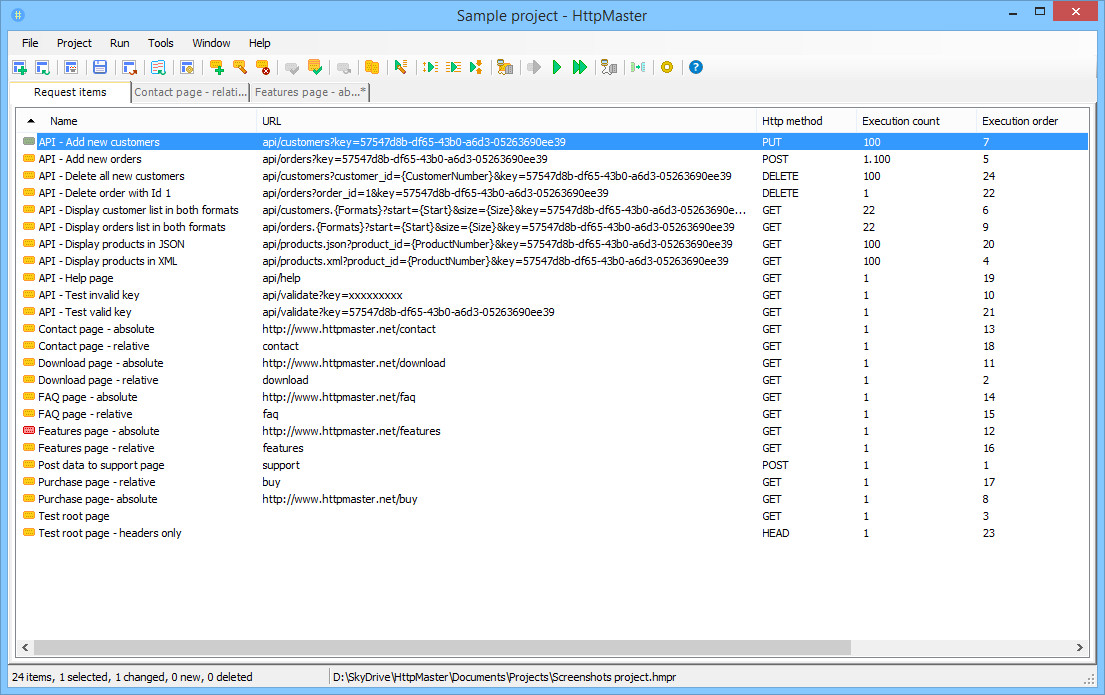
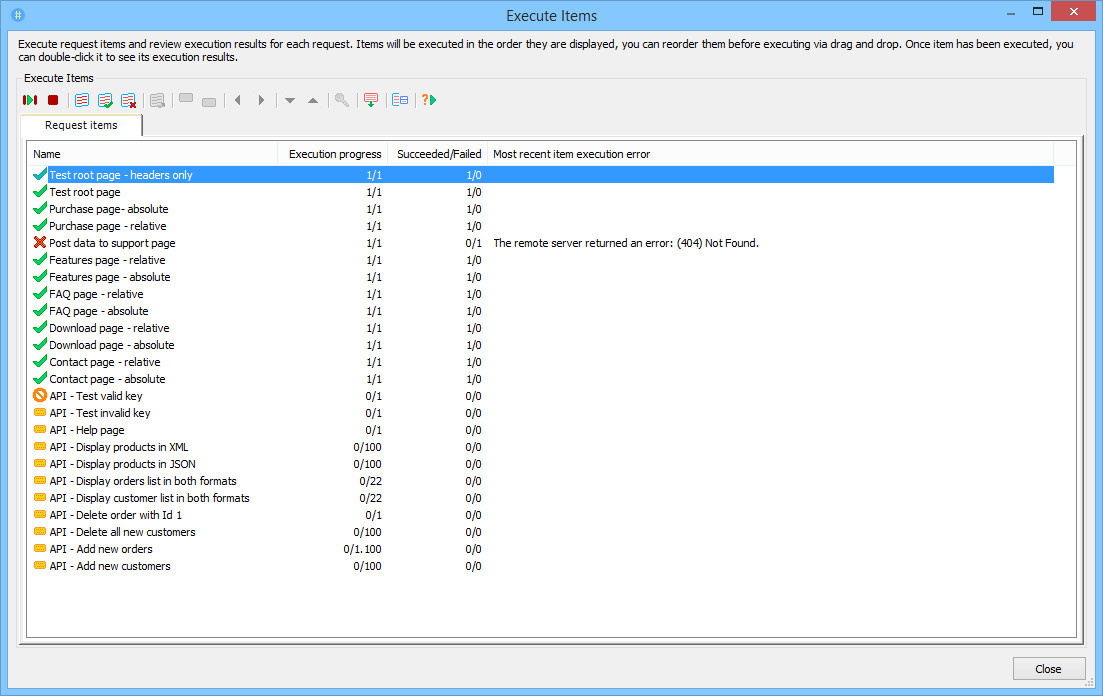
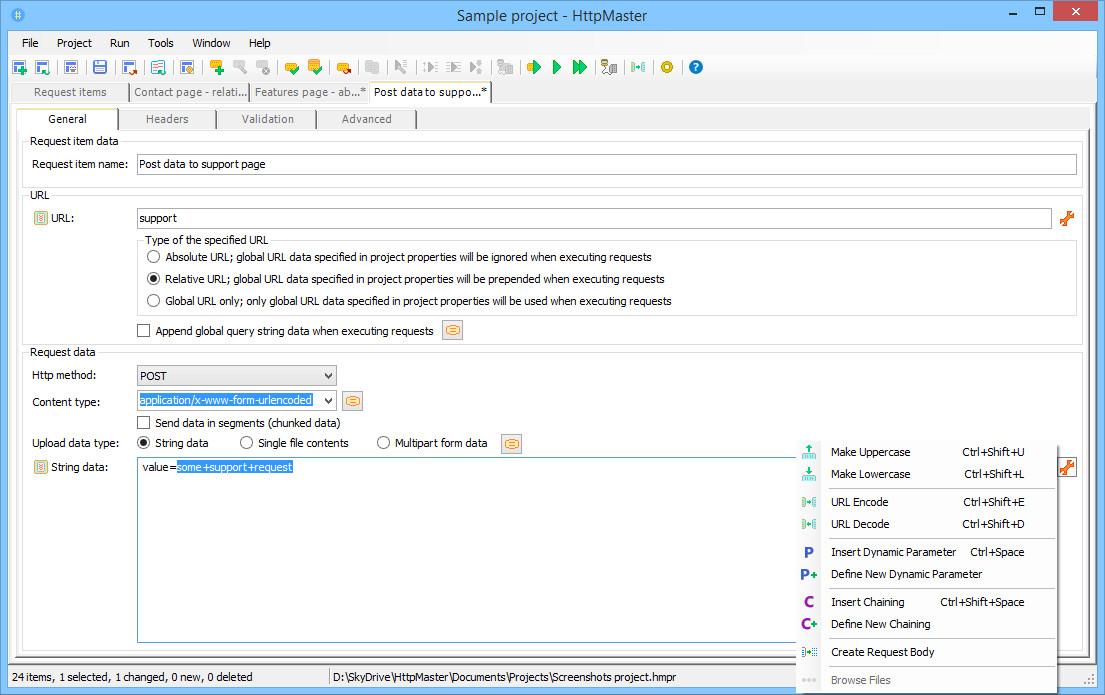
HttpMaster is a development and test tool for REST web services and API applications. HttpMaster can display and validate the most common REST formats; XML, JSON, and HTML and also supports powerful dynamic parameters, response data validation expressions, flexible request chaining, and many other properties. This solution can also be used for Web API testing and Web Services Testing. HttpMaster also supports the definition of dynamic parameters which can be be used to simulate variations of…
$0
per user
Pricing
Apache JMeter
HttpMaster
Editions & Modules
No answers on this topic
Express
$0
per user
Professional
$99
per user
Offerings
Pricing Offerings
JMeter
HttpMaster
Free Trial
No
Yes
Free/Freemium Version
Yes
Yes
Premium Consulting/Integration Services
No
No
Entry-level Setup Fee
No setup fee
No setup fee
Additional Details
—
Lifetime license is available for Professional Edition.
More Pricing Information
Community Pulse
Apache JMeter
HttpMaster
Features
Apache JMeter
HttpMaster
Load Testing
Comparison of Load Testing features of Product A and Product B
The key questions I would pose are: how high of a concurrent load do you need to generate against the system? How technically skilled are your personnel that will perform the load testing? How much programmable/scripting/code based control do you desire from the tool? Do you prefer more of a GUI based tool or a programmatic code/scripting based tool? JMeter will be for those that want a GUI, moderate to low scripting/code based control/programmability, moderate to low load generation, and for users experienced in the novice to expert range.
HttpMaster is a perfect solution for all our web-based app testing; Since our major application is PWA, it helps us uncover and identify edge cases that might be present in our releases. It provides assurance on releases going through and the team can actually have a sigh of relief on the hassle-free releases
Easy to construct Webservices script - You just need to add a sampler with the endpoint, payload and header information. And boom you can run a load test on the service with varying load and capture the response time and throughput. In a commercial tool like Loadrunner or Silkperformer, this process would take at least couple of hours, while with Jmeter we can do this in 10 minutes or less.
Modularizing the scripts - Jmeter has a very good way of organizing the scripts and the reusability of the existing script (transactions) is also as easy as copy pasting the script.
Jmeter tests can be run from anywhere, so you can run it from the idle webserver itself if you have some firewall restrictions to test it from your local or other environment.
Jmeter distributed tests can be spawn from the AWS and results collated to see the performance from different regions in the world.
Even though it has very easy installation, you can run into issues easily. I was ab;e to trigger a test at browser level but couldn't stop the tests. I had to kill it from task manager and then had to reinstall from begining.
There are so many things in JMeter you can do especially with the sampler for selenium for UI tests. More documentation/webinars etc.. would help the community better.
The jmx files should have an easy way to be integrated with ci/cd tools and cloud.
Price, Wiki and user sharing. Having access to the information provided by the developers and other open source providers is key for me. The ability to share information and get answers directly is very important to success in software testing. And the price of this product currently is amazing. Too many companies charge way too much money for products that are far behind in their value and pertinence
I can jump right into a new test plan and start building from scratch. The natural progression from test plan to thread group and then designing the basic format of the process is very streamlined and smooth. With only slight modifications I can build out a very complex model from a very basic beginning.
I have been using JMeter for the last year. By using this tool, you can make sure the system will work under varied loads. It helps us to simulate real time scenarios by creating required virtual users and make sure the application will work under load. Perform load, stress, and stability testing using JMeter.
I have evaluated LOADUI (web free version) and it was a very unstable tool and I could not rely on those results completely as I was not sure how the tool was performing. It only generated the top 10 less transaction times and when Jmeter was in use, it was very effective in using plugins to accommodate more outputs.
Other honorable mentions are Paw, Insomnia Rest Client, and HTTPie. The reason we selected HttpMaster was primarily due to its ease-of-use. It's a very easy tool to set up, it has a nice UI, it offers a free version for trial purposes, and, similar to other tools, it can do all the testing we need for our applications.
It helped to estimate resources required for a particular client requirement. For example if the client wants the application to be used by 500 users for 1 hour, based on the load test we perform for 500 users and 1 hour we recommend resources and their capabilities.
Jmeter was used to identify bottleneck. This would lead to better performance.