Chose Articulate 360
We've been with Articulate since 2016.

| Product | Rating | Most Used By | Product Summary | Starting Price |
|---|---|---|---|---|
 Articulate 360 | N/A | Articulate 360 is an e-learning platform for creating workplace training. Users can build engaging courses with AI-enhanced authoring, simplify collaboration, and quickly share content. A subscription includes robust onboarding resources and access to a community of 1.5M pros. | $1,124 per year | |
 Pluralsight Skills | N/A | Pluralsight Skills is a skill development solution that enables employees to build in-demand skills in a way that’s personalized to their current knowledge and preferred way to learn. The course library includes content on software development, DevOps, machine learning, security infrastructure, and cloud, as well as certification practice exams, hands on learning experiences and cloud labs, and skills assessments. | $29 per month |
| Articulate 360 | Pluralsight Skills | |||||||||||||||
|---|---|---|---|---|---|---|---|---|---|---|---|---|---|---|---|---|
| Editions & Modules |
|
| ||||||||||||||
| Offerings |
| |||||||||||||||
| Entry-level Setup Fee | Optional | No setup fee | ||||||||||||||
| Additional Details | If you’re new to Articulate 360, you can try it out free of charge for 30 days. After the trial period is over, you can subscribe to one of our packages. Articulate 360 is available on the Articulate website and through Articulate Authorized Resellers. | — | ||||||||||||||
| More Pricing Information | ||||||||||||||||
| Articulate 360 | Pluralsight Skills | |
|---|---|---|
| Considered Both Products |  Articulate 360  Christopher Cates Instructional Designer Chose Articulate 360 We use Vyond in conjunction with Rise obviously. They work well together. Captivate I always found clunky and, like many Adobe products, unintuitive as all their products don’t have the same interface. Makes no sense.  Greg Wlasiuk Learning Technologist Chose Articulate 360 Lectora, Canva and Adobe Captivate  Lorie Fleming Instructional Designer Chose Articulate 360 Compared to other products I’ve used such as Adobe Captivate, uPerform, Articulate Studio and more, Articulate 360 strikes the best balance between pre-built (yet customizable) interactions as well as having open-ended development capabilities, all in a very user-friendly …  Dena Byrne-Moses SR. Learning Designer Chose Articulate 360 Adobe Captivate | Pluralsight Skills |
| Articulate 360 | Pluralsight Skills | ||||||||||||||||||||||||
|---|---|---|---|---|---|---|---|---|---|---|---|---|---|---|---|---|---|---|---|---|---|---|---|---|---|
| Learning Management |
| ||||||||||||||||||||||||
| eLearning Content |
|
| Articulate 360 | Pluralsight Skills | |
|---|---|---|
| Small Businesses |  iSpring Learn Score 9.6 out of 10 | iSpring Learn Score 9.6 out of 10 |
| Medium-sized Companies | iSpring Learn Score 9.6 out of 10 |  Infosec Skills Score 9.9 out of 10 |
| Enterprises |  Absorb LMS Score 9.2 out of 10 | Infosec Skills Score 9.9 out of 10 |
| All Alternatives | View all alternatives | View all alternatives |
| Articulate 360 | Pluralsight Skills | |
|---|---|---|
| Likelihood to Recommend | 9.3 (0 ratings) | 9.0 (0 ratings) |
| Likelihood to Renew | 10.0 (0 ratings) | 10.0 (0 ratings) |
| Usability | 8.8 (0 ratings) | 9.0 (0 ratings) |
| Availability | 10.0 (0 ratings) | - (0 ratings) |
| Performance | 10.0 (0 ratings) | - (0 ratings) |
| Support Rating | 8.8 (0 ratings) | 6.0 (0 ratings) |
| In-Person Training | 6.0 (0 ratings) | - (0 ratings) |
| Online Training | 10.0 (0 ratings) | - (0 ratings) |
| Implementation Rating | 10.0 (0 ratings) | - (0 ratings) |
| Configurability | 10.0 (0 ratings) | - (0 ratings) |
| Product Scalability | 10.0 (0 ratings) | - (0 ratings) |
| Articulate 360 | Pluralsight Skills | |
|---|---|---|
| Likelihood to Recommend |
|
|
| Pros |
|
|
| Cons |
|
 Donovon Carter Service Desk Analyst |
| Likelihood to Renew |
 Refugio "Gio" Jones | M.A. Learning Designer & Developer |
 Hernán Silva Senior Front-end developer |
| Usability |
 Justin Burk Technical Specialist III |
Hernán Silva Senior Front-end developer |
| Reliability and Availability |
 Tony Chilvers Web Developer | No answers on this topic |
| Performance |
| No answers on this topic |
| Support Rating |
 Paul Alders Owner/Founder |
 shareef hiasat Development Lead |
| In-Person Training |
| No answers on this topic |
| Online Training |
 Guido Roessling Researcher and Educator | No answers on this topic |
| Implementation Rating |
 Marti Stemm Corporate Training Manager | No answers on this topic |
| Alternatives Considered |
|
 Sam Rueby (MCSA) Senior ASP.NET Web Application Engineer |
| Scalability |
 Ionut Marin Ofiter Suport Aplicatii | No answers on this topic |
| Return on Investment |
|
 Mark Orlando Senior Developer Analyst |
| ScreenShots | Articulate 360 Screenshots   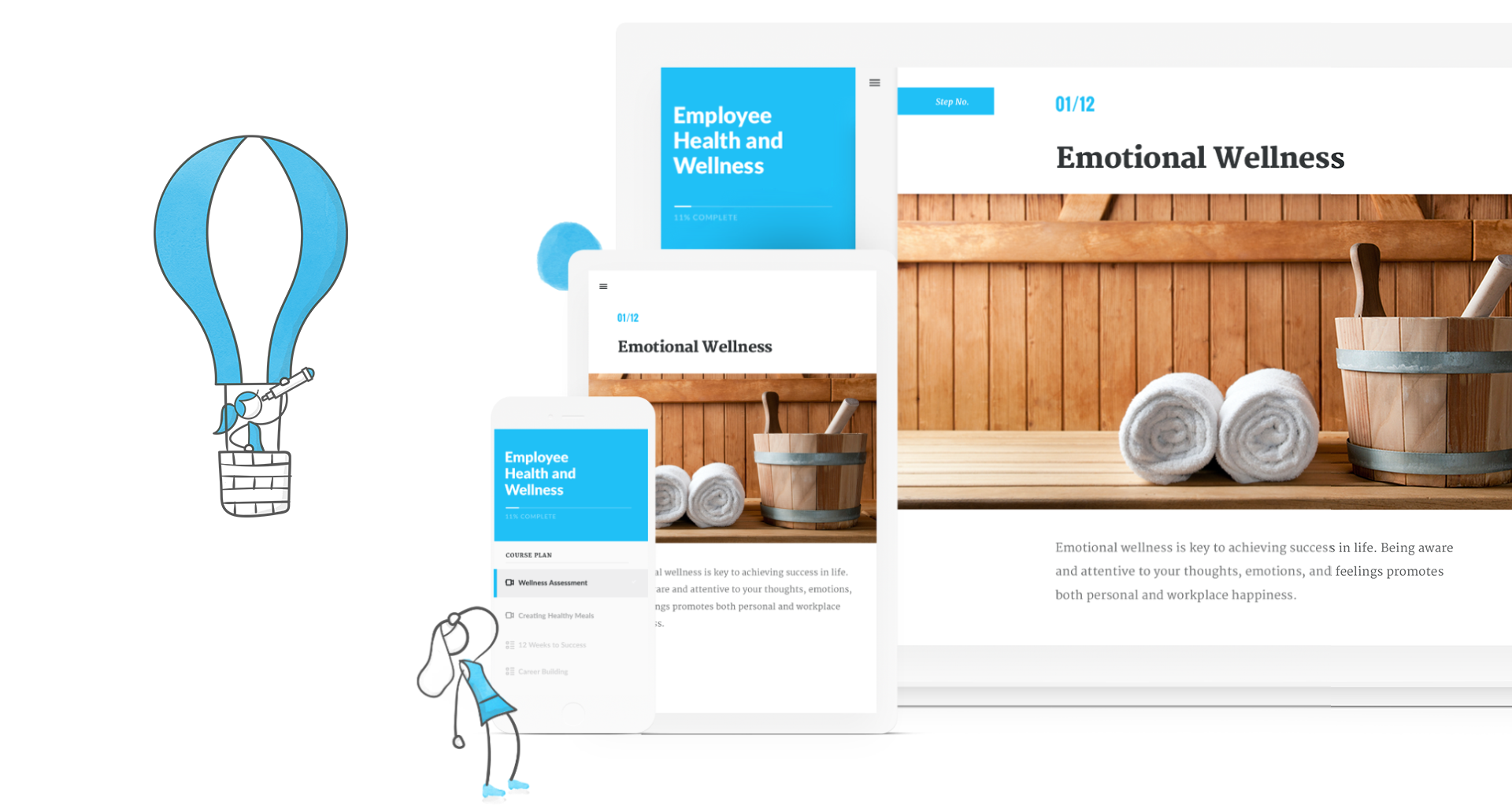   |