Atlassian Jira is a project management tool, featuring an interactive timeline for mapping work items, dependencies, and releases, Scrum boards for agile teams, and out-of-the-box reports and dashboards.
$9
per month per user
InEight
Score 8.3 out of 10
N/A
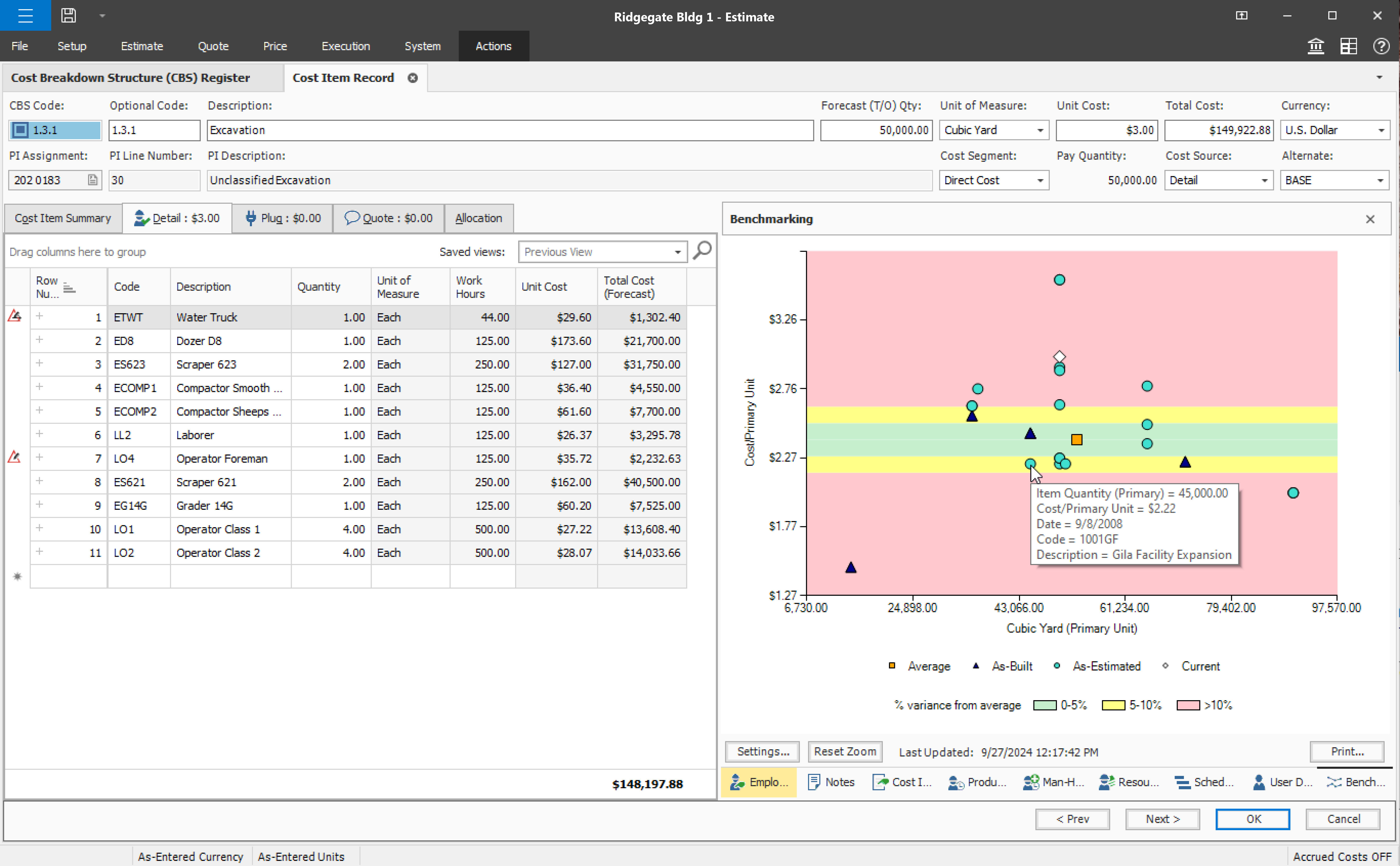
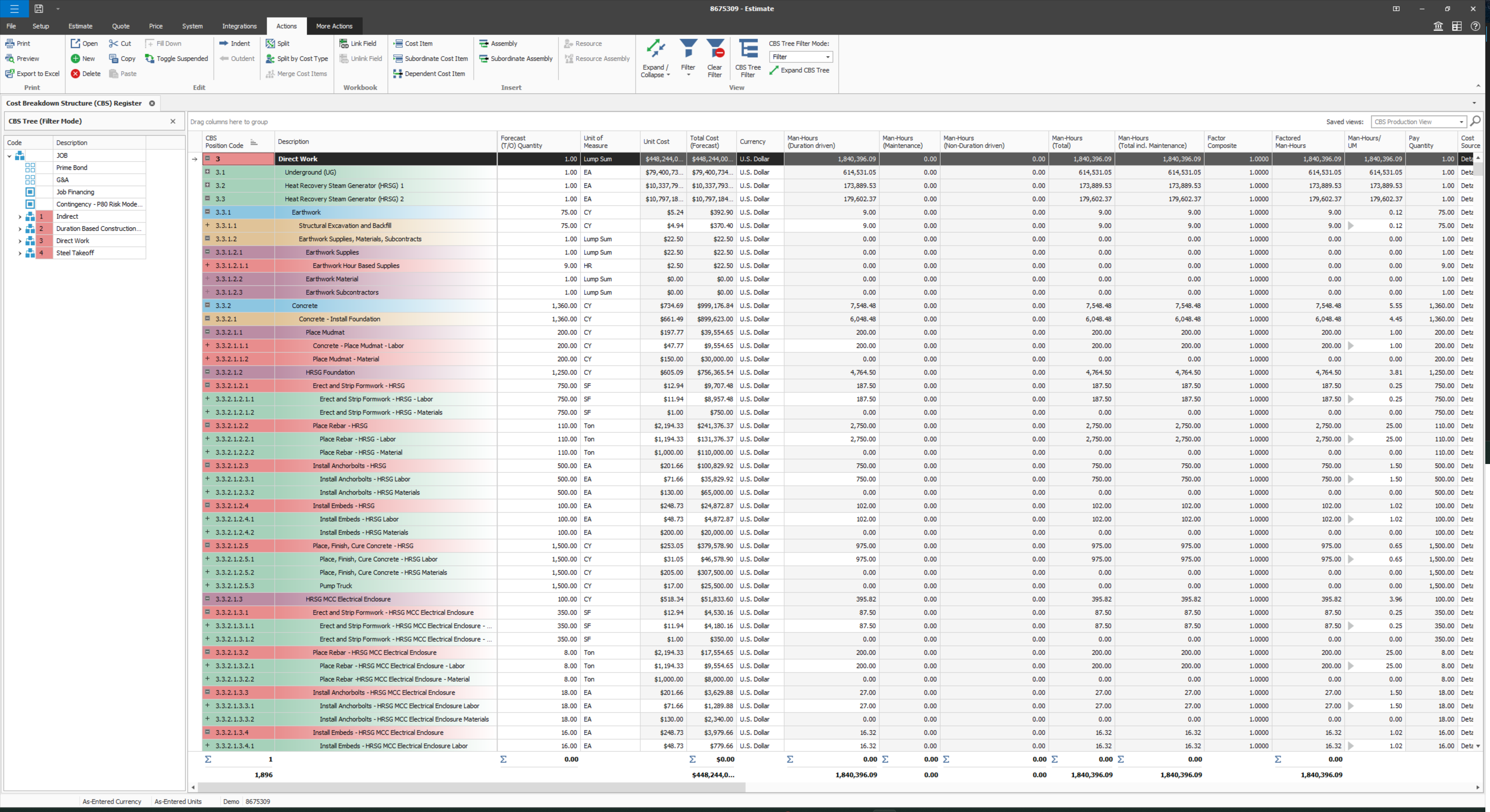
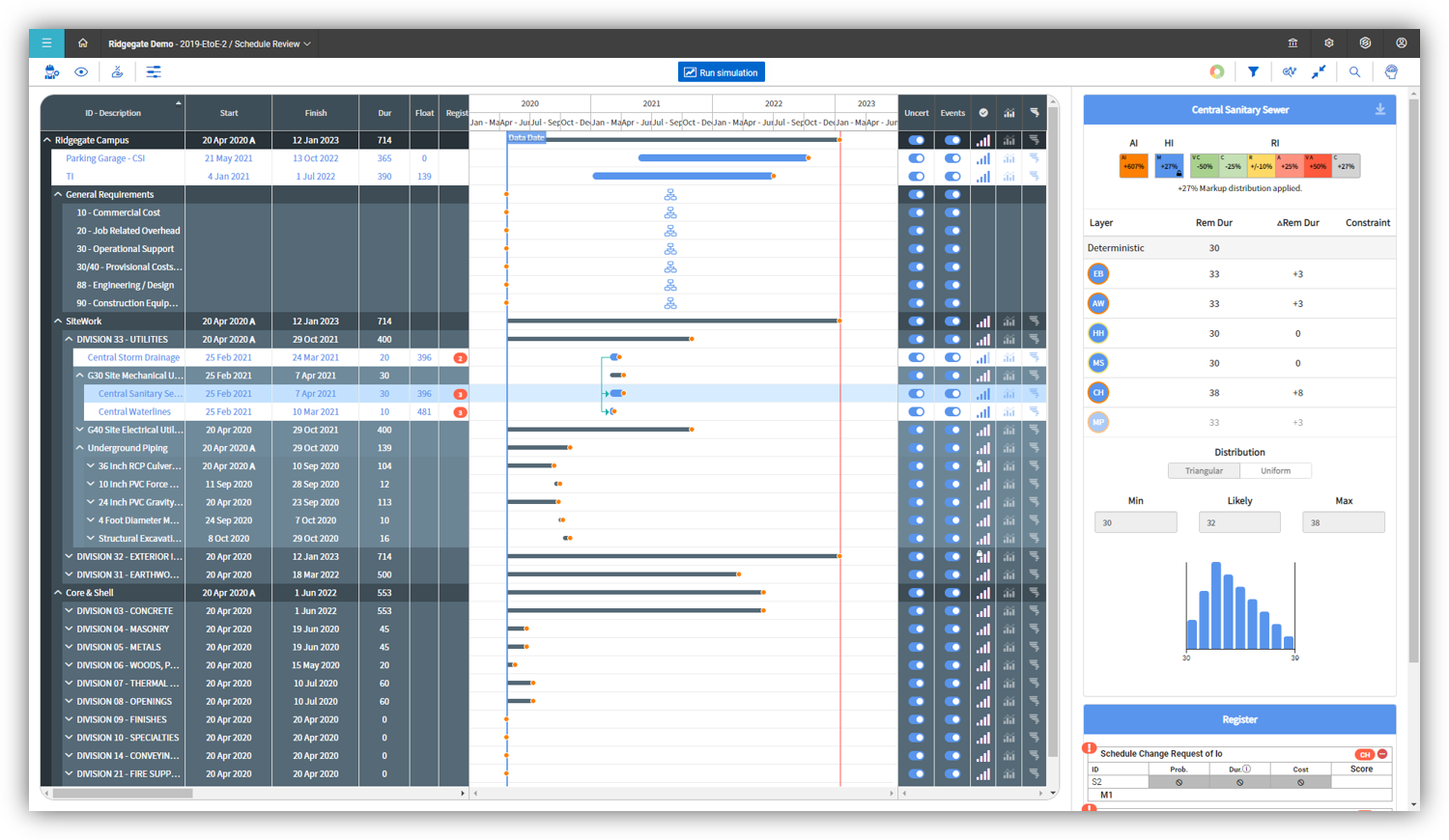
InEight's modular project controls software connects complex project data to improve visibility and delivery in capital construction.
N/A
Pricing
Atlassian Jira
InEight
Editions & Modules
Standard
$9
per month per user
Premium
$17
per month per user
Enterprise
Contact Sales
per year
No answers on this topic
Offerings
Pricing Offerings
Atlassian Jira
InEight
Free Trial
Yes
No
Free/Freemium Version
Yes
No
Premium Consulting/Integration Services
No
No
Entry-level Setup Fee
No setup fee
No setup fee
Additional Details
Higher volume teams may qualify buyers for a discount.
InEight offers a modular, integrated project controls platform. Because the InEight platform covers the entire construction lifecycle, customers purchase the software based on their specific needs – purchasing stand-alone products, a bundle of products, or the entire platform. As a result, the pricing will vary depending on the specific product, number of users and length of contract. Once InEight has identified the highest impact areas, they offer potential customers a custom proposal. The options they consider include:
Per user pricing: typically annual subscriptions.
Revenue-based: using a percentage of the customer’s revenue.
Project-based: software use dedicated to a specific project or program of work.
Compared to gitlab, Jira offers a lot more features and details. The gitlab feature is nice for small projects or teams but we are multiple teams with multiple topics and projects even inside one team - so Jira is more applicable for our case. Azure DevOps offers a comparable …
Performance and features compared to other tools here are really impressive and its very easy to use and it has very good support and it can do majority of tasks like Task ManagementResource ManagementWorkflow AutomationSupport for Agile MethodologDocument ManagementChange …
Jira is more feature-rich than Trello and also has better integration with other tools. Trello is a lot more focused on work tracking, while Jira can do a lot more than that. Both can also be combined, although they're often considered mutually exclusive alternatives—I've seen …
Trello is amazing for simple project management and great for non-technical teams, but it lacks the depth and complexity of JIRA for detailed issue tracking and complex workflows. Asana, similar to Trello, is great for simple and lightweight project management but isn't …
Atlassian Jira is like an old person trying to look young. In the last couple of years it started succeeding somewhat but I'd still pick something from the alternatives if starting a new project.
Atlassian Jira provides the greatest access to integrated tools, the most common/familiar interface and toolset for most development teams, and is competitively priced when compared to the level of customization required to outfit similar tools we've used.
Monday.com cannot be integrated with CI/CD tools, whereas Atlassian Jira integrates with CI/CD tools seamlessly. Atlassian Jira has strong Agile and Scrum support. Coming to Monday.com, it has basic agile functionality. But Atlassian Jira has a complex UI, and Monday.com has an …
Atlassian Jira integrates with the other Atlassian products, like Confluence and Trello. Atlassian Jira makes it easier to collaborate and keep track of everything.
Atlassian Jira is a very different tool than opsgenie and Confluence. Opsgenie excellences in the current work in progress and visualizing the trends of how the work is getting done, but it really doesn't function as a longterm repository of a knowledgebase, instead that is …
I have majorly used Atlassian Jira and not Asana as i have only worked it for like a month or two. The vast support with Confluence and bitbucket makes Atlassian Jira my first choice among all other major player who are competing against each other. I absolutely love using …
Jira was selected because it is used by all of our clients and has become the accepted standard in the type of work that we do. The other tools are great in their own right and would better suit a more insular way of working, where a business conducts all work internally, but …
We've used a variety of tools for project/work tracking and Jira seems to be the most detailed one that allowed cross-functional collaboration between product, dev, ux, and other key stakeholders. It also allows users to be tagged in work and asynchronously share documentation …
Jira was the application choose by the company that work for, was already part of the culture, it perform well for organizing and managing the software projects and the company, ClickUp its easier to configure projects and automations and Azure Dev Ops and Trello is simpler but …
I didn't pick Jira, it was imposed to me from my employer. If it were for me i would probably have used Linear, since i think it's much more streamlined and doesn't really have tons of less features, but rather an extremely simplified interface that can even work perfectly as a …
I may not have the correct Salesforce product name but we used their version of break fix and project management and it worked well out of the box. I thought that part was called Remedy but something else came up in the search. For Confluence we like it for sharing documents …
Asana was less robust. It is lightweight and has a lot of the same features, has better visuals but it always feel like it isn't robust enough. It is straightforward but it doesn't have the bells and whistle a more robust system like Jira does. And it doesn't have as much of a …
I've used SAP for more than 10 years before my current job in this company. The best thing in SAP, is exactly what I have commented before, it's a single one tool, that does all what InEight do. Here at CCC, we have COINS for cost management, and I don't know exactly if InEight …
InEight seems to be an improvement on SAP BPC, though I haven't used SAP BPC for invoice processing, But in terms of planning, forecasting, budgeting and variance analysis. InEight has an edge because it is mor user friendly and the data you get is more streamlined and fit for …
InEight has been the first product that I have used and I wouldn't change it. Coming up from a hand to staff it has made my job easier to perform. Easier to keep track of quantities, hours, production being made throughout the project and makes it easier to access work plans …
The two items that set InEight apart was the estimating module with the ability to track cost to the exact estimate line item and the ability to export manhours to payroll. The other software's were either lacking or deficient in these items.
Both Sage Estimating and InEight programs have their unique capabilities. Sage Estimating is much more configured for use in detailed construction, the majority of which are for non-nuclear projects. InEight has so many more capabilities, especially in creating our own …
InEight is perfect for our work in Heavy Civil construction. Some of the other products are designed for different workflows and industries. We chose InEight specifically because it was related to the construction industry. Procore is incredibly comprehensive, and we just don't …
We looked at HCSS and Bid 2 Win but chose Ineight due to the fact that it seemed more user friendly, plus I had used it at a former company when it was available from the Grantlun Corporation and was very familiar with it in its ease of use and reliability.
heavy bid is okay for bid item work and has a few things in the quote folder screen that are nice and user friendly but the ability to tag is not as useful.
InEight is more robust than the other services I have used. I think it does a better job of rolling up a massive amount of individual user data into one complete project progress report. I like that most of our clients also use it, which makes collaboration easier. I think it …
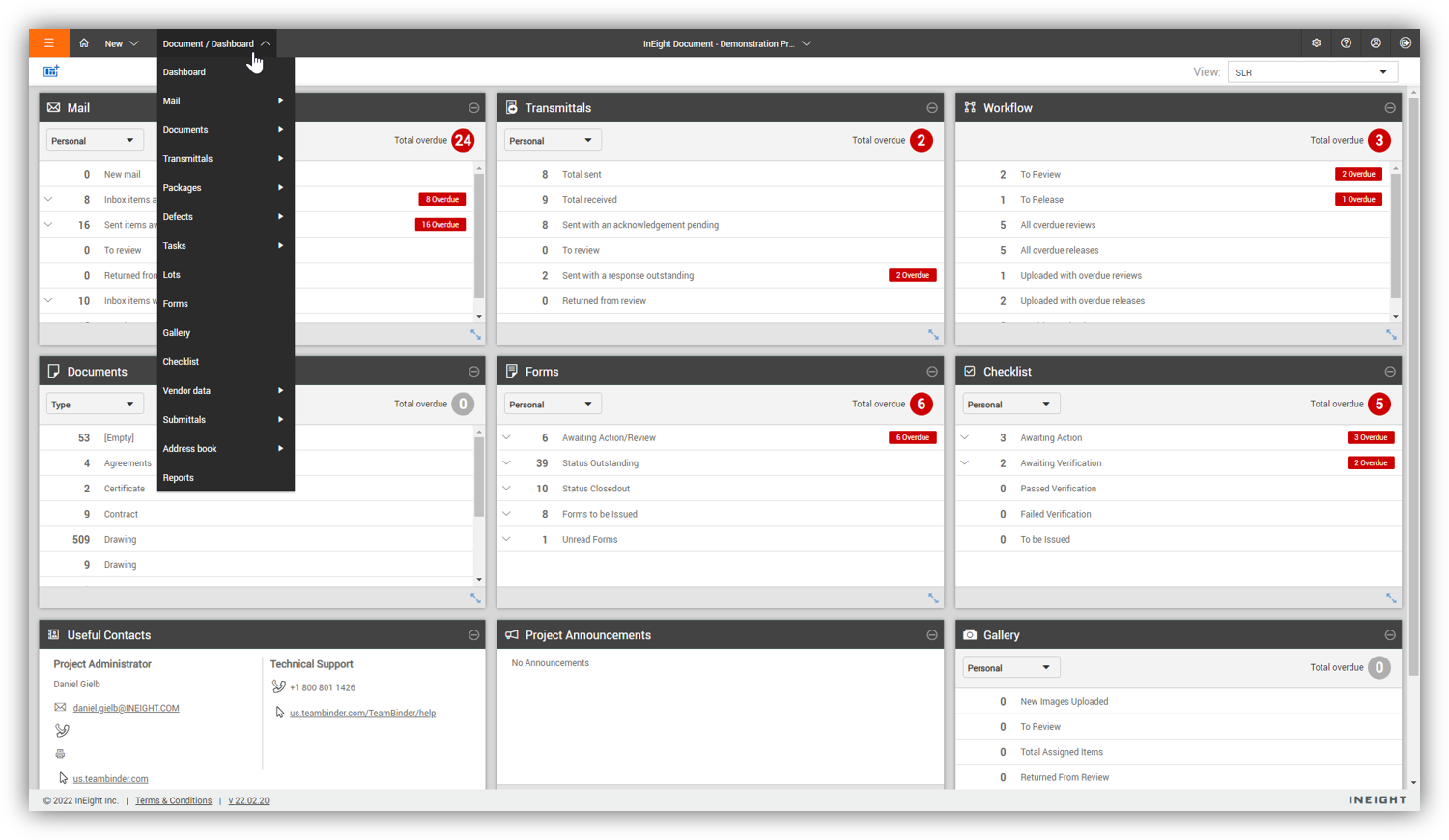
As an issuing tool, InEight's TeamBinder is on par with Aconex. Solidworks EPDM creation of review workflows and revision numbering is better placed with handling multiple versions of the same document with the ability to revert to older versions if required. InEight's support …
Jira facilitates software development, bug tracking, and sprints. It's ideal for structured workflows, issue management, and customer communication. However, more straightforward tools might be more efficient for highly creative, unstructured tasks or tiny, agile teams with quick visual overviews. Jira's complexity can be overkill for basic task lists.
Compared to other Estimating software I have used, InEight has superior capabilities and features. The ability to use a line item or an assembly to create an estimate is an outstanding feature of the program. The ability to create crew rates and use them in the estimate is a handy feature, especially when estimating construction projects.
JIRA is highly integrated into our organization. Nearly every department uses it, and many have multiple JIRA projects set up to track different types of work. We rolled out JIRA in a staged manner, but it continued to be adopted by more and more people and departments because it continues to show results. I expect we will continue to renew our JIRA license for years to come
Some features with InEight's TeamBinder are worthy of single use, however the review feature and subsequent revision and version numbering could be improved. We will be aiming to roll out the package to encompass our internal documentation in the near future and will be in a better position to judge the usability after that point in time.
Atlassian Jira is relatively easy to use, but there are several ways to configure it, which can make it more complicated if you configure it incorrectly. Keeping the customizations and complexity limited to being the project would be suggested to ensure you don't lose in-built Atlassian Jira features, then change the configuration as you find things aren't meeting your exact needs.
I would give it an 8 out of 10 because the software can be a bit cumbersome to new users. It also takes a long time to set up the library and input all of your companies needs so that the software will provide the level of service required to estimate projects. However, once the software is set up it is a powerful tool. We only use a portion of what the software is capable of delivering
Did not face any issues and whenever they plan maintanance they update all of us very well in advance also so in that view we are good with the product stability.
Performance is really good though it holds lot of data it loads quickly especially search operation also get the results very quickly as needed hence its good
I have not had a chance to contact JIRA's customer support. It does offer extensive documentation, although it often feels too technical for me. There is also a JIRA training app that lets you take little lessons and quizzes on different areas (e.g., JIRA basics, agile). I did find it a helpful way to teach myself.
Every time I have contacted support, they have gotten back to [me] quickly and with a few solutions. I like that they seem to be US-based, so there is no language barrier when I try to communicate my problem. For the few times, they did not have a solution ready, they told me they would respond later after further research, and they actually followed up! Better than most support I have used in the past with other software.
Had received training from our own internal user so it was good and also very easy to understand topics and many tasks in the UI are self explanatory and we can do by our own
One of their strong points i stheir documentation. Almost all of the basic set up needed within JIRA is available online through atlassian and its easy to find and very precise. The more critical issues need to be addressed as well and hence the rating of 8 instead of a 9.
Take your time implementing Jira. Make sure you understand how you want to handle your projects and workflows. Investing more time in the implementation can pay off in a long run. It basically took us 5 days to define and implement correctly, but that meant smooth sailing later on.
Since the original inception, I have been required to overhaul the system so that it is more user friendly and combines both aspects of our business, documentation and drawings. Being able to control revision and version numbering has been a key struggle that only staff training has been able to mark this as complete.
Jira is more feature-rich than Trello and also has better integration with other tools. Trello is a lot more focused on work tracking, while Jira can do a lot more than that. Both can also be combined, although they're often considered mutually exclusive alternatives—I've seen cases where companies choose to use either one or the other, but I haven't met an actual case of a company using both.
I've used SAP for more than 10 years before my current job in this company. The best thing in SAP, is exactly what I have commented before, it's a single one tool, that does all what InEight do. Here at CCC, we have COINS for cost management, and I don't know exactly if InEight would be able to do whatever that COINS does, but what I'm trying to say is that, for systems, as much less external communication, better. InEight is covering a great portion on planning, we will see schedule and estimate, it will definitely improve, so, waiting on that to see.
InEight is a good system that has scaled nicely as the company has grown. the tools are still readily available and applicable for our larger scope of work. It has kept up with the growth of the company very nicely
JIRA has increased the teams' productivity and efficiency; the sprint timelines have improved by 15-20%.
JIRA's integration with tools like Bitbucket and Confluence has improved functional collaboration, leading to faster decision-making and issue resolution by approximately 10-15%.
Additional functionality requires additional third-party plugins, which require additional costs; the requirements of these plugins increase the costs by approximately 15%.