Atlassian Jira is a project management tool, featuring an interactive timeline for mapping work items, dependencies, and releases, Scrum boards for agile teams, and out-of-the-box reports and dashboards.
$9
per month per user
LiquidPlanner
Score 8.3 out of 10
Mid-Size Companies (51-1,000 employees)
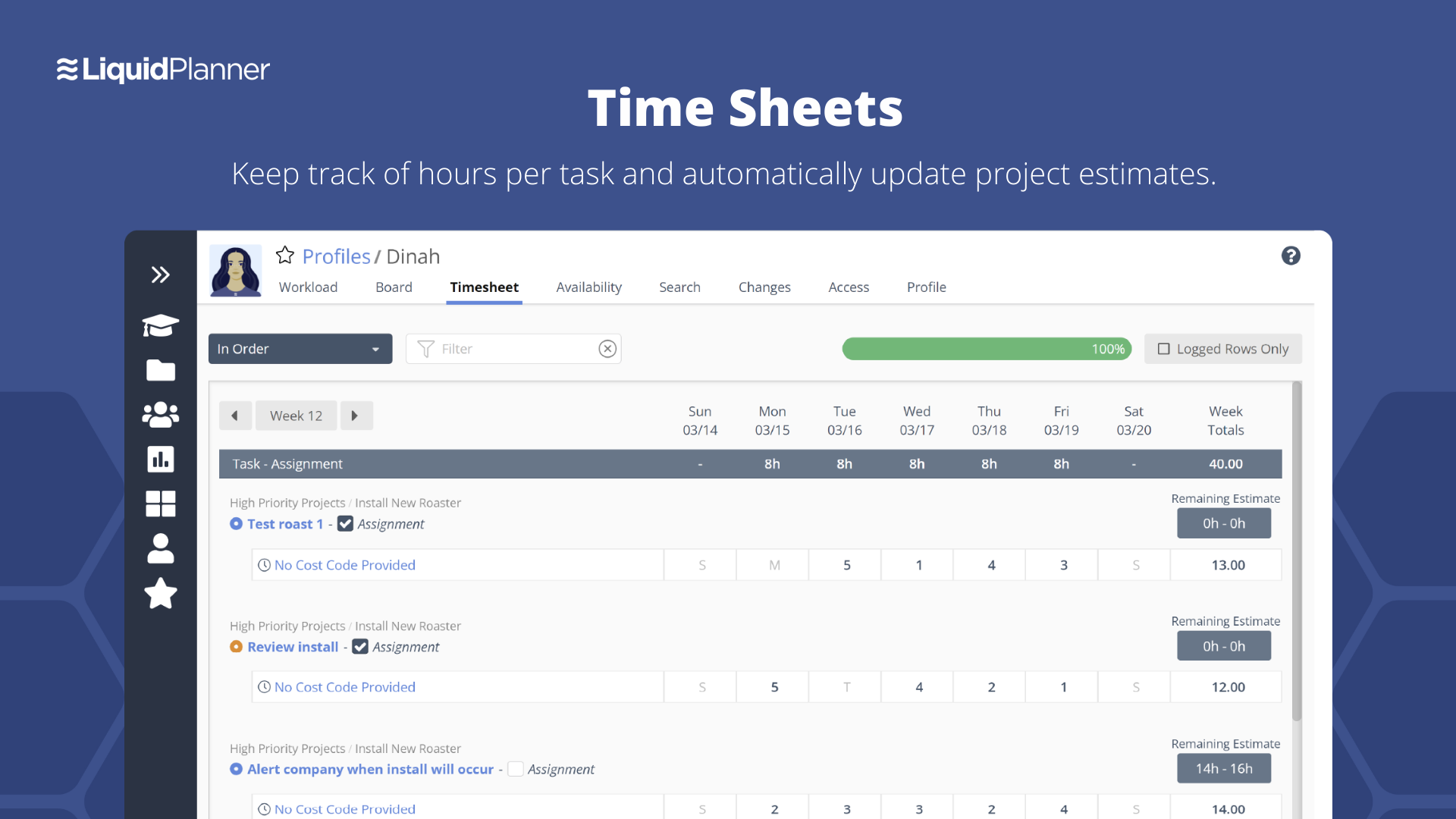
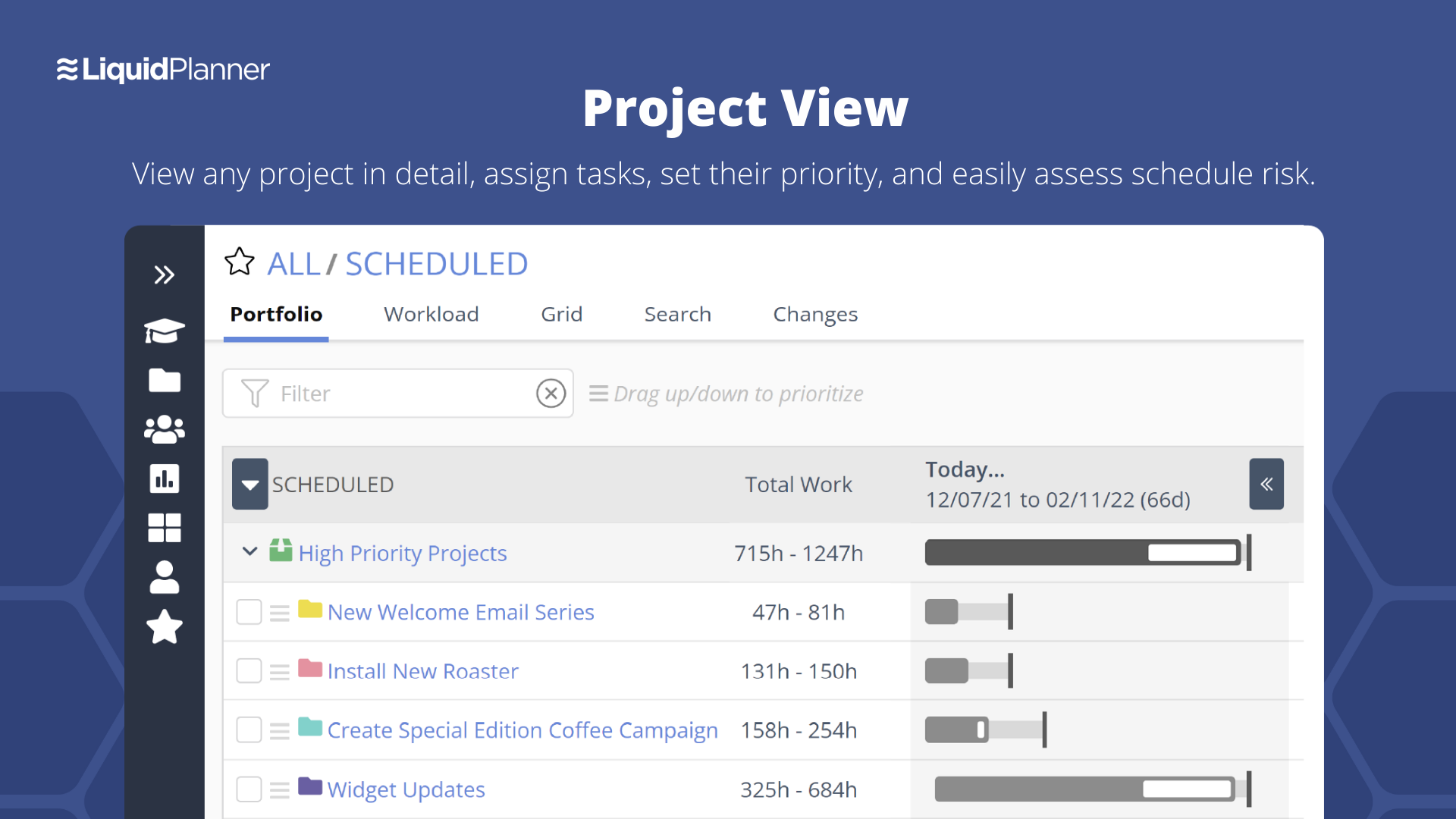
LiquidPlanner is a cloud based predictive project management solution. Some key features include: Dynamic Timeline View, Workload View, and Real-Time Activity Stream.
$0
per month per user
Pricing
Atlassian Jira
LiquidPlanner
Editions & Modules
Standard
$9
per month per user
Premium
$17
per month per user
Enterprise
Contact Sales
per year
Free
$0
per month per user
Essentials
$15.00
per month per user
Professional
$25
per month per user
Ultimate
$35
per month per user
Enterprise
CALL FOR VOLUME PRICING
Offerings
Pricing Offerings
Atlassian Jira
LiquidPlanner
Free Trial
Yes
Yes
Free/Freemium Version
Yes
Yes
Premium Consulting/Integration Services
No
No
Entry-level Setup Fee
No setup fee
No setup fee
Additional Details
Higher volume teams may qualify buyers for a discount.
Jira Software was already the established enterprise standard supporting my clients’ globally distributed software teams. I feel strongly that no other product could deliver when compared to Jira Software.
Wanted to try other products in the same group to evaluate which can better. Had heard good reviews from common friends so wanted to have data points for competitive analysis
Jira facilitates software development, bug tracking, and sprints. It's ideal for structured workflows, issue management, and customer communication. However, more straightforward tools might be more efficient for highly creative, unstructured tasks or tiny, agile teams with quick visual overviews. Jira's complexity can be overkill for basic task lists.
LiquidPlanner is amazing for any time of project management scenario where you have to manage several teams and details. Running a project through LiquidPlanner is so easy because it lets you break down the project into sections and folders and small tasks that you can assign to specific people. With a small to medium size team-- LiquidPlanner is amazing for organizing and tracking details. If you have a huge team or not a ton of details to track LiquidPlanner might not be right for you because it is a software that requires some good training to learn and has tons of functions that can be utilized so it seems better suited to be used by a smaller group looking to coordinate or for people who have lots of details that can be difficult to track.
Priority based planning. Every other planning software we've used relies on dates and therefore needs constant attention. Priority based planning means that the plan is always up to date.
Ease of use. LiquidPlanner has a very short learning curve. This is critical to getting team members to use it.
Forecasting. LiquidPlanner makes it very easy to run scenarios by simply dragging and dropping projects and reassigning resources.
Awesome Support. I get personal responses very fast. Usually within a couple hours. And, they listen and ask for more information.
LiquidPlanner's mobile app definitely needs some work. It doesn't display properly, having many things on the right hand side cut off. It doesn't update/refresh well. I can't imagine the mobile app will ever have the functionality of the Web version, but it needs to come a lot closer.
LiquidPlanner requires that everyone actively participate in order to maximize its benefit. However, it can be difficult for everyone to be on top of all of their responsibilities all of the time. Not sure on a solution, but it can be a lot to manage.
JIRA is highly integrated into our organization. Nearly every department uses it, and many have multiple JIRA projects set up to track different types of work. We rolled out JIRA in a staged manner, but it continued to be adopted by more and more people and departments because it continues to show results. I expect we will continue to renew our JIRA license for years to come
We may not renew LiquidPlanner's contract, but only because my company has recently been acquired and we'll be adopting some of the software that they're using to standardize process. LiquidPlanner's development team releases new features pretty often, so it seems like the gaps and inefficiencies are slowly getting smaller/less frequent
Atlassian Jira is relatively easy to use, but there are several ways to configure it, which can make it more complicated if you configure it incorrectly. Keeping the customizations and complexity limited to being the project would be suggested to ensure you don't lose in-built Atlassian Jira features, then change the configuration as you find things aren't meeting your exact needs.
Did not face any issues and whenever they plan maintanance they update all of us very well in advance also so in that view we are good with the product stability.
Performance is really good though it holds lot of data it loads quickly especially search operation also get the results very quickly as needed hence its good
I have not had a chance to contact JIRA's customer support. It does offer extensive documentation, although it often feels too technical for me. There is also a JIRA training app that lets you take little lessons and quizzes on different areas (e.g., JIRA basics, agile). I did find it a helpful way to teach myself.
They have been great in trying to come up with creative solutions to help us do what we want to do with the platform. I would say their support has been exceptional because we have hit them with some complex requests.
Had received training from our own internal user so it was good and also very easy to understand topics and many tasks in the UI are self explanatory and we can do by our own
One of their strong points i stheir documentation. Almost all of the basic set up needed within JIRA is available online through atlassian and its easy to find and very precise. The more critical issues need to be addressed as well and hence the rating of 8 instead of a 9.
Take your time implementing Jira. Make sure you understand how you want to handle your projects and workflows. Investing more time in the implementation can pay off in a long run. It basically took us 5 days to define and implement correctly, but that meant smooth sailing later on.
Jira is more feature-rich than Trello and also has better integration with other tools. Trello is a lot more focused on work tracking, while Jira can do a lot more than that. Both can also be combined, although they're often considered mutually exclusive alternatives—I've seen cases where companies choose to use either one or the other, but I haven't met an actual case of a company using both.
We had a "homebrew" time track program previously. It did one thing and it did it well--track time spent on an individual tactic or project, and it was deployed across all departments. It did not, however, capture the conversations or the work that could shed light on where problems occurred or issues were encountered.
JIRA has increased the teams' productivity and efficiency; the sprint timelines have improved by 15-20%.
JIRA's integration with tools like Bitbucket and Confluence has improved functional collaboration, leading to faster decision-making and issue resolution by approximately 10-15%.
Additional functionality requires additional third-party plugins, which require additional costs; the requirements of these plugins increase the costs by approximately 15%.
LiquidPlanner has improved everybody's visibility into tasks, decreasing the communication load required and increasing client communication and status updates, effectively increasing client satisfaction and likely helping to generate more business.
LiquidPlanner has improved our estimation and communication about changing estimates. Allowing us to keep a running estimate of the remaining work lets our account managers bill appropriately for overages ahead of time, preventing issues with customers who may not want to pay for work that was done.
LiquidPlanner sometimes takes time to navigate, find the right tasks, etc. and in this way, it may have added time to our day that we are not getting paid for. However, this is fairly negligible.