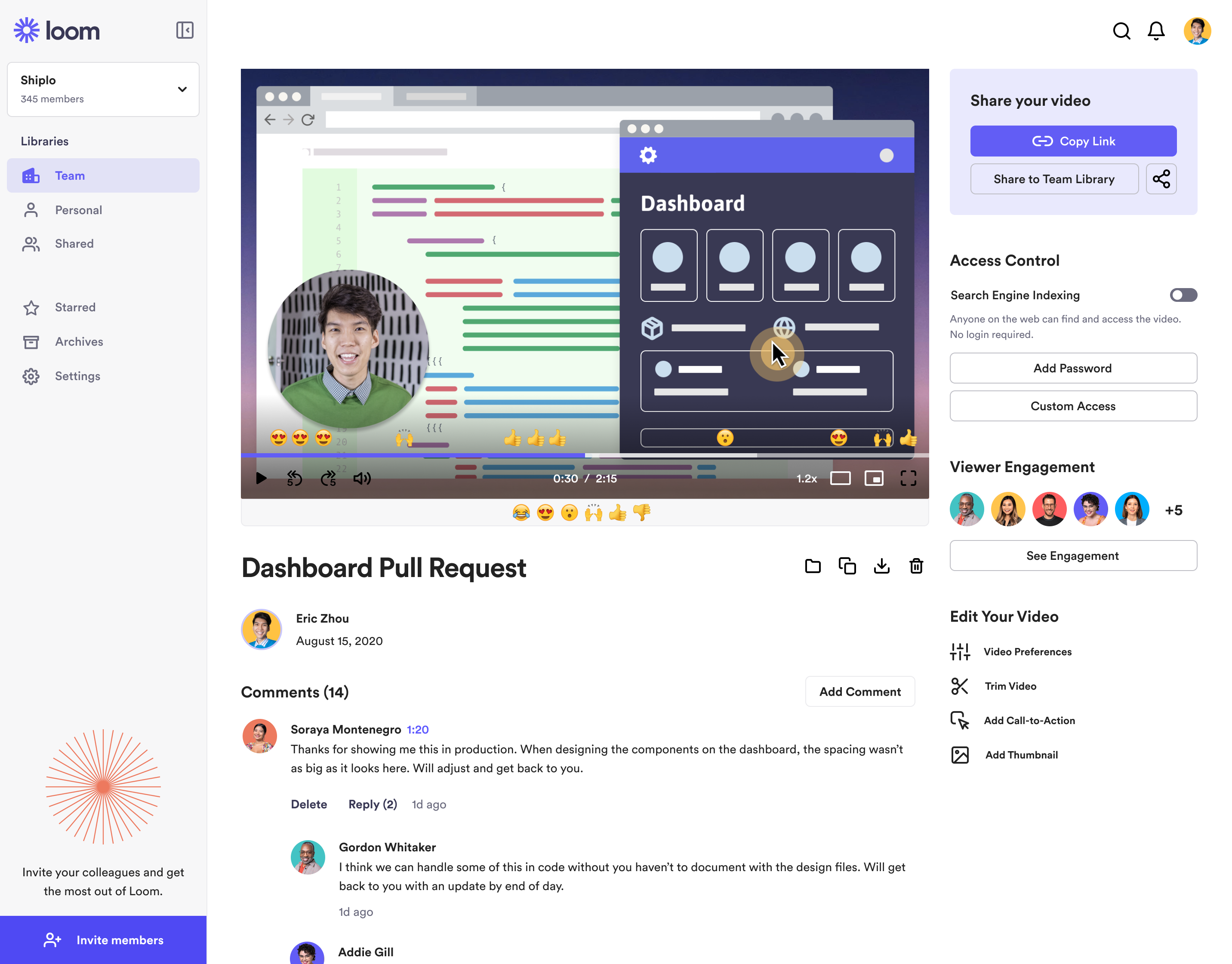
Loom is a screen recorder for Chrome, Mac, Windows, and iOS from Atlassian, presented as quick to install, easy to use, and boasting a functional free edition.
$10
per creator/per month
Gumlet
Score 9.5 out of 10
N/A
Gumlet is used by businesses to host and deliver video content and optimized images across websites and applications at any scale. Gumlet Video: Video Hosting and Streaming Multi-Level Video Protection: Safeguards content with advanced DRM solutions like Widevine and Fairplay, preventing unauthorized access while allowing for controlled playback. Video Management: Users can upload, organize, and stream videos. Integration with cloud storage simplifies…
$19
per month $0.15 / GB streaming overage after 2 TB of bandwidth
Pricing
Atlassian Loom
Gumlet
Editions & Modules
Business
$10
per creator/per month
Starter
Free
Enterprise
Custom Pricing
Starter
$19
per month $0.15 / GB streaming overage after 2 TB of bandwidth
Loom is literally the best free (or depending on your team size) tool that I have found in recent years honestly. I have a consulting practice on the side where we work in multiple timezones. Im not the best with words or explaining things over email, and im a much more visual person. being able to show somehow how to do something rather than explain it via email is HUGE. Its literall creating the office culture vibe over video, and its exactly what i need to help scale my consulting while also help provide training at my current job.
Not sure on the negative use case because it does exactly what I need it to do. Made client website look more professional without having ads displayed. WordPress integration was clean and simple. Shared links were a lifesaver, no need anymore for having to build a landing page. Saved hours in our workflow.
The dynamic watermark is excellent in case people are that dedicated to stealing content, the watermark protects videos from being recorded by embedding the name or ID associated with the account viewing/recording the video to know who's releasing the content into the public.
Total video and player branding - it's not account-wide, but collection or even video specific (as far as I could tell) - so it's easy to clients with their own collection without having to create a new account everytime
In general, the features for the price is great. Gumlet provides far more functions than the big name video hosts.
The video trim feature has improved a lot recently, but it's still not perfect. Sometimes when I trim a video clip, it distorts other parts of the video.
It would be nice if they had a referral/affiliate program. I would get all my friends to sign up!
1 is because I have purchased the lifetime offer from Appsumo, therefore does not need to renew any subscription from Gumlet, however the monthly subscription of the custom domain is makes us quite limited in terms of using 1 account to host few domains.
It's dirt easy for the one thing it does exceptionally well. If you think, "hmmm, I should make a quick screen capture of this thing on screen, you can start recording in seconds with almost no additional effort." Once you're done, the recording is automatically uploaded to your account site, and automatically creates a URL you can copy and share with your target audience. From IDEA to EXECUTION to DISTRIBUTION is literally seconds.
It is already at a very good place in terms of delivering what it is intended to do. Of course, there are always opportunities to improve. Gumlet is replacing strong video hosting services like Vimeo, YouTube, Wistia etc. so it needs to be positioned to deliver video streaming competitively to be relevant and worth recommending.
Loom is one of my favorite solutions and I've been a raving fan since they first launched. The value of quickly sharing videos in seconds is amazing. Our customers love it so much that they have even downloaded the Loom Chrome extension for their own use with their clients! It's so simple, and nothing else compares or competes.
I use Loom for simple tasks. Never used customer support really. It's so simple to use. I haven't had any real issue with Loom which would require customer support to help me out. So I just put 5 because I don't know if the customer support is good or bad since I never used, so I'm kind of neutral.
This is probably the biggest factor for Gumlet. Their support team is fantastic and always professional. Most support inquiries through their chat get answered in minutes.
We have used zoom, Google Meet or youtube to manage our videos in the past. But both did not seem to be as seamless for everyone to use it. Loom came in to provide an easy way for everyone to use video and share screens or communicate in general. Loom integrates with Slack and that is another cool feature
I was a Vimeo subscriber for over 10 years, and - finally - Gumlet seems to be a fine replacement. The lifetime deal makes it very attractive to me, which is why I switched over from Vimeo. Google Drive and YouTube can deliver some of the features I need, but not all (player customization, no ads, etc.). Gumlet does everything I need so far and even offers some improvements over my old Vimeo plan (e.g. geoblocking).
It gives me back 2-3 hours per week in time saved fussing with typing out long emails.
Our team and vendors understand us faster and better when we offer revisions and training using Looms vs. trying to type it out - causing better client satisfaction.
We still have to use Snagit, though, until Loom gives us still screenshot edit/markup abilities!