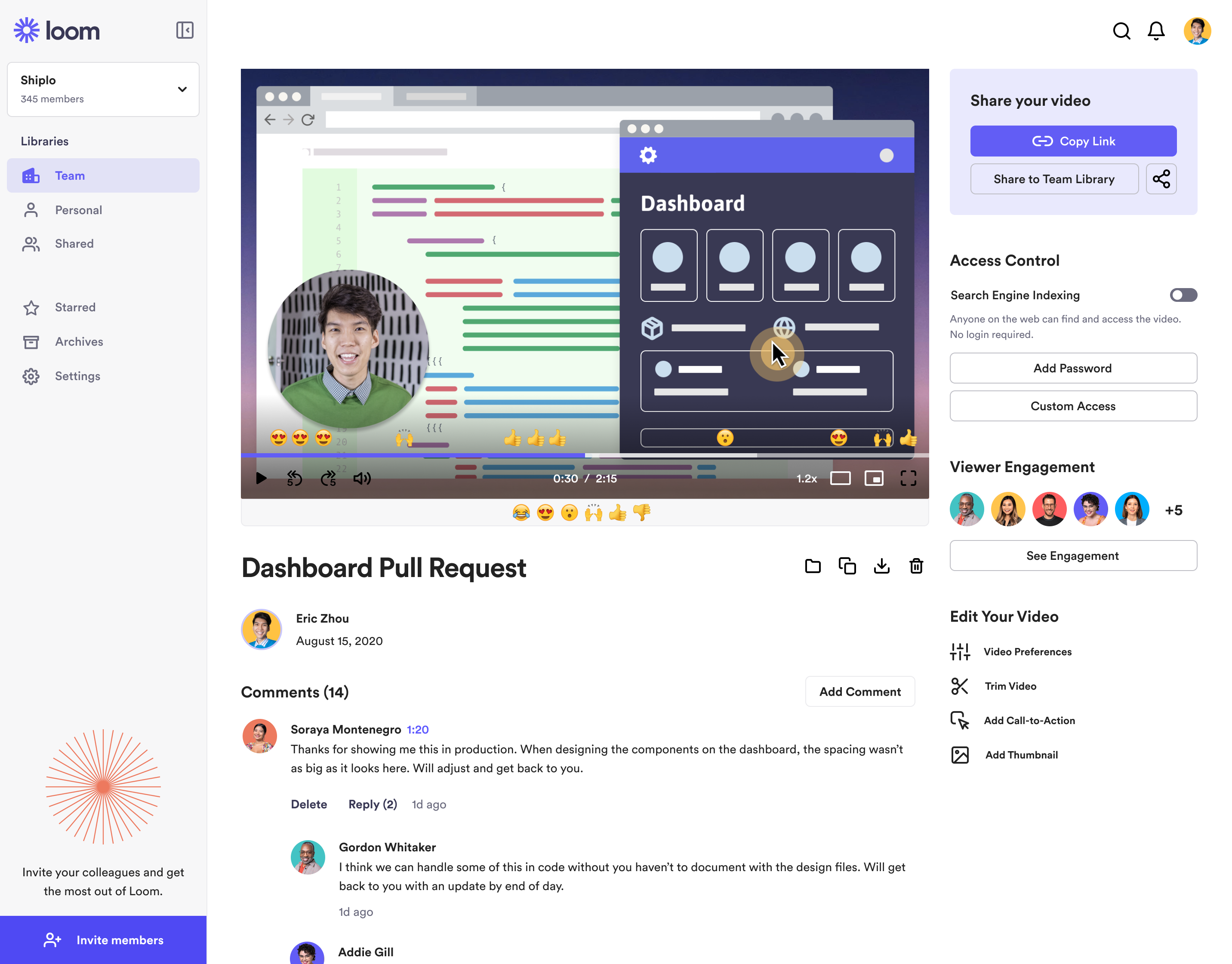
Loom is a screen recorder for Chrome, Mac, Windows, and iOS from Atlassian, presented as quick to install, easy to use, and boasting a functional free edition.
$10
per creator/per month
Snagit
Score 9.3 out of 10
N/A
Snagit is screen capture and recording software from TechSmith, that lets users capture the screen and camera, add additional context, and share images, GIFs, or videos across preferred platforms.
N/A
Pricing
Atlassian Loom
Snagit
Editions & Modules
Business
$10
per creator/per month
Starter
Free
Enterprise
Custom Pricing
No answers on this topic
Offerings
Pricing Offerings
Atlassian Loom
Snagit
Free Trial
No
Yes
Free/Freemium Version
Yes
No
Premium Consulting/Integration Services
No
No
Entry-level Setup Fee
Optional
No setup fee
Additional Details
—
One-time license cost
One license per user - install on 2 machines, for work and home use
Compatible with Windows and MacOS
Optional Maintenance renewal - first year included
FREE Upgrade to the next version
Phone, chat and email support
Access to Snagit Certification with 20+ exclusive how-to videos
Enhanced Screencast integration to share content, plus the newest starter Assets for Snagit
There are plenty of screengrab / screen recording tools out there. I like loom based on it's simplicity for acheiving regularly occuring challenges. I don't typically need anything heavier, so having this as a quick tool is great!
Loom is literally the best free (or depending on your team size) tool that I have found in recent years honestly. I have a consulting practice on the side where we work in multiple timezones. Im not the best with words or explaining things over email, and im a much more visual person. being able to show somehow how to do something rather than explain it via email is HUGE. Its literall creating the office culture vibe over video, and its exactly what i need to help scale my consulting while also help provide training at my current job.
As mentioned the ability to take screen captures with just a keystroke is great. Snagit has a nice suite of markup and manipulation tools that are great. Video recording is good and stable, with many options for sound, etc. What Snagit is not is a video editor. If that is what you are looking for this is not it. However, if you need one good tool that will have you covered for grabbing and sharing captures and video Snagit is perfect.
Video capture - the countdown feature is great so you can set the scene. And you can convert to a gif and easily copy and paste to an email or messenger app.
Markup - easily blur areas, crop, cut out (in the middle of images), add text, add arrows or boxes around areas and much more.
Scrolling capture - allows me to grab images that span several scrolls to get everything in one image.
The video trim feature has improved a lot recently, but it's still not perfect. Sometimes when I trim a video clip, it distorts other parts of the video.
It would be nice if they had a referral/affiliate program. I would get all my friends to sign up!
I'd love to see more video editing abilities. For example, adding a highlight box inside of a movie before saving it to a GIF.
Snagit has limited font options when adding and editing text. Integrating with Google fonts or even adding support/making it clear how to add custom fonts would improve usability.
Adding the ability to fill while erasing. For example, if erasing an element from a white background, auto-fill in the erased patch with white, or some other custom color. Instead, I have to rely on copy/pasting from other areas in the picture.
I think that the tool is excellent for what it is being used for. I particuarly like the ability to capture content from the screen whilst using the scroll wheel on my mouse. It is very annoying when your try to capture something with grab and you can't scroll which leads to multiple images
It's dirt easy for the one thing it does exceptionally well. If you think, "hmmm, I should make a quick screen capture of this thing on screen, you can start recording in seconds with almost no additional effort." Once you're done, the recording is automatically uploaded to your account site, and automatically creates a URL you can copy and share with your target audience. From IDEA to EXECUTION to DISTRIBUTION is literally seconds.
It's button centric for easy access to every feature. Everything allows undo! It works like any other standard Windows application. Everyone can be a professional without having to select every feature yourself by using the built in styles with just one click of a button in most cases. Every button is clearly labeled too.
Loom is one of my favorite solutions and I've been a raving fan since they first launched. The value of quickly sharing videos in seconds is amazing. Our customers love it so much that they have even downloaded the Loom Chrome extension for their own use with their clients! It's so simple, and nothing else compares or competes.
I use Loom for simple tasks. Never used customer support really. It's so simple to use. I haven't had any real issue with Loom which would require customer support to help me out. So I just put 5 because I don't know if the customer support is good or bad since I never used, so I'm kind of neutral.
I've actually never had to contact support as the tool is easy to use. One aspect is that they upgrade and send email notifications of the upgrades. They don't charge extra for upgrades and their enhancements fall in line with the way we use the tool. We haven't had to submit any upgrade requests as the tool already does what we need it to do.
It's a simple next next finish install. The SnagIt Library in the user profile should probably be backed up to make sure they have access to their old screen captures. We frequently will go back to previous captures and add context bubbles etc. when software changes to show the "old" vs "new". Also, go to SnagIt's website and download the additional Stamp Sets for the user. These are terrific. I wish there was one download to get them all, but you have to download and install them one set at a time. It's worth it - especially for training how-to's.
We have used zoom, Google Meet or youtube to manage our videos in the past. But both did not seem to be as seamless for everyone to use it. Loom came in to provide an easy way for everyone to use video and share screens or communicate in general. Loom integrates with Slack and that is another cool feature
Windows free snipping tool - Con: had to save each screen shot before I could take another screen shot and couldn't draw nice circles/rectangles around the area of the screen shot to bring attention. Chrome plugin options - Con: editing tools were lacking.
It gives me back 2-3 hours per week in time saved fussing with typing out long emails.
Our team and vendors understand us faster and better when we offer revisions and training using Looms vs. trying to type it out - causing better client satisfaction.
We still have to use Snagit, though, until Loom gives us still screenshot edit/markup abilities!