Autodesk Civil 3D vs. RSECTION 1

Overview
ProductRatingMost Used ByProduct SummaryStarting Price
Civil 3D
Score 9.5 out of 10
N/A
Autodesk's Civil 3D is a computer aided design (CAD) application designed to support a variety of civil infrastructure projects including rail, roads and highways, land development, airports, drainage, storm and sanitary, and civil structures.N/A
RSECTION 1
Score 0.0 out of 10
N/A
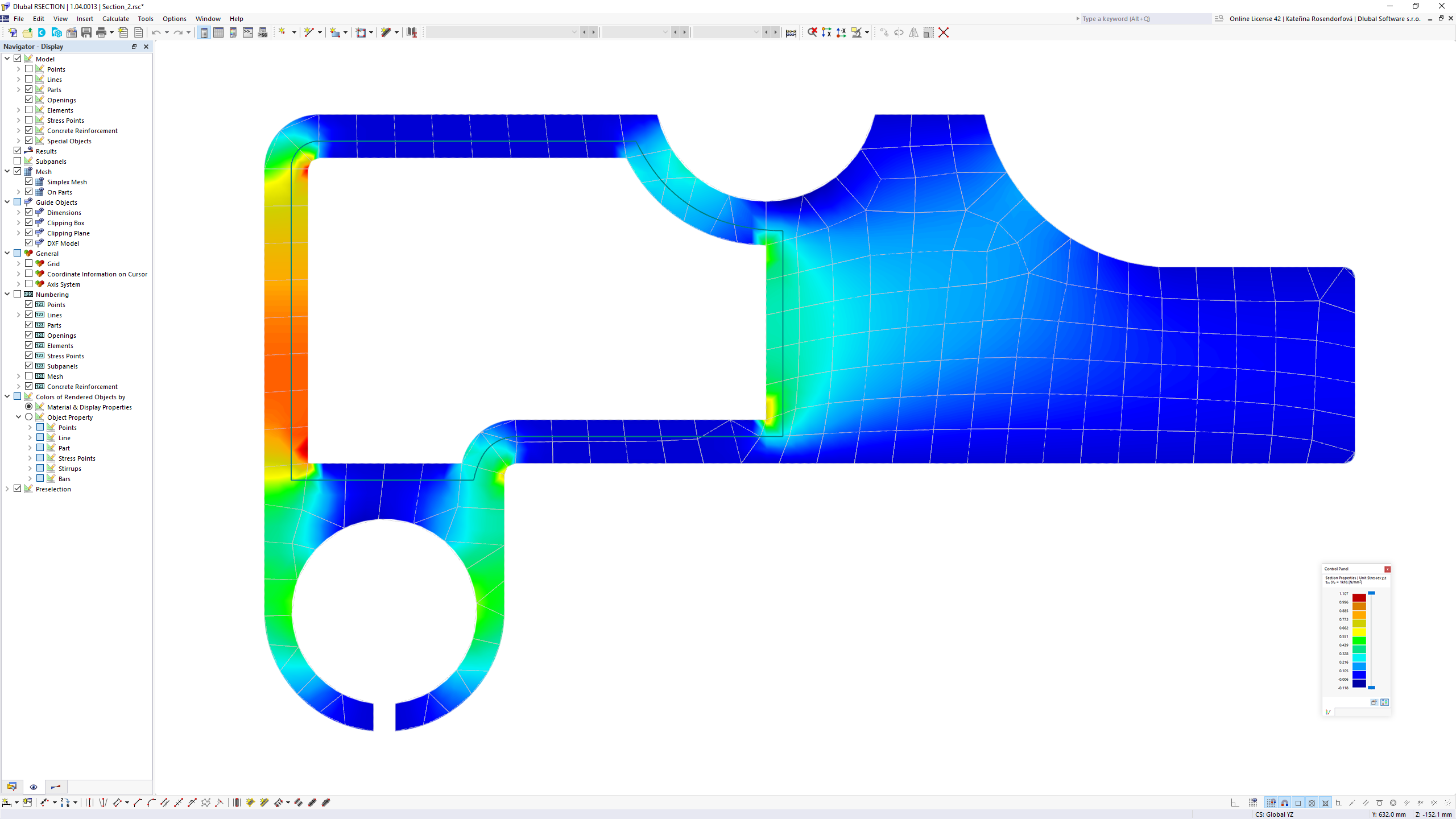
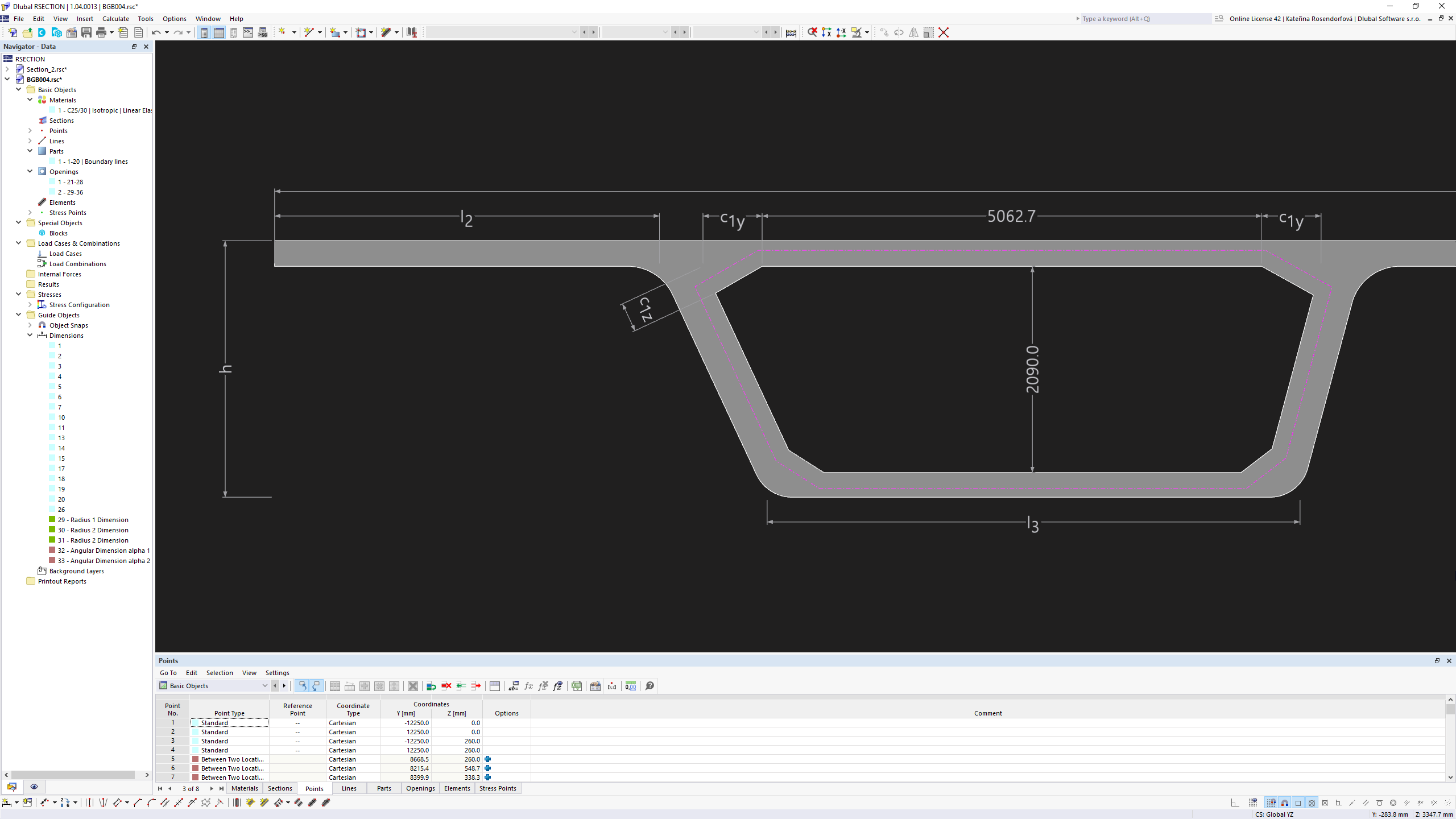
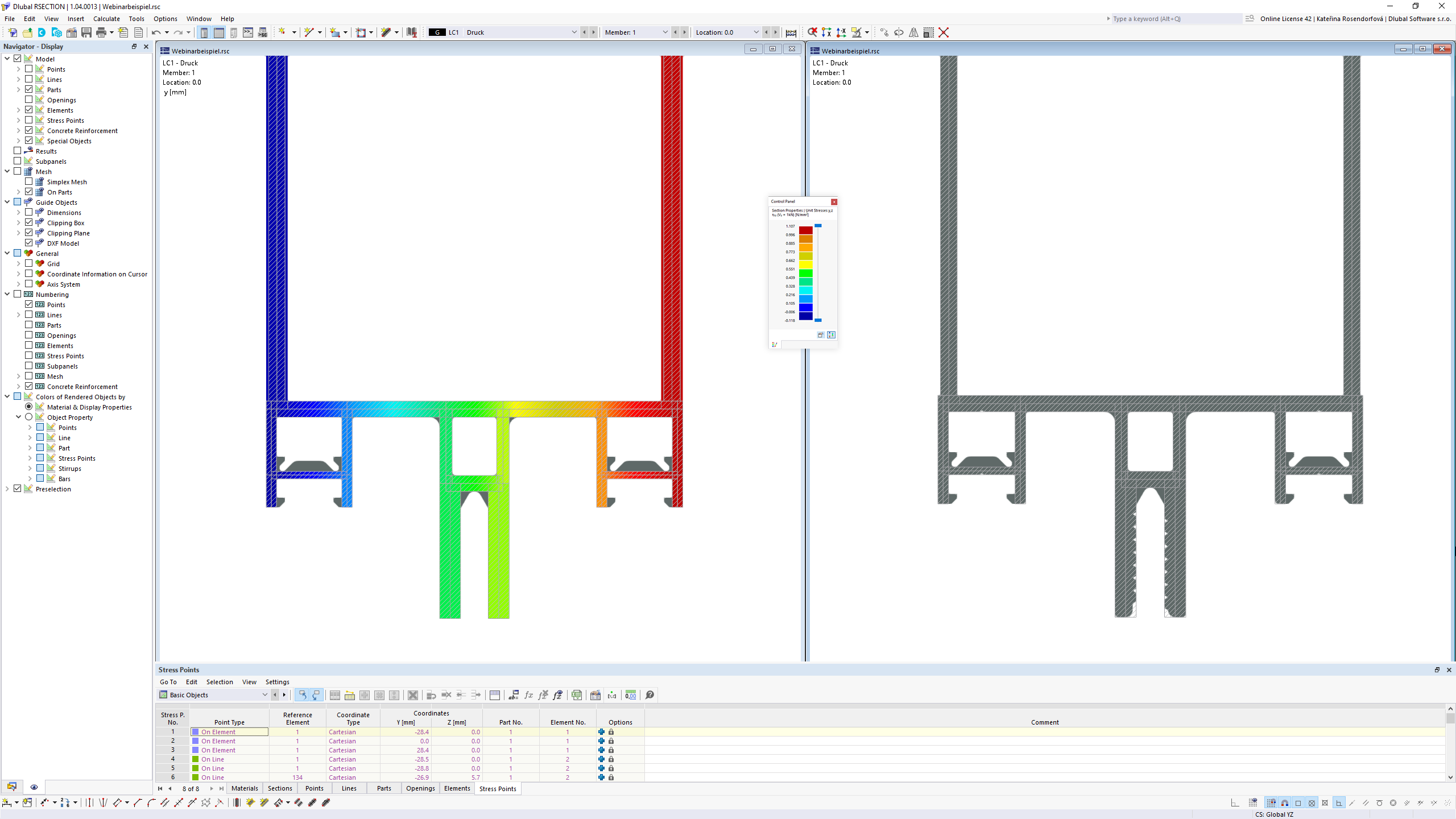
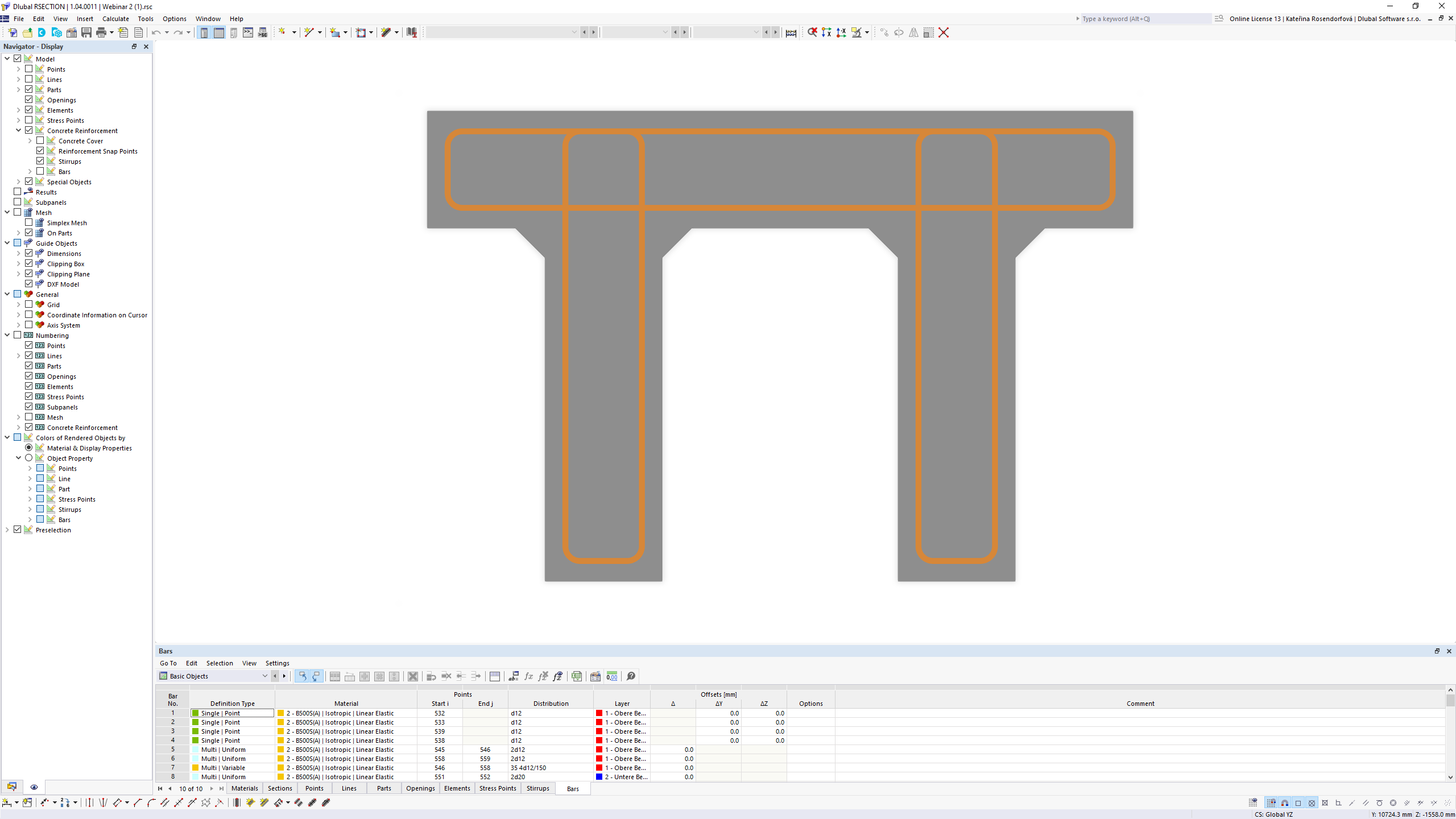
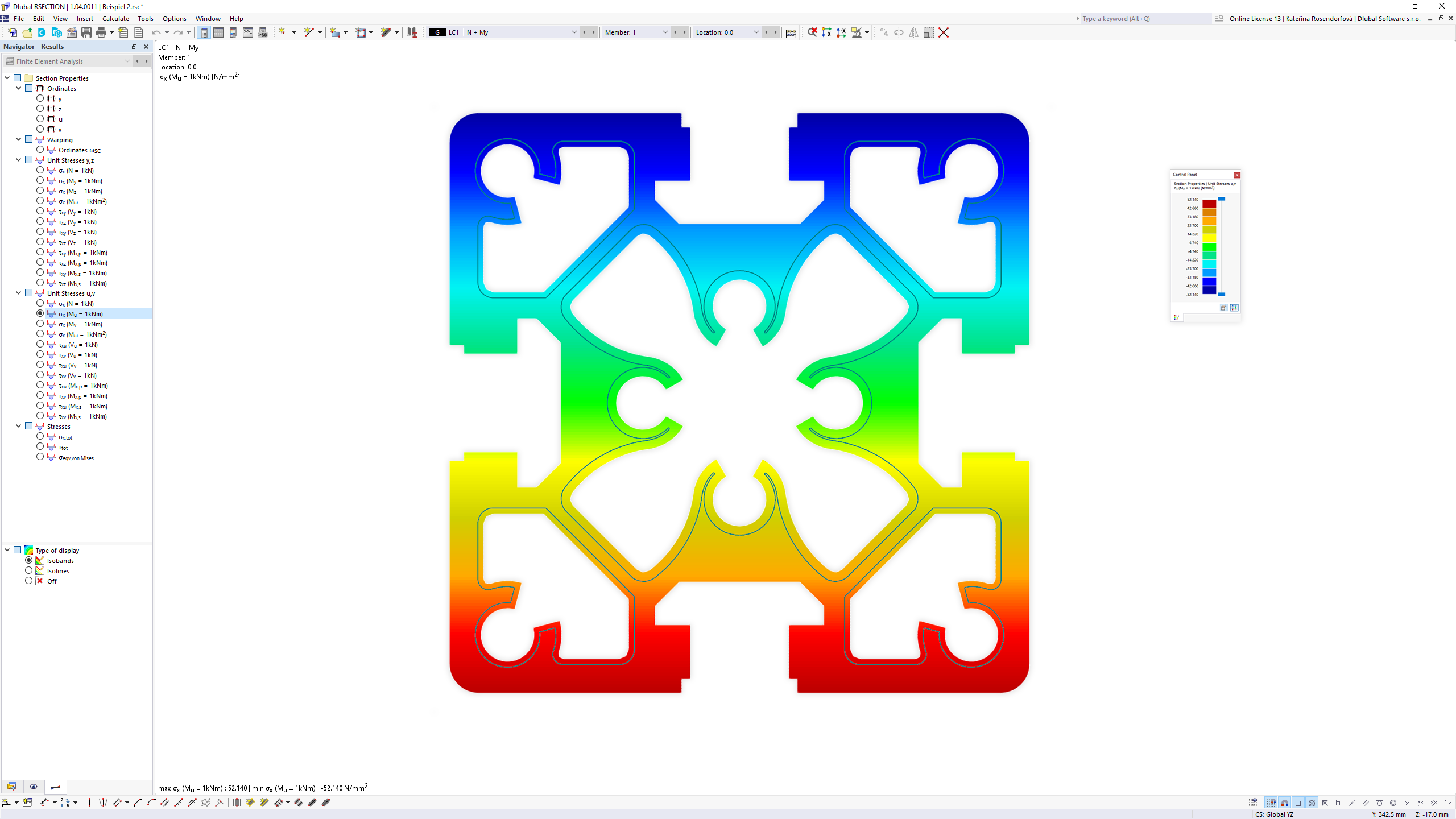
The stand-alone program RSECTION determines the section properties for any thin-walled and massive cross-sections and performs a stress analysis. RSECTION can be connected to the FEA software RFEM and the structural frame analysis software RSTAB. Sections from RSECTION are also available in the RFEM and RSTAB library. Conversely, internal forces from RFEM and RSTAB can be imported into RSECTION. Data can be entered graphically, in tables, by…N/A
Pricing
Autodesk Civil 3DRSECTION 1
Editions & Modules
No answers on this topic
Offerings
Pricing Offerings
Civil 3DRSECTION 1
Free Trial
YesYes
Free/Freemium Version
NoNo
Premium Consulting/Integration Services
NoNo
Entry-level Setup FeeNo setup feeNo setup fee
Additional DetailsCan be licensed monthly ($305), Annually ($2,430), or every 3 years ($6,560).Available free for one year on a student license.
More Pricing Information
Community Pulse
Autodesk Civil 3DRSECTION 1
Considered Both Products
Civil 3D
Chose Civil 3D
The products I have used are not on the list. This includes Civil Designer and Model Maker. Autodesk Civil 3D is an all-in-one software. The design and drawings can be completed together on the same software. Results are updated automatically when changes are made without …
Chose Civil 3D
As mentioned before, using Civil3D got its own pros such as creating different profiles that are interactive such if you change any level, the profile will be updated automatically while in AutoCAD you will suffer by updating them manually. In addition, creating models that …
Chose Civil 3D
I have not used used any other products similar to Autodesk Civil 3D.
Chose Civil 3D
Nothing compares to the ease of learning for Autodesk Civil 3D. It is very intuitive and easy to pick up. However, most DOTs require the use of Microstation for roadway and transportation modeling. Autodesk Civil 3D does NOT integrate well with GIS or Bentley products. However, …
Chose Civil 3D
There is nothing like Civil 3D stacks up against them, I personally use all this software but we this software because of our client demands. But I personally found no problem with each other’s software and obviously Autodesk team of research and development works really great …
Chose Civil 3D
Autodesk Civil 3D provides more all-round support in comparison to this software and using a bit of coding and creating connectors, we can easily provide all supports of different software to it.
The Development ease for creating plugins for Civil 3D also gives an edge over …
RSECTION 1

No answer on this topic

Best Alternatives
Autodesk Civil 3DRSECTION 1
Small Businesses
Revit
Revit
Score 9.4 out of 10
Revit
Revit
Score 9.4 out of 10
Medium-sized Companies
Revit
Revit
Score 9.4 out of 10
Revit
Revit
Score 9.4 out of 10
Enterprises
Revit
Revit
Score 9.4 out of 10
Revit
Revit
Score 9.4 out of 10
All AlternativesView all alternativesView all alternatives
User Ratings
Autodesk Civil 3DRSECTION 1
Likelihood to Recommend
9.7
(0 ratings)
-
(0 ratings)
Support Rating
10.0
(0 ratings)
-
(0 ratings)
User Testimonials
Autodesk Civil 3DRSECTION 1
Likelihood to Recommend
Well suited:
  1. Simple and self-explanatory user interface.
  2. Inter usability between other software such as MicroDrainage and Bentley CivilStorm.
  3. Autodesk customer service.
  4. Easily customizable.
Not suitable: The software is still very resource intensive on the machines and often crashes when too much data is being shown. Though significant improvements have been made in other Autodesk software like Revit, older applications like AutoCAD and C3D seem to be stuck on old, inefficient source codes.
Read full review
No answers on this topic
Pros
  • Very useful for projects that contain rail alignment in such showing profiles along with the utilities that the rail is crossing it
  • Manage GIS data along connecting the design to documentation in order to support the productivity
  • Provide team coordination along using visualizing, simulation, and analysis that integrates with the design process to improve the delivery
Read full review
No answers on this topic
Cons
  • Specific tools for sewers design
  • Possibility for the users to choose other rainfall data and parameters
  • Possibility to create vertical pipes in gravity networks
Read full review
No answers on this topic
Usability
It is one of the most standard Designing and drafting tools for infrastructure projects and is the go-to for including it with the Autodesk ecosystem. Its strong collaboration with GIS and Other tools helps us to create a software workflow as a digital twin platform as well. The Drawings and plans generated can be easily imported into other applications, allowing for full control over the workflow.
Read full review
No answers on this topic
Support Rating
They have a vast open community, which has helped us understand Autodesk Civil 3D from the beginning. They have provided many templates and tutorials videos to our team due to that we can learn every new feature from them. Autodesk Civil 3D has also helped us to interconnect all its software in an internal bridge, which helps us switch between software as we need.
Read full review
No answers on this topic
Alternatives Considered
Autodesk Civil 3D provides more all-round support in comparison to this software and using a bit of coding and creating connectors, we can easily provide all supports of different software to it. The Development ease for creating plugins for Civil 3D also gives an edge over other software. Other software are also old and a bit outdated in comparison.
Read full review
No answers on this topic
Return on Investment
  • It has made design much easier and simplified
  • Drawings are easier to complete
  • Time taken to complete designs and drawings have reduced drastically
  • Multiple people can work on one project at the same time without affecting the entire design/drawing
Read full review
No answers on this topic
ScreenShots

Civil 3D Screenshots

Screenshot of Civil 3D - Infrastructure Software from AutodeskScreenshot of Civil 3D - Rail Alignments

RSECTION 1 Screenshots

Screenshot of RSECTION 1 | Section Properties and Stress AnalysisScreenshot of RSECTION 1 | Section Properties and Stress AnalysisScreenshot of RSECTION 1 | Section Properties and Stress AnalysisScreenshot of RSECTION 1 | Section Properties and Stress AnalysisScreenshot of RSECTION 1 | Section Properties and Stress Analysis