Automation Anywhere, headquartered in San Jose, California, offers their robotic process automation (RPA) software.
$750
per month
SAP Integration Suite
Score 8.5 out of 10
N/A
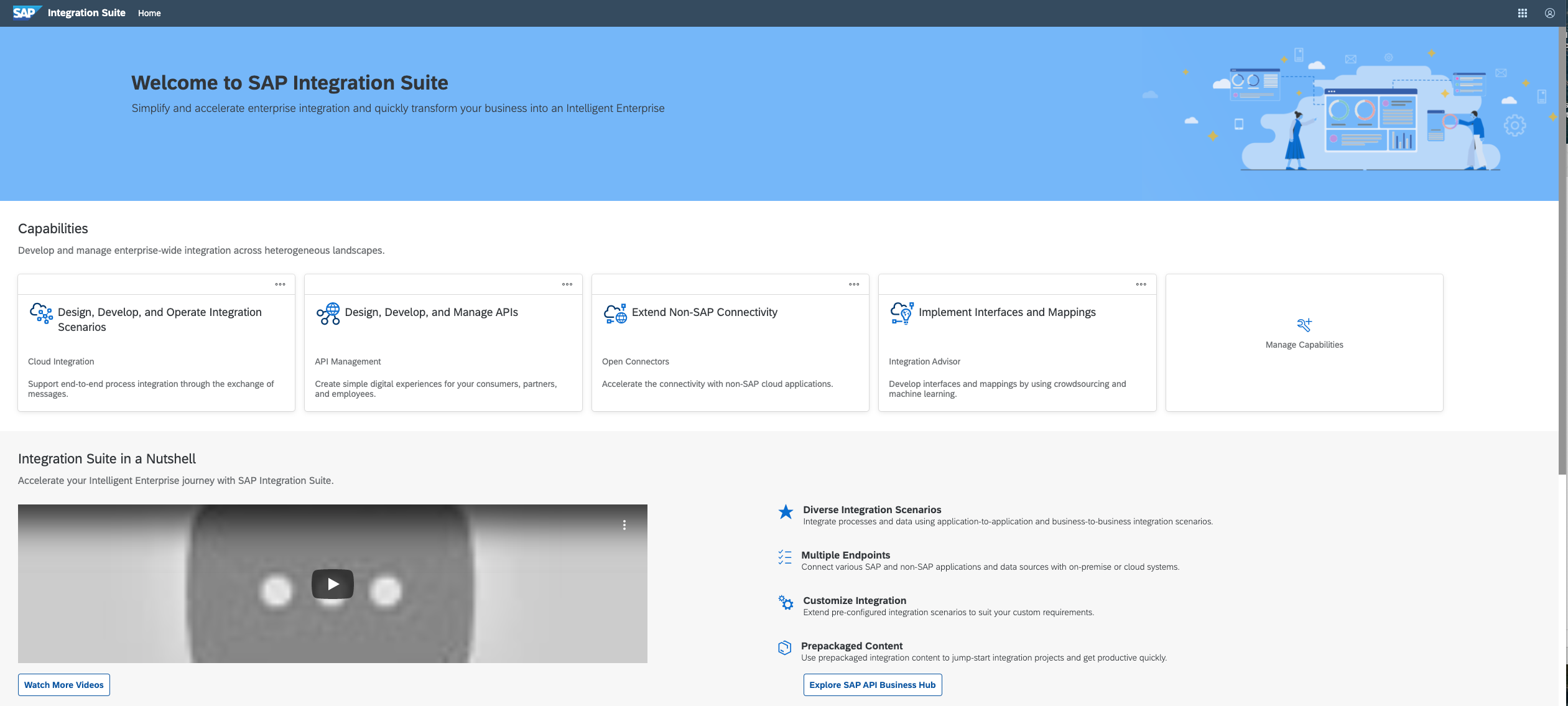
SAP Integration Suite is an integration platform-as-a-service (iPaaS) that helps quickly integrate on-premises and cloud-based processes, services, applications, events, and data. It is used to accelerate innovation, automate more processes, and realize a faster time to value.
N/A
Pricing
Automation Anywhere
SAP Integration Suite
Editions & Modules
Cloud-Only Starter Pack
$750
per month
Advanced Pack (Cloud or On-Premises)
Contact for quote
No answers on this topic
Offerings
Pricing Offerings
Automation Anywhere
SAP Integration Suite
Free Trial
No
Yes
Free/Freemium Version
No
No
Premium Consulting/Integration Services
No
No
Entry-level Setup Fee
No setup fee
No setup fee
Additional Details
—
Access to free tier services does not expire while there is an active Pay-As-You-Go or CPEA account with SAP. Once a free tier service limit has been reached users have the option to update from a free to a paid service plan in the same account.
More Pricing Information
Community Pulse
Automation Anywhere
SAP Integration Suite
Considered Both Products
Automation Anywhere
Verified User
Anonymous
Chose Automation Anywhere
Automation Anywhere is the most comprehensive, end-to-end automation platform out of the three. It offers a wider range of functionality than Blue Prism and UiPath. Its powerful features allow automation of complex tasks, creating smarter bots to streamline business processes. …
Investment cost on number of robots is very less when compared to other tools especially UiPath. For machine learning projects python integration works well when compared to other RPA tools. For our business purpose we expect Client-Server Architecture and it is on Automation …
Automation anywhere scores well with respect to other solutions when we look at bot implementation, bot management, and basic automation. From a security perspective as well, AA fares well as compared to other solutions. UIpath is better suited when we operate using VPN systems …
If we talk about data extraction and compare BluePrism Dechiper IDP, UiPath Document Understanding, and Automation Anywhere IQ BOT, IQ BOT has made its impact. We do not have market credibility for the other two, which could be used and referenced in front of such customers who …
I have been using Automation Anywhere just because of its quality services. Its mobile application is a cherry on cake's topping that helps my team to work on a remote basis. Further, we are at ease generating the receipts, and processing them is very convenient for us.
Automation anywhere is fulfilling our all needs and giving the services we have not expected from it. The most interesting thing anyone can automate from anywhere and it has smart features for the creation of Bot. I have used Uipath but that has lesser features than Automation …
Automation Anywhere keeps more efficient and well-organized features and functions than Appian that is why we decided to switch on automation anywhere.
Although both the RPA tools are considered among the best in the market, there seem to be some dissimilarities when it comes to the overall architecture and functionalities of these two. Automation Anywhere is more likely to be used in a process where there is a need of …
The user interface of Automation Anywhere is very easy to understand compared to UiPath and others. It is very easy to develop a bot in Automation Anywhere. Less coding required. It also provides different bots such as Task bot, Meta bot, and IQ bot as well. And also, in terms …
Automation Anywhere is way ahead compared to other RPA technologies just because of IQBot. IQBot will work with AI and Machine Learning to extract data from PDF and Images much faster and accurate. Automation Anywhere's control room also provides lot of options to the users like …
I have used UI Path tools. Ui Path is complex as compared to Automation Anywhere. Automation Anywhere provides more usable commands as compared to Ui Path. Automation Anywhere support is excellent.
We considered Blue Prism and Automation Anywhere when initializing our Robotics Process Automation system. While both are industry leaders and providers of solid automation software, Automation Anywhere provided a more low-cost option that allowed us to "get our feet wet," so …
We evaluated this based on the end-user experience of communicating with bots, which is very flexible with Automation anywhere where it is difficult with UiPath, and the development time taken for bots is far less and very feasible with Automation Anywhere. Where as with UiPath …
UiPath is not very stable in production because we noticed frequent random errors while using it. Also, it is incapable to handle unstructured data like invoices in the form of images or PDF files. It does not involve IQBots, which is the flagship feature of Automation …
Automation Anywhere is still starting in the company. We did training with a person who came from France and he explained and detailed everything correctly. I believe that in the future there will be a greater saving of hours worked and more automated processes of other …
We selected Automation Anywhere based on a number of reviews from different sites. As one of the market leaders, Automation Anywhere seemed the best option.
Practice Manager - RPA, Chatbots, IoT, AI & Blockchain
Chose Automation Anywhere
Automation Anywhere has many software adaptors which are supportive enough for quick and easy integration. Complex automation tasks can be performed in a better way when compared with UiPath ROA software.
In terms of costing, Uipath is more cost effective. Uipath doesn't support Unicode based websites but Automation Anywhere can help on this front. The user interface of Uipath is more user-friendly and attractive over Automation Anywhere. AA has a stronger network of resellers …
Automation Anywhere has more flexibility when compared to other RPA tools. We can scale-up the digital workforce . Easy integration with all the existing systems
Comparing other vendors, we recommend Automation Anywhere for its seamless support and enhancement options. The BOT university's simple training interface helps in self-learning for the end users.
Automation Anywhere has better control room features. It's easy to develop & deploy, and is cloud compatible. Support is 24x7 and the product is very up to date with cognitive capabilities. Management of Bots is easy and intuitive.
Before deploying SAP Integration Suite, we assessed Oracle Financial Services Analytics and IBM Risk Analytics. While Oracle had proved its mettle in the exceptional database support and IBM in presenting risk model tools, SAP Integration Suite overwhelmed others by being …
SAP Integration Suite competes with several prominent integration platforms, including MuleSoft, Dell Boomi, Microsoft Azure Logic Apps, and Oracle Integration Cloud. Here’s a comparison highlighting key factors that influenced the companies decision: Seamless Integration with …
I have experience with Apache Service Mix which is a bundle of 4 Apache components: ActiveMQ, Camel, Karaf, CXF. With SAP Integration Suite you have a more friendly developer experience because everything is integrated in one product and it offers much more functionalities …
SAP Integration Suite is Good tool to integration alls SAP applications and it gives us much flexibility to connect to SAP processes more than simply AWS. Integration capabilities enabling cloud on on premises application, device, and data integration.
The best thing about SAP Integration Suite is the prepackaged content and ready-made adapters—they make setup so much quicker and cut down on custom work. Plus, since our team already knows SAP inside out, it’s a natural fit. We can jump right in and get integrations up and …
Automation anywhere is well suited in most rule-based processes. It can manage high-volume transactions with accuracy and scale up quickly. It is very flexible in terms of integration and implementation. The bots can be scheduled, monitored and performance can be reported on a regular basis. It works well with most enterprise solutions.
The case of the SAP Integration Suite shows outstanding capability in handling huge data, and especially when handling corporate portfolio data with multiple owners. But we have noticed that in the cases of moving data from the older banking system, it is necessary to further refine the system. It does an excellent job of the current credit scoring.
Now I easily generate the invoices and quotation generation is an easy task now. Previously it was very time consuming as we have to drag the data from the excel sheets.
I will praise its integration with other software that has facilitated us to make amendments in the data across those platforms.
Broad Connectivity: SAP Integration Suite excels in connecting diverse systems, including SAP and non-SAP applications, databases, and third-party services.
Pre-built Integrations and Templates:The suite provides a library of pre-built integrations and templates for common business scenarios.
Automation Anywhere doesn't come with easy installation, We need to install Java, IDEs and Databases in an orderly fashion which we are not able to do.
Automation Anywhere has no workflow design which is not making us to understand the process.
Automation Anywhere has no fit to size object cloning.
SAP Integration Suite is very helpful to us in many ways to manage purchase procedures, stocks, and data of vendors and suppliers. Also, it helps to manage data for service providers. SAP Integration Suite has the tool to conduct training and evaluation. Unique features like the cloud can provide access from any place and by any device is very helpful.
On more complex use cases, Automation Anywhere requires technical background like knowledge on network protocols and database language on task creation, and even people with technical background might have some trouble in the beginning because of the product particularities on how variable manipulation works, or how to get the object cloning (a more resilient screen manipulation command) to work as intended. The scheduling of tasks on the Control Room and the autologin feature isn't intuitive as they should, so much of this works requires documentation analysis to get it done on the first time.
Automation Anywhere is a great tool for a low cost, fairly easily scalable, and quickly learned. The company is growing by leaps and bounds and continually pushing the automation boundaries. The problem with fast expansion is that sometimes you can grow more quickly than you can appropriately support your products. While Automation Anywhere has an excellent support structure in place, every company and situation is different, and they often struggle with why problems arise in the system and how to fix them.
Automation Anywhere is the most comprehensive, end-to-end automation platform out of the three. It offers a wider range of functionality than Blue Prism and UiPath. Its powerful features allow automation of complex tasks, creating smarter bots to streamline business processes. Automation Anywhere’s features are also very progressive, supporting web scraping and creating AI-driven automation capability. Additionally, it requires less redevelopment for updates than the other two options as its development platform is one of the most user-friendly designs available.
The choice of Automation Anywhere over the others was made due to its comprehensive features and progressive capabilities that will make our enterprise more efficient in automation functionalities. The large library of functions provided by Automation Anywhere makes it easier for us to find the right solution quickly, without having to develop extensive scripting knowledge if needed during projects.
We used to have a in house application in Camel and Karaf as a middleware, and after we migrate to S4HANNA we decide to give a try and move to the cloud with SAP Integration Suite, knowing the capabilities and the needs that we have in the company and the projects that were running on premise in our middleware.
Highly reliable once you start experiencing the results. It helps you to have a clear cut results with better productivity numbers and financial savings