Auvik Network Management is a vendor-agnostic cloud-based network monitoring and management solution providing automated network discovery. Auvik requires no service hardware or disruptive maintenance cycles and provides onboarding and training for new and existing users. Auvik delivers visibility and automation to reduce friction for IT teams and allow them to give end users the freedom to work wherever and however they…
N/A
F5 BIG-IP SSL Orchestrator
Score 9.3 out of 10
N/A
F5 Networks provides the SSL Orchestrator, a high-performance decryption, analysis, and re-encryption tool for SSL/TLS traffic across the network to locate threats or data exfiltration efforts concealed in encrypted traffic.
N/A
Pricing
Auvik
F5 BIG-IP SSL Orchestrator
Editions & Modules
No answers on this topic
No answers on this topic
Offerings
Pricing Offerings
Auvik
F5 BIG-IP SSL Orchestrator
Free Trial
Yes
No
Free/Freemium Version
No
No
Premium Consulting/Integration Services
No
No
Entry-level Setup Fee
No setup fee
No setup fee
Additional Details
Pricing is calculated per number of switches, routers, firewalls, and controllers. Everything else is monitored for free.
Auvik was a much better to scale as an MSP and their support offering was far better from my research. Knowledge base, training, and dedicated support/account reps made it an easy decision. As an MSP we need less time maintaining and learning the tools and more time working …
Auvik's license structure is simple and affordable. Auvik's license is based on total network devices in your network. They charge only for total number of Switches, Routers, firewalls and Wireless controllers in your network. All other devices license would be free of charge
Auvik has an automatic discovery setting, where Zabbix has to be done per each machine. This slows things down and makes it a little more complicated especially when there is no credentials or anything that is available. Zabbix however has a better uptime compared to Auviks. …
Auvik can stand up against any of the big network management and monitoring solutions on the market. I've implemented and used SolarWinds at many organizations for over 15 years. The paradigm that SolarWinds, PRTG, Prime, etc., work under is completely different than Auvik. …
I have previewed several other products, and they all look like a joke compared to Auvik. I have not tested them, however, so I won't say anything further on that.
Auvik is a superior tool for MSPs due to its multi-tenant capability, speed of deployment for new customers, and integrations with the current common MSP tools stack. Intermapper is a very powerful and expensive application, so not directly applicable, but Auvik still has many …
I came onboard with Solarwinds already installed and running. It took me some time to learn my way around the Web interface. Nice product but a little convoluted for me. We weren't using it to it's full potential. It did work well for network monitoring, and configuration …
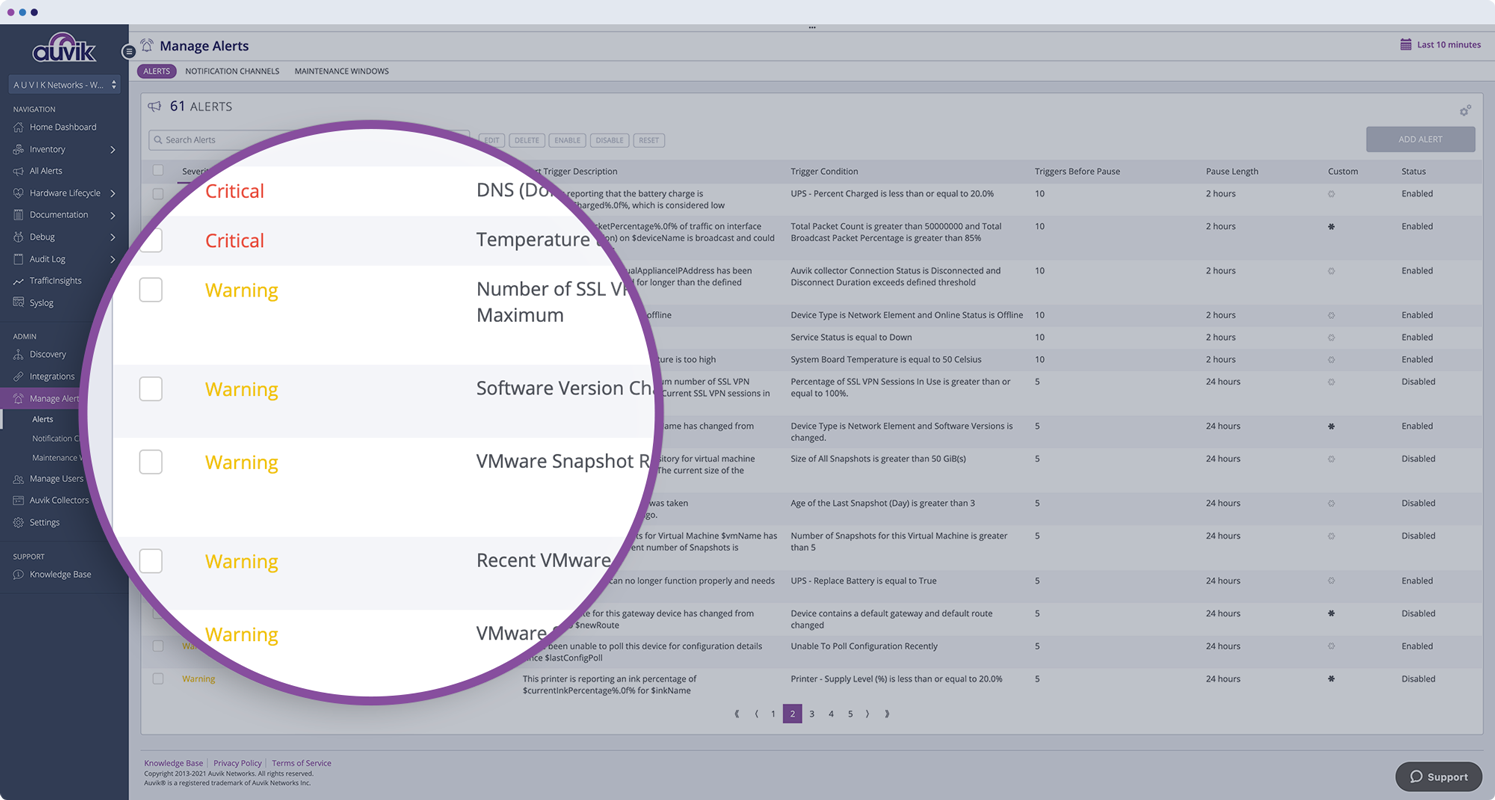
Auvik does a better job of visually giving a representation of how items are connected in the network. Also, the alerts are fast and detailed, which allows fast response to issues when they arise. There are many SNMP details already in Auvik and they have the ability to monitor …
The out of the box features and alerting with Auvik have been incredibly helpful. The navigation is slightly behind the clarity within the SolarWinds portals, but the alerting is significantly better out of the box.
Since we have only evaluated auvik and have solely rested on this as a solution, we have no ability to compare and contrast other vendor offerings such as SolarWinds or HP's network discovery tools.
We already have a set tool that we use and we use Auvik to fill in the blanks and double up for backups. not a lot of tools are able to do what Auvik does, but it also goes the other way around. With network monitoring, Auvik does have more features compared to some others. …
OpenSSL is a simple software to use, with a complete documentation and an easy installation and ideal for encrypting and decrypting and making certificates, however F5 SSL Orchestrator can be implemented in different ways, it provides a high visibility of the traffic which does …
Auvik is fantastic for managing multi-site, multi-company networks - very well suited for MSP or consultative technology companies. Navigation is simple and easy between clients and their sites. Auvik is less well suited for managing single sites or single companies - it is really meant to be used at a larger scale.
Monitors, alerts, and reports on network device and port utilization.
Quickly created complete network diagrams.
Works well in a co-manage environment enabling teams full but restricted access to specific sites. Integrates well with site specific access in ConnectWise Automate.
It is a software with a somewhat complex documentation so when you are in doubt it is difficult to solve it through its documentation.
A good knowledge is required in the management of the software, because although its implementation is flexible, carrying it out in the appropriate way guarantees good operation.
Its price can be somewhat high if it is a small company, however considering its high versatility the investment is worth it.
Learning curve somewhat steep, but you can count on the support of your support team.
The program can be a bit unwieldy at times, however the majority of information is displayed in a readable and friendly way. The maps and popup information box from the bottom can be harder to use on a smaller screen but on a 1080p+ display tends to work fine.
Auvik's license structure is simple and affordable. Auvik's license is based on total network devices in your network. They charge only for total number of Switches, Routers, firewalls and Wireless controllers in your network. All other devices license would be free of charge
OpenSSL is a simple software to use, with a complete documentation and an easy installation and ideal for encrypting and decrypting and making certificates, however F5 SSL Orchestrator can be implemented in different ways, it provides a high visibility of the traffic which does not miss any threat It wants to hide in encrypted traffic, but its biggest advantage is that it helps to better manage and does not provide static but dynamic devices so it is possible to decrypt once or encrypt once, it is for all these powerful features that F5 SSL Orchestrator was chosen.
Auvik has worked on sites with 15+ offices connected with VPN's and we have not encountered any issues with the monitoring. On larger sites the map can be a bit cumbersome to read however it can be cleaned up easily with device filters.
We are at an initial stage of device onboarding and Auvik already provides quick network documentation without having to worry about updating; this is done dynamically.
Helpful for MSP in that it uses role-based access control to present customer-focused device management, and simplifying administration for monitoring and alerting, dashboards and reports, and billing.
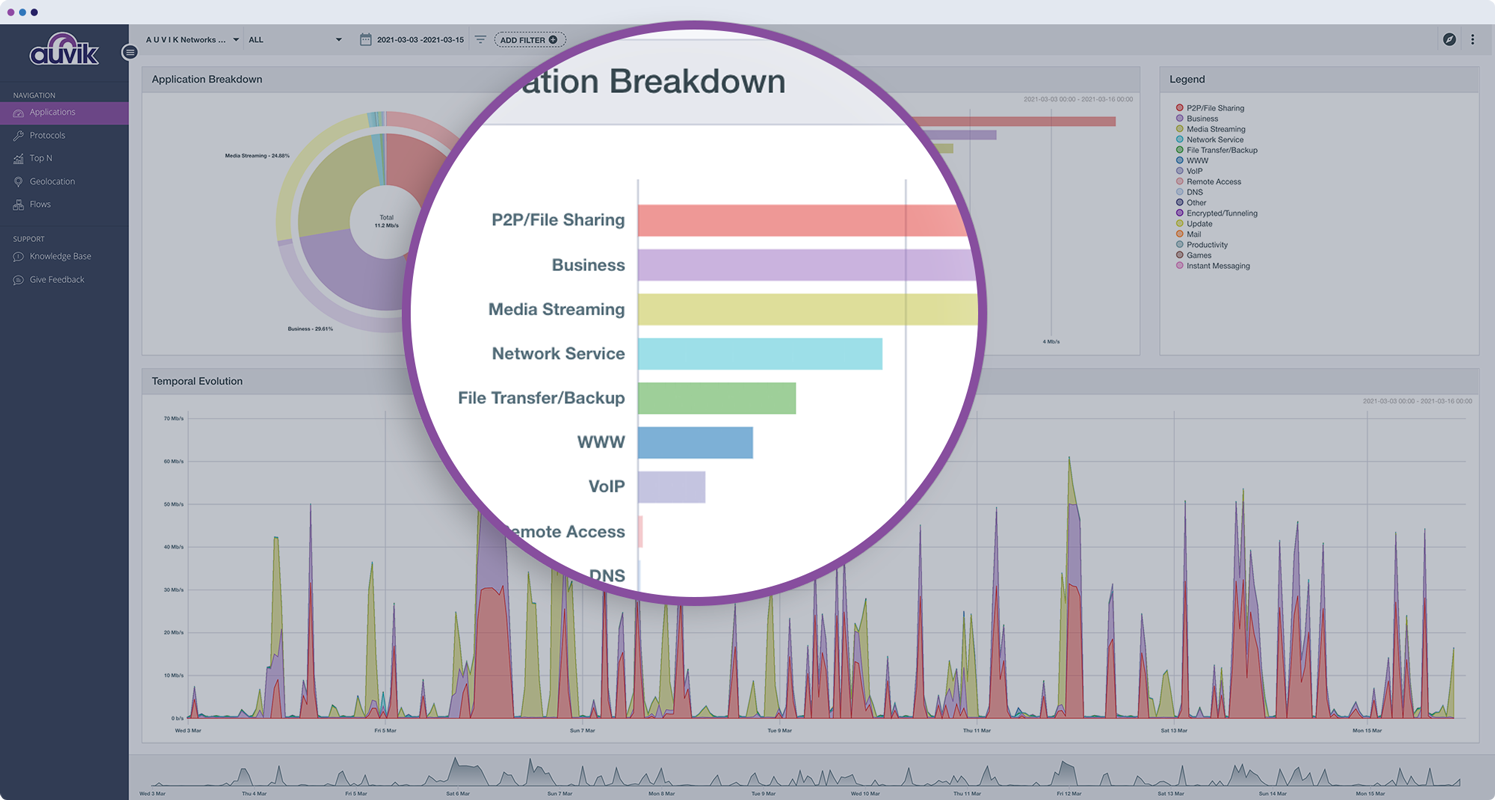
By providing a high vision of inbound and outbound traffic, we manage to avoid the entry of threats and the exposure or loss of data from our business infrastructure.
Its policy based management is very helpful, since it is much simpler to manage SSL traffic and to be aware of any attack coming from it and to apply security controls to all business traffic.