Auvik Network Management is a vendor-agnostic cloud-based network monitoring and management solution providing automated network discovery. Auvik requires no service hardware or disruptive maintenance cycles and provides onboarding and training for new and existing users. Auvik delivers visibility and automation to reduce friction for IT teams and allow them to give end users the freedom to work wherever and however they…
N/A
OpenText Asset Management X
Score 8.4 out of 10
N/A
Micro Focus Asset Management X (formerly HP Asset Manager) is enterprise-class IT asset management (ITAM) solution acquired by Micro Focus from Hewlett Packard Enterprise, supporting change and configuration management and license management.
N/A
Pricing
Auvik
OpenText Asset Management X
Editions & Modules
No answers on this topic
No answers on this topic
Offerings
Pricing Offerings
Auvik
OpenText Asset Management X
Free Trial
Yes
No
Free/Freemium Version
No
No
Premium Consulting/Integration Services
No
No
Entry-level Setup Fee
No setup fee
No setup fee
Additional Details
Pricing is calculated per number of switches, routers, firewalls, and controllers. Everything else is monitored for free.
Auvik was a much better to scale as an MSP and their support offering was far better from my research. Knowledge base, training, and dedicated support/account reps made it an easy decision. As an MSP we need less time maintaining and learning the tools and more time working …
Auvik's license structure is simple and affordable. Auvik's license is based on total network devices in your network. They charge only for total number of Switches, Routers, firewalls and Wireless controllers in your network. All other devices license would be free of charge
Auvik has an automatic discovery setting, where Zabbix has to be done per each machine. This slows things down and makes it a little more complicated especially when there is no credentials or anything that is available. Zabbix however has a better uptime compared to Auviks. …
Auvik can stand up against any of the big network management and monitoring solutions on the market. I've implemented and used SolarWinds at many organizations for over 15 years. The paradigm that SolarWinds, PRTG, Prime, etc., work under is completely different than Auvik. …
I have previewed several other products, and they all look like a joke compared to Auvik. I have not tested them, however, so I won't say anything further on that.
Auvik is a superior tool for MSPs due to its multi-tenant capability, speed of deployment for new customers, and integrations with the current common MSP tools stack. Intermapper is a very powerful and expensive application, so not directly applicable, but Auvik still has many …
I came onboard with Solarwinds already installed and running. It took me some time to learn my way around the Web interface. Nice product but a little convoluted for me. We weren't using it to it's full potential. It did work well for network monitoring, and configuration …
Auvik does a better job of visually giving a representation of how items are connected in the network. Also, the alerts are fast and detailed, which allows fast response to issues when they arise. There are many SNMP details already in Auvik and they have the ability to monitor …
The out of the box features and alerting with Auvik have been incredibly helpful. The navigation is slightly behind the clarity within the SolarWinds portals, but the alerting is significantly better out of the box.
Since we have only evaluated auvik and have solely rested on this as a solution, we have no ability to compare and contrast other vendor offerings such as SolarWinds or HP's network discovery tools.
We already have a set tool that we use and we use Auvik to fill in the blanks and double up for backups. not a lot of tools are able to do what Auvik does, but it also goes the other way around. With network monitoring, Auvik does have more features compared to some others. …
HP Asset Manager is definitely enterprise grade, whereas the other asset Management programs I have are specific to either one industry or a smaller locations that might not need the deep analysis & reporting functionalities & tools that are provided by HP. The cost is indeed …
Auvik is fantastic for managing multi-site, multi-company networks - very well suited for MSP or consultative technology companies. Navigation is simple and easy between clients and their sites. Auvik is less well suited for managing single sites or single companies - it is really meant to be used at a larger scale.
Asset Manager is great for people who understand the Software Development Lifecycle and are familiar with the terminology, however for a new assistant, or a new novice user, the software can seem over-whelming with the rather confusing terminology and a multitude of tabs that open up. It's definitely great software to use for a professional PM, however an assistant would be lost in the tools being offered.
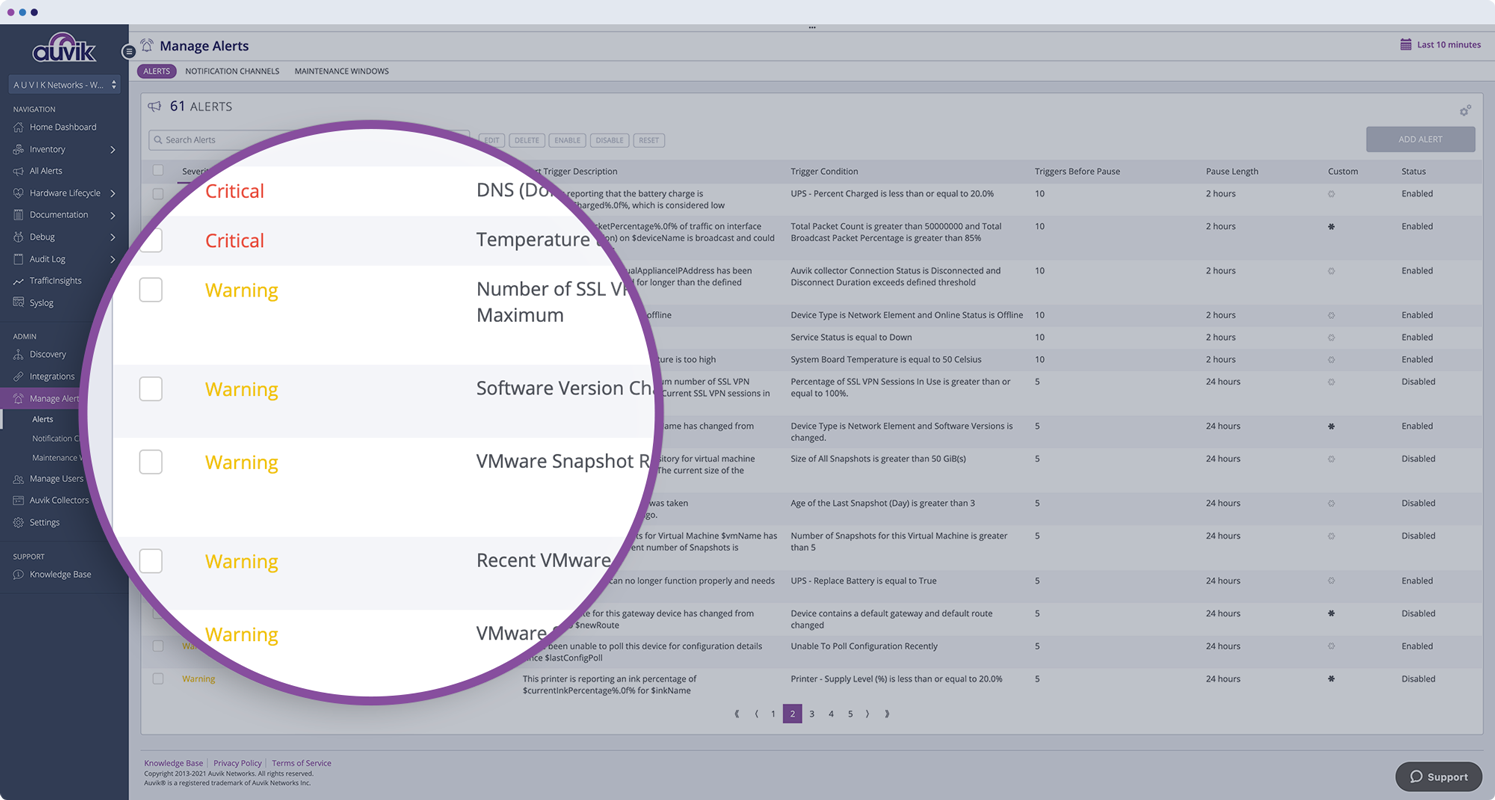
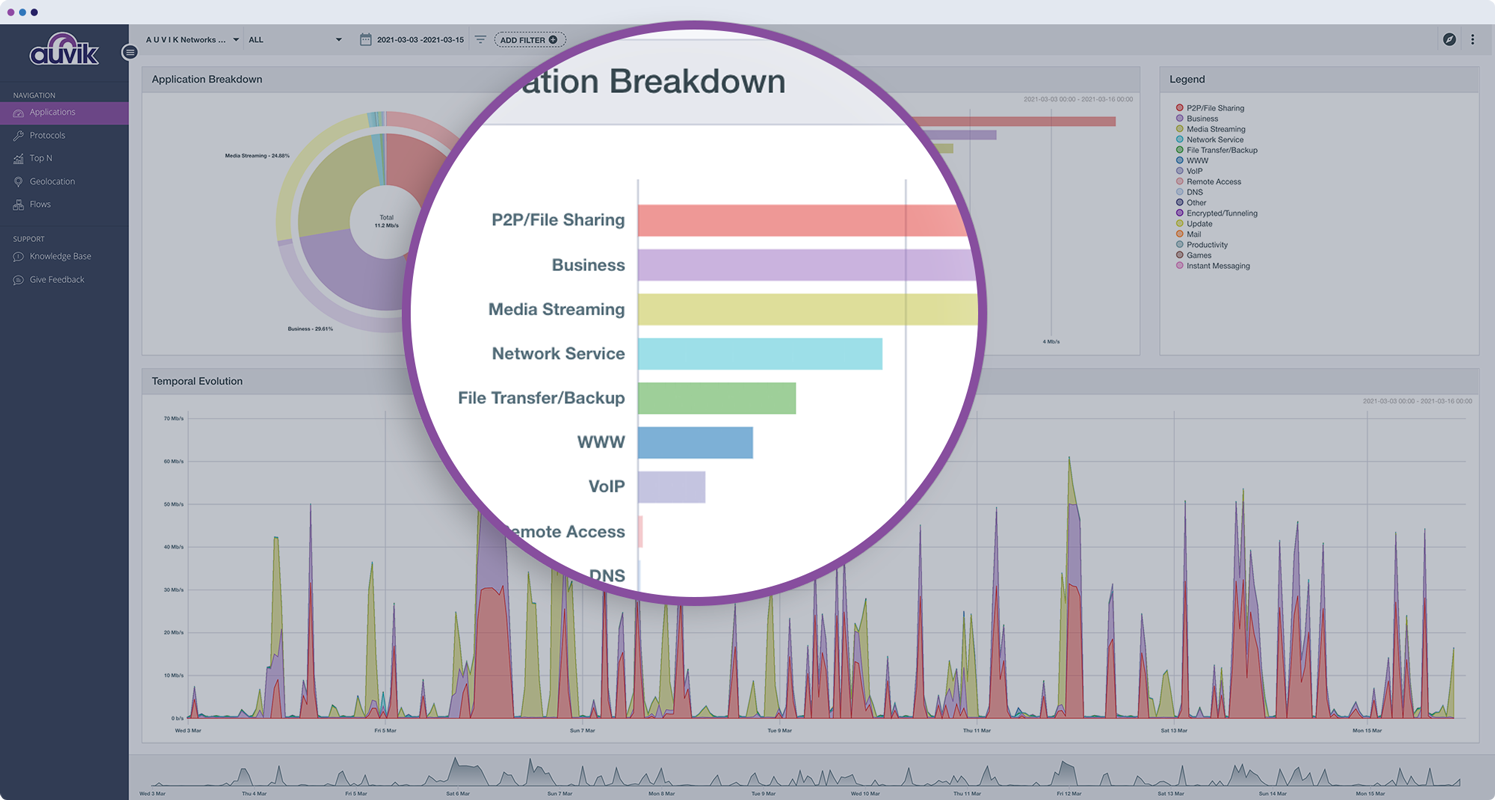
Monitors, alerts, and reports on network device and port utilization.
Quickly created complete network diagrams.
Works well in a co-manage environment enabling teams full but restricted access to specific sites. Integrates well with site specific access in ConnectWise Automate.
Need more video tutorials - Although HP has great FAQs and has included the keyword search for topics, but some video tutorials would be great to help a new user.
Overwhelming at times. I remember when I first started using the software, just the magnitude of tools were too much. However even though I don't use half the tools even now, just the possibility of more functions available to me, makes it a great software.
Secure Log-in - I would like HP to invest into single sign-on where you don't need to put in your user ID & password constantly. A push notification to a personal device would a great added feature.
The program can be a bit unwieldy at times, however the majority of information is displayed in a readable and friendly way. The maps and popup information box from the bottom can be harder to use on a smaller screen but on a 1080p+ display tends to work fine.
Auvik's license structure is simple and affordable. Auvik's license is based on total network devices in your network. They charge only for total number of Switches, Routers, firewalls and Wireless controllers in your network. All other devices license would be free of charge
HP Asset Manager is definitely enterprise grade, whereas the other asset Management programs I have are specific to either one industry or a smaller locations that might not need the deep analysis & reporting functionalities & tools that are provided by HP. The cost is indeed higher than other programs like Fox Graphic Tracker (Internal Software) and Samange that I have used in the past, but for a large enterprise with multiple ongoing projects, HP Asset Manager is the way to go !
Auvik has worked on sites with 15+ offices connected with VPN's and we have not encountered any issues with the monitoring. On larger sites the map can be a bit cumbersome to read however it can be cleaned up easily with device filters.
We are at an initial stage of device onboarding and Auvik already provides quick network documentation without having to worry about updating; this is done dynamically.
Helpful for MSP in that it uses role-based access control to present customer-focused device management, and simplifying administration for monitoring and alerting, dashboards and reports, and billing.
HP Asset Manager is great for compliance purposes. We know we have all the licenses in place when needed for upgrades or yearly reviews. Saves us times.
Ability to track & print reports saves PMs time in quartely reviews.
Great way to prepare for any presentations by the use of analytical tools which saves us money in investing in other software for presentation purposes.