Chose AvidXchange
I have not used another system.

| Product | Rating | Most Used By | Product Summary | Starting Price |
|---|---|---|---|---|
 AvidXchange | N/A | AvidXchange is an automated bill payment system. | $5,000 per license | |
 Zoho Invoice | N/A | Zoho Invoice is a cloud-based invoicing solution designed to help small businesses with invoicing, tracking expenses, and accepting online payments. Key features include project billing, time tracking, reporting, customizable templates, and a client portaI. Teams using Zoho Invoice can track estimates, convert them to invoices, and send reminders to clients to complete their outstanding payments. Additionally, users can create tasks, collect advance payments for projects, and keep… | $0 Per Organisation, Per Month |
| AvidXchange | Zoho Invoice | |||||||||||||||
|---|---|---|---|---|---|---|---|---|---|---|---|---|---|---|---|---|
| Editions & Modules |
|
| ||||||||||||||
| Offerings |
| |||||||||||||||
| Entry-level Setup Fee | No setup fee | Required | ||||||||||||||
| Additional Details | — | Zoho Invoice is a completely free product. It has no contracts, no ads, and no hidden fees | ||||||||||||||
| More Pricing Information | ||||||||||||||||
| AvidXchange | Zoho Invoice | |
|---|---|---|
| Considered Both Products |  AvidXchange  Suzanne Crockett Operations and Marketing Specialist Chose AvidXchange AvidXchange is the first automated AP system we've implemented within our company.  Richard Maritt, CMCA, AMS Director of Training and Development Chose AvidXchange SIRE became bogged down over time, began having more downtime, worked slower than expected, and had stopped advancing the development of its features. As such, we had to find an alternative. For our size (not small and not big), we needed something which got narrowed down to …  Lori Babaz Assistant Property Manager Chose AvidXchange I have only used one other product like AvidXchange. It was solely owned by a former employer that designed and implemented in-house. It was similar, however it was unable to run reports. I do like AvidXchange much better.  Christina Honthy-Little Senior Property Manager Chose AvidXchange No comparison. Our national company recommends a small selection of A/P modules that integrate with our MRI accounting software. When the decision was made, it was a no-brainer to select AvidXchange, due to my prior knowledge and experience. |  Zoho Invoice  Affri Hasan Salina Asst. Backend Developer Chose Zoho Invoice Zoho Invoice streamlines bill creation and sending by personalizing invoices with logos, identities, and terms. It offers detailed payment reports, an integrated payment system, and payment summaries for tracking success. It automates invoicing and payment tasks, saving time …  Leigh Anne Pearson Social Media Manager Chose Zoho Invoice Google Drive stored my invoices in one accessible location but required more time and maintenance. I didn't want to invest the time into building out sheet functions to carry over figures across sheets, so I researched invoicing options. I am already a fan of Zoho services, so …  .Kim Murphy Owner Chose Zoho Invoice Zoho Invoice is much easier and convenient then Microsoft Office 365 when we create invoices and track or manage payments. Furthermore, Zoho Invoice integrates effortlessly with Stripe Payments, enabling us to quickly create online payment links inside the digital online …  Paul Ellul Vice President Chose Zoho Invoice We use both. The products complement each other for our use.  Robin Bull Dark Countess of Communication / CEO Chose Zoho Invoice Before Zoho Invoice, I used Cashboard App. Cashboard App did what I needed, but it was limited as far as the reports and the types of payments I could accept. Offering a variety of payment options is important to me as a provider. It also wasn't as aesthetically pleasing as …  Tom Wondra Consultant / Account Executive Chose Zoho Invoice Zoho Invoice is easier to use, for pure invoicing and time tracking, then QuickBooks Online and O365. QuickBooks Online is more robust, but with that comes the admin overhead to learn, update and maintain. O365 requires manual creation of invoices, or searching out available …  //Roland Matte SR Partner Chose Zoho Invoice Zoho Invoice stacks up well against may other products as it brings real value for little of no investment up front...Zoho Invoice is also very easy to learn, configure, and use.  Alexis Correa Customer Service Chose Zoho Invoice The first one I used was Zoho Books. I liked it, it is very similar but has more options, it looked excellent integrated with Zoho CRM, but I really need something simpler and so, I selected Zoho Invoice. The latest update of Zoho CRM integrates well. When we grow more as a … |
| AvidXchange | Zoho Invoice | ||||||||||||||||||
|---|---|---|---|---|---|---|---|---|---|---|---|---|---|---|---|---|---|---|---|
| Payment Management |
| ||||||||||||||||||
| Accounts Payable |
|
| AvidXchange | Zoho Invoice | |
|---|---|---|
| Small Businesses |  Square 9 Softworks Score 9.1 out of 10 |  vCita Score 8.5 out of 10 |
| Medium-sized Companies | Square 9 Softworks Score 9.1 out of 10 |  TimeCamp Score 8.3 out of 10 |
| Enterprises |  Webexpenses Score 9.2 out of 10 | TimeCamp Score 8.3 out of 10 |
| All Alternatives | View all alternatives | View all alternatives |
| AvidXchange | Zoho Invoice | |
|---|---|---|
| Likelihood to Recommend | 9.0 (0 ratings) | 8.0 (0 ratings) |
| Likelihood to Renew | 8.2 (0 ratings) | - (0 ratings) |
| Usability | 8.2 (0 ratings) | 9.0 (0 ratings) |
| Availability | 9.0 (0 ratings) | - (0 ratings) |
| Performance | 8.0 (0 ratings) | - (0 ratings) |
| Support Rating | 8.2 (0 ratings) | - (0 ratings) |
| Implementation Rating | 7.3 (0 ratings) | - (0 ratings) |
| AvidXchange | Zoho Invoice | |
|---|---|---|
| Likelihood to Recommend |
|
Robin Bull Dark Countess of Communication / CEO |
| Pros |
Suzanne Crockett Operations and Marketing Specialist |
Tom Wondra Consultant / Account Executive |
| Cons |
 Nancy Tricola Acct's Payable-Receiveable, Data Systems Management |
.Kim Murphy Owner |
| Likelihood to Renew |
| No answers on this topic |
| Usability |
|
|
| Support Rating |
Richard Maritt, CMCA, AMS Director of Training and Development | No answers on this topic |
| Alternatives Considered |
|
Affri Hasan Salina Asst. Backend Developer |
| Return on Investment |
|
|
| ScreenShots | Zoho Invoice Screenshots   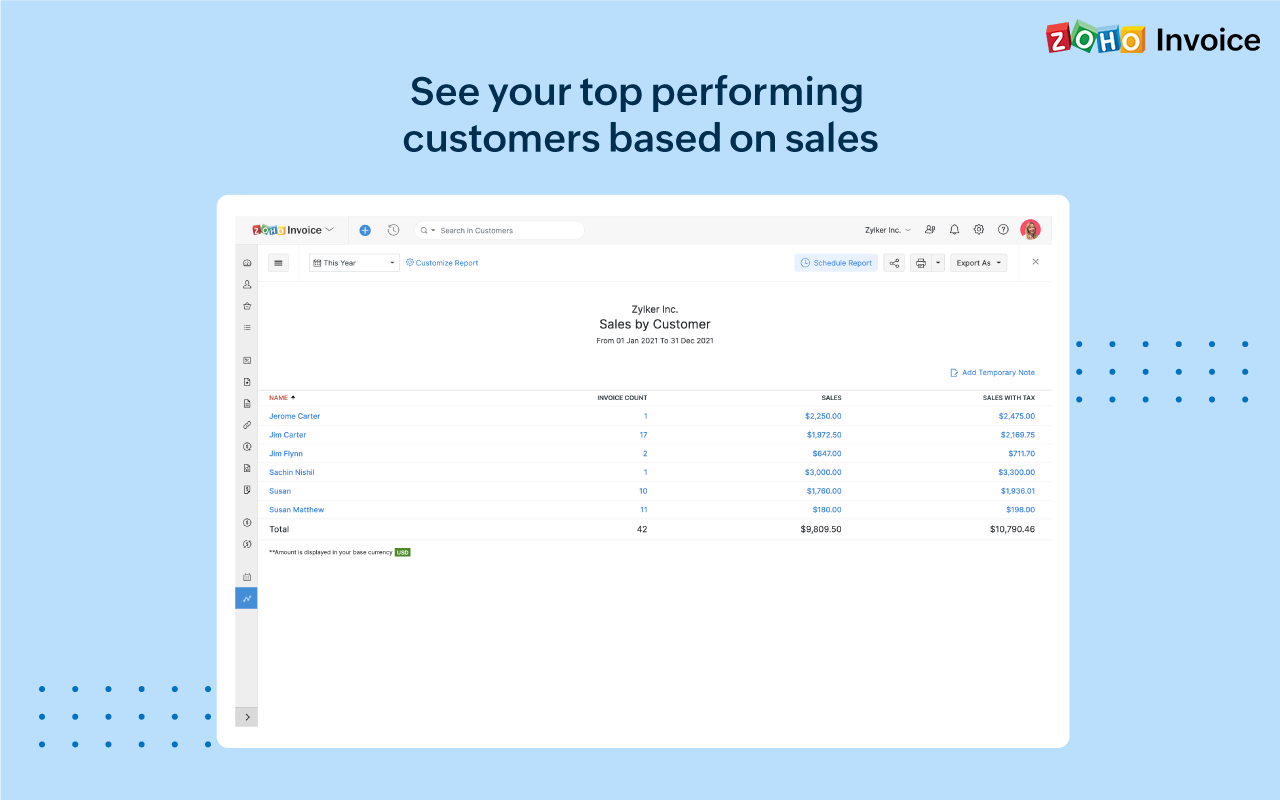 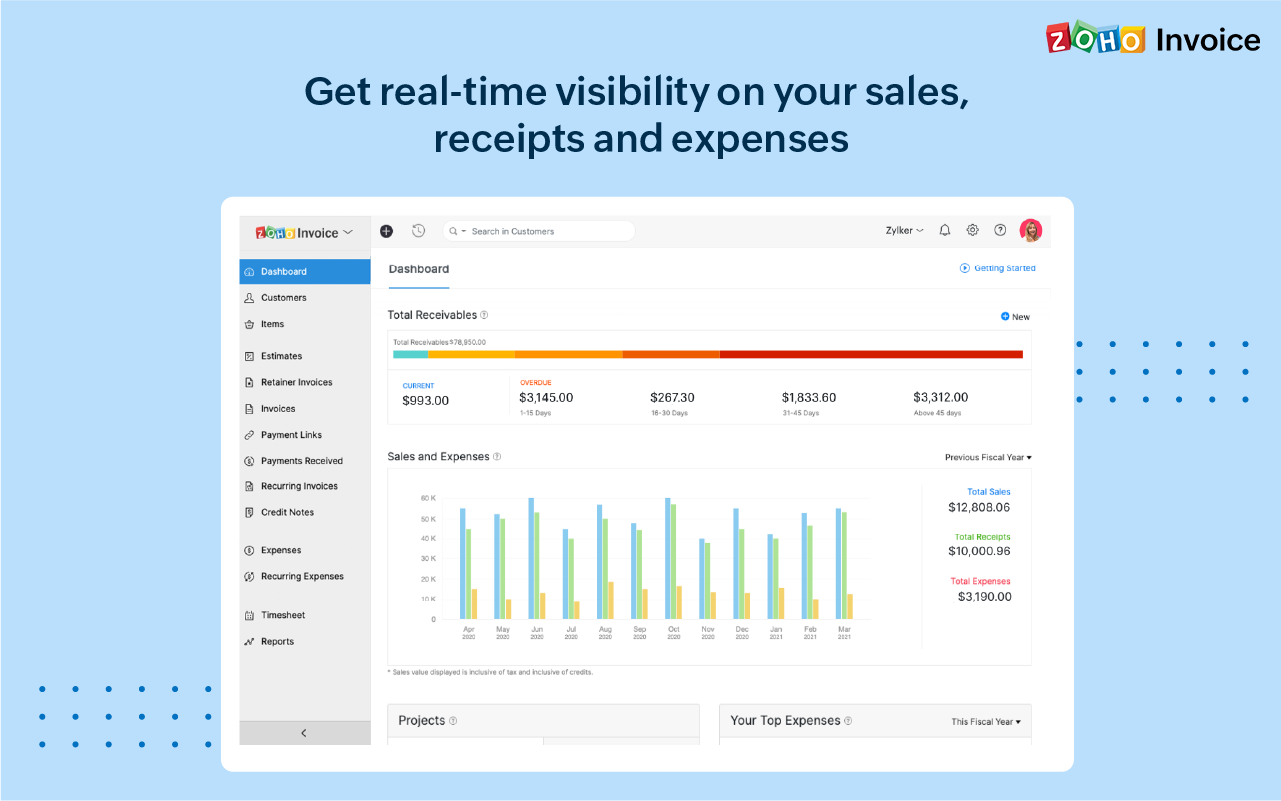 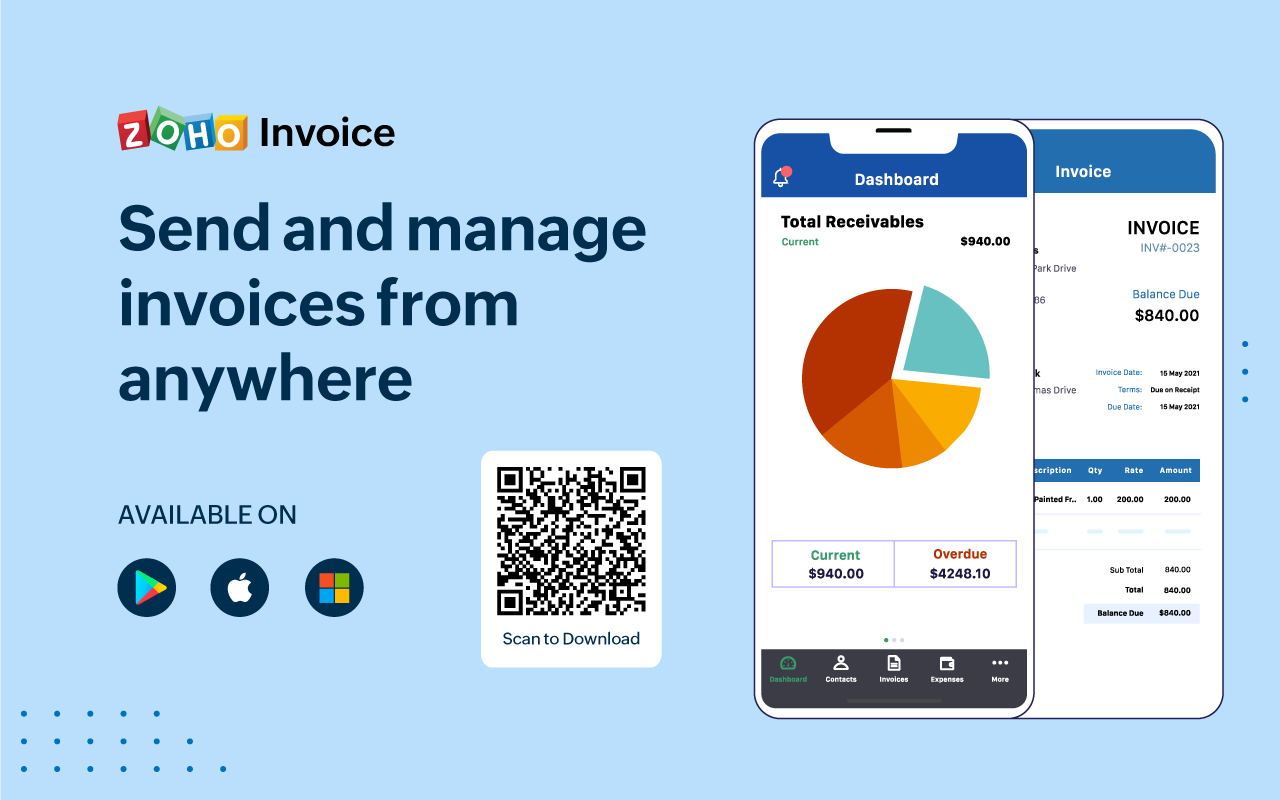 |