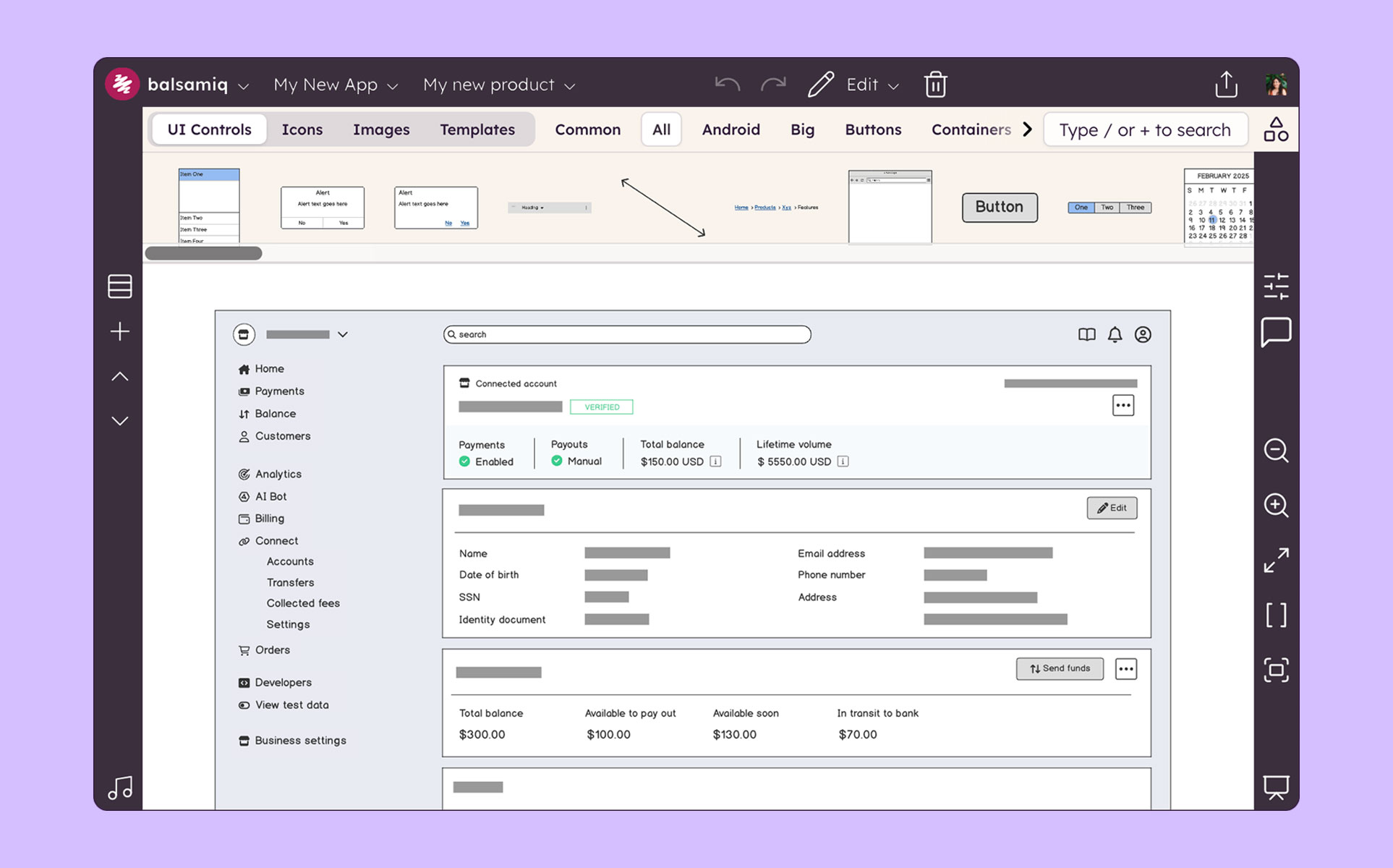
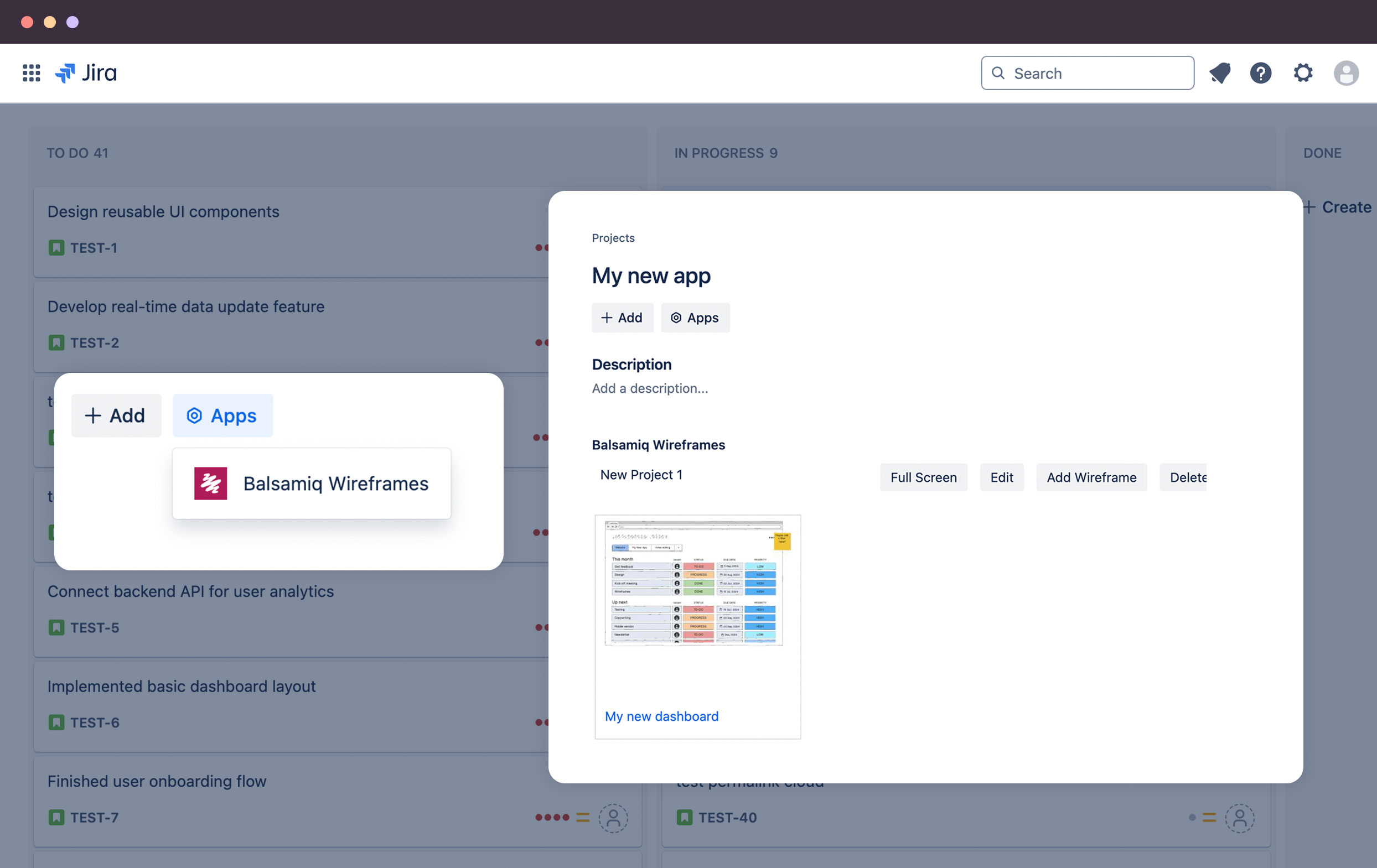
Balsamiq is a wireframing tool that helps lean product teams turn early ideas into clear, actionable direction. The tool helps product managers, founders, and engineers worldwide share concepts, reduce rework, and build better products.
N/A
Visily
Score 10.0 out of 10
N/A
Visily is a wireframe software that enables teams, regardless of size and skills, to brainstorm and create app wireframes. Boasting a rich UI library and advanced AI features, Visily helps non-designers such as founders, product managers, business analysts, and software developers to quickly iterate and validate their ideas.
Balsamiq is lagging a lot as compared to Figma but it's comparable with respect to Mockflow.
Also, Figma is a full stack solution in designing and hence it was an overkill of my role. Balsamiq is easier to use & know in the industry and hence that helped in decision making.
I use Balsamic for ideation, discussion, collaboration and proposals. It is super fast and easy to just drag UI components onto the canvas and move things around or delete things as you need. Its alignment tools are basic and good enough to get the job done. I would use Figma …
In the past I have just used HTML to mock up UIs, but as I've previously mentioned this can cause problems with user's thinking that the system is already built. Balsamiq is far quicker and easier to create wireframes, it is more collaborative and the resulting wireframes …
We think Balsamiq does a good job compared to Visio and we do go to Balsamiq first. We typically know after trying to put together the first wireframe if it will work well in Balsamiq. And we are familiar enough with both tools to get an idea. If it is not working right away in …
While I love these other tools for many different reasons, Balsamiq is the tool I use for low-fidelity wireframing every time. It’s the most simple and easy-to-use out of the bunch, and it gets the job done without a ton of effort and time required. In the early stages of …
OmniGraffle can get you to the same place as Balsamiq will, but it will take you longer. Balsamiq has more built-in elements that help you create mockups very quickly. With OmniGraffle, though, you'll be spending more time creating elements by hand. And because OmniGraffle is …
Invision integrates well with Photoshop but Balsamiq has a much more intuitive pick-up-and-play quality that makes it a useful entry tool to marketing teams just getting their feet wet in the design process. The standardized layout and methodology also gives it an edge if you …
Creating digital wireframes in Photoshop is a nightmare. Photoshop was not really designed for this purpose. It doesn't have good collaboration options and it doesn't allow pattern libraries, which are essential for consistency and efficiency. We use UXPin and Axure for some …
We select Balsamiq for product cost and quality. It is intuitive, so it does not require much support or courses to start using it. It does not take up much space on the server, it is very light. It can be used in several operating systems. You can load the Bootstrap library …
We have used some other alternatives and Balsamiq is the best one for fastest results. InVision and Justinmind both work very well and have great tools for collaboration and making interactive mockups. With Justinmind, I have done some app mockups that felt almost functional …
Balsamiq is the only wireframing software I've used. The only other thing that I've used for any wireframing is Microsoft Powerpoint, which does actually increase some customization options, but takes much longer to make a quality wireframe.
I've also used Adobe Illustrator …
Balsamiq is selected for cost and product quality. It is inductive, so it does not require much support or courses to start using it, it does not take up much space on the server, it is very light. It can be used in several operating systems. You can load the Bootstrap library, …
Balsamiq is a quite simple tool; but does exactly what was designed for, it helps with creating mockups, wireframes, and flows. Its simplicity works great for people who are not designers but need to visually represent their ideas. Low-fidelity wireframes work really well in …
I just searched free trials and did a test run of Balsamiq for 30 days at no cost. I didn't even look at another product - this one met the immediate need to get a bunch of drawings done and out the door. At the end of the 30 days my manager didn't care, either, just wanted a …
The Pen tool in Paper is definitely a happy middle between Balsamiq and actual paper prototyping. It has the advantage of being able to copy/paste a section that has already been designed - but even there selecting a specific section is hard - balsamiq's sections are more …
We also have Adobe Illustrator. Balsamiq is a great choice when you value speed and want to use the pre-built icons to put together an interface. It is also a slimmed down feature set versus Illustrator and gives you just the essentials. Balsamiq is easier for non-graphic …
Axure vs Balsamiq. I would pick Axure over Balsamiq. The only con is there could be a learning curve to Axure. Sketch gives more interactivity over Balsamiq but is limited to Mac users. UXPin has easier palettes to move around than Balsamiq but Balsamiq is easier to use than …
I think the learning curve for all of the other tools is much greater than that of Balsamiq. PhotoShop, I think, is a poor tool for UX, but is often used by members of my team for its overall prevalence in their past education (many graphics folks). I have found that …
Balsamiq is very simple and easy, select and drag program for wireframing and prototyping for websites and software. It's really meant for beginners and people who put more weight into the workflow rather than design as there aren't very many options for making it personalized …
I used Gliffy as a free trial and only for a few projects. From what I remember it was fairly similar to Balsamic, but I don't remember Gliffy having the same selection in their UI library.
I use a combination of both products, I use Balsamiq for quick wireframes to get the over all UI layout hammered out. I then use Photoshop to better design color scheme and exact padding.
Axure is basically a direct copy of Balsamiq for 4x the price. Moqups is painful to use and it's a monthly subscription. Although I have not used Adobe Comp, the learning curve is so high, it cannot even come close to the ease of Balsamiq. And Illustrator and Photoshop for …
Balsamiq is excellent for creating low-fidelity wireframes where the designer is trying to communicate a general, loose idea of how the design should look. Because of this, it should be used early in the design stage, when there are still many decisions to be made about how the final design should look like. However, it is less suitable for situations where one wants to communicate a more final-appearing version of a design. There are limited functionalities (which appear intentional, as the Balsamiq website says that the tool "has 'just enough' prototyping capabilities, but not more”). Because of this, it is likely wise to choose a more high-powered tool, such as Axure, to create a fuller design toward the later stages of the design process
When building a new product or even a new startup - this tool is priceless, in demonstrating a product's potential without really building it and investing expensive resources before you have users' validation. It's less usable for any backend planning, or when the system behind is too complicated and any user interaction changes the dataset behind the scenes
Ease of use: Balsamiq is the easiest wireframing platform I've ever used. You will be able to learn how to work with the drag-and-drop interface in less than a day. Use familiar resizing controls (click and drag) to control elements. Familiar keyboard shortcuts for grouping, duplicating, undoing, and more make the platform incredibility intuitive.
Cartoony: I think Balsamiq's intentionally "cartoony" style is great. Again, this helps clients focus on the "what" on the page without spending too much time worrying about the actual look. We have a content-first approach. We always want to nail down the user-flow first before we delve into graphics.
Symbols: The symbols library did not exist when I first started using Balsamiq 7 years ago, but it's a great addition. Assign design elements to your symbols library within a project for easy re-use throughout multiple pages. This is a great way to maintain consistency in your design and reduce re-work. For example, if you copy-paste a footer on each page of your 10 page design, you will need to go back and update all 10 versions if you make a change. If you use the symbols library, you would only need to update it once.
Presentation: Presentation mode allows you to display a full-screen presentation. This is extremely helpful when walking through mocks with clients.
Linking: You can link elements of pages in a project together. This can help you illustrate functionality.
The project can get a bit laggy around 70-100 pages (on a MacBook Pro). It didn't happen to me but I've seen it in a presentation of a project and it froze in a moment and had to restart the app.
I don't find the design of the components very "pretty". It's totally subjective but still wanted to mention it. I know this is the style they have had since the beginning and it's almost something that identifies Balsamiq, but I think it can be improved.
Balsamiq is just so simple, intuitive and fast at creating wireframes. It has just the right amount of UI elements to get the job done without weighing you down with decision fatigue. If you really need something that is not there, you can either draw or import your own elements. I also like the way that you can organize your assets for reuse.
Very intuitive and easy to understand. It only takes minutes to get the hang of it and get back to work. For new analysts (like, brand new, fresh out of school) it's not difficult and they need minimal to no hand-holding. The training content that is embedded is easy to find and use.
In the past I have just used HTML to mock up UIs, but as I've previously mentioned this can cause problems with user's thinking that the system is already built. Balsamiq is far quicker and easier to create wireframes, it is more collaborative and the resulting wireframes cannot be confused with a real system as they have a hand drawn feel to them.
The product works very well for showing product owners and developers design ideas for purposes of discussion, debate and refinement.
The products also works very well for specifying new designs for developers. This is best done in a series of screens that show various screen states and user interactions.
I also use the products to document bugs in software products and websites we have developed. This includes outlining and documenting bugs and changes to user interactions and refinements to the usability of completed interfaces and user experiences.