BlackBerry UEM (formerly from Good Technology) offers a complete enterprise mobility management solution, including capabilities for mobile device management, mobile application management, mobile content management, identity access management and mobile security and containerization.
N/A
Hexnode UEM
Score 8.5 out of 10
N/A
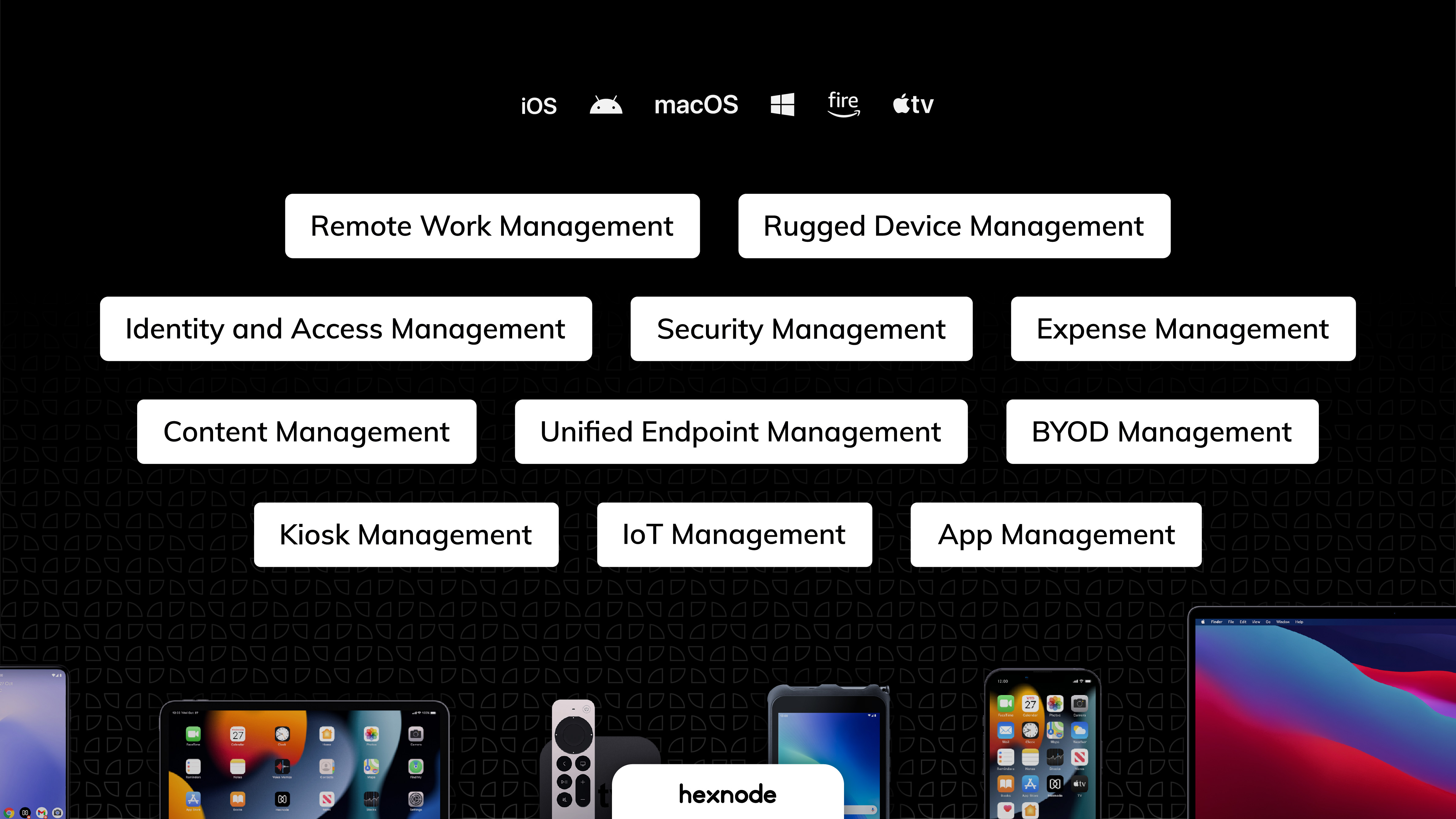
Hexnode is a Unified Endpoint Management solution from Mitsogo Inc. that aims to simplify the way people work with the help of intelligent tools. The management platform streamlines the device lifecycle model to offer its support at every stage, from device onboarding to the end of its life. It also gives a hands-free experience with automatic enrollment using Zero-touch enrollment, Knox Mobile Enrollment, and ABM and endpoint management with the help of dynamic group allocation in…
$2.40
per month per device
Pricing
BlackBerry UEM
Hexnode UEM
Editions & Modules
No answers on this topic
Pro
$2.40
per month per device
Enterprise
$3.60
per month per device
Ultimate
$5.20
per month per device
Ultra
Contact Hexnode for a Quote
Offerings
Pricing Offerings
Blackberry UEM
Hexnode UEM
Free Trial
No
Yes
Free/Freemium Version
No
Yes
Premium Consulting/Integration Services
No
No
Entry-level Setup Fee
No setup fee
No setup fee
Additional Details
—
No support costs, No maintenance charges. Per device pricing. Discount available for annual pricing.
BlackBerry UEM is well-suited if you are looking for an all-in-one mobile security management platform. From the initial rollout and install of the software onto a device, to the deactivation and removal off the network, it works well and is easy to maintain. The one area where it could still use improvement is working with iOS devices, due to the non-native app functionality.
Hexnode was best suited for us to manage android devices and more specifically for Kiosk Lockdown and restrictions. Hexnode being a UEM offers support for platforms as well. It certainly does open doors for us to increase and take up more devices under the management of Hexnode. As said earlier, Hexnode does not support wearables as of now; would be great if they could start supporting them soon.
We utilize a small number of Windows devices in addition to Android ones, however, Hexnode UEM has very few Windows-specific restrictions compared to those for other platforms.
When we turned on the remote control, the Hexnode for Work app would periodically crash.
We had to get in touch with their tech support to resolve the issue because the Multi app kiosk mode for Windows devices was not correctly pushed.
If given a choice, I would like to access office emails directly using Microsoft Exchange. Entering login passwords every five minutes seems painful and syncing of emails is not done in real time.
UX is pretty good, but various screens are a bit redundant. Managing user and managing devices is often one in the same operation, but is broken across multiple screens. Device management policies are strange because if you make a "macOS" policy, why does it have all the Windows, iOS, Android etc options? It's unlikely you'll want all of these options for all possible OSes in one policy, but that's the only way to build a policy. Manage policy changes require remote system restart which is highly disruptive to employees.
If you have a serious issue with your on-premise installation, access to support can take a bit to get someone on the phone, and it can take some time to rectify, given the complexity of the software. In my experience, the support team does get you back up and running in critical scenarios, but you more than likely will be on some marathon calls, unless it is a very simple and known issue.
When I compared Black BerryUEM (formerly Good) with MaaS360 and AirWatch at the time, BlackBerry UEM (formerly Good) offered better integration into the network as well as better mobile clients to execute work. Access to 3rd party apps that can be used e.g., ability to synchronize and edit notes. This, however, may have changed in recent years.
We previously utilized Miradore MDM for all of our tablets and management. We have since made the switch to Hexnode UEM and are migrating all of our tablets to it instead. We have saved money with this switch and we have been able to easily remove our tablets from Miradore and set them up within Hexnode UEM instead.
We already had someone try to walk away with an ipad after deploying Hexnode, and we were immediately able to force an activation lock telling them to bring it back and they did.
It has saved us a lot of time setting up ios devices as we have a limited amount of IT staff and Hexnode makes it take probably around ten minutes an ipad.
Employee experience has improved since we can reset code remotely and they no longer have to send the ipads back to the corporate office to get reset.