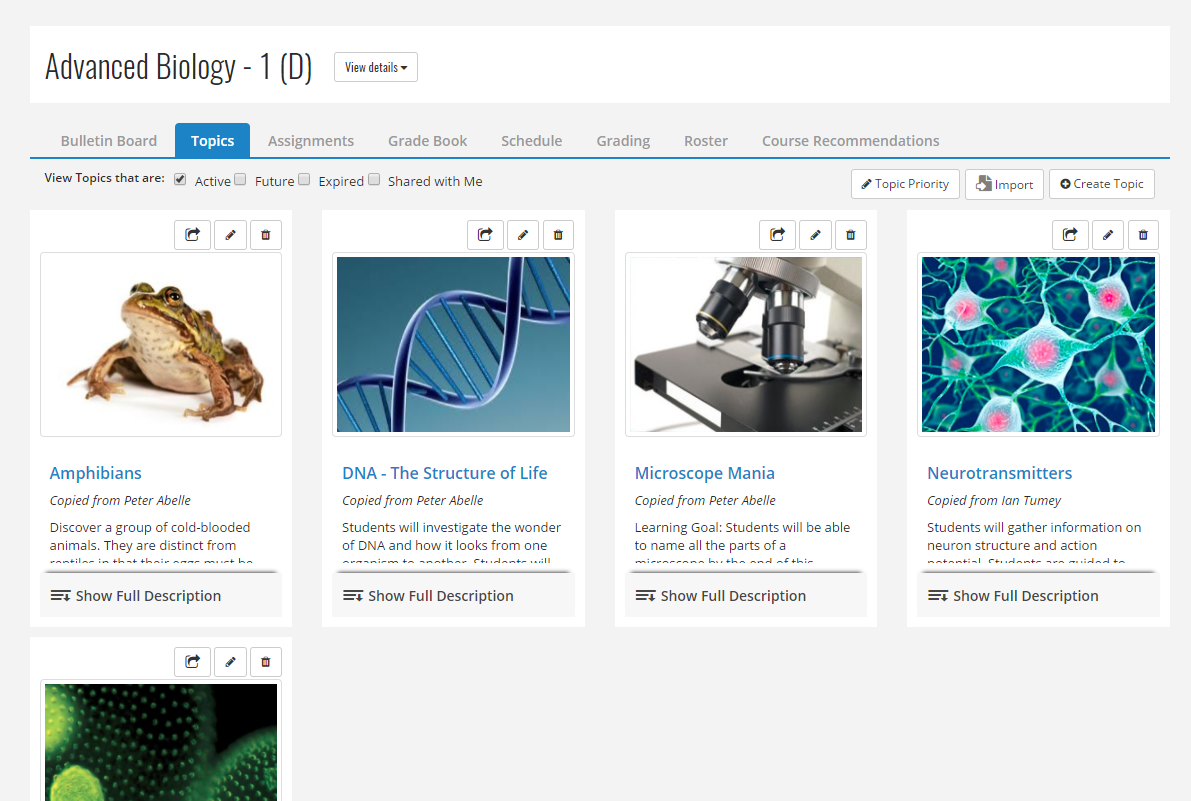
Instructure is an educational software company based in Sandy, Utah. It is the developer of the Canvas learning management system, which is a comprehensive software package that competes with such systems as Blackboard Learning System, SumTotal and Saba.
N/A
Blackbaud Education Management Solutions
Score 7.9 out of 10
N/A
Blackbaud Education Management Solutions is a unified student management system for K–12 private schools. Blackbaud Enrollment Management System™: Gives schools and families the ability to track admissions progress from first impressions all the way through the application process to acceptance, enrollment, and tuition payment. Blackbaud Learning Management System™: Track students' academic performance and progression…
N/A
Pricing
Canvas
Blackbaud Education Management Solutions
Editions & Modules
No answers on this topic
No answers on this topic
Offerings
Pricing Offerings
Canvas
Blackbaud Education Management Solutions
Free Trial
Yes
No
Free/Freemium Version
Yes
No
Premium Consulting/Integration Services
No
No
Entry-level Setup Fee
No setup fee
Required
Additional Details
Must contact vendor for pricing information.
—
More Pricing Information
Community Pulse
Canvas
Blackbaud Education Management Solutions
Features
Canvas
Blackbaud Education Management Solutions
Learning Management
Comparison of Learning Management features of Product A and Product B
If you have a school you can let teachers easily create new deadlines which [automatically] get shown in the calendar. Teachers can also [temporarily] hide deadlines [until] they've given the explanation about the tasks. [Besides] that the teacher can also choose what should be uploaded, should it be a link, file, pdf, link,...
Blackbaud Education Management Solutions is well-suited for schools who are interested in having it as the central piece to their student suite. I've heard that it does integrate with some other Learning Management systems but we've found that having it all in one place has made communication, dependability, and transparency greater. We appreciate that the views are the same for parents, students and teachers so when teachers make up a bulletin board, they know that what the parent is seeing is the same as them.
Learning management - Even as the educational landscape rapidly shifts due to current events, Canvas is a great LMS for providing a consistent learning environment for students.
Mobile accessibility - Students can access their courses on Canvas from a variety of devices, including their smartphones.
Rich content - Instructors have the ability to create dynamic and engaging content for their courses.
Incredibly easy to use interface for the User (parents, applicants, etc.).
Ease of gathering data - Helpful lists, formulas, and reports.
Time saver - Especially in the Admission office. Since everything is done digitally from the user through the employee, there is no need to hand-enter data; you just click the button, and everything imports or exports as needed!
Lists -unable to just create a simple list of say 100 students of varying grade levels. Need to export, then whittle the list down. Super time-consuming. Not possible to run a list and then click the students needed from there.
Reports - [I feel there is] not enough of a selection of "canned reports" and no ability to create your own reports
Advanced lists - [in my experience] THE WORST - again creating more work - I spent over 3 hours trying to make an advanced list of all NHS eligible students, that included email addresses for the students AND the parents. Way too difficult and needs to be simplified
Learning Profile: [I feel] Fields for the person creating a learning profile for a student are too small. It would seem like the developers creating this have literally no idea how complex some accommodations are. Many accommodations come directly from a physician.
Checklists: Should be in Academics not just Enrollment Management
Ideas: [I feel it's a] good concept, poor execution. Many of the people who are actively using BB do not have the time needed to submit an idea, know it even exists or have time to search and vote.
Some aspects of Enrollment management should follow a student into Education Management. For example, [I feel]The Candidate Summary should be viewable once the student is enrolled. Converting a process from all paper to electronic-only works if the information is accessible to all pertinent staff
Several factors contribute to my "10" rating. First, our university just made an enormous switch to Canvas, after we were with Blackboard for almost a decade. So garnering buy-in was critical, and not something we took lightly. After nearly 18 months (start to finish) of training faculty, educating stakeholders, and migrating courses, I am not looking to make a change again anytime soon. But I am happy with the result and the product overall and that is also demonstrated in my rating.
We are just starting and highly invested in our journey and partnership with Blackbaud. We have committed to this system and are finding new ways to incorporate it into our everyday tasks. For example, we now track ACT and SAT scores in the test section for each student. This allows the counselors to easily look up any students test scores in an instant
The functions in Canvas are well integrated and consistent across the application, and mostly intuitive. Overall navigation and setup is streamlined through integrated features and navigation. The feedback we've gotten from our program participants is that it is easy to learn to use. It also integrates well with third party software like Google Docs and Blackboard Collaborate web conferencing software
Blackbaud EMS is very usable from my perspective. I am a power user and get lots of valuable functionality. It is, however, a complex system. Sometimes necessarily complex to accommodate flexibility for diverse customer needs. Some complexity seems unnecessary and/or hold-over functionality from earlier versions; nice to see this type being evolved away from over time. It is valuable to receive regular updates to the system along with good release notes of what changed and notices of significant changes in advance.
I do not personally use Canvas support since we have a central office that helps us. However, our central office always has the answers we need and are always able to solve our issues - so I would assume that get great support from the Canvas team on their end. They also offer great training, which uses materials directly from Canvas
Always very helpful and informative. They always have an answer or are willing to research it. Also if the system has been down in after hours the emergency support has been helpful. I do use Chat primarily and I find if you ask a very detailed question they get straight to the point and support is very quick.
Once you purchase and sign the contract there is nothing to install or hardware to buy. You can almost immediately start using it and have courses up and going within weeks. We signed in December and had pilot courses online ready to go for the start of school in January
Canvas is in the experience way better than Google Classroom. Canvas has a more robust agenda system that also allows adding in new personal deadlines. [Assignments] can be submitted past [the] deadline (if allowed), this isn't allowed by Google [Classroom], If you're too late you can't submit anything anymore. In Classroom [assignments], presentations/theory, and [announcements] are all put in 1 feed instead which gets confusing way faster.
Blackbaud K-12 is very similar. I feel like I would be trading one set of issues for another so it's kind of a wash. We are very much hooked into the Blackbaud website with our Google SSO, SmartTuition, and Schooldoc integrations. It would be difficult for us to transition. That is the main reason I haven't really entertained other web firms.
Teachers have consolidated their content onto one platform which has decreased reliance of students on so much support staff assistance to access content.
Canvas has helped make technology transitions more seamless for the school community.
Once teachers have set up their page, Canvas really takes care of it all- they have much more time to focus on content creation and synthesis rather than the actual learning management system.
Integration between SLS and SIS is definitely a time saver for teachers.
Integration with the 3rd party for conferences is working great for us. A lot of mistakes are avoided with parents not being able to schedule the wrong teachers.
Attendance and conduct visibility is a great feature.