Chose Carbonite Cloud-to-Cloud Backup
Super slow, often corrupted data, Carbonite is such a better engine and architecture.

| Product | Rating | Most Used By | Product Summary | Starting Price |
|---|---|---|---|---|
 Carbonite Cloud-to-Cloud Backup | N/A | Carbonite Cloud-to-Cloud Backup includes comprehensive, automatic backup and recovery for Microsoft 365, SharePoint, Google Workspace, Salesforce, Box and Dropbox. It helps businesses quickly recover their SaaS data and reduce the impact of data loss to become more cyber resilient. | N/A | |
 MSP360 Backup for M365/Google | Mid-Size Companies (51-1,000 employees) | MSP360 Backup for Microsoft 365 and Google Workspace offers cloud-to-cloud data protection and recovery. The solution boasts a simple setup and maintenance that supports all core M365/GW components. | $1.10 per month per user |
| Carbonite Cloud-to-Cloud Backup | MSP360 Backup for M365/Google | |||||||||||||||
|---|---|---|---|---|---|---|---|---|---|---|---|---|---|---|---|---|
| Editions & Modules | No answers on this topic |
| ||||||||||||||
| Offerings |
| |||||||||||||||
| Entry-level Setup Fee | No setup fee | No setup fee | ||||||||||||||
| Additional Details | — | There is "Cyber Starter Pack Offer" for new customers. | ||||||||||||||
| More Pricing Information | ||||||||||||||||
| Carbonite Cloud-to-Cloud Backup | MSP360 Backup for M365/Google | |
|---|---|---|
| Considered Both Products | Carbonite Cloud-to-Cloud Backup |  MSP360 Backup for M365/Google No answer on this topic |
| Carbonite Cloud-to-Cloud Backup | MSP360 Backup for M365/Google | |
|---|---|---|
| Small Businesses |  Cove Data Protection Score 9.9 out of 10 | Cove Data Protection Score 9.9 out of 10 |
| Medium-sized Companies |  Druva Security Cloud Score 9.7 out of 10 | Druva Security Cloud Score 9.7 out of 10 |
| Enterprises | Druva Security Cloud Score 9.7 out of 10 | Druva Security Cloud Score 9.7 out of 10 |
| All Alternatives | View all alternatives | View all alternatives |
| Carbonite Cloud-to-Cloud Backup | MSP360 Backup for M365/Google | |
|---|---|---|
| Likelihood to Recommend | 9.9 (0 ratings) | - (0 ratings) |
| Carbonite Cloud-to-Cloud Backup | MSP360 Backup for M365/Google | |
|---|---|---|
| Likelihood to Recommend |
| No answers on this topic |
| Pros |
| No answers on this topic |
| Cons |
| No answers on this topic |
| Alternatives Considered |
| No answers on this topic |
| Return on Investment |
| No answers on this topic |
| ScreenShots | MSP360 Backup for M365/Google Screenshots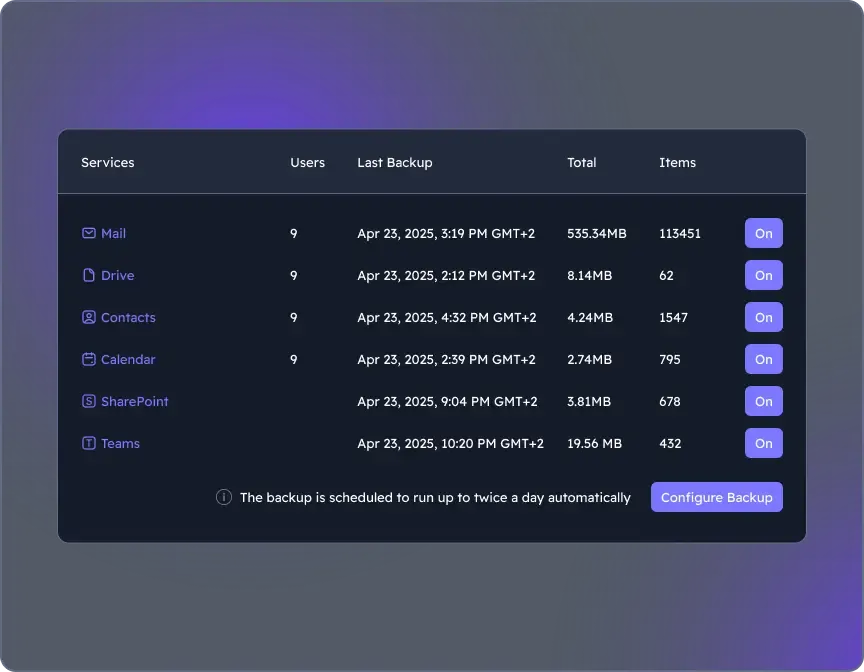 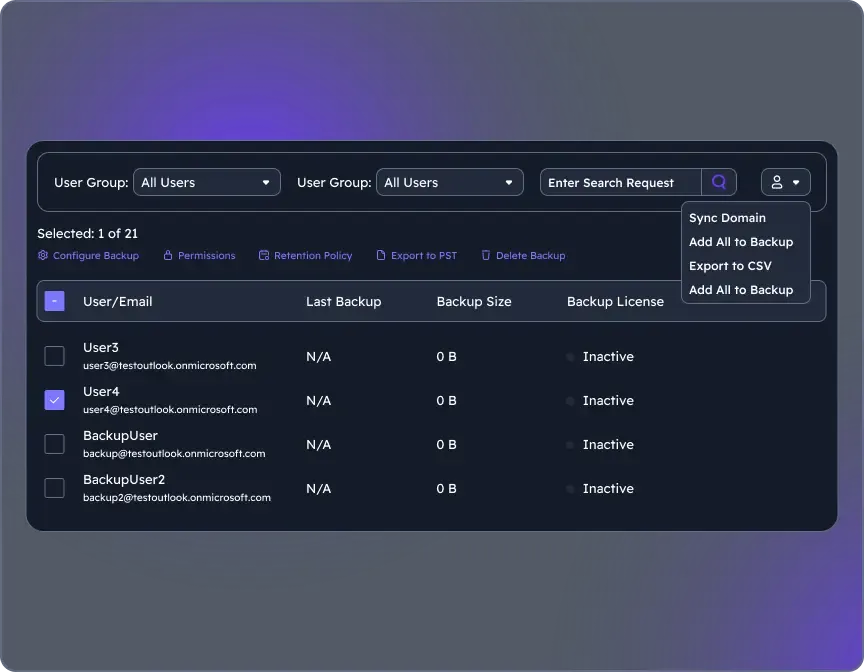 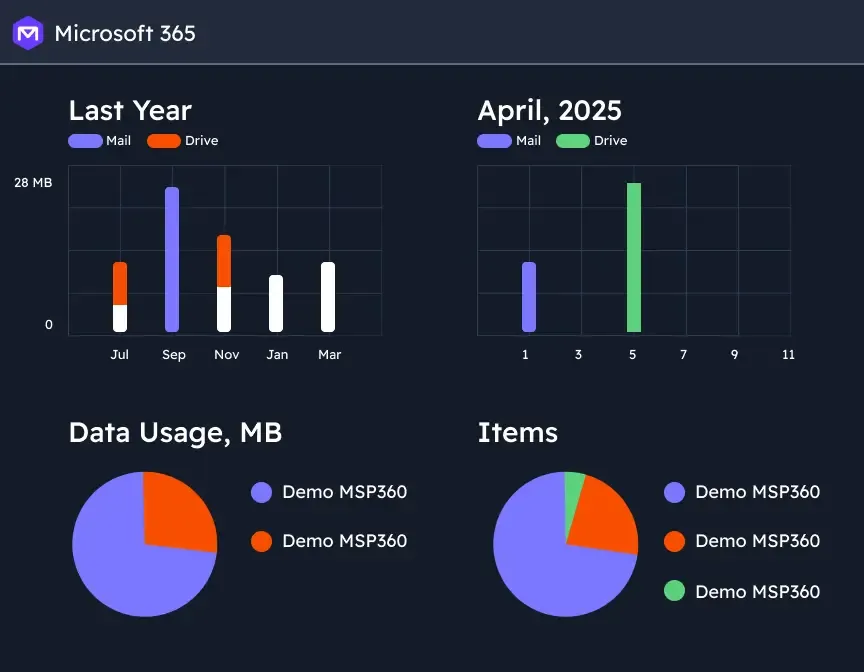 |