ClassPoint vs. Google Slides

Overview
ProductRatingMost Used ByProduct SummaryStarting Price
ClassPoint
Score 0.0 out of 10
N/A
ClassPoint is a teaching tool integrated into Microsoft PowerPoint. Designed to help educators teach more efficiently without switching between different apps, ClassPoint adds advanced annotation & presentation tools such as unlimited whiteboard slides, name picker, timer, integrated web browsers, and draggable objects. And to improve student engagement & motivation, ClassPoint turns slides into interactive quizzes, like Multiple Choice, Short Answer, Word Cloud, Image Upload, and…
$0
Google Slides
Score 7.9 out of 10
N/A
Google Slides is a presentation tool that enables users to create, edit, collaborate, and present. It is free for personal use, and available to businesses via a Google Workspaces subscription.N/A
Pricing
ClassPointGoogle Slides
Editions & Modules
Basic
$0
Pro - Annual
$5
per month
Pro - Monthly
$6
per month
No answers on this topic
Offerings
Pricing Offerings
ClassPointGoogle Slides
Free Trial
YesNo
Free/Freemium Version
YesYes
Premium Consulting/Integration Services
NoNo
Entry-level Setup FeeNo setup feeNo setup fee
Additional DetailsClassPoint Pro - Annual is $5 per month billed annually
More Pricing Information
Community Pulse
ClassPointGoogle Slides
Considered Both Products
ClassPoint

No answer on this topic

Google Slides
Chose Google Slides
PowerPoint has the most features but doesn’t sync as well as Google Slides. Keynote is not compatible for many people. Google Slides is by far the best option for collaboration and ease of use.
Chose Google Slides
Figma, Pitch, Microsoft Powerpoint, Apple Keynote, Canva and Adobe InDesign
Chose Google Slides
Google Slides is easier to learn and share than PowerPoint. While Miro is better for a working collaboration, Slides is a better presentation tool. Lumio and Nearpod are great for leading presentations where each person has a device, Slides is more compatible for presenter …
Chose Google Slides
Google Slides works both online and offline, they are free to use if you have a Google account. Easy to share and are supported by most web browsers. A great addition to your arsenal of interactive educational online platforms.
Chose Google Slides
It has probably around 90% of the common features that are present in PowerPoint but is more appropriate for today's workflows of being online. Conveniently included with GSuite packages often makes it more of a default option over PowerPoint in modern times. I have not listed …
Chose Google Slides
Skids is so much easier to use than PowerPoint and the design is much, much simpler. You can be more creative with Slides because it is flexible enough to use unlike PowerPoint. The downside is there is a learning curve because it isn’t the same old crappy software everyone …
Chose Google Slides
On a standalone basis, where no collaboration is needed, Microsoft Powerpoint is a superior tool because the functionalities are easier to use and much more robust. But if collaboration is needed, Google Slides is optimal for business, sales and strategy collaboration. It is …
Best Alternatives
ClassPointGoogle Slides
Small Businesses
Canva
Canva
Score 9.1 out of 10
Canva
Canva
Score 9.1 out of 10
Medium-sized Companies
Mentimeter
Mentimeter
Score 7.2 out of 10
Mentimeter
Mentimeter
Score 7.2 out of 10
Enterprises
Mentimeter
Mentimeter
Score 7.2 out of 10
Mentimeter
Mentimeter
Score 7.2 out of 10
All AlternativesView all alternativesView all alternatives
User Ratings
ClassPointGoogle Slides
Likelihood to Recommend
-
(0 ratings)
6.0
(0 ratings)
Likelihood to Renew
-
(0 ratings)
10.0
(0 ratings)
Usability
-
(0 ratings)
7.3
(0 ratings)
User Testimonials
ClassPointGoogle Slides
Likelihood to Recommend
No answers on this topic
Google Slides is perfect for teams working on a presentation for a customer, where multiple people can be working on the same presentation at the same time. It is also helpful to see who is currently viewing the presentation and if and what they are currently editing. Google Slides might not be the best solution for all presentations as sometimes a customer requests a live demo.
Read full review
Pros
No answers on this topic
  • Easy to create and manage (lecturer side).
  • Intuitive and easy to use (students side).
  • Various sharing options, well integrated in most web browsers.
Read full review
Cons
No answers on this topic
  • Sometimes bugs in changing fonts or other formatting
  • Edit tracking, while good, could still be improved
  • Better basic flow-charting
  • Better UI navigation, specifically around zooming instead of 'enlarging everything in browser'
Read full review
Likelihood to Renew
No answers on this topic
The popularity for Google Slides among the casual technology tool users is so great that we are not in a position to replace this tool with anything else. Every other tool either doesn't have the popularity, or doesn't match the ease of sharing level of Slides. The training needed to learn a different tool is too great. Google Slides is very easy to pick up and master.
Read full review
Usability
No answers on this topic
It fairly easy to use and manage, especially if you are already in the Google Suite - however design styling is often lacking and missing - which can be a major draw back if you are presenting to an external party. For those cases I will typically use Keynote or Figma Slides
Read full review
Alternatives Considered
No answers on this topic
Google Slides works both online and offline, they are free to use if you have a Google account. Easy to share and are supported by most web browsers. A great addition to your arsenal of interactive educational online platforms.
Read full review
Return on Investment
No answers on this topic
  • We're switching from microsoft to google and it has had a decently positive ROI due to reduced friction of figuring out and managing sharepoint
  • The negative impact is that it does not do everything we need for product and design so we do have to supplement it with more specific software
  • Another positive is that it has reduced the friction in easily creating and sharing PPTs during client-facing meetings making it easier for our bd, sales and product teams to make a positive impact on potential + current clients
Read full review
ScreenShots

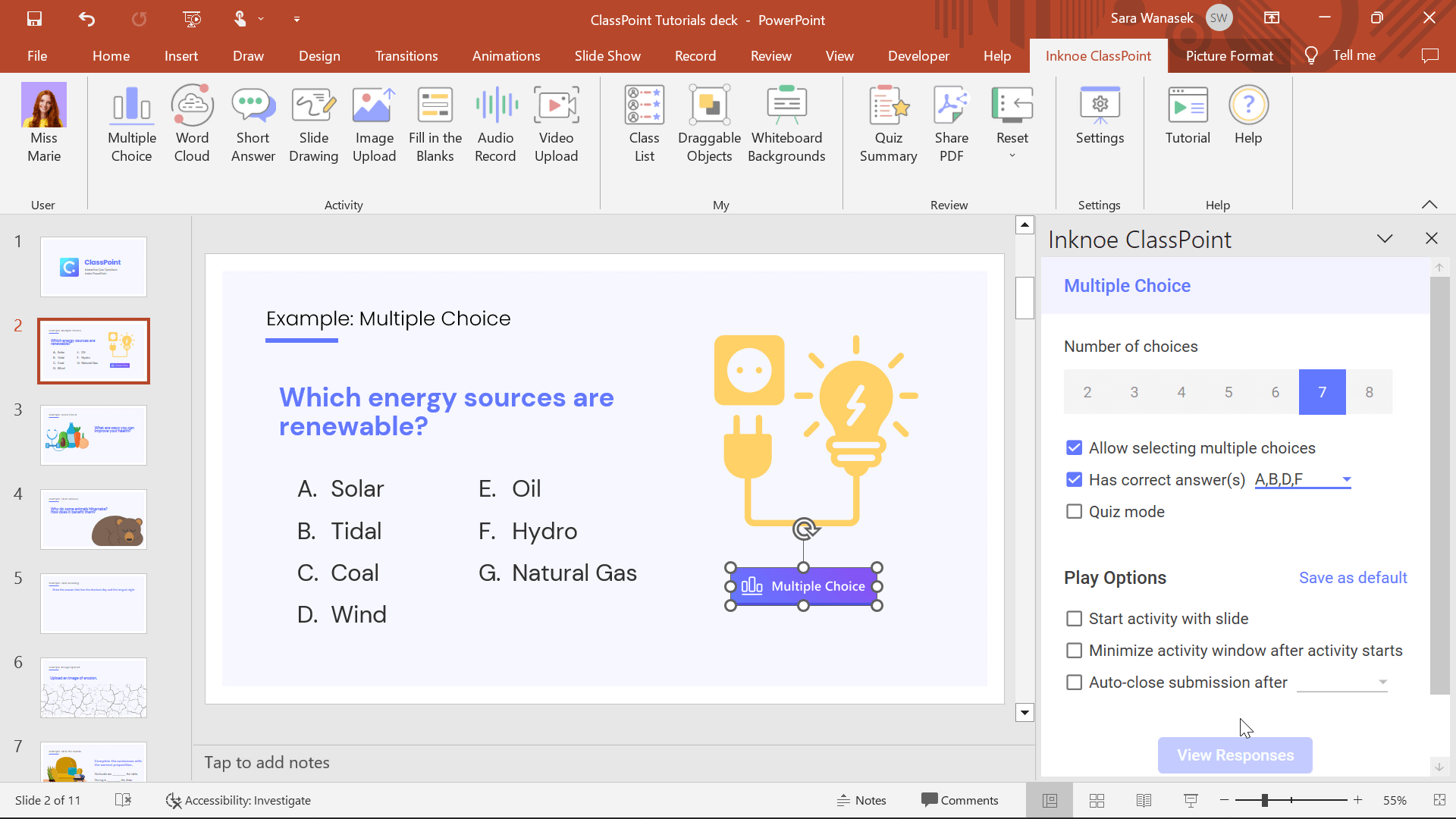
ClassPoint Screenshots

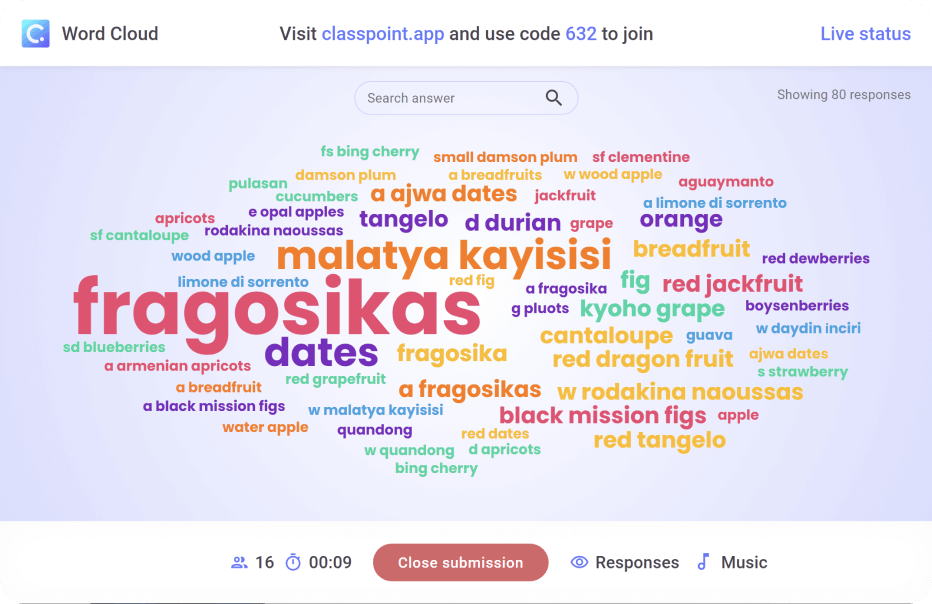
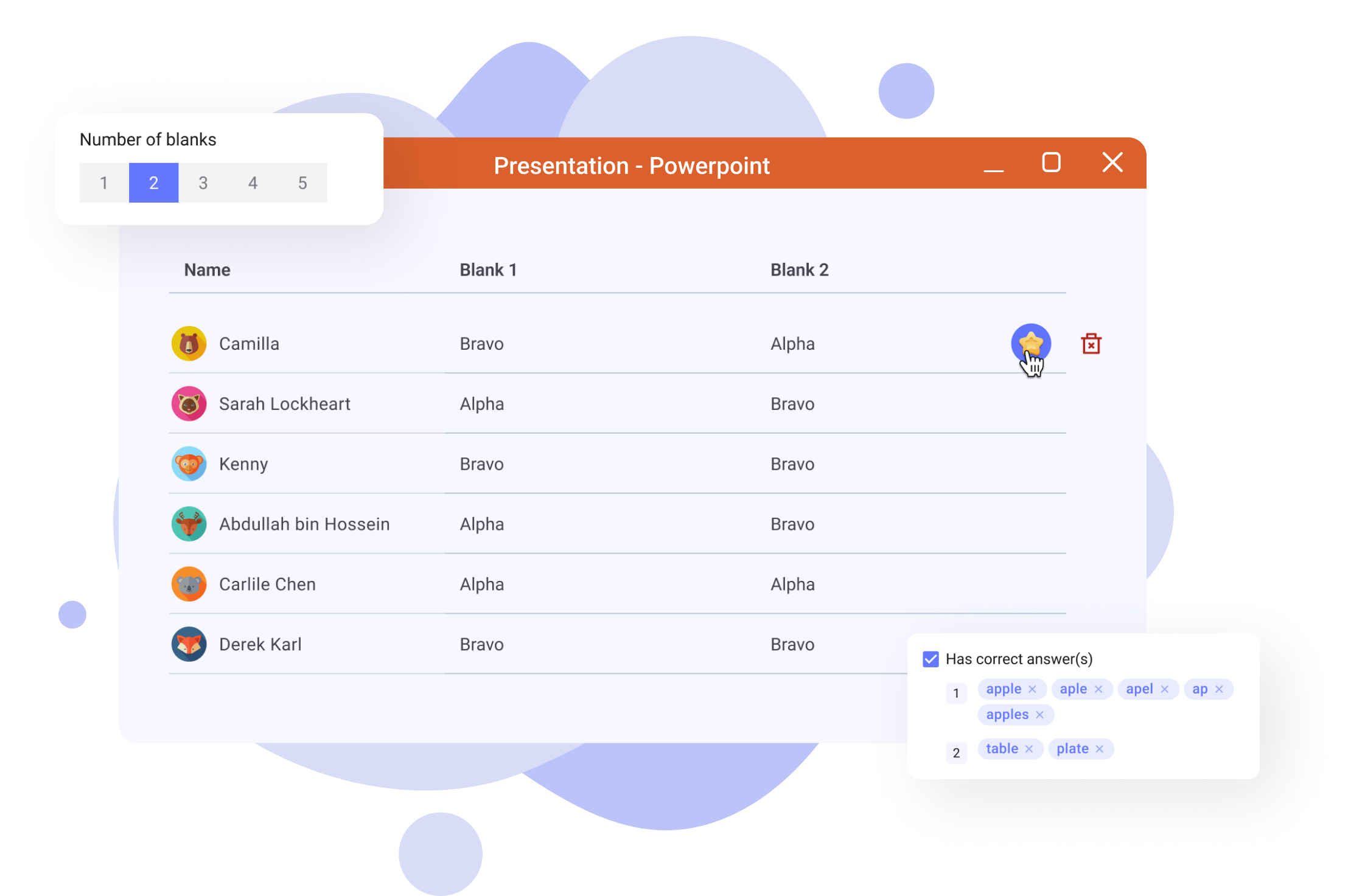
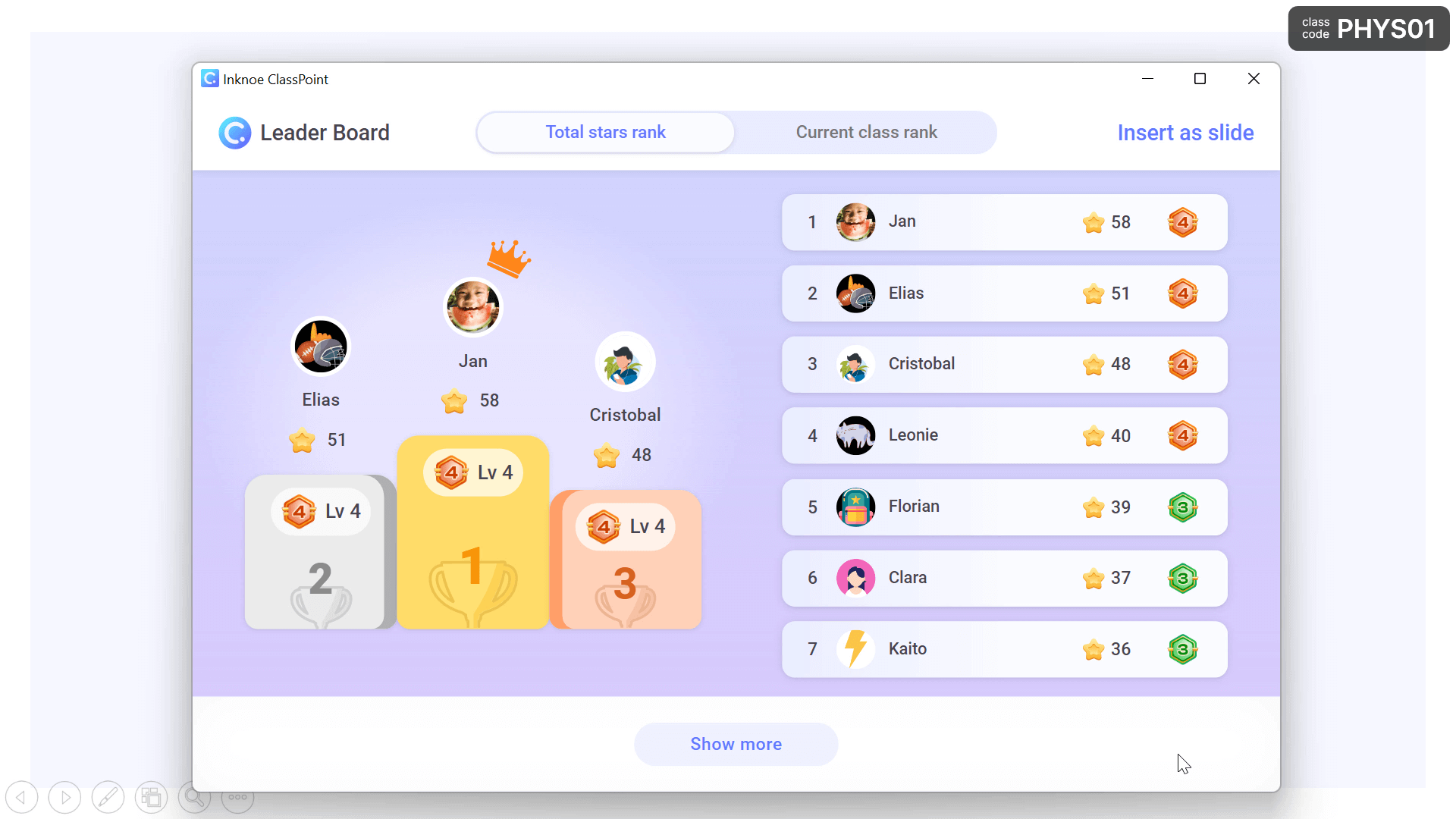
Screenshot of ClassPoint in PowerPointScreenshot of Word Cloud ActivityScreenshot of Fill in the Blank ActivityScreenshot of Leader BoardScreenshot of Saved ClassesScreenshot of Slide Drawing Activity