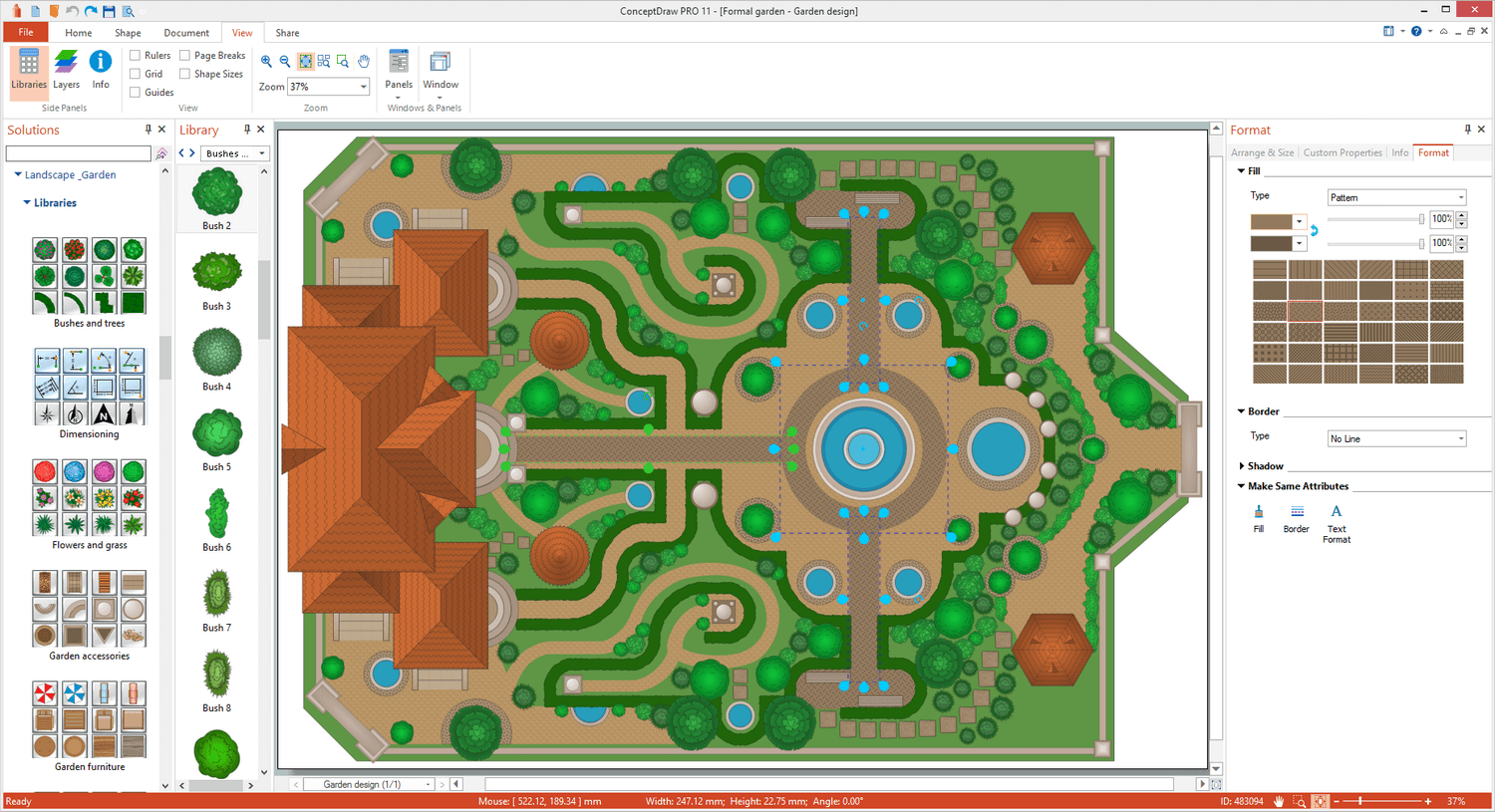
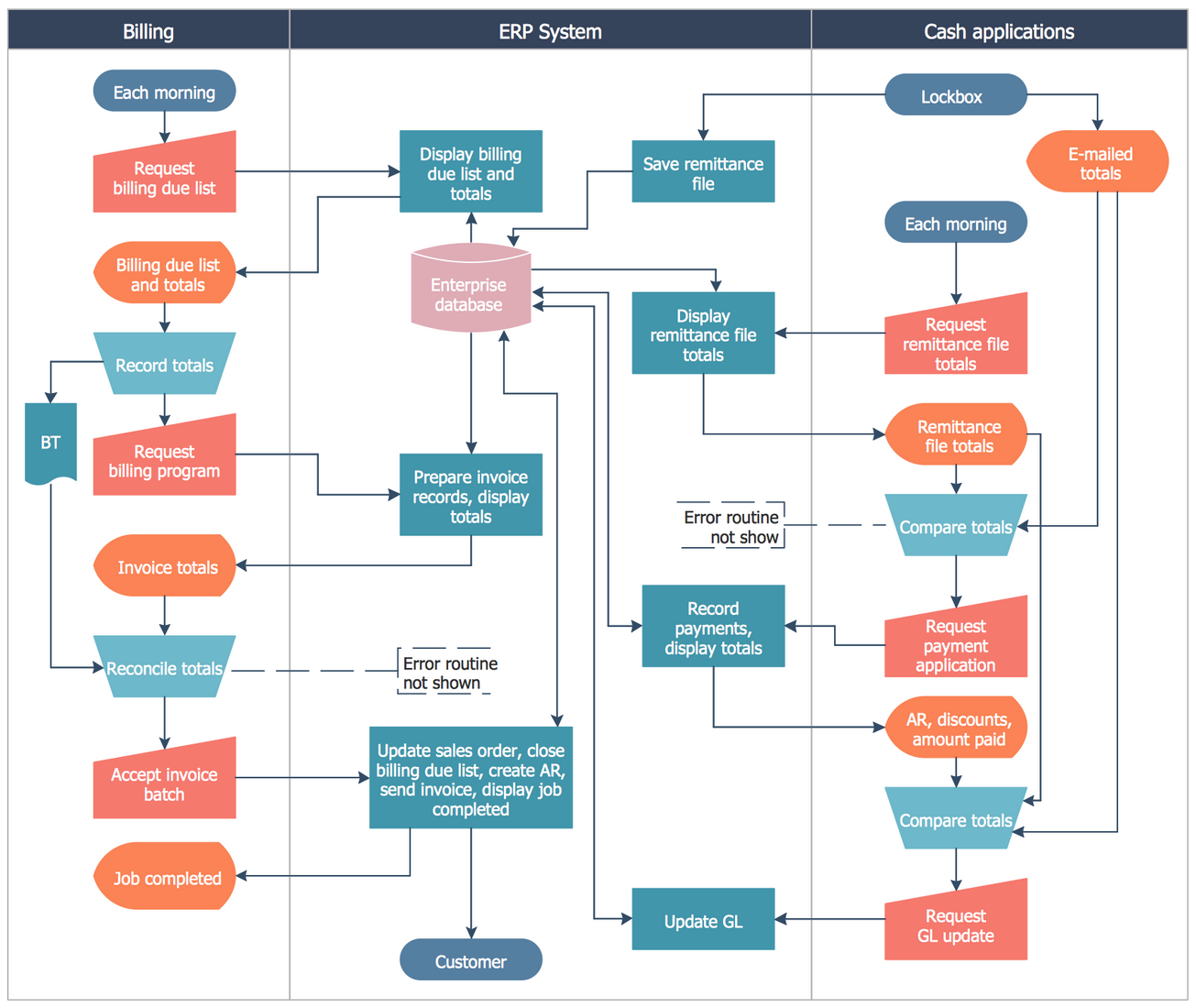
ConceptDraw DIAGRAM is an on-premise diagramming tool that, according to the vendor, allows users to create designs of any
complexity level either on Macintosh or Windows, regardless of the platform being used. Users can install the same license of ConceptDraw DIAGRAM on multiple computers. The vendor also offers a number of add-ons, called "solutions". The product comes with a number of built-in stencils and templates that cover different areas and fields such…
N/A
Creately
Score 5.2 out of 10
Small Businesses (1-50 employees)
Creately aims to provide powerful diagramming features at a very affordable price. The product boasts an intuitive interface so users can quickly and easily come up with professional diagrams. Users can draw flowcharts, organizational charts, wire-frames, SWOT diagrams, Venn diagrams, network diagrams and many other diagrams using Creately.
$8
per month
Pricing
ConceptDraw DIAGRAM
Creately
Editions & Modules
No answers on this topic
Creately Personal
$8
per month
Creately Team
$8
per month per user
Creately Team
$60
per year per user
Creately Personal
$60
per year
Creately Business
$149
per month Unlimited Users
Creately Business
$1,068
per year Unlimited Users
Offerings
Pricing Offerings
ConceptDraw DIAGRAM
Creately
Free Trial
Yes
Yes
Free/Freemium Version
No
Yes
Premium Consulting/Integration Services
No
No
Entry-level Setup Fee
No setup fee
No setup fee
Additional Details
Price varies for Individual, Commercial, Academic, Nonprofit and Government
Discounted prices for non profits, educational institutes, and charities.
Cheaper, lower learning curve. Looked for something that would meet our needs and allow us to quickly diagram a database and process maps. I have been using this in place of Visio and the one-time purchase is much better than a Microsoft sub. Looking forward to using this …
We actually purchased ConceptDraw DIAGRAM instead of Visio because it was far cheaper with a similar looking feature set. Since then, I can't think of anything that I have wanted to do with this software that would be better in Visio.
The main problem with Visio is the relatively high price and the incompatibility with Apple devices. If you're in this scenario, where price or OS is your problem, I highly recommend giving it a try with the ConceptDraw Diagram. Furthermore, the CDDiagram has the capability of …
Junior Systems Administrator | POS Programming Specialist
Chose ConceptDraw DIAGRAM
Visio just did not have the resources or shapes that I needed to create clean and beautiful layouts for our business. I stumbled upon ConceptDraw while trying to find something with restaurant and bar shapes. After I purchased it, I was very disappointed with how difficult it …
Creately's folder system is a novel feature that beats its competitors. It helps keep everything organized. In addition, there are many more customization possibilities, especially in the shapes and in the library of templates and drawings. It has an intelligent drawing …
In terms of pricing and functionality, Creately was the clear winner at the time, although the jury is still out on Creately's new version in terms of how simple it may be to use.
Likelihood to recommend? Overall, absolutely. I'm very satisfied with ConceptDraw and wouldn't hesitate to recommend it. I found it very easy to get up and running producing flow chart diagrams. I find it intuitive, flexible and it does what it says. Moreover it's very much an "alive" product with regular updates
Creately is a commonly used tool to create infographic elements for your workflows. It is effortless to use and has excellent and underrated features such as rules & database creation. While using Creately, one can not create hierarchical structures such as folders inside folders and so on for organizing diagrams.
The sales team is great and quickly responds to any concerns regarding the software and licensing. However, the user base for ConceptDraw products is still relatively small making it difficult to find more than basic assistance for technical questions online
Cheaper, lower learning curve. Looked for something that would meet our needs and allow us to quickly diagram a database and process maps. I have been using this in place of Visio and the one-time purchase is much better than a Microsoft sub. Looking forward to using this software in the future and hoping to get a copy for college classes as well in Database Design.
Creately's folder system is a novel feature that beats its competitors. It helps keep everything organized. In addition, there are many more customization possibilities, especially in the shapes and in the library of templates and drawings. It has an intelligent drawing capability superior to all the competition, allowing more customization and detail.