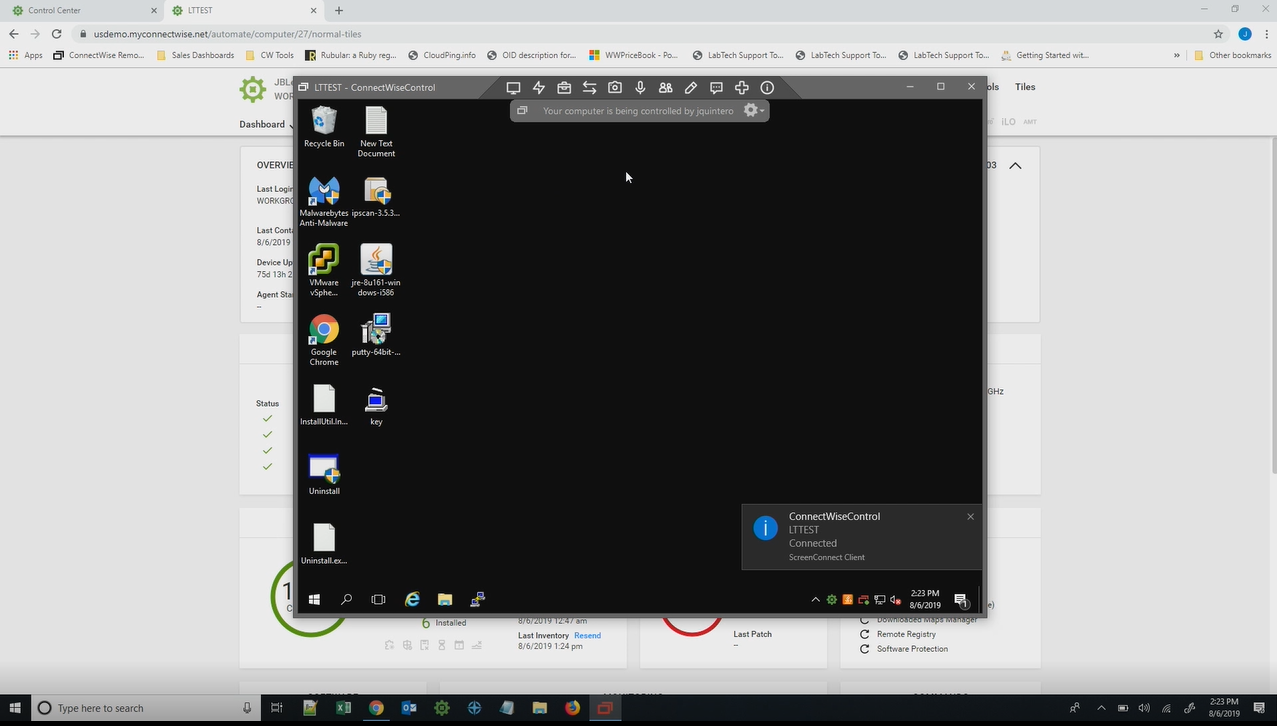
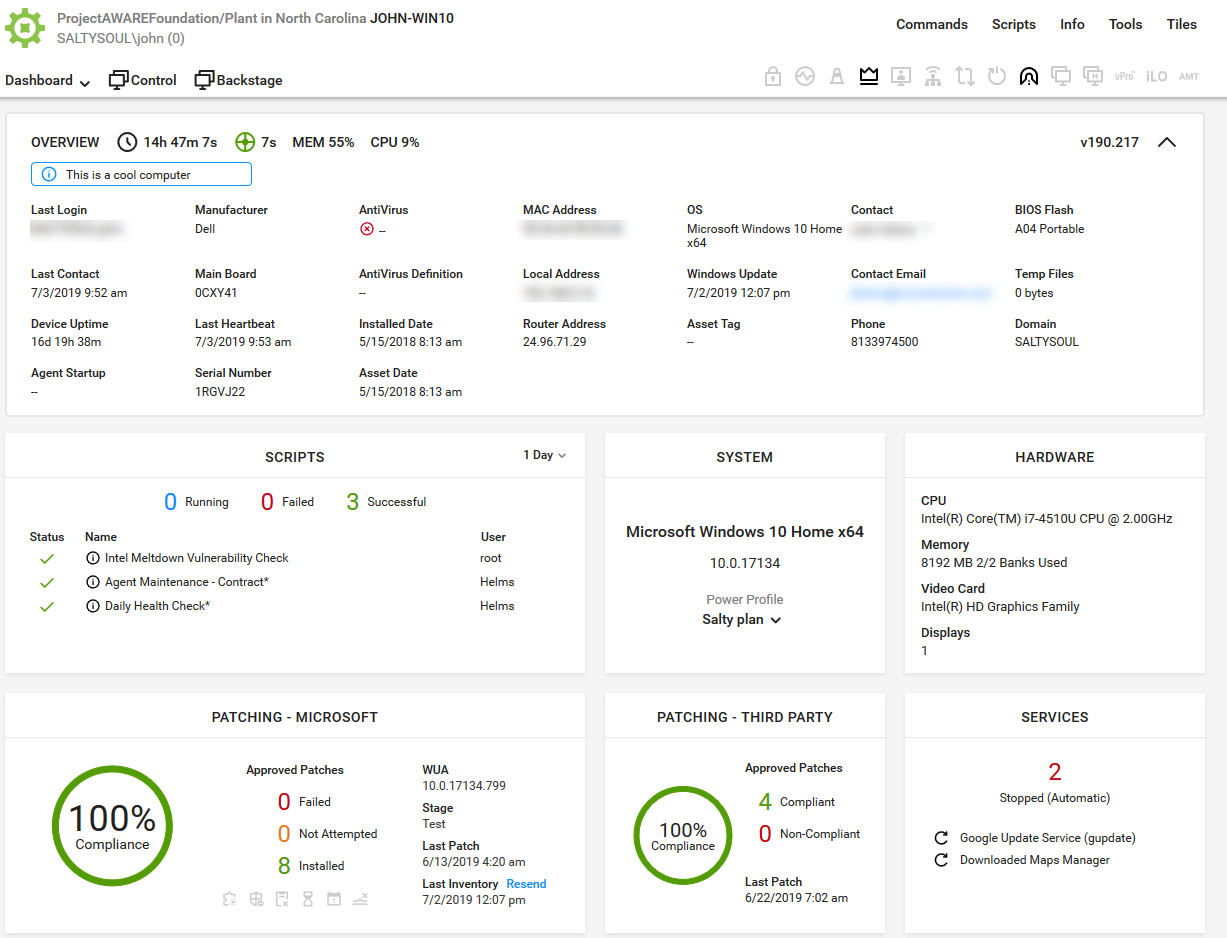
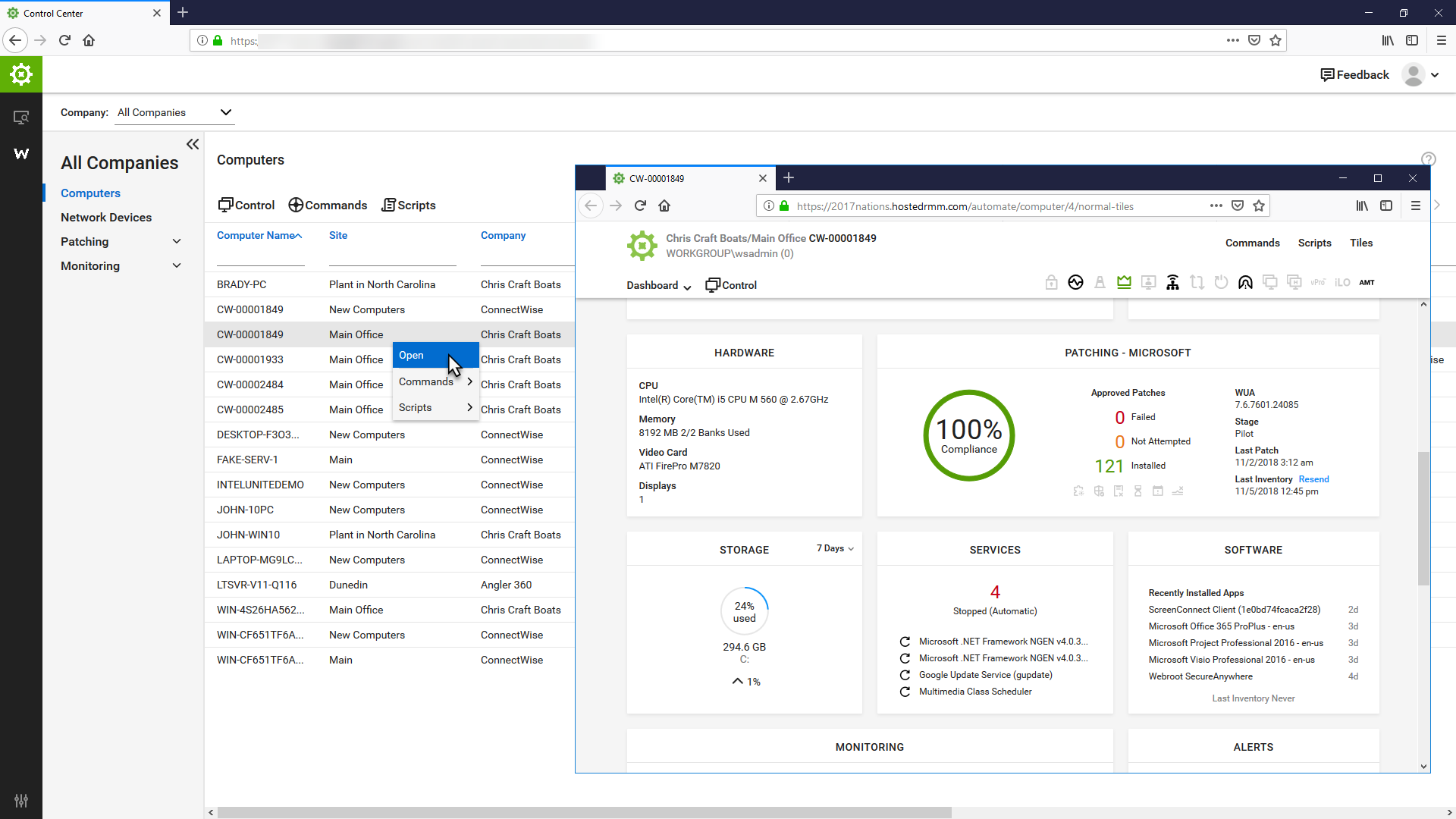
ConnectWise Automate, formerly LabTech, is a remote monitoring and management (RMM) platform. It provides powerful automation to discover and manage devices, monitor for problems, and scripts repetitive action.
$700
ManageEngine ADAudit Plus
Score 9.2 out of 10
N/A
ADAudit Plus offers real-time monitoring,
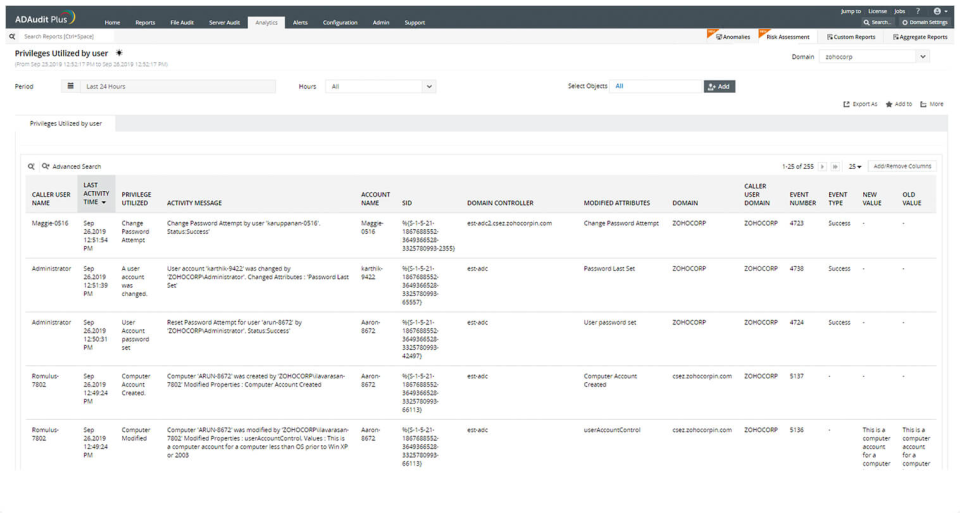
user and entity behaviour analytics, and change audit reports that helps users keep AD and IT infrastructure secure and compliant. Track all changes to Windows AD objects including users, groups,
computers, GPOs, and OUs. Achieve hybrid AD monitoring with a single, correlated view of all
the activities happening across both on-premises AD and Azure AD. Monitor every user's logon and logoff activity, including…
$595
per year
Pricing
ConnectWise Automate
ManageEngine ADAudit Plus
Editions & Modules
Agents
$1.00-$6.00
per month/per agent
Implementation Fee
$700
Standard
$595
per year
Professional
$945
per year
Offerings
Pricing Offerings
ConnectWise Automate
ManageEngine ADAudit Plus
Free Trial
Yes
Yes
Free/Freemium Version
No
No
Premium Consulting/Integration Services
No
No
Entry-level Setup Fee
No setup fee
No setup fee
Additional Details
—
Pricing is dependent on the number of domain controllers and starts at $595/year for the Standard edition, and $945/year for the Professional edition.
More Pricing Information
Community Pulse
ConnectWise Automate
ManageEngine ADAudit Plus
Features
ConnectWise Automate
ManageEngine ADAudit Plus
Application Performance Management
Comparison of Application Performance Management features of Product A and Product B
ConnectWise Automate
8.5
Ratings
15% above category average
ManageEngine ADAudit Plus
-
Ratings
Virtualization monitoring
8.00 Ratings
00 Ratings
IT Asset Discovery
9.00 Ratings
00 Ratings
Monitoring Tasks
Comparison of Monitoring Tasks features of Product A and Product B
ConnectWise Automate
7.4
Ratings
0% below category average
ManageEngine ADAudit Plus
7.0
Ratings
10% below category average
Remote monitoring
10.00 Ratings
6.60 Ratings
Network device monitoring
8.00 Ratings
4.30 Ratings
Activity Monitoring
8.00 Ratings
00 Ratings
Multiple Server Monitoring
00 Ratings
8.60 Ratings
Multi-device monitoring
00 Ratings
8.50 Ratings
Automated alerts and notifications
00 Ratings
7.10 Ratings
Management Tasks
Comparison of Management Tasks features of Product A and Product B
ConnectWise Automate
7.8
Ratings
5% above category average
ManageEngine ADAudit Plus
8.3
Ratings
12% above category average
Patch Management
10.00 Ratings
00 Ratings
Policy-based automation
9.00 Ratings
7.90 Ratings
Service configuration management
00 Ratings
7.00 Ratings
Software and hardware inventory
00 Ratings
10.00 Ratings
Remote Access
Comparison of Remote Access features of Product A and Product B
ConnectWise Automate
8.0
Ratings
16% above category average
ManageEngine ADAudit Plus
-
Ratings
Attended device access
10.00 Ratings
00 Ratings
Unattended device access
8.00 Ratings
00 Ratings
Mobile device access
5.00 Ratings
00 Ratings
Virtual device access
8.00 Ratings
00 Ratings
Multiple-display support
9.00 Ratings
00 Ratings
Multiple concurrent sessions
8.00 Ratings
00 Ratings
Reporting
Comparison of Reporting features of Product A and Product B
ConnectWise Automate
-
Ratings
ManageEngine ADAudit Plus
8.1
Ratings
7% above category average
Performance data reports
00 Ratings
8.00 Ratings
Customizable reporting
00 Ratings
7.50 Ratings
Data visualization
00 Ratings
8.40 Ratings
Risk analysis
00 Ratings
8.40 Ratings
Security
Comparison of Security features of Product A and Product B
I recommend it to all IT colleagues; regardless of the size of the PCs with which you work most of the time, the application allows connection stability between computers that make it possible to continue working or taking care of the infrastructure from afar.
ManageEngine is mostly a "check the box" solution for SIEM systems. We needed something that satisfied our customer and was cost-effective. I would highly rate the system on "worth what paid for". Support is eager to please and prompt. My only issue is that it's mostly based outside the US with helpful, but non-native speakers so it's hard to understand them. I wish they would spring for better help "phone lines" so I'm not dealing with difficult to understand and unclear speakers.
Automated patching. The patch management is very robust and doesn't let us down. We can rely on it to do its job.
Scripting. The scripting engine and layout is excellent. It's very easy to work with and adapt Powershell scripts and other script to the native format with its functions. It also gives detailed logs to help determine why something went wrong if there's issues.
Logons - reports are very clean and concise and accurate
Account Lockouts - very challenging to do without ManageEngine ADAudit Plus. The tool allows us to easily locate the device or, at the very least, point us in the right direction!
AD change management - IT admins should consider this a necessity, and ManageEngine ADAudit Plus facilitates this seamlessly
You can track all your clients information and every single job you do for them. You can do quotes, send them, add providers to compare prices, manage the calendar of the employees, assign tickets to the correct person, there is nothing you can't do with this tool.
Inside all the greatness, there are some works around that you have to do for specific duties that could be automated.
Make sure you keep notes on each client profile, you can use the private note section, it is secure and it works as a reminder of everything you need to do about that specific client, only you and your employees will see those.
In earlier releases there were quite a few bugs and performance issues. These have since been resolved.
When integrated with the Log360 Suite, it can be confusing on whether EventLog Analyzer or ADAudit Plus are "managing"/"Ingesting" the data from a given endpoint.
Support and the Speed of supporting the latest technology is the main reason for not giving this a 10. But the product is powerful and flexible. The best way that I can sum it up is "You can get out of it what you put in to it"
It works great for everything we need and use. Any issues in the software are pretty easy to resolve with tech support. And they are very responsive to resolving issues. Even ones where a fix/patch are required. At present, the software does everything we need it to for compliance, audit, and account review.
Basic use of the product is fairly easy. Information about the machines you manage can be found in customizable dashboards, which can be unique for each user, and, therefore, properly suited to the users' needs/job function. This is not a 10 because some of the interfaces are very clunky (Patch Management), and some features are not intuitive and not well documented (reporting). Scripting and Patch Management have a fairly steep learning curve (For structure in patch management and syntax in scripting), but once learned, they work well.
ADAudit with its cloud and on prem install option allows any organization to get in on AD report management. Whether you need to report internally only for for external audit controls its a great tool with flexibility to handle most any user or group report capability. Since this also includes m365 integration it enables IT pros to administer usage, license, cost control and permission access to most anything in Microsoft's portfolio. Its a great tool all around for AD integrated access needs.
It used to be great, but then they broke reporting, speed and responsiveness with version 11 and the new Patch Manager. It's really bad and their support people are way behind on fixing so many bugs. They have really gone downhill. If they don't get it together soon, we'll start looking around.
Far too many issues that take ages to get resolved. Even their chat support takes a long time to get in contact with someone. When you do chat with a support rep they generally can't help you and just escalate the ticket. At least everything you've chatted about is now in the ticket.
The attention to cases or situations with the tool has been exceptional. being able to count on the manufacturer either by mail, call or chat. generate cases directly from the application allows you to have personalized support in order to solve problems that has been able to appear.
LabTech online training is very very thorough in training and helping individuals understand the theory and practical side of using a Remote Monitoring & Management. The training has multiple methods of explaining each section which helps to re-enforce everything about the Training Modules. I have had some Engineers lose their interest after a number of modules because they said that it was too much, that was too similar. I've found that the training is tailored towards a technical background but the Sales training does help NON technical individuals familiarize themselves with the Remote Monitoring and Management components and how it relates to Managed Services.
ConnectWise Automate was already implemented at all organizations I have used it at when I started at those MSPs. At my current MSP, we used professional services for a period after I took over management of it, and they assisted with changes that I saw needed to be made. While not specifically implemented, those services were well organized and well scheduled, and all things we discussed were tracked and recorded, allowing for good change management/tracking.
The remote setup team helped when i needed it and setup weas very straight forward and easy. The advanced setup for an external db and customizations for our latest version AD environment went pretty easy once they found documentation on customization.
I have evaluated NinjaRMM, but it was after I was already familiar with ConnectWise Automate. While it seems like a good product, I found that ConnectWise Automate was more flexible in allowing me to make custom configurations to meet various business needs across different clients. I have also evaluated Addigy. While I think Addigy does a better job of managing apple devices, it is clunkier, and customization is harder in Addigy than in ConnectWise Automate.
In terms of features, ADAudit Plus offers a comprehensive set of features for monitoring and auditing Active Directory, including real-time alerts, detailed reports, and user behavior analytics. The platform also offers support for multiple platforms, including Windows, UNIX, and Linux, as well as integration with other ManageEngine tools.
As mentioned briefly previous there have been a couple of times where accessing servers at different sites due to point to point connectivity going down where this has been a big life saver
The visibility of changes made in AD are very helpfull. We had an admin that made a change in a GPO that causes some strange behaviour in our environment. Normally that would take days to find, especially because the admin was a few days out of office and couldnt tell us the change he made. But after looking into our alerts we found very fast the specific change that was made to a GPO that pointed us in the right direction to solve the problem within 30 minutes.
No more ghost accounts and password never expires in our AD, the security level is therefore much higher then it was before. And we need less manhour to maintain that.
Before ADAuditplus we had several hundred accounts with password never expires and at least 15 changes on that item every week. Since we have ADaudtiplus we have no accounts with password never expires and we only see modifications on that item sometimes when a new IT employee starts within our group. IT crew learns fast what to do and especially what NOT to do in our environment to keep things secure.
Before ADAuditPlus I wrote PowerShell scripts to create reports for management, since ADAuditplus the reports are build automatically every month and send to management.