
ConnectWise Automate vs. Open iT StorageAnalyzer
ConnectWise Automate vs. Open iT StorageAnalyzer
| Product | Rating | Most Used By | Product Summary | Starting Price |
|---|---|---|---|---|
 ConnectWise Automate | N/A | ConnectWise Automate, formerly LabTech, is a remote monitoring and management (RMM) platform. It provides powerful automation to discover and manage devices, monitor for problems, and scripts repetitive action. | $700 | |
 Open iT StorageAnalyzer | N/A | StorageAnalyzer is an IT asset management tool that monitors files, file systems, disks and backups to enable accurate IT asset planning and efficient use of storage resources. It provides a centralized overview of storage resources, and improves performance through storage optimization, and drives accurate and flexible IT budgeting and chargeback. | N/A |
| ConnectWise Automate | Open iT StorageAnalyzer | |||||||||||||||
|---|---|---|---|---|---|---|---|---|---|---|---|---|---|---|---|---|
| Editions & Modules |
| No answers on this topic | ||||||||||||||
| Offerings |
| |||||||||||||||
| Entry-level Setup Fee | No setup fee | No setup fee | ||||||||||||||
| Additional Details | — | — | ||||||||||||||
| More Pricing Information | ||||||||||||||||
| ConnectWise Automate | Open iT StorageAnalyzer |
|---|
| ConnectWise Automate | Open iT StorageAnalyzer | |||||||||||||||||||||
|---|---|---|---|---|---|---|---|---|---|---|---|---|---|---|---|---|---|---|---|---|---|---|
| Application Performance Management |
| |||||||||||||||||||||
| Monitoring Tasks |
| |||||||||||||||||||||
| Management Tasks |
| |||||||||||||||||||||
| Remote Access |
|
| ConnectWise Automate | Open iT StorageAnalyzer | |
|---|---|---|
| Small Businesses |  Panda Systems Management Score 9.8 out of 10 | Panda Systems Management Score 9.8 out of 10 |
| Medium-sized Companies |  Action1 Score 9.5 out of 10 |  ManageEngine ADAudit Plus Score 9.2 out of 10 |
| Enterprises |  TeamViewer Score 8.5 out of 10 | ManageEngine ADAudit Plus Score 9.2 out of 10 |
| All Alternatives | View all alternatives | View all alternatives |
| ConnectWise Automate | Open iT StorageAnalyzer | |
|---|---|---|
| Likelihood to Recommend | 10.0 (0 ratings) | - (0 ratings) |
| Likelihood to Renew | 10.0 (0 ratings) | - (0 ratings) |
| Usability | 9.0 (0 ratings) | - (0 ratings) |
| Performance | 3.0 (0 ratings) | - (0 ratings) |
| Support Rating | 7.0 (0 ratings) | - (0 ratings) |
| Online Training | 9.0 (0 ratings) | - (0 ratings) |
| Implementation Rating | 5.0 (0 ratings) | - (0 ratings) |
| Configurability | 10.0 (0 ratings) | - (0 ratings) |
| Ease of integration | 7.0 (0 ratings) | - (0 ratings) |
| ConnectWise Automate | Open iT StorageAnalyzer | |
|---|---|---|
| Likelihood to Recommend | 
| No answers on this topic |
| Pros |
 Adam Friedli Level 2 Network Technician | No answers on this topic |
| Cons |
 Asfer Bin Saleh System Engineer | No answers on this topic |
| Likelihood to Renew |
 Jack Skinner Managing Partner | No answers on this topic |
| Usability |
| No answers on this topic |
| Performance |
 Ian Hansen IT Service Director | No answers on this topic |
| Support Rating |
 David Wertz, CHSP President | No answers on this topic |
| Online Training |
 Carson Hagan, ITILv3 Director of Managed Services | No answers on this topic |
| Implementation Rating |
| No answers on this topic |
| Alternatives Considered |
| No answers on this topic |
| Return on Investment |
| No answers on this topic |
| ScreenShots | ConnectWise Automate Screenshots 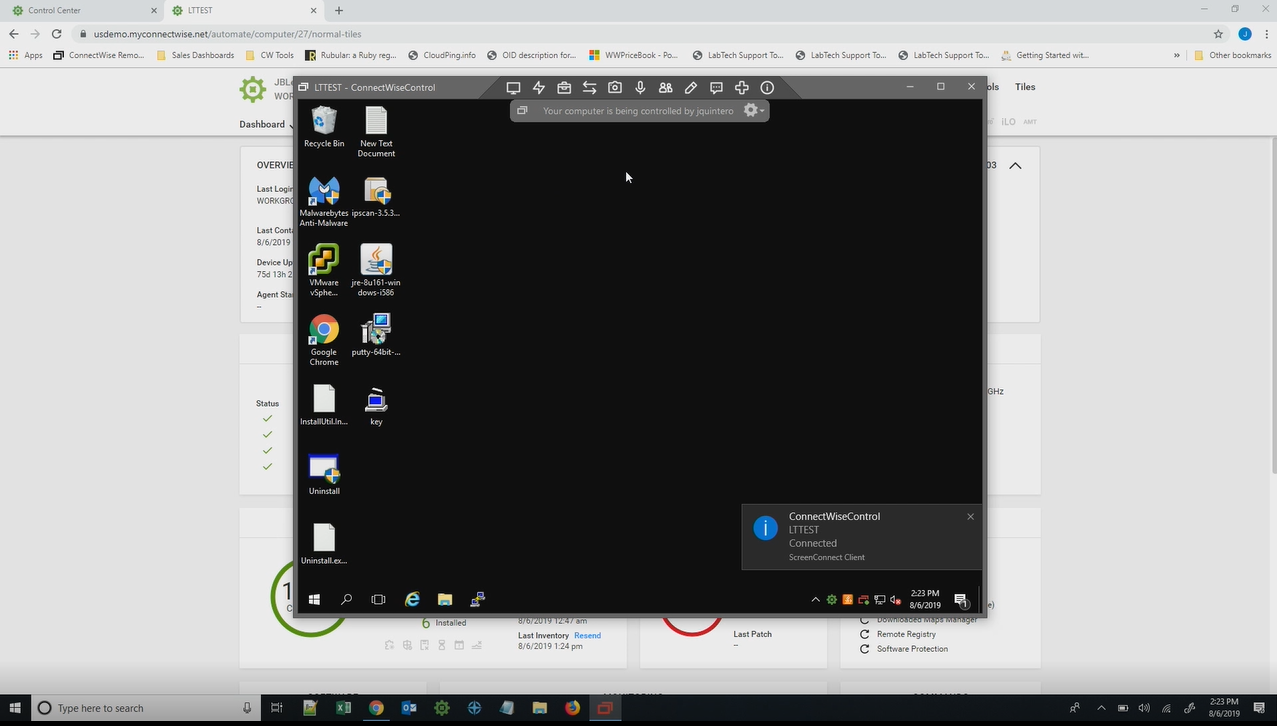  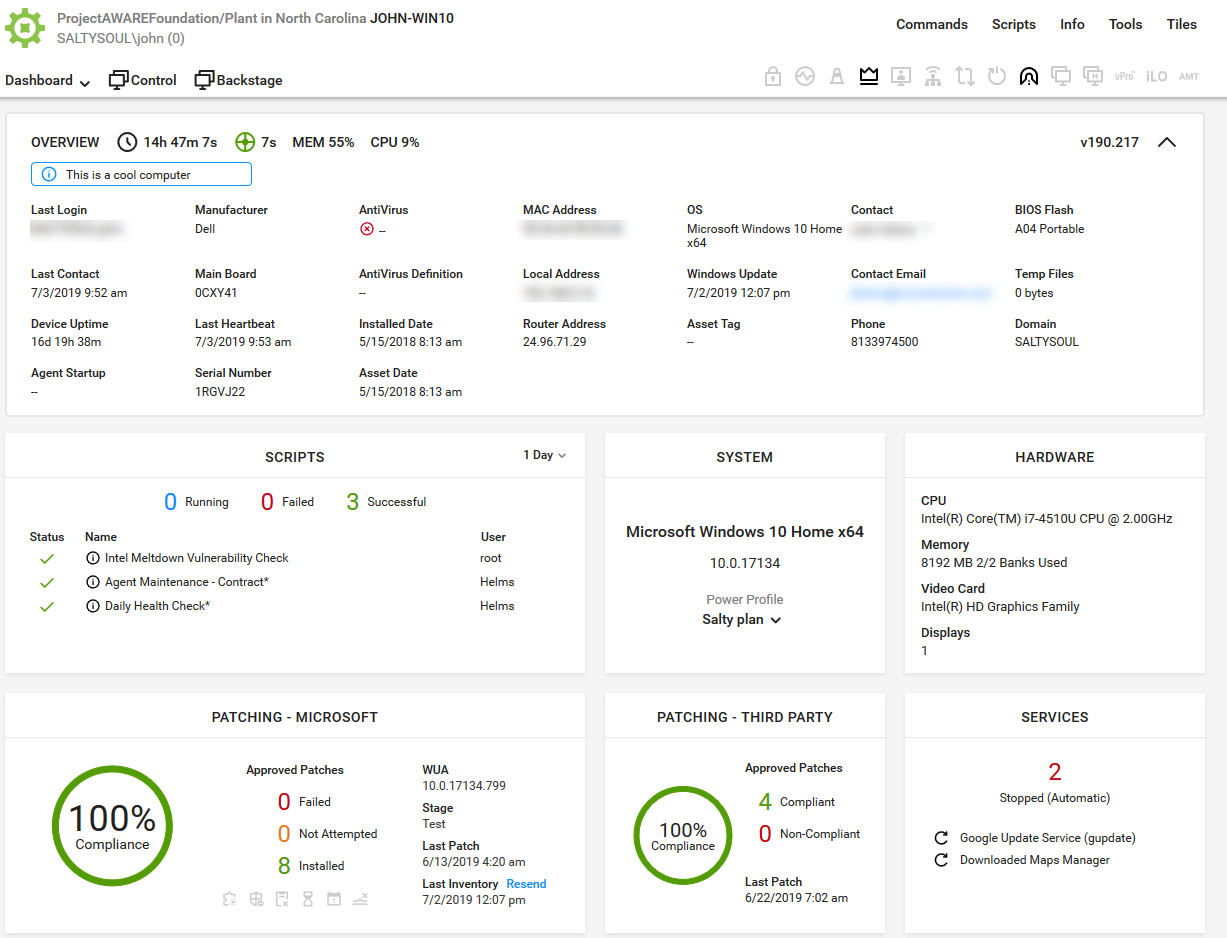 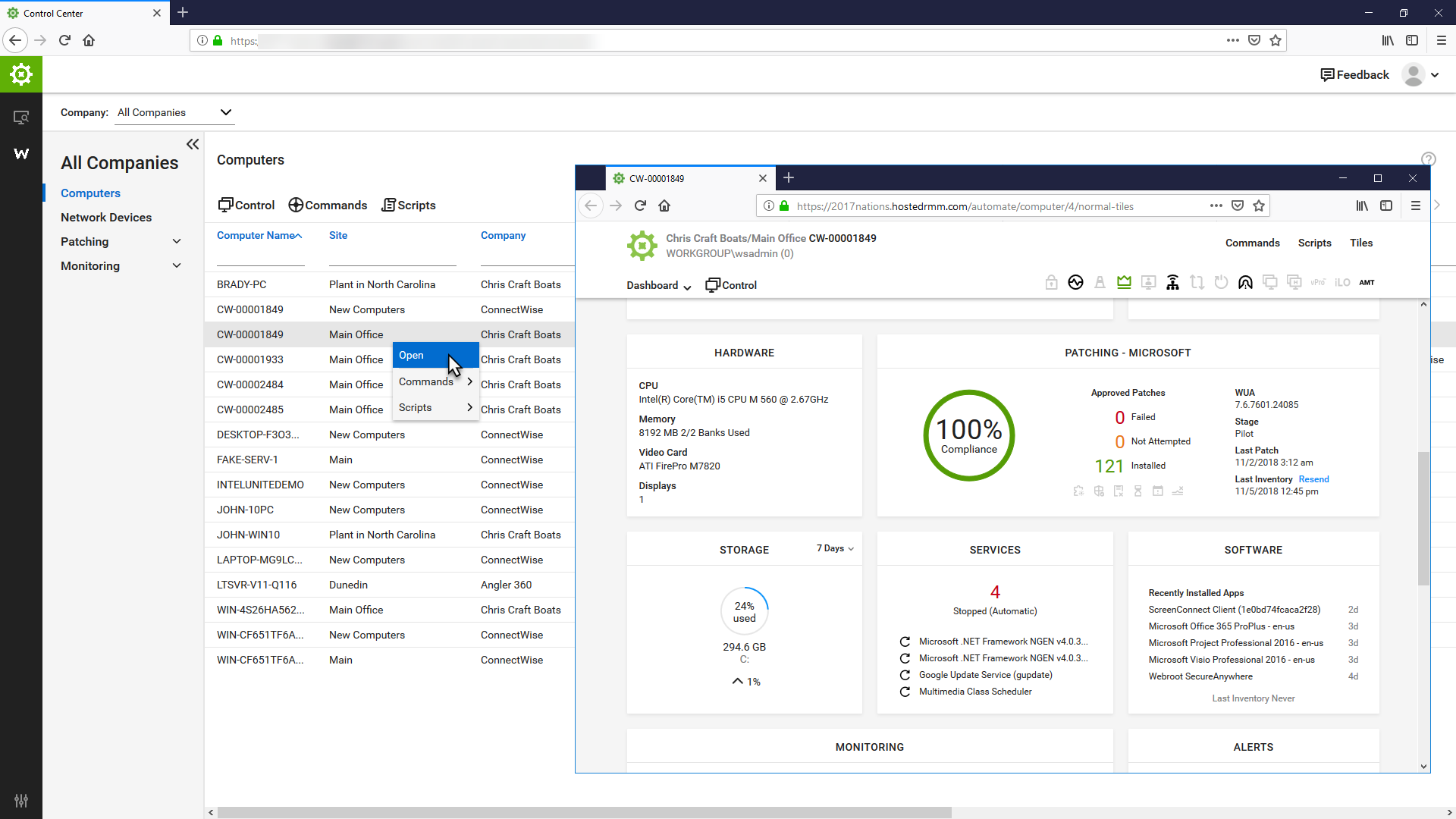  |