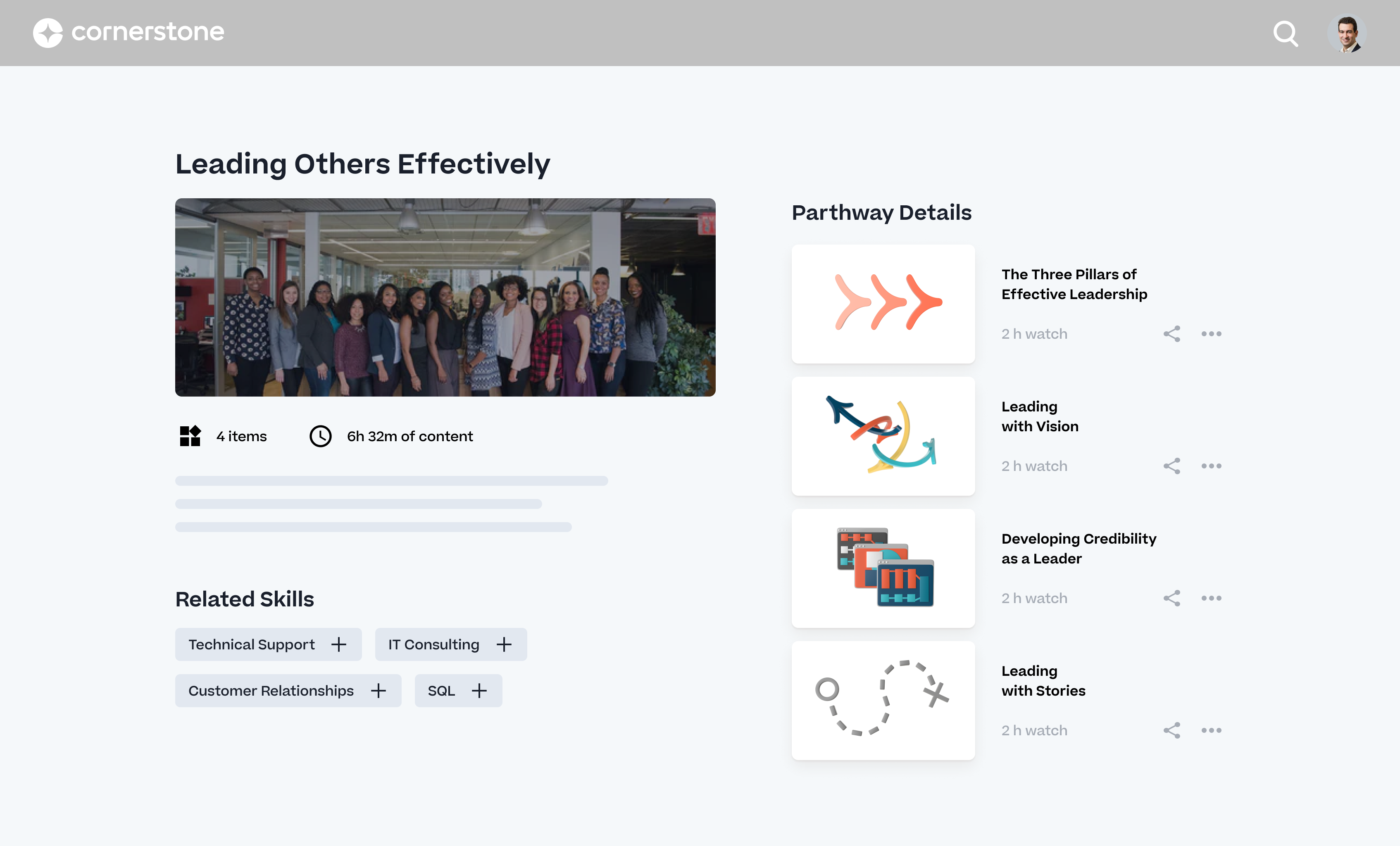
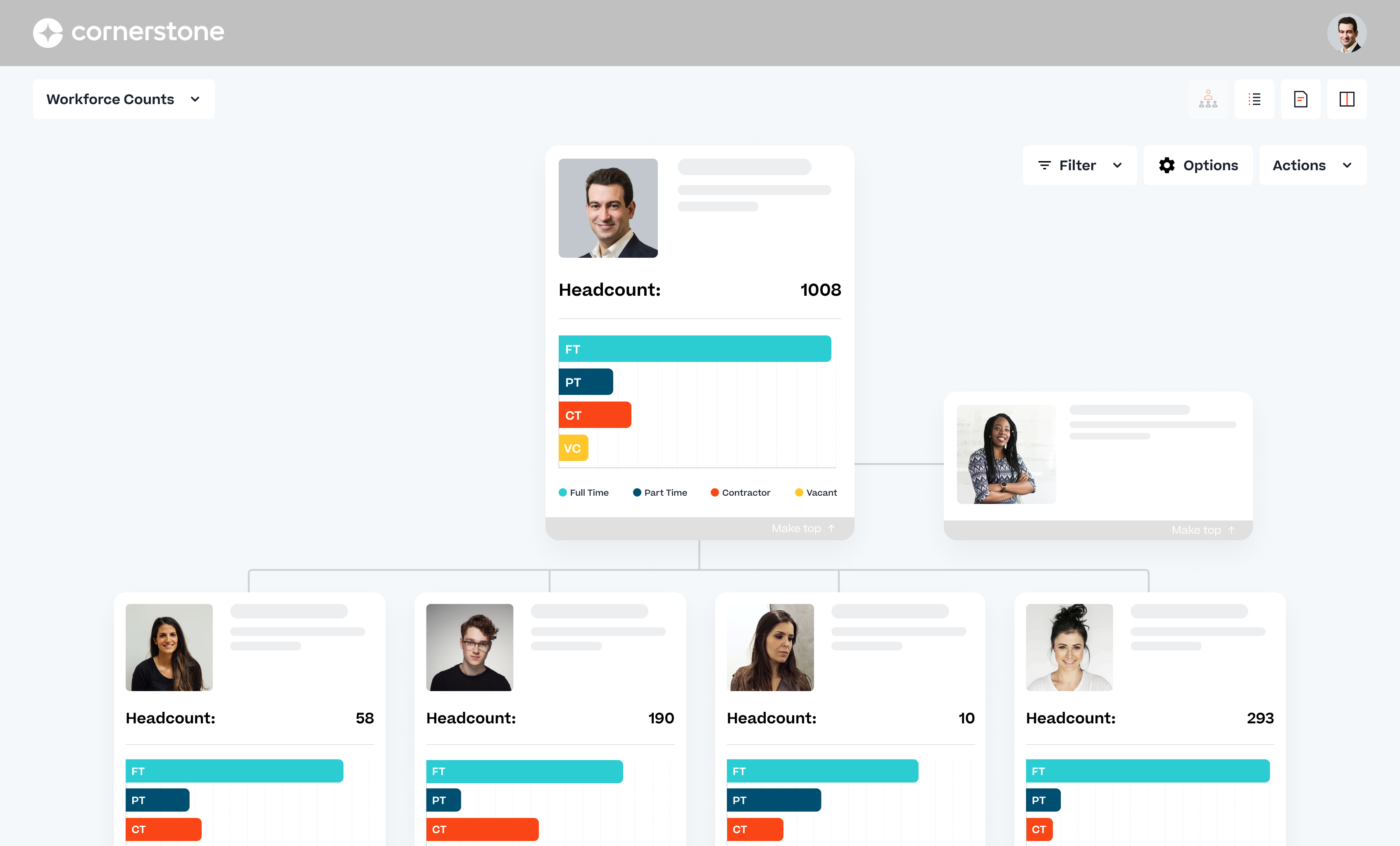
Cornerstone OnDemand is a cloud-based application for talent management. Cornerstone offers suites for recruiting, training, performance monitoring and planning, learning, and HR data management. It is scaled for enterprises.
N/A
Paycor
Score 7.0 out of 10
N/A
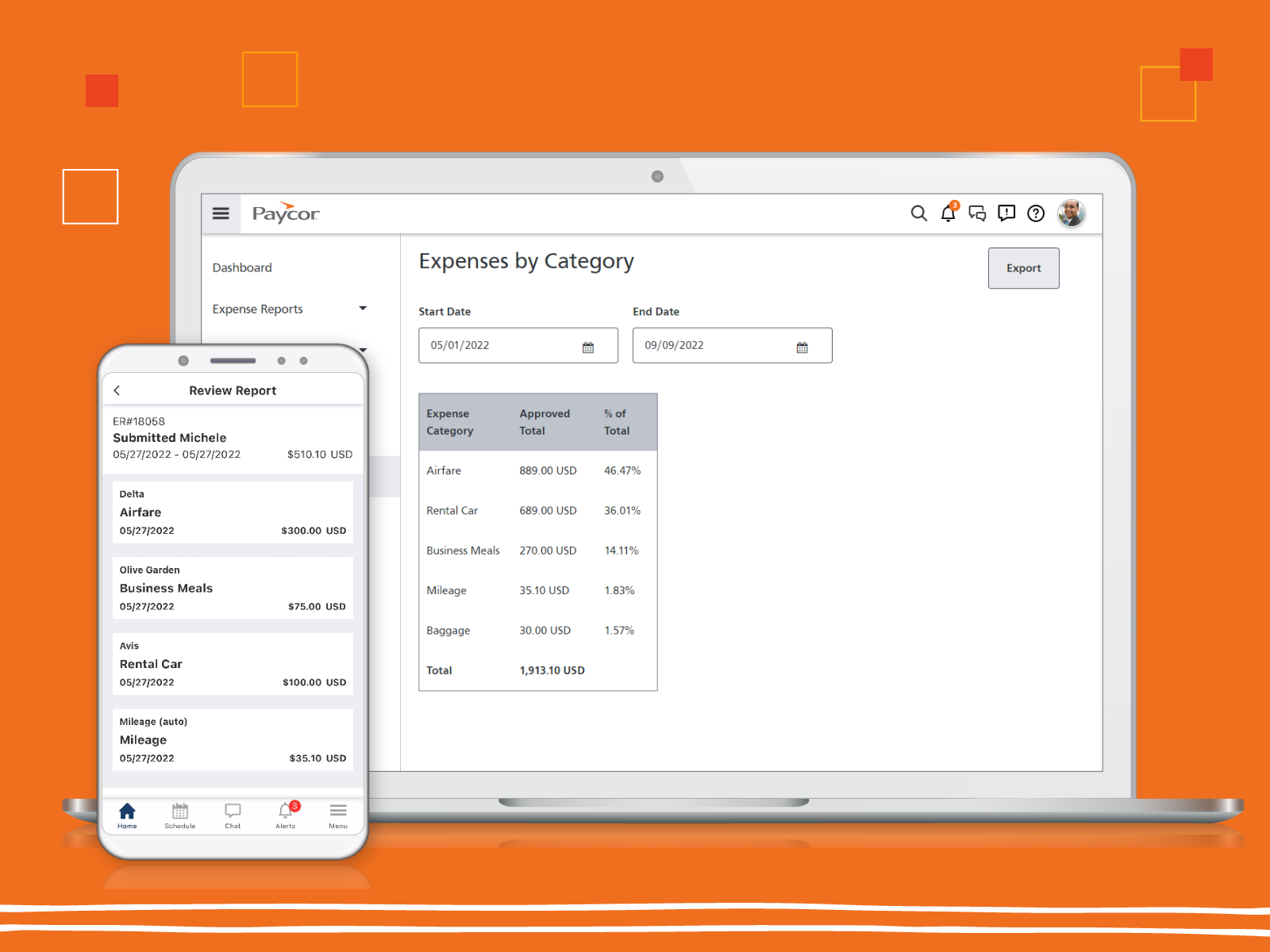
Paycor provides core HR functions scaled towards small and mid-sized businesses. Paycor offers an integrated benefits platform for interfacing directly with insurance carriers and an adaptable time management platform.
N/A
Pricing
Cornerstone OnDemand
Paycor
Editions & Modules
No answers on this topic
No answers on this topic
Offerings
Pricing Offerings
Cornerstone OnDemand
Paycor
Free Trial
No
Yes
Free/Freemium Version
No
No
Premium Consulting/Integration Services
No
No
Entry-level Setup Fee
Required
Optional
Additional Details
—
Paycor's pricing for small, mid, and enterprise companies varies based on product bundle and company size. Because Paycor HR software is built to help businesses scale and grow, plans are based on the mix of HR products needed, and company size. Payroll is at the core of Paycor's offering, and their products are sold as a part of their payroll and HR platform.
More Pricing Information
Community Pulse
Cornerstone OnDemand
Paycor
Features
Cornerstone OnDemand
Paycor
Onboarding
Comparison of Onboarding features of Product A and Product B
Cornerstone OnDemand
7.7
Ratings
5% above category average
Paycor
-
Ratings
New hire portal
7.90 Ratings
00 Ratings
Manager tracking tools
7.80 Ratings
00 Ratings
Compliance tracking and reporting
7.40 Ratings
00 Ratings
Performance and Goals
Comparison of Performance and Goals features of Product A and Product B
Cornerstone OnDemand
7.9
Ratings
10% above category average
Paycor
-
Ratings
Corporate goal setting
7.70 Ratings
00 Ratings
Subordinate goal setting
8.00 Ratings
00 Ratings
Individual goal setting
8.40 Ratings
00 Ratings
Line-of sight-visibility
7.80 Ratings
00 Ratings
Performance tracking
7.60 Ratings
00 Ratings
Performance Management
Comparison of Performance Management features of Product A and Product B
Cornerstone OnDemand
7.4
Ratings
12% above category average
Paycor
-
Ratings
Performance plans
7.60 Ratings
00 Ratings
Plan weighting
7.20 Ratings
00 Ratings
Manager note taking
7.40 Ratings
00 Ratings
Performance improvement plans
7.30 Ratings
00 Ratings
Review status tracking
8.00 Ratings
00 Ratings
Rater nomination workflow
7.30 Ratings
00 Ratings
Review reminders
7.80 Ratings
00 Ratings
Workflow restrictions
7.00 Ratings
00 Ratings
Multiple review frequency
6.80 Ratings
00 Ratings
Reporting
7.30 Ratings
00 Ratings
Succession Planning
Comparison of Succession Planning features of Product A and Product B
Cornerstone OnDemand
7.8
Ratings
12% above category average
Paycor
-
Ratings
Create succession plans/pools
7.00 Ratings
00 Ratings
Candidate ranking
8.00 Ratings
00 Ratings
Candidate search
7.80 Ratings
00 Ratings
Candidate development
8.40 Ratings
00 Ratings
Recruiting / ATS
Comparison of Recruiting / ATS features of Product A and Product B
Cornerstone OnDemand
7.2
Ratings
0% above category average
Paycor
-
Ratings
Job Requisition Management
7.80 Ratings
00 Ratings
Company Website Posting
7.80 Ratings
00 Ratings
Publish to Social Media
6.40 Ratings
00 Ratings
Job Search Site Posting
6.30 Ratings
00 Ratings
Customized Application Form
7.80 Ratings
00 Ratings
Resume Management
6.40 Ratings
00 Ratings
Duplicate Candidate Prevention
6.70 Ratings
00 Ratings
Candidate Search
6.40 Ratings
00 Ratings
Applicant Tracking
7.50 Ratings
00 Ratings
Collaboration
7.80 Ratings
00 Ratings
Task Creation and Delegation
7.20 Ratings
00 Ratings
Email Templates
7.50 Ratings
00 Ratings
User Permissions
7.80 Ratings
00 Ratings
Notifications and Alerts
7.40 Ratings
00 Ratings
Reporting
7.60 Ratings
00 Ratings
Learning Management
Comparison of Learning Management features of Product A and Product B
Cornerstone OnDemand
7.3
Ratings
3% above category average
Paycor
-
Ratings
Course authoring
4.80 Ratings
00 Ratings
Course catalog or library
8.30 Ratings
00 Ratings
Player/Portal
8.00 Ratings
00 Ratings
Learning content
8.20 Ratings
00 Ratings
Mobile friendly
8.70 Ratings
00 Ratings
Progress tracking & certifications
7.80 Ratings
00 Ratings
Assignments
8.00 Ratings
00 Ratings
Compliance management
7.10 Ratings
00 Ratings
Learning administration
6.40 Ratings
00 Ratings
Learning reporting & analytics
6.20 Ratings
00 Ratings
Social learning
7.00 Ratings
00 Ratings
Payroll Management
Comparison of Payroll Management features of Product A and Product B
The dashboards and reporting needs more additional features to clean up the old reports, manage dashboards more effectively is my main concern. I recently launched one of three phases for dashboards and I noticed I cannot work efficiently seeing which dashboard is important to me, which has been shared with me. More organization is requested
In my experience, Paycor is well suited for organizations such as my own where the hiring process and fairly straightforward. A company that values ease of use, consistency, and organization will have great results with Paycor Recruiting. The system is also especially helpful when a company like mine must frequently recruit for the same exact role over and over again. That is where the customizable templates really come into play! On the other hand, a company that has a more specialized or complex recruiting process may struggle with using the platform. If more advanced integrations or data analytics are required then they would likely need a platform that is more robust in those areas.
The user group community is unlike any other. It is easy to connect with other clients and the CSOD team is actively engaged, always interested in what clients want and need.
Vast content catalog from a wide variety of providers. Content delivery service makes my job easier. I don't have to deal with course files and metadata!
Ease of use for non-admin admins! I was not a LMS administrator prior to implementation so I learned as I went which was fully supported by the robust training available to system admins.
User-submitted external training is editable by users even after it has been approved and completed on their transcript, UNLESS a transcript lock is put into place--which also renders all submitted certificates un-openable once approved. Thus they can never be referenced after approval.
The system is designed for annual compliance training to be re-versioned annually. I [believe it] is a very un-user friendly for training that we don't want to re-version because users take it on a rolling, as-needed basis.
Some very key components are not configurable and cause our users a great deal of confusion. For example, there is no way to turn off the search bar on a user transcript or even to edit the prompt text within it. Our users are constantly searching for training here, and end up re-opening/re-launching completed courses rather than registering for a new occurrence of a course.
In general, we find Cornerstone [onDemand] clunky and that it does not really meet our needs.
Administrative/C-Suite level of canned reports and dashboards
Displaying company reminders or documents to sign that are urgent in a way that doesn’t allow an employee to clock out until they have completed the task.
As long as pricing stays reasonable, we will likely stay with Cornerstone for at least one more contract renewal. It would be a large task to migrate all of our content to a new system. However, the LMS landscape is diversifying with new startups that are showing some real innovation.
The product is really good overall. The customer service is not the best and the benefits administration is kind of painful. However, the good outweighs the bad. We might get a different benefit admin system that can be integrated into Paycor. My controller doesn't want to switch anything for a [long] time.
For End-users it is exceptionally easy to use. There is admittedly a steep curve for admins, but simply because there is so much that is truly possible with the system. Cornerstone has been updating many features in recent years, though, which have been moving overall usability in a favorable direction.
The performance management module was so inaccessible it was impossible to implement alone. They must have received this feedback a lot as then they started offering implementation specialists ($5,000!) that actually got us up and running. Before that I could not access the module. Other areas are relatively easy to learn via their support articles and videos
I haven't really had any major availability problems. The service is practically impeccable but it is true that at times, due to server and latency problems, the application has been slower. But these have been specific issues that have resolved themselves.
I feel like Paycor is always up and running! If they are planning downtime, they communicate it clearly. Every once in a while, I get something that says the system isn't working but it is usually back up within the hour. I typically find by the time that the employees complain about it, that it is resolved within the system.
Pages do not load quickly. Often times any action or selection of a box, drop down, check, pretty much ANY Javascript interaction causes the whole entire page to load/reload/start doing something in the background. This makes a nightmare for having to mass edit courses or upload ILT sessions. It's the one of the archaic web designs they use that really bugs me as an admin and makes working in the portal at times intolerable and insufferable
For the most part, everything moves super fast. There are a few sections (Expense Management) that sometimes take a bit to load correctly. Or if they are interesting, it takes a minute to talk to each other! But reports are quickly downloaded and available! Even data heavy reports run fairly fast!
Its always important to have support when you are facing problems and when you are the main admin of the organization. Cornerstone Support is very supporting when you have not found the answer in the help guide. its very useful to have a team support to guide you.
I feel like support will transfer you back and forth between departments and put you on hold forever. I believe it is very difficult to see the status of an open ticket. During my experience, it feels like the client has to push all communication and request updates from support regularly.
we use also to admin all our training in person events and sessions. Its easy to admin this kind of trainings and automatize some processes we have. Also de user experience and the integration with other systems helps to the employees to use more. All modules integrated oriented to develop people is the principal reason to have CSOD. The training administration is very complete and allows to automate many processes.
Overall our rep changed a handful of times during our LMS switchover, which made the training inconsistent. They offer a large amount of online training not specific for what we were looking for at the time, but we were able to make it work
The online trainings are super helpful. They have user guides that you can read through, interactive training that will walk you through it as well as plain web based ones. I've actually never had an in-person training but all of the information you need can be found online. They also will do individual support training if you are struggling with a certain area.
The implementation was pretty difficult. We felt they (Cornerstone) didn’t properly allocate the resources to complete our implementation in the timetable we wanted.
For example, we worked on Workday and SSO integrations - work that we had specifically contracted for in advance. When we were ready to work on that project, they didn’t have the people ready to help us, so it took a lot longer than necessary. That was my biggest pain point.
The implementation approach we went with was a self-led implementation. We would speak to the implementation manager once per week, and self-trained. We met with implementation manager to discuss issues, review things that we’d learned for 1 hour. We found that wasn’t enough. Other things would come up outside that one hour window that we couldn’t get answers to. We didn’t have anyone to ask about those things and we had to wait to ask during our weekly meeting.
The advantage of the self-led implementation approach was that it was really inexpensive – significantly less than the implementation cost for the other systems that we looked at. I also liked that we could pace ourselves. There were however big roadblocks. We would have to make sure the right resources were available. We had an implementation/project manager with a lot of experience and felt that the person was knowledgeable but missed on a few things.
In hindsight, I would still go with the self-led implementation, but knowing what I know now, I would ask for the integration person to be available more. I would work that into the contract. With single sign-on, we needed deep linking to build direct links through a Single Sign-On tool, e.g. when someone gets an email, it directs them to training. But it has to go through SSO to get them to the correct link. Deep linking wasn’t turned on in our system and they had to activate it. We encountered little things like that – sequencing pre-requisites which were problematic. We tried to troubleshoot ourselves.
I recommend you consider contracting for some extra implementation hours and determine when they are going to be available. Work it into the contract that you have the ability to call tech support during implementation. In addition to weekly implementation meetings, they have technical webexes – 4 every week, but 2 didn’t apply to us – one as we were using SSO. The challenge is they were not always relevant – we had specific questions that didn’t fall into those categories
I've been through a payroll software implementation multiple times in my career, ranging from upgrades to an existing platform to complete replacement of providers. This implementation was the easiest from the standpoint of confidence in my implementation personnel. The implementation consultants at Paycor were AMAZINGLY knowledgeable about the software and offered us advice at every step of the way. We never had any concerns that they didn't know what we wanted or needed.
We have been with Cornerstone OnDemand for about 7 years now. I do not recall the other products we evaluated at the time, but more recently there was some interest in using Workday as an LMS since that is our HR platform. Their learning platform, however, simply couldn't compete with what Cornerstone OnDemand can give us, especially with our critical need of robust reporting.
Overall, Paycor is a solid system that meets most of our needs. It offers a wide range of functionality and generally performs well. However, there are a few technical issues that create challenges, particularly within the onboarding module. From the few systems we have used, Paycor has the most potential
I gave it a 10 because we only use it across one organization. However, it has allowed us to break it into multiple departments and layers of management. It is also easy for us to utilize across different locations but still under one master company. They have always provided us support when we decide to change something on an organizational level
Our goal is to standardize training across our company and its 5 permanent locations allowing us to build a common culture across the company.
Our goal is to be able to push out specific training to our teams which are spread across an enormous geographical area of the United States.
We are currently meeting our objectives - in less than three months' time our team members have completed more than 1500 individual courses through Cornerstone OnDemand.
We can process Payroll in a 25% of the time that we previously could.
Scheduling takes 2 or 3 times as much effort as it did before.
Onboarding allows employees to do self-service but comes with a lot of questions from team members so it is net the same amount of time at the end of the day.