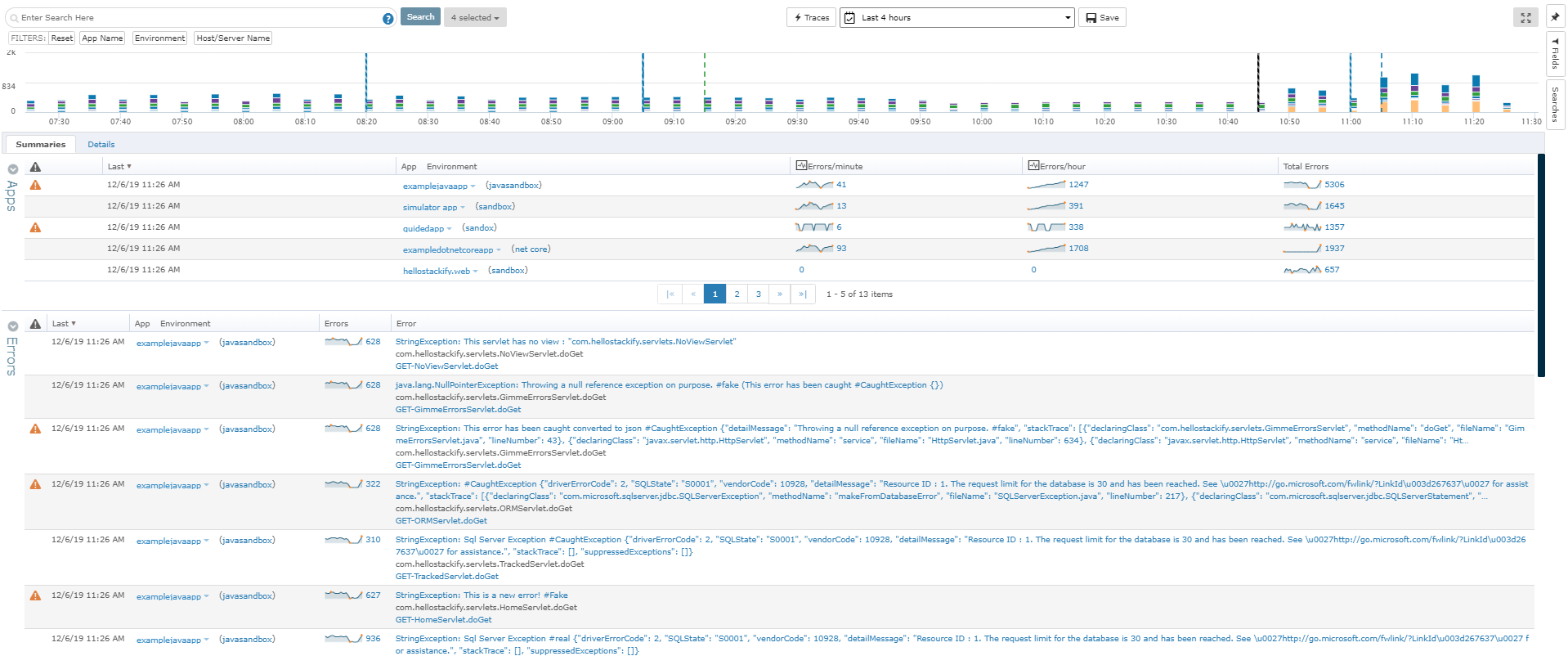
Datadog is a monitoring service for IT, Dev and Ops teams who write and run applications at scale, and want to turn the massive amounts of data produced by their apps, tools and services into actionable insight.
$1.27
per month (billed annually) per host
Retrace
Score 8.0 out of 10
N/A
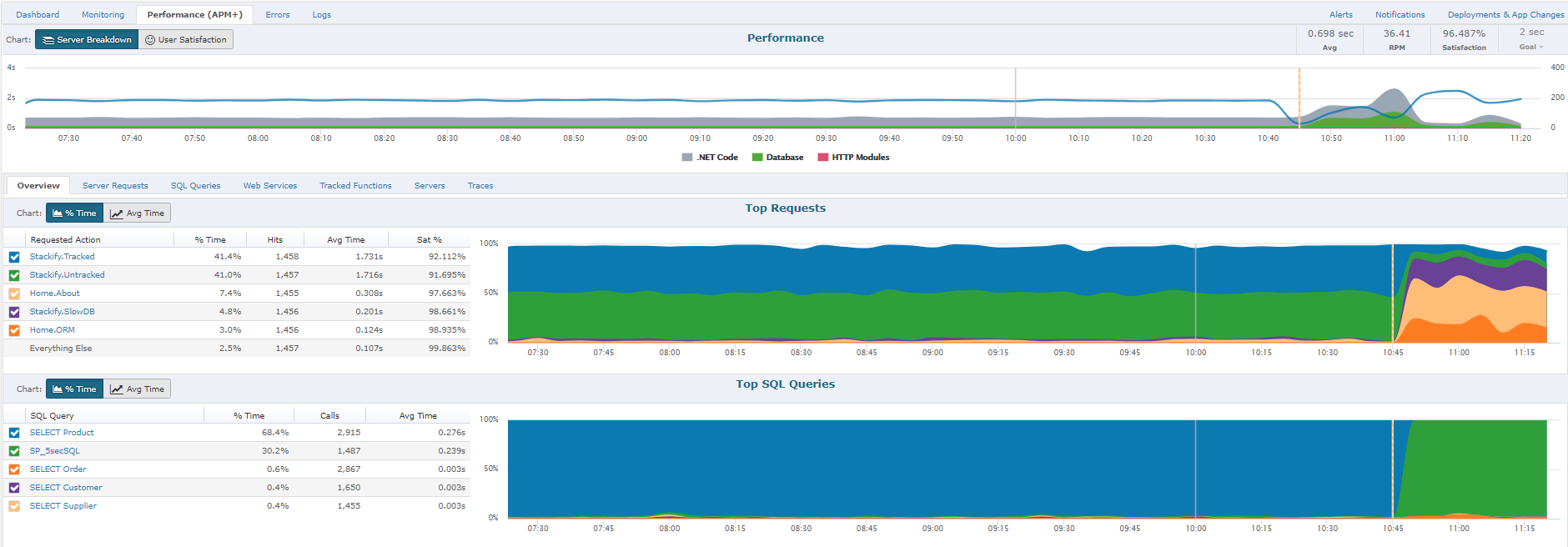
Retrace (formerly APM+) is a lightweight Application Performance Management solution. Retrace gives developers continuous, real-time analysis through a combination of code-level visibility with in-line log and error data. Retrace helps identify top performance offenders by analyzing top page requests, top SQL queries, and top external web services.
$99
up to 3 servers, 500,000 traces, and 1,000,000 logs
Pricing
Datadog
Retrace
Editions & Modules
Log Management
$1.27
per month (billed annually) per host
Infrastructure
$15.00
per month (billed annually) per host
Standard
$18
per month per host
Enterprise
$27
per month per host
DevSecOps Pro
$27
per month per host
APM
$31.00
per month (billed annually) per host
DevSecOps Enterprise
$41
per month per host
Essentials
$99
up to 3 servers, 500,000 traces, and 1,000,000 logs
Standard
249+
2,000,000+ traces and 5,000,000+ logs
Enterprise
Custom
Customer number of traces and logs
Offerings
Pricing Offerings
Datadog
Retrace
Free Trial
Yes
Yes
Free/Freemium Version
Yes
No
Premium Consulting/Integration Services
No
No
Entry-level Setup Fee
Optional
No setup fee
Additional Details
Discount available for annual pricing. Multi-Year/Volume discounts available (500+ hosts/mo).
A one-stop solution for everything you need. Multiple functionalities are tailored to meet specific business needs. Logs are essential for any business, and Datadog manages logs effectively. Rum sessions are something new to me and have given us a new perspective on how to reverse engineer issues that we see for our customers.
If you're a Java or .net shop they will do excellent. I believe that for PHP, Ruby, Java and few others they have only the error and log management and the application and server monitoring.
Alert windows cause lag in notifications (e.g. if the alert window is X errors in 1 hour, we won't get alerted until the end of the 1 hour range)
I would appreciate more supportive examples for how to filter and view metrics in the explorer
I would like a more clear interface for metrics that are missing in a time frame, rather than only showing tags/etc. for metrics that were collected within the currently viewed time frame
To set up the fields that APM Plus monitors, you need to map each field area on each document.
APM Plus could use a way to link the documents back into the finance or business software so you can find the document under the PO, Sales Order, Invoice, etc.
APM Plus setup is only for the professionals. There are many areas that need tweaking on setup, having a better default setup would lessen the learning curve to set it up for use.
Datadog's user interface is quite friendly and easy to navigate. With menus clearly categorized, and ability to bookmark important dashboards, one can easily find what they're looking for. For dashboards, ability to move and resize visualizations and group them, is really helpful to organize dashboards. Automatic suggestions from Datadog for important visualizations based on the metrics and logs would provide another level of ease of use.
The support team usually gets it right. We did have a rather complicate issue setting up monitoring on a domain controller. However, they are usually responsive and helpful over chat. The downside would be I don’t think they have any phone support. If that is important to you this might not be a good fit.
I selected Datadog because of its features and the wide range of integration support. As I already told it supports more that 600+ integrations which helps and organization to keep everything in a single place and also its AI feature which is reducing the time for root cause analysis. Its custom dashboards features which helps us to visualize the data in a more attractive way.
APM Plus does a better job of archiving documents than DocSend and makes it easier to find the documents when you need them. DocSend seemed to be more of a marketing tool than a business tool. APM Plus is all business and consistently does what you need on a daily basis. We selected APM Plus because of the great support on setup and after implementation. They are always ready to help.
APM Plus has freed up users from having to manually attach documents to each place they are sending it. APM Plus will do it automatically.
APM Plus provides a searchable archive to re-visit sent documents with customers and vendors. Having to reprint a document you risk the potential that something has changed since it was last printed.
APM Plus does need IT staff for adjustments and to review sending problems. Not for an average user.