Dataiku vs. Shakudo Platform

Overview
ProductRatingMost Used ByProduct SummaryStarting Price
Dataiku
Score 7.8 out of 10
N/A
The Dataiku platform unifies all data work, from analytics to Generative AI. It can modernize enterprise analytics and accelerate time to insights with visual, cloud-based tooling for data preparation, visualization, and workflow automation.N/A
Shakudo Platform
Score 6.0 out of 10
N/A
The Shakudo platform ensures compatibility across data tools to allow companies to build the best data infrastructure for their needs. It supports over 60 popular data tools, and enables users to create the optimal data stack for any custom needs, and helps users to create a more reliable and performant stack. And it helps users to: Build a stack that works precisely for the company without worrying about maintenance costs or stability Using a single UI, let teams use and gain…N/A
Pricing
DataikuShakudo Platform
Editions & Modules
Discover
Contact sales team
Business
Contact sales team
Enterprise
Contact sales team
No answers on this topic
Offerings
Pricing Offerings
DataikuShakudo Platform
Free Trial
YesNo
Free/Freemium Version
YesNo
Premium Consulting/Integration Services
NoYes
Entry-level Setup FeeNo setup feeNo setup fee
Additional Details
More Pricing Information
Community Pulse
DataikuShakudo Platform
Features
DataikuShakudo Platform
Platform Connectivity
Comparison of Platform Connectivity features of Product A and Product B
Dataiku
9.1
4 Ratings
8% above category average
Shakudo Platform
-
Ratings
Connect to Multiple Data Sources10.04 Ratings00 Ratings
Extend Existing Data Sources10.04 Ratings00 Ratings
Automatic Data Format Detection10.04 Ratings00 Ratings
MDM Integration6.52 Ratings00 Ratings
Data Exploration
Comparison of Data Exploration features of Product A and Product B
Dataiku
10.0
4 Ratings
18% above category average
Shakudo Platform
-
Ratings
Visualization9.94 Ratings00 Ratings
Interactive Data Analysis10.04 Ratings00 Ratings
Data Preparation
Comparison of Data Preparation features of Product A and Product B
Dataiku
10.0
4 Ratings
20% above category average
Shakudo Platform
-
Ratings
Interactive Data Cleaning and Enrichment10.04 Ratings00 Ratings
Data Transformations10.04 Ratings00 Ratings
Data Encryption10.04 Ratings00 Ratings
Built-in Processors10.04 Ratings00 Ratings
Platform Data Modeling
Comparison of Platform Data Modeling features of Product A and Product B
Dataiku
8.7
4 Ratings
4% above category average
Shakudo Platform
-
Ratings
Multiple Model Development Languages and Tools5.14 Ratings00 Ratings
Automated Machine Learning10.04 Ratings00 Ratings
Single platform for multiple model development10.04 Ratings00 Ratings
Self-Service Model Delivery10.04 Ratings00 Ratings
Model Deployment
Comparison of Model Deployment features of Product A and Product B
Dataiku
9.0
4 Ratings
5% above category average
Shakudo Platform
-
Ratings
Flexible Model Publishing Options9.04 Ratings00 Ratings
Security, Governance, and Cost Controls9.04 Ratings00 Ratings
Best Alternatives
DataikuShakudo Platform
Small Businesses
Jupyter Notebook
Jupyter Notebook
Score 9.4 out of 10
Jupyter Notebook
Jupyter Notebook
Score 9.4 out of 10
Medium-sized Companies
Posit
Posit
Score 10.0 out of 10
Posit
Posit
Score 10.0 out of 10
Enterprises
Posit
Posit
Score 10.0 out of 10
Posit
Posit
Score 10.0 out of 10
All AlternativesView all alternativesView all alternatives
User Ratings
DataikuShakudo Platform
Likelihood to Recommend
10.0
(4 ratings)
-
(0 ratings)
Usability
10.0
(1 ratings)
-
(0 ratings)
Support Rating
9.4
(3 ratings)
-
(0 ratings)
User Testimonials
DataikuShakudo Platform
Likelihood to Recommend
Dataiku
Dataiku DSS is very well suited to handle large datasets and projects which requires a huge team to deliver results. This allows users to collaborate with each other while working on individual tasks. The workflow is easily streamlined and every action is backed up, allowing users to revert to specific tasks whenever required. While Dataiku DSS works seamlessly with all types of projects dealing with structured datasets, I haven't come across projects using Dataiku dealing with images/audio signals. But a workaround would be to store the images as vectors and perform the necessary tasks.
Read full review
Shakudo
No answers on this topic
Pros
Dataiku
  • The intuitiveness of this tool is very good.
  • Click or Code - If you are a coder, you can code. If you are a manager, you can wrangle with data with visuals
  • The way you can control things, the set of APIs gives a lot of flexibility to a developer.
Read full review
Shakudo
No answers on this topic
Cons
Dataiku
  • End product deployment.
Read full review
Shakudo
No answers on this topic
Usability
Dataiku
As I have described earlier, the intuitiveness of this tool makes it great as well as the variety of users that can use this tool. Also, the plugins available in their repository provide solutions to various data science problems.
Read full review
Shakudo
No answers on this topic
Support Rating
Dataiku
The support team is very helpful, and even when we discover the missing features, after providing enough rational reasons and requirements, they put into it their development pipeline for the future release.
Read full review
Shakudo
No answers on this topic
Alternatives Considered
Dataiku
Strictly for Data Science operations, Anaconda can be considered as a subset of Dataiku DSS. While Anaconda supports Python and R programming languages, Dataiku also provides this facility, but also provides GUI to creates models with just a click of a button. This provides the flexibility to users who do not wish to alter the model hyperparameters in greater depths. Writing codes to extract meaningful data is time consuming compared to Dataiku's ability to perform feature engineering and data transformation through click of a button.
Read full review
Shakudo
No answers on this topic
Return on Investment
Dataiku
  • Given its open source status, only cost is the learning curve, which is minimal compared to time savings for data exploration.
  • Platform also ease tracking of data processing workflow, unlike Excel.
  • Build-in data visualizations covers many use cases with minimal customization; time saver.
Read full review
Shakudo
No answers on this topic
ScreenShots

Shakudo Platform Screenshots

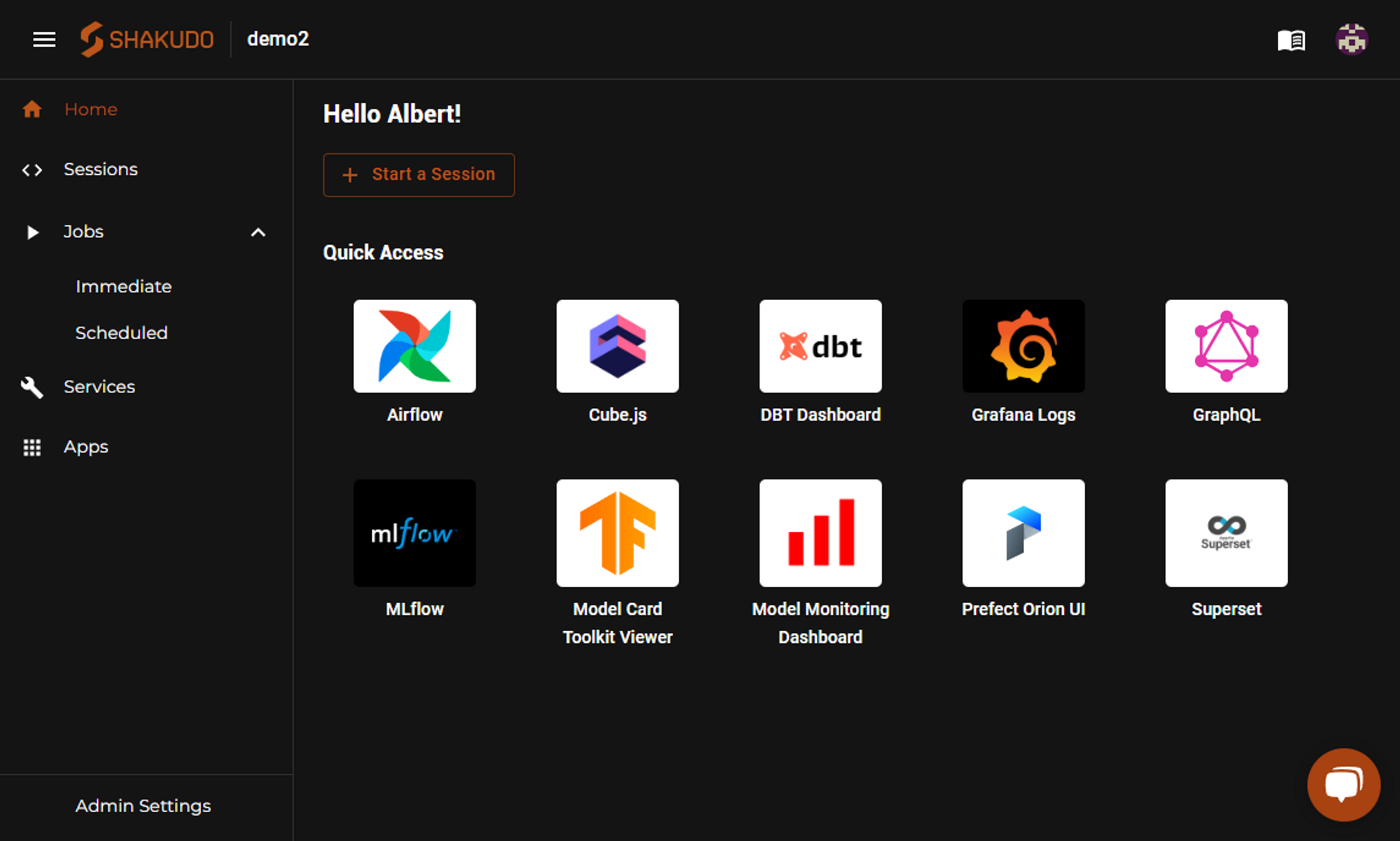
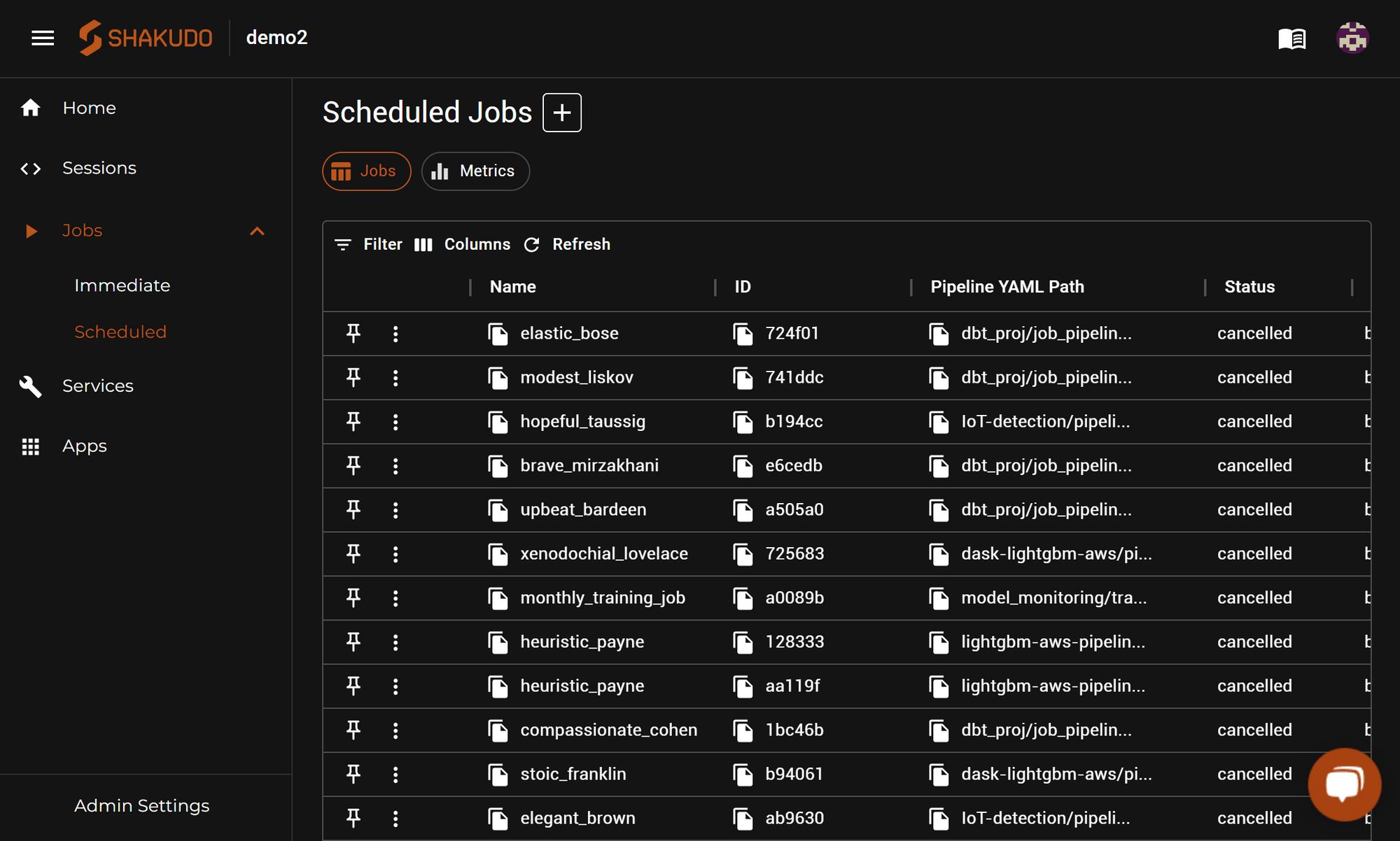
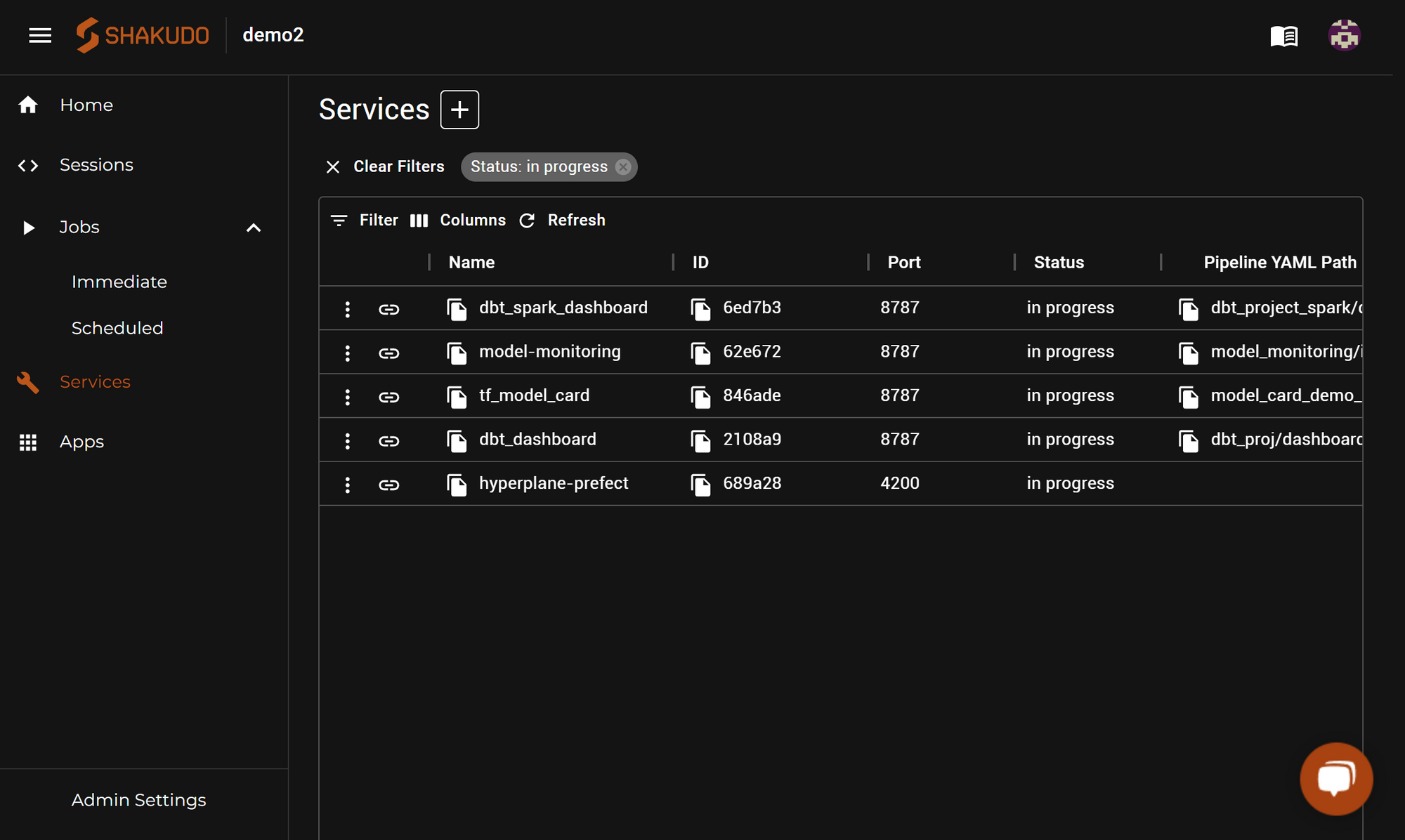
Screenshot of Shakudo Platform Dashboard UIScreenshot of Jobs use the same environment config as Sessions, so users can have the same dependencies and configurations available as they had during development. Jobs can be run on demand using Immediate jobs, or scheduled with a Cron expression using Scheduled Jobs. The integrated Job system can be used on its own, or it can be used to run code with tools like Airflow or Prefect.Screenshot of When deploying a project and publishing the results, Services help to deploy custom long-running programs like web servers to host results, or integrations can be used. From publishing processed data to S3 buckets, to hosting trained models on Nvidia Triton, to publishing dashboards in Apache Superset, it helps data scientists deploy their projects and their artifacts with minimal configuration or maintenance required