
Rob Morris
Director of Inside Sales
Chose DialSource
DialSource Telephony is way better than the others: no delay, no static, clear consistent voice quality.

| Product | Rating | Most Used By | Product Summary | Starting Price |
|---|---|---|---|---|
 DialSource | N/A | DialSource helps customer-facing teams have better conversations. DialSource is an enterprise software company that provides software to businesses to make, receive and manage customer-facing communications. DialSource’s applications for Salesforce and Microsoft Dynamics CRM are designed to automate recurring sales and service tasks, eliminate manual activity logging and streamline CRM management; while… | N/A | |
 Reply | Small Businesses (1-50 employees) | Reply.io helps sales teams book more meetings by automating outreach with smart AI. It finds leads, writes personalized messages, handles replies, and books meetings, so you can focus on closing deals. Reply.io's AI SDR learns the product, targets its potential users, and engages across email, LinkedIn, SMS, WhatsApp, and calls. Additionally it: Handles replies, books meetings, and works in multiple languages Has access to 1B+ leads with… | $50 per month |
| DialSource | Reply | |||||||||||||||
|---|---|---|---|---|---|---|---|---|---|---|---|---|---|---|---|---|
| Editions & Modules | No answers on this topic |
| ||||||||||||||
| Offerings |
| |||||||||||||||
| Entry-level Setup Fee | Required | Optional | ||||||||||||||
| Additional Details | Please contact us to learn more and review pricing options for your organization. | Discount available for annual pricing. | ||||||||||||||
| More Pricing Information | ||||||||||||||||
| DialSource | Reply | |
|---|---|---|
| Considered Both Products |  DialSource Rob Morris Director of Inside Sales Chose DialSource DialSource Telephony is way better than the others: no delay, no static, clear consistent voice quality. |  Reply |
| DialSource | Reply | |
|---|---|---|
| Small Businesses |  Lead411 Score 9.1 out of 10 |  Salesmate Score 10.0 out of 10 |
| Medium-sized Companies | Lead411 Score 9.1 out of 10 |  Mixmax Score 8.8 out of 10 |
| Enterprises |  Dialpad Sell Score 9.5 out of 10 |  Outreach Score 8.5 out of 10 |
| All Alternatives | View all alternatives | View all alternatives |
| DialSource | Reply | |
|---|---|---|
| Likelihood to Recommend | 9.6 (0 ratings) | 9.1 (0 ratings) |
| Support Rating | 10.0 (0 ratings) | 8.0 (0 ratings) |
| DialSource | Reply | |
|---|---|---|
| Likelihood to Recommend |
 Andres Pirela Loyo Director of Residential Sales |
 Kevin Koufos Market Manager |
| Pros |
 Mark Coffman Senior Mortgage Loan Officer |
|
| Cons |
Andres Pirela Loyo Director of Residential Sales |
 Zee Gimon Digital Operations Manager |
| Support Rating |
Mark Coffman Senior Mortgage Loan Officer |
 Dailius Wilson Director - BD |
| Alternatives Considered |
Rob Morris Director of Inside Sales |
 Ryan Dury Senior Manager Strategic Accounts & Sales Support |
| Return on Investment |
 Cilia Flores Head of Community |
|
| ScreenShots | DialSource Screenshots  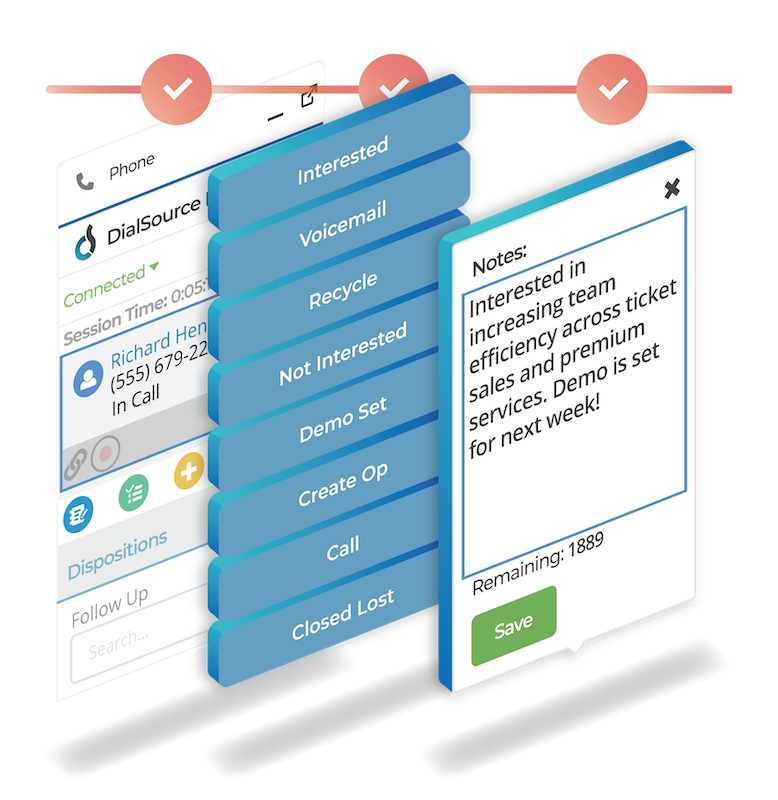  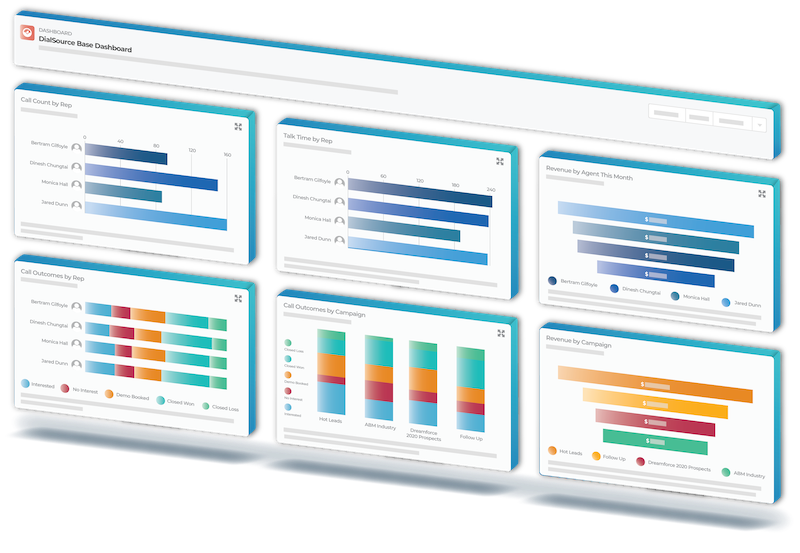  | Reply Screenshots      |