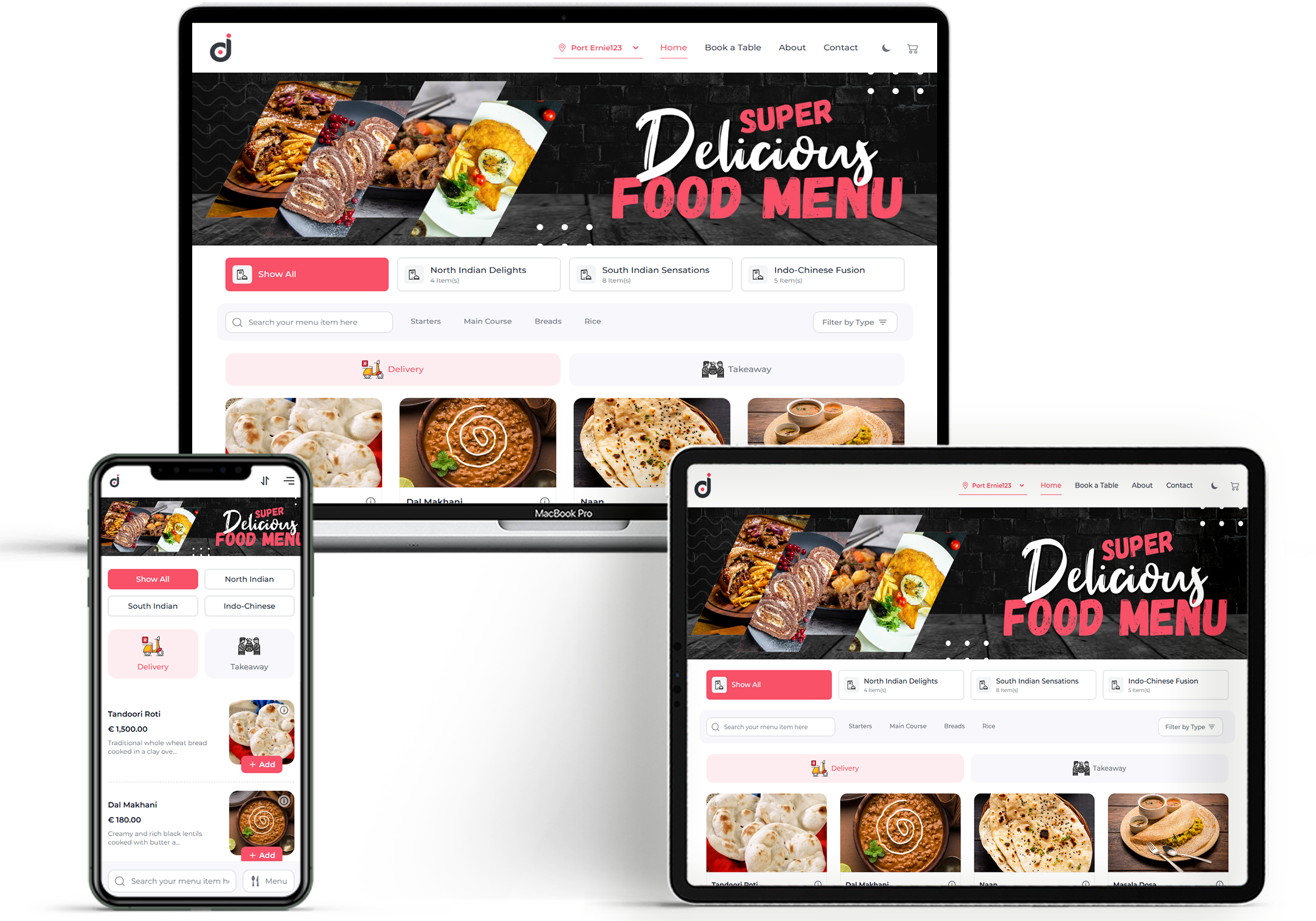
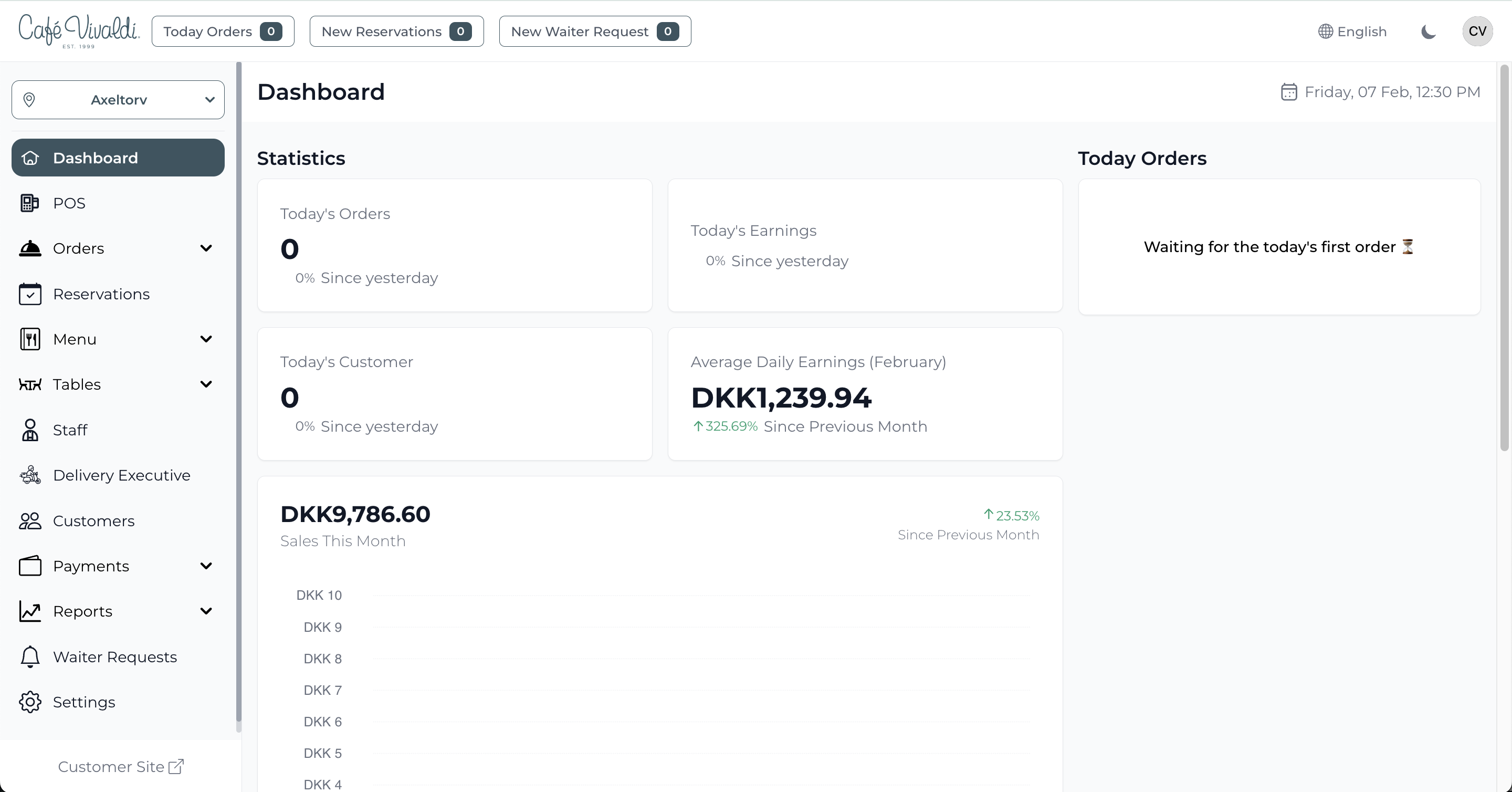
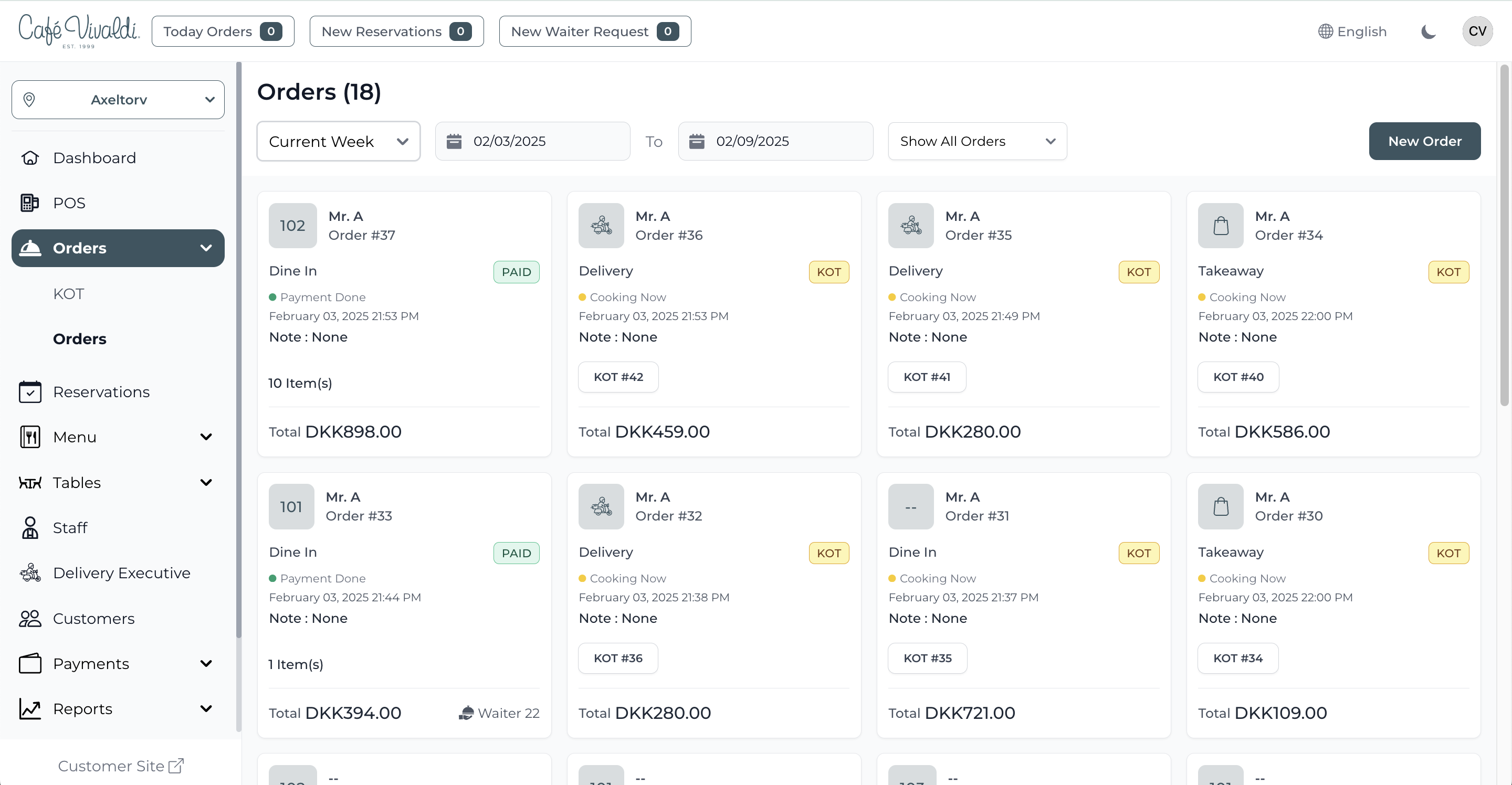
Dinemetrics is a restaurant POS used to simplify restaurant operations, featuring: TSE Compliance: Without requiring external modules or paid add-ons, Dinemetrics comes fully TSE-compliant — a must for operating in Germany. Insights Without Extra Tools: Its integrated analytics help track revenue, top-selling items, and staff performance in real time — no third-party tools required. Ideal for Multi-Language, Multi-Location Businesses Dinemetrics is…
$69
per month 1 branch
Lightspeed Restaurant
Score 9.9 out of 10
N/A
The Lightspeed Restaurant POS, from Lightspeed in Montreal, is a restaurant POS and management system designed to enable users to sync the user's menu with major food delivery apps, manage all orders and and reach new customers.
I have already used two Restaurant POS software but Lightspeed helps me a lot to grow my business. I face some problems when using this but day by day they are constantly developing their services. Their customer support is amazing. If we face any problem the team responds …
Upserve [POS (formerly Breadcrumb)] offers more functionality than Square, which is the only other restaurant POS I've used. Upserve has intuitive employee time tracking, and helpful labor and sales reporting features. I know my data guy would prefer more detailed data …
LAVU is the worst POS system I have ever encountered. It was the most frustrating part of everyone’s shift. They were never available for customer service, Upserve is. Their system would shut down across regions, Upserve does not. Upserve (at the time Breadcrumb) was highly …
Upserve rises above all of it's competition. It's just as robust as a legacy brand like Micros or Restaurant Manager, and simultaneously agile and intuitive like square. It's a perfect balance for modern restaurants.
Upserve is better because of its support team that helps guide you through the implementation process. Upserve is great at managing costs, employee actions, and retail processes.
Upserve is more robust than both of these products. Northstar simply isn't functional, so most anything could outperform it. I would choose Upserve over either of the above products.
Now as a Toast user, it makes Breadcrumb look like an ancient technology. Toast is way more user friendly and more suitable for a higher volume restaurant. Toast has a more thorough reporting system than Breadcrumb. The display is a lot more vibrant through Toast and people get …
Upserve POS is well suited for any restaurant, bar, or coffee shop. We've utilized this system for full service, quick service, and bar service and it's been perfect for all of it. I can't think of food or beverage service application that Upserve is not well suited to handle
I love all the backend reporting features of Upserve. It's really robust and helps me manage our restaurant by staying in touch with labor, best selling items, etc.
The customer service is great. I had a question and used their chat feature and my question was answered within 5 minutes.
Upserve is very intuitive. It utilizes a tab system along the left side of the screen for easy access to menu categories. After choosing the tab you want to view (i.e. Food), all the food items and/or sub categories show up instantly on the screen. once your items are chosen, you are a card swipe away from starting the payment process. Very easy. That said, there are a few minor issues with usability. For example, splitting checks is really quite difficult. You have to create new checks one at a time, then have to go searching for the checks to ring guests up. Really not intuitive on this front. Thankfully, it's not incredibly inhibitive
Seriously, if I could give a 12 rating I would. Upserve support is 24/7 and completely free. No extra fees on evenings or weekends and they are fast. You can actually start a chat support straight from your ipad screen. 90% of our support issues have been solved in just a few minutes from the chat screen. That said, I prefer the phone. Calling into Upserve support is just as easy and everyone is always friendly and fast
Upserve [POS (formerly Breadcrumb)] offers more functionality than Square, which is the only other restaurant POS I've used. Upserve has intuitive employee time tracking, and helpful labor and sales reporting features. I know my data guy would prefer more detailed data reporting abilities (for instance, you can't pull reports that show modifiers - so when we have Happy Hour and want to track how happy hour modifiers are doing compared to normal price, we have to do this manually wtf?). But overall Upserve is better than the other POS systems I've tried.
Bestsellers and slower items rise to the top in reporting features, making analysis quicker.
Dramatically reduced server error
Posed a challenge to continue face-to-face contact between servers and cooks; the POS tends to end conversations about special orders, special customer requests or restrictions, and generally conveys the nuances that contribute to excellent service. So we have to make a conscious effort to continue talking to each other.