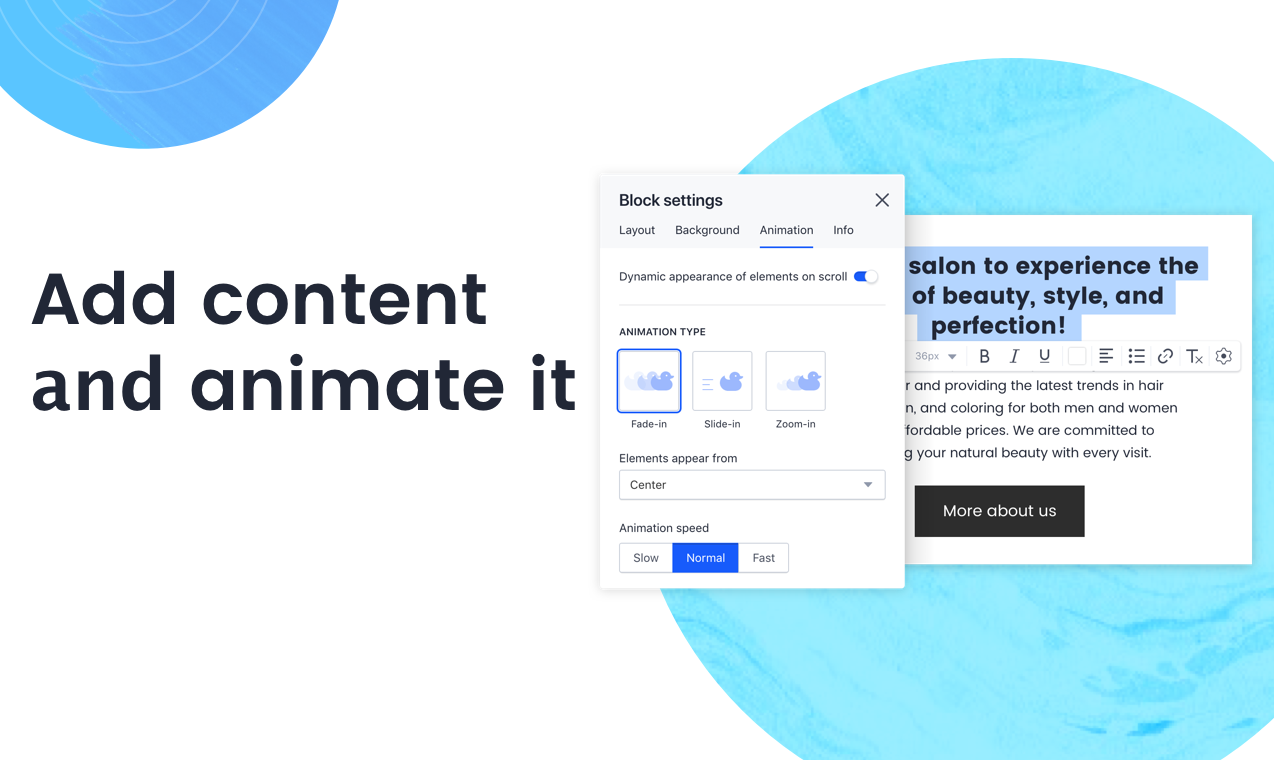
Accorind to the vendor, Draftium has 350+ ready-made blocks and 300+ prototype templates that allows you to visualize a website idea within 15-30 minutes. It is a free online turbo prototyping tool for website ideation and collaboration. It helps web-designers or studios, marketers, and account managers to make everyday easy. Prototyping in Draftium is based on blocks. You can remove or add them with checkboxes. So you do not have to add elements one-by-one, they already…
$0
year
Marvel
Score 9.0 out of 10
N/A
Marvel is a prototyping and wireframing app.
N/A
Pricing
Draftium
Marvel
Editions & Modules
Free
$0.00
year
Pro
$199.00
year
No answers on this topic
Offerings
Pricing Offerings
Draftium
Marvel
Free Trial
Yes
No
Free/Freemium Version
Yes
No
Premium Consulting/Integration Services
No
No
Entry-level Setup Fee
No setup fee
No setup fee
Additional Details
—
—
More Pricing Information
Community Pulse
Draftium
Marvel
Considered Both Products
Draftium
No answer on this topic
Marvel
Verified User
Anonymous
Chose Marvel
Marvel isn’t the most robust prototyping tool, but its simplicity is what makes the tool rise to the top when it comes to creating quick, simple prototypes to elicit feedback on designs and iterate upon them. While tools like InVision and Axure provide many tools to make more …
Have been using the prototype software provided by them for almost 2 full years. Fit most needs and then suddenly the prototype was deleted without warning. They specified I should have received warning emails but never did. The prototype was visited frequently as well. When I reached out to support staff they attempted to help but they couldn't identify how it was deleted, why it was deleted, why no email was sent out, and were not able to resolve the issue. I'd stay clear of this platform for these very reasons.
The best Marvel scenario is when you have an application that has different navigability options, and it is a long project. Marvel works to design these applications, as well as give a demo in the design to present it to customers and visualize how your application will be on the client side. This is an advantage for the whole team because the client knows what to expect, and the developer know what to develop. I also appreciate the logical order between options and navigation, which allows you to carry everything out very cleanly when working. Now, if there are projects that are short and do not have a level of design that requires you to present your application to a client in a visual way, it is not necessary to work on Marvel, since the ideal use of this application is to really see the scope of a project, to see in a visual way what will be presented and how it will look, and to see functions and features that will be available in some way when the application is developed. That is the great advantage of using marvel.
Marvel isn’t the most robust prototyping tool, but its simplicity is what makes the tool rise to the top when it comes to creating quick, simple prototypes to elicit feedback on designs and iterate upon them. While tools like InVision and Axure provide many tools to make more realistic, animation-heavy designs, Marvel is a go-to for a simple interface that enables designers to “just design.” Sometimes it is not necessary to have all of the bells and whistles of a stronger tool, particularly when a designer is low on time. Marvel’s simplicity allows designers to quickly design and iterate in time crunches without the distractions of fancy bells and whistles.
Creating prototypes of applications, or sites in marvel, guarantees me a considerable return, as it saves time and effort, because the client is quickly introduced to the various stages of prototyping, which avoids rework.
Another plus point, it's free!
No need to download programs, it's all done online.