Droplr is a tool for capturing and sharing screen images.
N/A
Dubb - Video Communication Platform
Score 8.9 out of 10
N/A
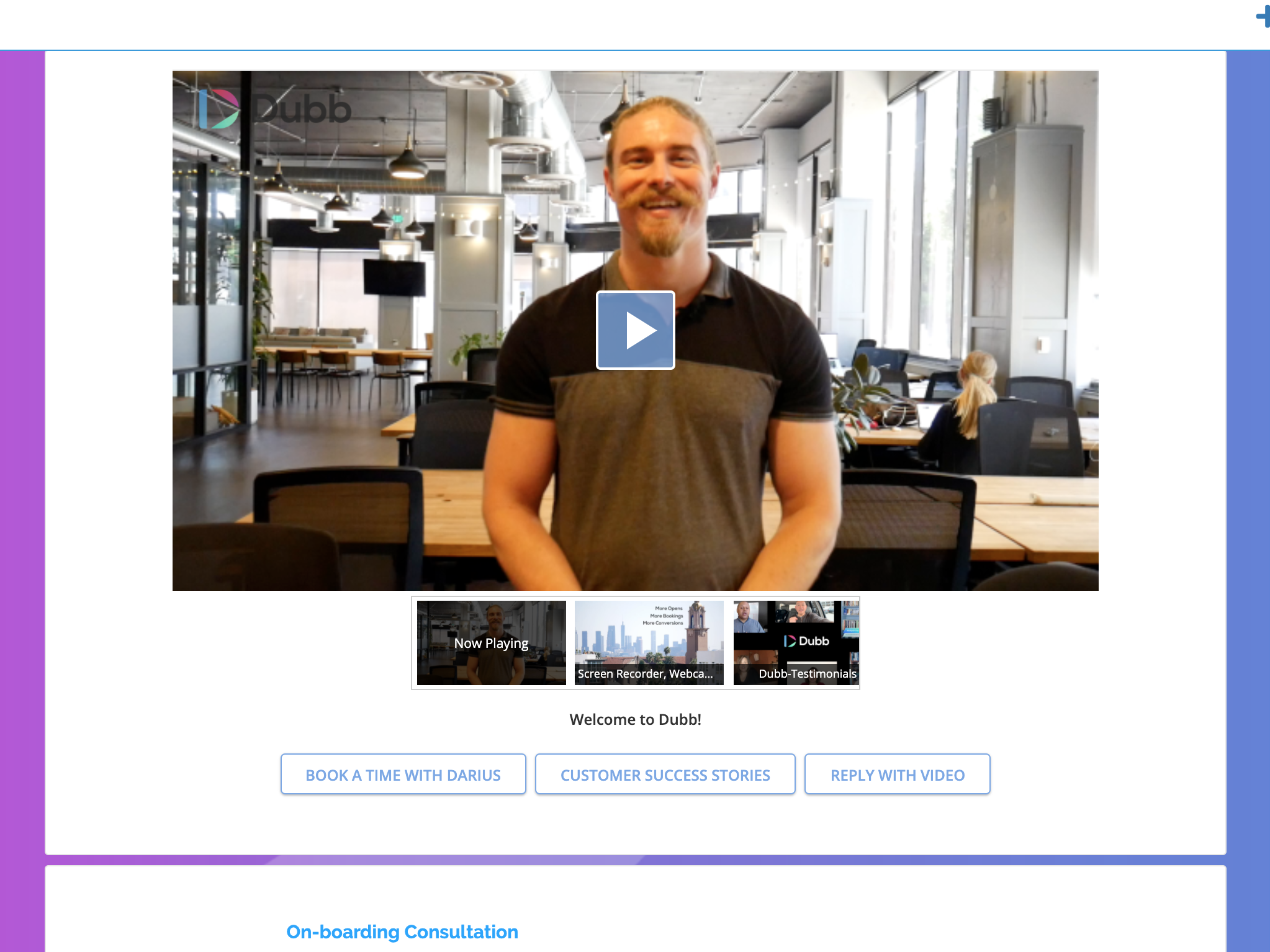
Dubb is a video communication platform that offers business users a platform to send personalized, trackable videos. Based in Los Angeles, the company was founded by technologists with specialties in marketing automation, artificial intelligence, and machine learning. The Dubb platform features a mobile app, Outlook Add-In, website, Slack app, and Chrome Extension (with integrations to LinkedIn, Gmail, and more). The company was built on the premise that everyone should have the ability to share…
Droplr is most appropriate when taking quick screenshots and sharing them internally. It's outrageously easy to take a Droplr link, paste it in Slack, and have the screenshot unfurl.
Droplr is least suited to sharing assets between you and a client. If you're sharing a screenshot, you have to paste the link, then copy the image that's featured within the link to share the asset. You can't guarantee that a client would actually click on a deliverable link, so it takes up time and storage space.
Although it is an extremely diverse platform with many use cases, I have found it best suited to creating a message based on a specific marketing strategy and being able to reach people at scale. While it offers adequate CRM functionality in most cases, if you are needing a more robust CRM it might not have the functionality you need.
Making screenshots and recordings couldn't be simpler. I use these features constantly and it helps me to improve the user experience prior to user testing and delivery. The users can actually see how these functions will work and can replay/review them easily.
The process of sharing files is simple and the desktop app, as well as browser extensions, make it a real pleasure to use.
The tagging and categorization of boards, as well as the ability to share these collections with others, is invaluable. This allows me to easily share, for example, a large number of concepts at once so I do not have to send multiple links to customers and collaborators.
Very simple to use. When I'm considering a new tool, it has to make my day easier. Not add frustration to my day.
Includes personal branding in multiple places.
I really like the Presets. Before I realized presets were an option, I was spending an additional time adding CTAs. Now I have presets for each category. And I can add specific videos to each preset.
The windows app is not very reliable, it has some bugs still that are being worked out.
The screen selection for video would be better if you didn't have to share the entire screen or window. It would be nice if you could record only a selected area like with a screenshot.
When taking a screenshot with the chrome extension it would be nice if it were more clear what area your mouse was in right after clicking. For instance, highlight the cross-hair and dim the rest of the screen. The screen would lighten only in the area you select.
I don't see how we can easily change the order in which videos are displayed on a showcase. It seems to default to the order in which the videos were uploaded, from oldest to most recent. That being said, I have not brought this up to the Dubb team yet; usually if something makes sense and can be done, the Dubb team figures out how to make it happen.
It's our favorite tool. It continues to get better. It gives us the opportunity to make a passive income for an outstanding product. It makes marketing fun and much easier since talking is much easier and more enjoyable than writing is. Plus the open rate is through the roof. In a world that has become almost completely virtual, it allows us to give a personal, in-person touch.
Video can still be a little bit imposing and invasive to some people. I have some businesses and clients I can't use Dubb with due to their age, comfort with technology, or overall impression on video - so I have to find alternatives to fit those gaps, which is time consuming. Less of a comment on Dubb and more on the struggle I have with some clients
They have three webinars a week for onboarding and Q&A purposes! They have a very active Facebook group, they are very active on email sending quality content for the growth of your initiatives. Only for support, I would get started all over with them
There are pros and cons to each and every one of them. To be honest, I use them all for different scenarios. Snagit is a desktop app and is a bit more heavy-duty. I don't necessarily need that all the time. CloudApp is the most comparable - it is also good in its own way
Dubb - Video Communication Platform's technology works. The other company's built-in video recording capability resulted in a very low-quality output (video), and Dubb - Video Communication Platform is built for business owners and marketers, which is a better fit for me, personally.
I use Droplr every day and it's been a huge boost for productivity since I never need to think about how a screenshot will be shared. It's just built in and so easy.