Chose Dubb - Video Communication Platform
Vidyard

| Product | Rating | Most Used By | Product Summary | Starting Price |
|---|---|---|---|---|
 Dubb - Video Communication Platform | N/A | Dubb is a video communication platform that offers business users a platform to send personalized, trackable videos. Based in Los Angeles, the company was founded by technologists with specialties in marketing automation, artificial intelligence, and machine learning. The Dubb platform features a mobile app, Outlook Add-In, website, Slack app, and Chrome Extension (with integrations to LinkedIn, Gmail, and more). The company was built on the premise that everyone should have the ability to share… | $10 per user | |
 Snagit | N/A | Snagit is screen capture and recording software from TechSmith, that lets users capture the screen and camera, add additional context, and share images, GIFs, or videos across preferred platforms. | N/A |
| Dubb - Video Communication Platform | Snagit | |||||||||||||||
|---|---|---|---|---|---|---|---|---|---|---|---|---|---|---|---|---|
| Editions & Modules |
| No answers on this topic | ||||||||||||||
| Offerings |
| |||||||||||||||
| Entry-level Setup Fee | Optional | No setup fee | ||||||||||||||
| Additional Details | — | One-time license cost One license per user - install on 2 machines, for work and home use Compatible with Windows and MacOS Optional Maintenance renewal - first year included FREE Upgrade to the next version Phone, chat and email support Access to Snagit Certification with 20+ exclusive how-to videos Enhanced Screencast integration to share content, plus the newest starter Assets for Snagit | ||||||||||||||
| More Pricing Information | ||||||||||||||||
| Dubb - Video Communication Platform | Snagit | |
|---|---|---|
| Considered Both Products |  Dubb - Video Communication Platform  Annette Anthony Director of Corporate Engagement Chose Dubb - Video Communication Platform Dubb is more evolved than BombBomb.  Gregory J. Sneed Owner CEO Chose Dubb - Video Communication Platform The editing and use of AI is much better with Dubb - Video Communication Platform. Customer service is located right here in the US and in the same time zone as me, Pacific. The functionality is easy and the interface of the product is clean and well laid out. Pricing is very … Chose Dubb - Video Communication Platform The brand-ability with Dubb - Video Communication Platform is unmatched.  Vannessa Lindsey Director Chose Dubb - Video Communication Platform I have used BIGVU, but find myself really only using Dubb, it is easier, more comprehensive and has more options.  Peter McLellan Realtor Chose Dubb - Video Communication Platform I compared Dubb - Video Communication Platform with BombBomb. After review, I just preferred the features and functionality of Dubb - Video Communication Platform. Things like the calendar integration and 1:1 chat feature will add value to my business. I just felt that Dubb - … Chose Dubb - Video Communication Platform Dubb hands down wins on ease of use and features.  George Calandrino Mortgage Broker Chose Dubb - Video Communication Platform tracking, call to action buttons, platform design, SMS, email, campaign...  Jason Staudinger Loan Officer Chose Dubb - Video Communication Platform When deciding between Dubb and BombBomb, they're marketing was just cleaner and it seemed like a much better value for what I was going to get. Chose Dubb - Video Communication Platform Easier to use and cheaper per seat. Liked the layout much better.  Michael Jurkovic OWNER Chose Dubb - Video Communication Platform much more cost effective and easier to use  Bill Andreadakis reltor Chose Dubb - Video Communication Platform more user friendly  Jason Duncan Founder, President Chose Dubb - Video Communication Platform I like Dubb better than the others, mainly because the price point seemed better, and the support has been fantastic.  Steve Ramona Global Sales Director Chose Dubb - Video Communication Platform I have used Glimpse and Boom Boom. Both are good. Dubb fits my style the best  Candice Blair Broker/Owner Chose Dubb - Video Communication Platform Dubb - Video Communication Platform is better for text delivery and offers more branding and action items.  Kelly Wheeler CEO (Chief Executive Officer) Chose Dubb - Video Communication Platform This is the best video, lead gen, client retention, and video funnel builder I have ever used! if you use Bomb Bomb you won't after giving this a spin!  Saiid Zamani Licensed Realtor Chose Dubb - Video Communication Platform I have used another platform Bomb Bomb for over 3 years. I felt that Bomb Bomb was a good product but Dubb - Video Communication Platform does more for affordable pricing. I feel the Dubb - Video Communication Platform leaders set up this platform for success vs. just having …  Xavier Smith Master Coach/Motivator Chose Dubb - Video Communication Platform I can't think of any better platform and I have used Bom Bom and a few others but I can't remember the names.  Karen E. Peyton💖 Certified Solutions Coach - and Life Coach Chose Dubb - Video Communication Platform Dubb - Video Communication Platform has so many more benefits than either of those I mentioned - BUT MOSTLY it's the team behind it that brings their product home. They have such a passion for their tool and a desire to make sure those that use it have the same experience. It … Chose Dubb - Video Communication Platform I have created/edited my own videos, too laborious compared to Dubb. |  Snagit  Rich Beliveau Salesforce Configurator / Admin Chose Snagit It's a great utility and cost-effective for the needs of business analysts to quickly crop, edit, and design images for documentation. It has areas to grow for process diagrams, in my opinion, but as a quick image editor, it has plenty of capabilities to get you by with …  Sanjay KV Head Of Content Chose Snagit It's really convenient to use with defining lots of shortcuts and provides more flexibility to the user. Pricing is also less compared to the other products. Good Support, there is a community available, can reach out them 24x7 to get the solution.  Daniel Lieber President Chose Snagit Native screen shot (snipping tool) is fine for basic screen shots and minor annotation. Snagit requires less time and does not need to have the images separately saved to have them be particularly useful.  Pritesh Patel Product Manager, Partnerships & Data Services Chose Snagit Camtasia is just for video and Snagit is the best and intuitive for all users.  Alex Wong Senior Account Manager Chose Snagit First of all, this is an integrated software by Tencent and the good side is that it is free to use, unlike other software that you need to pay for it's licenses to use. However, the reason Snagit still outshines Snip is that it is reasonable with the license that comes with …  Quentin Goin Integration Engineer Chose Snagit Windows free snipping tool - Con: had to save each screen shot before I could take another screen shot and couldn't draw nice circles/rectangles around the area of the screen shot to bring attention. Chrome plugin options - Con: editing tools were lacking.  Jeff Smith Owner Principal Chose Snagit Snagit has been around since the 1990s. I started using it back when there were not so many options out there. We have been so happy with it that we never really looked at any other product. And that really is the truth. We upgrade every 2 years and that cost compared to …  Rob Harol Program Director Chose Snagit Snagit can be a bit more expensive than some of the opensource options (some of which are free and effective), but I think its value comes from the fact that no matter your level of tech-savviness, Snagit remains an out of the box solution that is ready to go on Day 1. That, …  Tom Brooks Video Marketing | Video Production | Google+ Marketing | Local Marketing Chose Snagit Compared to Camtasia this is far easier and quicker to use for quick video clips. The idea during the day is to be able to create posts for clients fast an easily. I also use Sony Vega and Adobe but find Snagit much easier to work with short posts on Facebook and LinkedIn.  Kathleen Murray Application Analyst Chose Snagit Snagit is much more robust than either of those tools. Both of those were very basic screen capture tools—no frills, no advanced features. They allowed me to grab a screen and make minor changes to it. We used a separate tool (Loom) for video capture. With Snagit, it does …  Rosalie Byrnes Technical Writer Chose Snagit PhotoShop is of course a very powerful image editing tool. But, the learning curve is steep and all the tools and settings aren't necessary for our needs. Snagit is a streamlined solution for capturing videos, creating gifs, and editing images. (It also supports capturing …  Cameron Michael Rhoads Technical Writer Chose Snagit Snagit is cheaper and simpler than Photoshop. It's easier to get new writers up to speed with Snagit than Photoshop. We didn't need all the capabilities that Photoshop has, so Snagit fits the bill perfectly. |
| Dubb - Video Communication Platform | Snagit | |
|---|---|---|
| Small Businesses |  Sendspark Score 10.0 out of 10 | Sendspark Score 10.0 out of 10 |
| Medium-sized Companies |  Atlassian Loom Score 9.2 out of 10 | Atlassian Loom Score 9.2 out of 10 |
| Enterprises |  Vyond Score 8.7 out of 10 | Vyond Score 8.7 out of 10 |
| All Alternatives | View all alternatives | View all alternatives |
| Dubb - Video Communication Platform | Snagit | |
|---|---|---|
| Likelihood to Recommend | 9.1 (0 ratings) | 8.9 (0 ratings) |
| Likelihood to Renew | 9.1 (0 ratings) | 9.4 (0 ratings) |
| Usability | 8.2 (0 ratings) | 7.5 (0 ratings) |
| Support Rating | 9.1 (0 ratings) | 9.0 (0 ratings) |
| Implementation Rating | - (0 ratings) | 10.0 (0 ratings) |
| Dubb - Video Communication Platform | Snagit | |
|---|---|---|
| Likelihood to Recommend |
Peter McLellan Realtor |
Jeff Smith Owner Principal |
| Pros |
 Wally Carmichael ☞ Business Strategist Business Profit Acceleration Strategist, Podcast Host |
Kathleen Murray Application Analyst |
| Cons |
|
Rosalie Byrnes Technical Writer |
| Likelihood to Renew |
Karen E. Peyton💖 Certified Solutions Coach - and Life Coach |
 Stephen Fuery MSc M.M.I.I Marketing Executive |
| Usability |
 Jon Moore Chief Consultant and Deployment Specialist |
 Debbie Johnson Systems Administrator |
| Support Rating |
|
 Cindy Lalowski PLM Manager |
| Implementation Rating | No answers on this topic |
Debbie Johnson Systems Administrator |
| Alternatives Considered |
 Brian 🎬 Kelly Founder |
Quentin Goin Integration Engineer |
| Return on Investment |
 Russ Johns Founder |
|
| ScreenShots | Dubb - Video Communication Platform Screenshots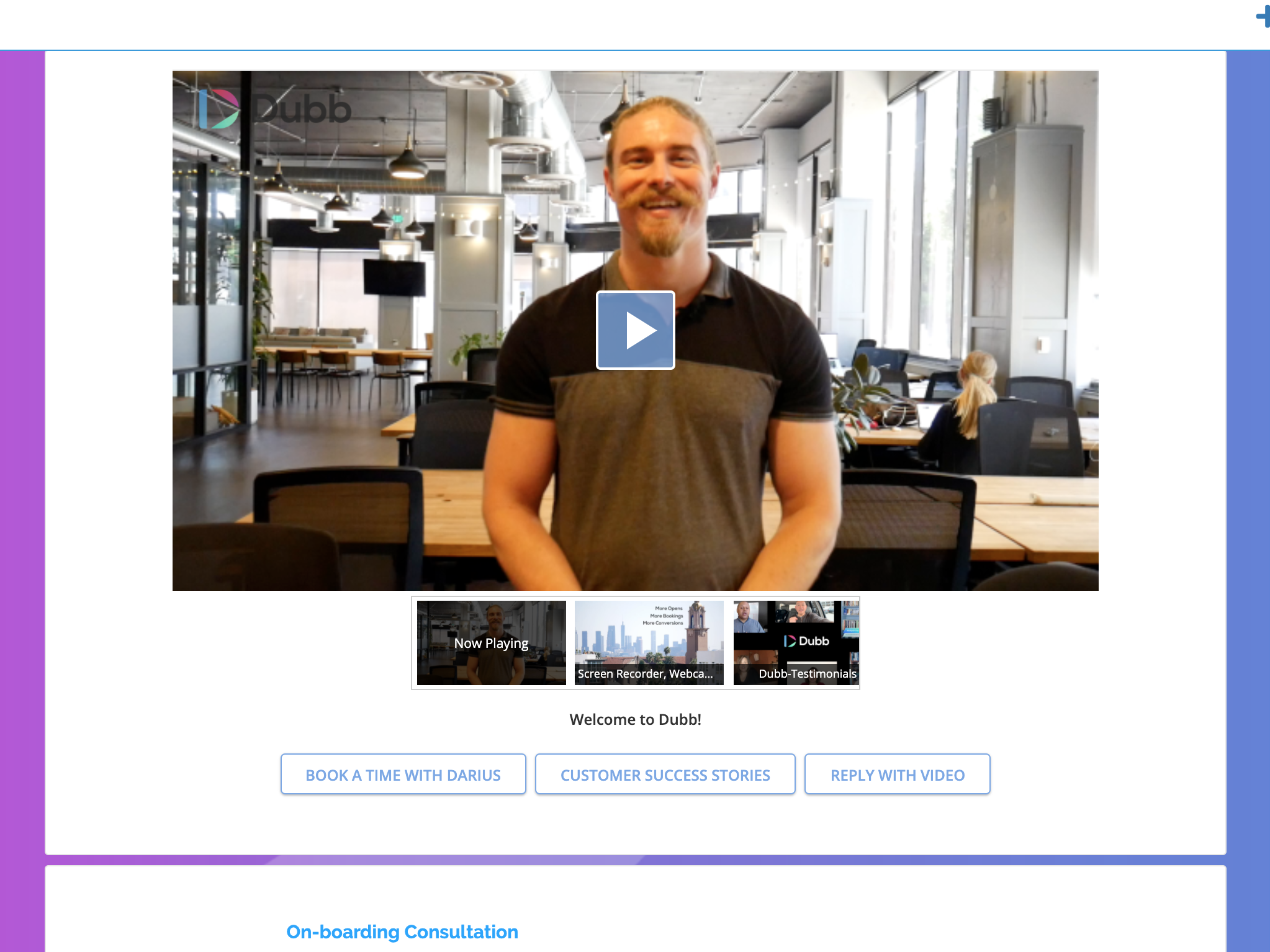   |


