Chose Dubb - Video Communication Platform
Vidyard

| Product | Rating | Most Used By | Product Summary | Starting Price |
|---|---|---|---|---|
 Dubb - Video Communication Platform | N/A | Dubb is a video communication platform that offers business users a platform to send personalized, trackable videos. Based in Los Angeles, the company was founded by technologists with specialties in marketing automation, artificial intelligence, and machine learning. The Dubb platform features a mobile app, Outlook Add-In, website, Slack app, and Chrome Extension (with integrations to LinkedIn, Gmail, and more). The company was built on the premise that everyone should have the ability to share… | $10 per user | |
 Zight | Small Businesses (1-50 employees) | Zight (formerly CloudApp) is a solution with a community of over 4M users, offering visual asynchronous communication, eliminating the need to use different applications for screenshots, GIFs, screen recordings, and web recordings. | $0 |
| Dubb - Video Communication Platform | Zight | |||||||||||||||
|---|---|---|---|---|---|---|---|---|---|---|---|---|---|---|---|---|
| Editions & Modules |
|
| ||||||||||||||
| Offerings |
| |||||||||||||||
| Entry-level Setup Fee | Optional | No setup fee | ||||||||||||||
| Additional Details | — | — | ||||||||||||||
| More Pricing Information | ||||||||||||||||
| Dubb - Video Communication Platform | Zight | |
|---|---|---|
| Considered Both Products |  Dubb - Video Communication Platform  Annette Anthony Director of Corporate Engagement Chose Dubb - Video Communication Platform Dubb is more evolved than BombBomb.  Gregory J. Sneed Owner CEO Chose Dubb - Video Communication Platform The editing and use of AI is much better with Dubb - Video Communication Platform. Customer service is located right here in the US and in the same time zone as me, Pacific. The functionality is easy and the interface of the product is clean and well laid out. Pricing is very … Chose Dubb - Video Communication Platform The brand-ability with Dubb - Video Communication Platform is unmatched.  Vannessa Lindsey Director Chose Dubb - Video Communication Platform I have used BIGVU, but find myself really only using Dubb, it is easier, more comprehensive and has more options.  Peter McLellan Realtor Chose Dubb - Video Communication Platform I compared Dubb - Video Communication Platform with BombBomb. After review, I just preferred the features and functionality of Dubb - Video Communication Platform. Things like the calendar integration and 1:1 chat feature will add value to my business. I just felt that Dubb - … Chose Dubb - Video Communication Platform Dubb hands down wins on ease of use and features.  George Calandrino Mortgage Broker Chose Dubb - Video Communication Platform tracking, call to action buttons, platform design, SMS, email, campaign...  Jason Staudinger Loan Officer Chose Dubb - Video Communication Platform When deciding between Dubb and BombBomb, they're marketing was just cleaner and it seemed like a much better value for what I was going to get. Chose Dubb - Video Communication Platform Easier to use and cheaper per seat. Liked the layout much better.  Michael Jurkovic OWNER Chose Dubb - Video Communication Platform much more cost effective and easier to use  Bill Andreadakis reltor Chose Dubb - Video Communication Platform more user friendly  Jason Duncan Founder, President Chose Dubb - Video Communication Platform I like Dubb better than the others, mainly because the price point seemed better, and the support has been fantastic.  Steve Ramona Global Sales Director Chose Dubb - Video Communication Platform I have used Glimpse and Boom Boom. Both are good. Dubb fits my style the best  Candice Blair Broker/Owner Chose Dubb - Video Communication Platform Dubb - Video Communication Platform is better for text delivery and offers more branding and action items.  Kelly Wheeler CEO (Chief Executive Officer) Chose Dubb - Video Communication Platform This is the best video, lead gen, client retention, and video funnel builder I have ever used! if you use Bomb Bomb you won't after giving this a spin!  Saiid Zamani Licensed Realtor Chose Dubb - Video Communication Platform I have used another platform Bomb Bomb for over 3 years. I felt that Bomb Bomb was a good product but Dubb - Video Communication Platform does more for affordable pricing. I feel the Dubb - Video Communication Platform leaders set up this platform for success vs. just having …  Xavier Smith Master Coach/Motivator Chose Dubb - Video Communication Platform I can't think of any better platform and I have used Bom Bom and a few others but I can't remember the names.  Karen E. Peyton💖 Certified Solutions Coach - and Life Coach Chose Dubb - Video Communication Platform Dubb - Video Communication Platform has so many more benefits than either of those I mentioned - BUT MOSTLY it's the team behind it that brings their product home. They have such a passion for their tool and a desire to make sure those that use it have the same experience. It … Chose Dubb - Video Communication Platform I have created/edited my own videos, too laborious compared to Dubb. |  Zight  Arpad Szucs Brand Designer | UI, UX & Visual Designer Chose Zight We've been using Loom too in its early days. Loom vs CloudApp really boils down to personal preference. If you're using screen recording more, then Loom, if you take a lot of screenshots and annotate them, then CloudApp. The pricing is very similar, with CloudApp a bit more …  Christopher Page, MBA Digital Marketing Consultant Chose Zight The only other competitor I'm aware of is Droplr. I liked the clean, white interface of CloudApp as well as the rest of their user interface. It's been fairly intuitive to figure out. The one thing Droplr had integrated before CloudApp was "work spaces" where you could easily …  J.P. VanderLinden Director Of Operations Chose Zight In the world of screenshot taking and sharing, there isn't much. Jing, AwesomeScreenshot, and others have been used in the past, but CloudApp is the one with the best UX, has the best-integrated capture and sharing features, and the best cross-platform compatibility (desktop …  Veronika Baranovska Inbound Marketing Manager Chose Zight The tools I have used in the past weren't available in the tool selector! Basically, I've mostly used Jing which I found to be quite clunky. The user interface is unnecessarily complicated and sharing files is more difficult. Trying CloudApp once was enough to see how much more …  Allie Fleming Web Developer Chose Zight Dropbox is nice, but if you try to share to an email address outside of your domain name, there are additional setting you need to do per image. That’s too tedious for quick chatting at work.  Tim Colling President Chose Zight Irfanview is a personal favorite of mine. It is much more powerful at image manipulation and markup. And, it is free.  Phillip Guye Co-Founder & Chief Strategist of MindGame Marketing Chose Zight We have used more screen grab/screenshot technologies than I care to remember. Many had one or two things that worked fairly well. the problem was having to annotate, adjust and edit out sensitive information using multiple programs just took too long but I thought I had no …  Whitney Burchill Customer Support Specialist Chose Zight I like how in Jing allows you to choose how you want to export the content and it is simple to find everything. However, cloud app helps to do a lot of things that were never a possibility with Jing, such as blurring content, face bubble on videos and it generates links much …  Diep Bui Inbound Marketer Chose Zight I just used Mac screenshot function only. Chose Zight * monosnap * build in macos screen grabber  Caleb McPherson Technical Support Chose Zight Droplr worked great for us, until it didn't. After a new OS X version was released the app stopped working. We have not had this problem with Cloud app.  Michele Giordano Owner-Operator Chose Zight Droplr is more expensive overall and also does not have a stable windows solution. DropCloud is also more intuitive and user-friendly than Droplr. |
| Dubb - Video Communication Platform | Zight | |
|---|---|---|
| Small Businesses |  Sendspark Score 10.0 out of 10 | Sendspark Score 10.0 out of 10 |
| Medium-sized Companies |  Atlassian Loom Score 9.2 out of 10 |  Snagit Score 9.3 out of 10 |
| Enterprises |  Vyond Score 8.7 out of 10 | Snagit Score 9.3 out of 10 |
| All Alternatives | View all alternatives | View all alternatives |
| Dubb - Video Communication Platform | Zight | |
|---|---|---|
| Likelihood to Recommend | 9.1 (0 ratings) | 6.9 (0 ratings) |
| Likelihood to Renew | 9.1 (0 ratings) | 9.1 (0 ratings) |
| Usability | 8.2 (0 ratings) | 8.2 (0 ratings) |
| Support Rating | 9.1 (0 ratings) | 9.1 (0 ratings) |
| Implementation Rating | - (0 ratings) | 8.2 (0 ratings) |
| Dubb - Video Communication Platform | Zight | |
|---|---|---|
| Likelihood to Recommend |
Peter McLellan Realtor |
|
| Pros |
 Wally Carmichael ☞ Business Strategist Business Profit Acceleration Strategist, Podcast Host |
Veronika Vebere Inbound Marketing Manager |
| Cons |
|
|
| Likelihood to Renew |
Karen E. Peyton💖 Certified Solutions Coach - and Life Coach |
Phillip Guye Co-Founder & Chief Strategist of MindGame Marketing |
| Usability |
 Jon Moore Chief Consultant and Deployment Specialist |
Phillip Guye Co-Founder & Chief Strategist of MindGame Marketing |
| Support Rating |
|
Phillip Guye Co-Founder & Chief Strategist of MindGame Marketing |
| Implementation Rating | No answers on this topic |
Phillip Guye Co-Founder & Chief Strategist of MindGame Marketing |
| Alternatives Considered |
 Brian 🎬 Kelly Founder |
|
| Return on Investment |
 Russ Johns Founder |
|
| ScreenShots | Dubb - Video Communication Platform Screenshots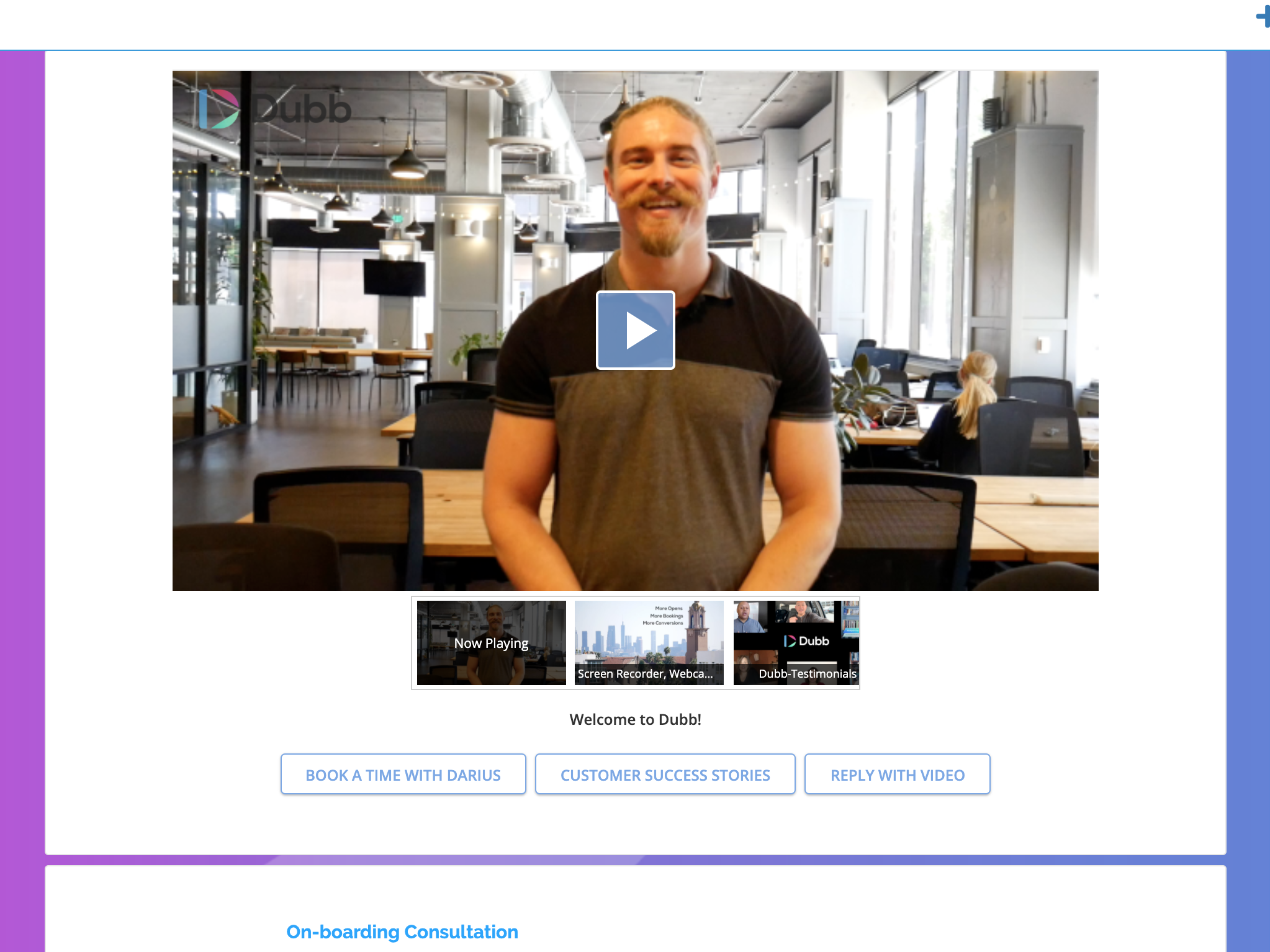   | Zight Screenshots     |


