
empower® suite vs. S-Docs
empower® suite vs. S-Docs
| Product | Rating | Most Used By | Product Summary | Starting Price |
|---|---|---|---|---|
 empower® suite | N/A | empower® suite is a suite of MS Office add-ins that elevate and streamline working with Word, Excel, PowerPoint, and Outlook. They help to create properly formatted presentations, documents, spreadsheets and emails quickly. Users can build documents based on templates and building-blocks – searchable in a centralized library, online and offline. The software can be hosted on-premise or in the cloud and used with Office 365, Office for Windows, Office for Mac, PowerPoint Online, and Microsoft… | N/A | |
 S-Docs | Small Businesses (1-50 employees) | S-Docs headquartered in New York offers what they present as a secure document generator and E-signature solution built on the Salesforce Platform. It aims to help users to create and e-sign sophisticated documents that improve efficiency, reduce errors and eliminate tedious work. | $65 per month per user |
| empower® suite | S-Docs | |||||||||||||||
|---|---|---|---|---|---|---|---|---|---|---|---|---|---|---|---|---|
| Editions & Modules | No answers on this topic |
| ||||||||||||||
| Offerings |
| |||||||||||||||
| Entry-level Setup Fee | Required | Optional | ||||||||||||||
| Additional Details | empower® offers an annual license model, which is based on the number of users (designed for larger license volume starting from 20 users) and the corresponding product edition. Maintenance, updates and 2nd level support are included in the license fee. For example, with empower® charts you can save up to 50% on yearly license cost compared to similar products. | S-Docs for Salesforce is priced by seat. Organizations that are interested in the enterprise edition - including per-document pricing and Experience Cloud plans, can reach out to sales. S-Docs for HubSpot is priced by usage. S-Docs for HubSpot Team Edition comes with 500 documents and 250 e-Signature requests per year. S-Docs for HubSpot Professional Edition comes with 2,500 documents and 800 e-Signature requests per year. Nonprofit discounts are available. | ||||||||||||||
| More Pricing Information | ||||||||||||||||
| empower® suite | S-Docs |
|---|
| empower® suite | S-Docs | |
|---|---|---|
| Likelihood to Recommend | - (0 ratings) | 9.0 (1 ratings) |
| empower® suite | S-Docs | |
|---|---|---|
| Likelihood to Recommend | empower No answers on this topic | S-Docs Inc.
|
| Pros | empower No answers on this topic | S-Docs Inc.
|
| Alternatives Considered | empower No answers on this topic | S-Docs Inc.
|
| Return on Investment | empower No answers on this topic | S-Docs Inc.
|
| ScreenShots | empower® suite Screenshots      | S-Docs Screenshots  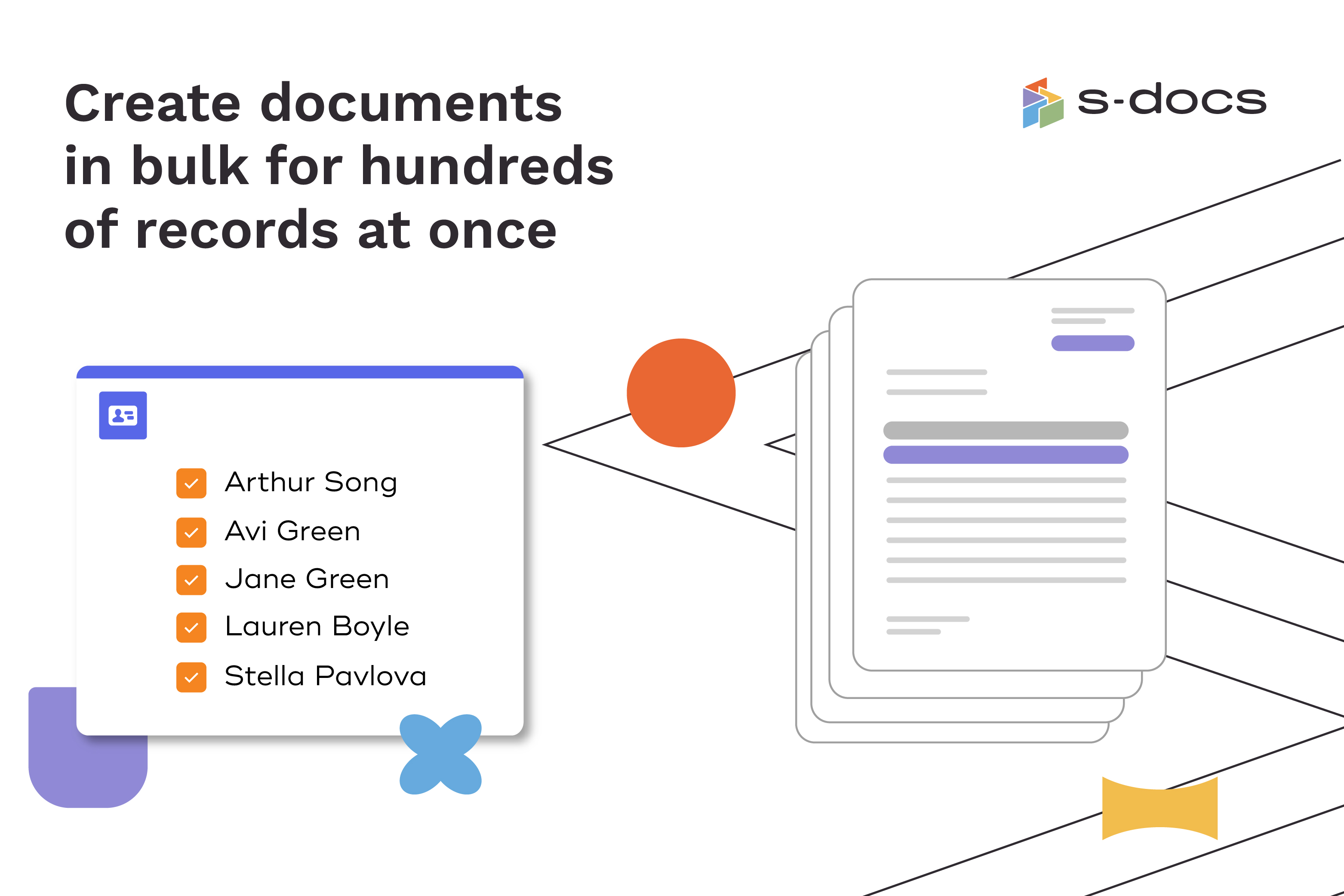  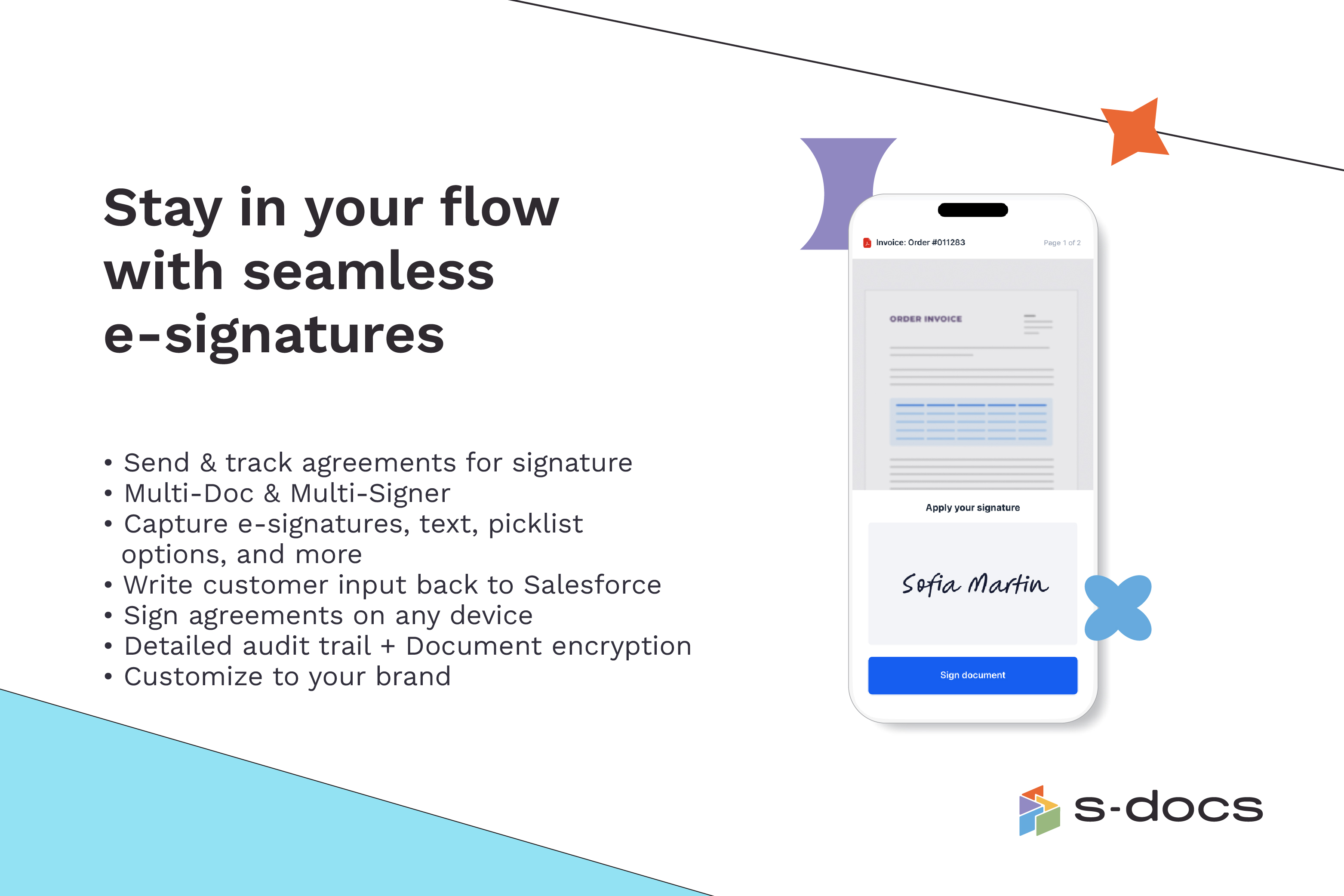  |