Filestack vs. SpiderOak One Backup

Overview
ProductRatingMost Used ByProduct SummaryStarting Price
Filestack
Score 10.0 out of 10
N/A
Filestack is a developer service for uploading files from anywhere onto the user's application. Filestack allows software developers to integrate more than 25 of the world’s leading cloud drives with just a few lines of code. End users can upload content from websites and mobile apps like Facebook, Instagram, and Dropbox or wherever that content is stored. Filestack enables developers to upload and store large files, transform and manipulate images and other file types, and deliver that…
$69
per month
SpiderOak One Backup
Score 8.8 out of 10
N/A
SpiderOak is a file sync and cloud storage / backup solution, emphasizing privacy.
$6
per month per user
Pricing
FilestackSpiderOak One Backup
Editions & Modules
Start
$69
per month
Grow
$199
per month
Scale
$379
per month
150 GB
$6
per month per user
400 GB
$11
per month per user
2 TB
$14
per month per user
5 TB
$29
per month per user
Offerings
Pricing Offerings
FilestackSpiderOak One Backup
Free Trial
YesYes
Free/Freemium Version
YesNo
Premium Consulting/Integration Services
NoNo
Entry-level Setup FeeNo setup feeNo setup fee
Additional DetailsFilestack pricing tiers are based off of the number of API calls for file uploads, file transformations, and outbound bandwidth. Start for free, and contact the vendor regarding custom pricing.
More Pricing Information
Community Pulse
FilestackSpiderOak One Backup
Considered Both Products
Filestack
Chose Filestack
✔ Easier to use with a simpler API.
✔ Better for general file handling.
✔ Faster drag-and-drop UI with built-in uploader.
Chose Filestack
We were using Sucuri previously and we had a lot of problems with it, so we switched to Filestack and FileStack has made it possible to connect to cloud resources to download faster and easier. We were given a job to do the same thing that would take a ton of time and money, …
Chose Filestack
Ease of integration [was] that we had developers who were familiar with implementing Filestack. It also decreased the dependency and load of our Developers since the implementation instructions are fairly straightforward. Filestack is excellent at what it does (asset …
SpiderOak One Backup
Chose SpiderOak One Backup
In regards to overall performance SpiderOak is not as customizable as Unitrends, but based on the annual cost for SpiderOak and how we use the product, for a "Backup" to our primary backup solution, it is a welcomed option to our backup strategy when you consider the …
Features
FilestackSpiderOak One Backup
File Sharing & Management
Comparison of File Sharing & Management features of Product A and Product B
Filestack
-
Ratings
SpiderOak One Backup
8.9
Ratings
6% above category average
Versioning00 Ratings10.00 Ratings
Video files00 Ratings9.00 Ratings
Audio files00 Ratings9.00 Ratings
Document collaboration00 Ratings8.00 Ratings
Access control00 Ratings10.00 Ratings
File search00 Ratings7.00 Ratings
Device sync00 Ratings9.00 Ratings
Cloud Storage Security & Administration
Comparison of Cloud Storage Security & Administration features of Product A and Product B
Filestack
-
Ratings
SpiderOak One Backup
9.0
Ratings
4% above category average
User and role management00 Ratings10.00 Ratings
File organization00 Ratings8.00 Ratings
Device management00 Ratings9.00 Ratings
Cloud Storage Platform
Comparison of Cloud Storage Platform features of Product A and Product B
Filestack
-
Ratings
SpiderOak One Backup
8.3
Ratings
3% below category average
Performance00 Ratings8.00 Ratings
Reliability00 Ratings9.00 Ratings
Storage Reports00 Ratings8.00 Ratings
Best Alternatives
FilestackSpiderOak One Backup
Small Businesses
SugarSync
SugarSync
Score 5.8 out of 10
SugarSync
SugarSync
Score 5.8 out of 10
Medium-sized Companies
M‑Files
M‑Files
Score 8.9 out of 10
Druva Security Cloud
Score 9.7 out of 10
Enterprises
M‑Files
M‑Files
Score 8.9 out of 10
Druva Security Cloud
Score 9.7 out of 10
All AlternativesView all alternativesView all alternatives
User Ratings
FilestackSpiderOak One Backup
Likelihood to Recommend
10.0
(0 ratings)
8.0
(0 ratings)
Support Rating
-
(0 ratings)
7.0
(0 ratings)
User Testimonials
FilestackSpiderOak One Backup
Likelihood to Recommend
The integration is airy and the performance is amazing. Initially, we used our photo file uploader and it worked, but as our needs grew the developmental effort to support new needs took a lifetime. As a development manager, this was a big red flag because uploading files had become a hindrance and time-consuming away from other purposes.
Read full review
SpiderOak is well suited for local backups of the computer the client resides on. It is well suited for local area storage backups. It is less suited for remote backups, over a VPN or wide area where the data is continually changing. For data that continually changes, like in our document management system, the client needs to be on the same network as the data.
Read full review
Pros
  • An e-commerce platform wants users to upload product images from their Google Drive. Filestack’s file picker allows seamless integration without users manually downloading and re-uploading files.
Read full review
  • Versions Files meaning it makes multiple copies of the same files as it is updated
  • Zero Knowledge meaning our storage is complete secure and private
Read full review
Cons
  • Pricing for High Usage – Costs can scale quickly for businesses with heavy file processing needs. A more flexible pricing model would be helpful.
  • Advanced Feature Learning Curve – Some of the more complex functionalities, like custom processing workflows, require deeper technical knowledge. More intuitive UI or guided setups would be great.
  • More Customization for UI Components – The default file picker is useful but could offer more styling and branding options without requiring extra coding.
Read full review
  • The Software Client sometimes fails and the only resolution is to uninstall/reinstall
  • Support meanig there is no number to call, you do everything over email
Read full review
Usability
I rate Filestack highly because it delivers fast, reliable file handling, powerful real-time transformations, and seamless integrations that save time and enhance user experience. While pricing and the learning curve can be challenges, the overall value in scalability, automation, and performance makes it a great investment for businesses managing large volumes of media
Read full review
No answers on this topic
Support Rating
No answers on this topic
While I gave them a 7, it is in regards to the access to support. This is a business application and not being able to call them can sometimes be a problem especially when you need immediate support. They still tend to manage their support on a consumer line model and not a business grade model. With that said, I will say they are very knowledgeable of the product and how to resolve most any issue when I contact them.
Read full review
Alternatives Considered
Offers smart CDN and real-time processing, but pricing can be high.
Read full review
In regards to overall performance SpiderOak is not as customizable as Unitrends, but based on the annual cost for SpiderOak and how we use the product, for a "Backup" to our primary backup solution, it is a welcomed option to our backup strategy when you consider the versioning, zero knowledge, share features and unlimited data.
Read full review
Return on Investment
  • Decreased Development Load/Enabled Developer Bandwidth
  • Ease of Integration into CMS
  • Cost/Time Efficiency Boost
Read full review
  • ROI is positive when you consider unlimited data for the annual cost.
  • Versioning when you consider backing up documents that continually change and need to restore a previous version.
Read full review
ScreenShots

Filestack Screenshots

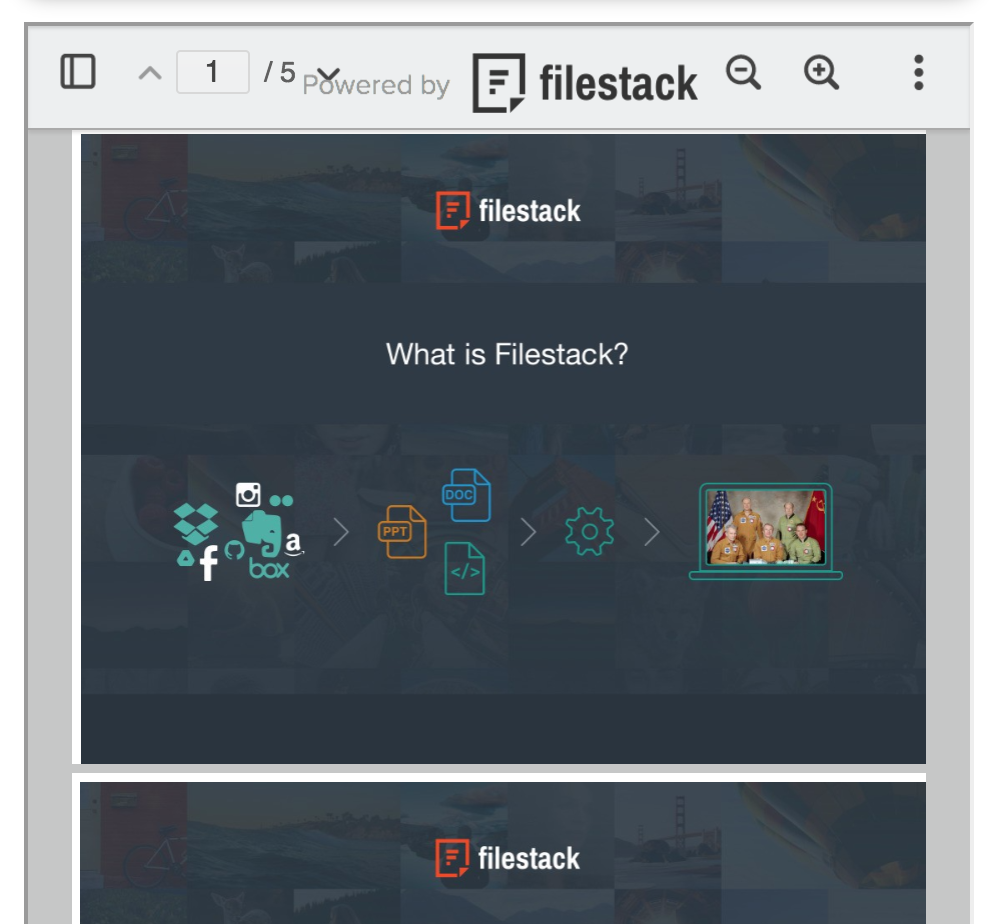
Screenshot of The powerful file uploader to connect your users to 20+ cloud drives for fast, reliable uploading.Screenshot of Filestack Document Viewer to embed PDFs, PowerPoints, Excel Files and more directly on your website, without any heavy plugins.Screenshot of Only 2 lines of code to implement Filestack in your application.