Flip PDF for Mac from FlipBuilder is designed to make it fast and easy for Mac users to convert ordinary PDF files into mobile friendly eye-catching brochures or magazines with amazing page-flipping effect. Integrated with hundreds of templates and themes, the Mac program enables you to create an unique and impressive digital magazine, brochure or catalog within minutes.
N/A
Smallpdf
Score 10.0 out of 10
N/A
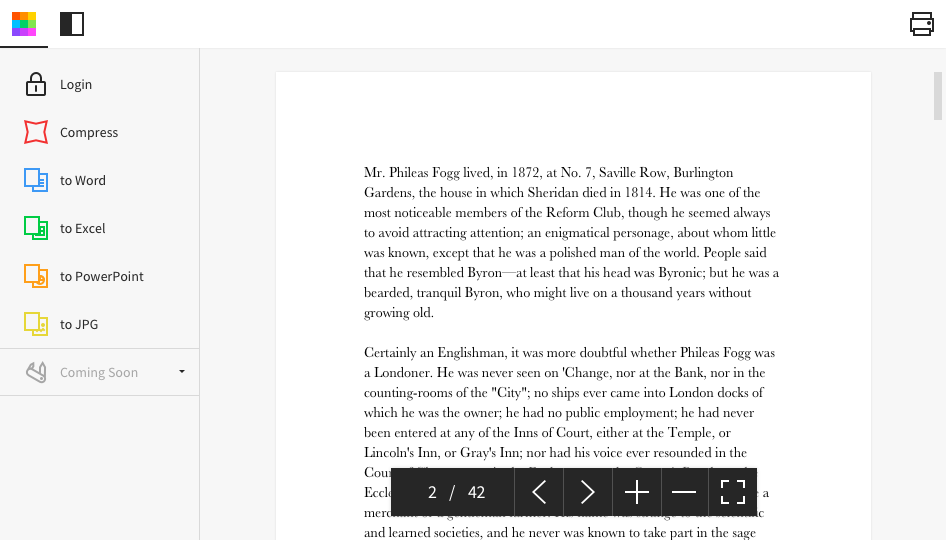
Made in Switzerland, Smallpdf is a company that offers a suite of document management tools for everyone-for work, for home, for life. Founded in Switzerland in 2013, Smallpdf provides what they describe as a simple, secure, and reliable answer to the world's PDF challenges. Smallpdf boasts serving over a billion users in 24 different languages since 2013, and in every country in the world.
It's great for presentations. It makes even the most drab presentation more interesting, and gives you the ability to add animated elements to your presentation. Everybody uses Microsoft PowerPoint, but for Mac it's a little slow and unresponsive. Flip PDF Pro for Mac kind of solves that issue – you can build your project in InDesign, export it out, then import it into Flip PDF Pro. It sounds like a bit of a process but it's actually very easy. Any designer can pick it up and run with it.
I would suggest Smallpdf for simple needs in terms of PDFs management that can be [easily] resolved such as: size compression, deleting of pages and file conversions. This tool is very user-friendly and easy to use, it is available online so the user doesn't need to download any software. In case of heavy files compression, the tool isn't appropriate since it doesn't support heavy documents.
You can customize or add certain things like your title, logo, toolbar icon appearance, background, fonts, etc. It feels a lot like a design program – which is nice, as a designer.
The program allows you to embed almost any sort of media into your flip book – GIFs are easy to add in and work with, they add a dynamic element to your presentation (which wasn't possible before).
You can create these things called “hot spots” – basically certain trigger areas in your document that can activate something when clicked – like take you to a e-commerce site, for example.
One of the best things that Smallpdf does is pdf conversion both to and from pdf. It is especially great to transform pdf tables into Excel documents.
PDF splitting is really great since allows for cropping large files and just keep the information necessary; something that comes really handy when presenting information to your supervisors.
PDF merging also works wonders, it allows for mixing several different pdf documents into just one of them. It is extremely easy to set up.
This a really fast pdf reader, it feels really fast compared to other options that tend to feel clunky. Its workspace is super comfortable and well organized so finding a tool you need is always a simple task.
My documents sometimes had a problem with import and output – sometimes it would take a substansial amount of time to export something.
In their mulit-lingual version, our freelance linguist caught some mistakes, some words were not translated or translated into other languages – which can make us look pretty bad.
There's a limit on audio you can output for each page in your document – it had to be "one audio for two pages".
Its usability in my work is very important. I have to share various documents with my clients very frequently and most of the documents I send them are in PDF format only. So I use this software very much to convert my Word and Excel files into PDF. And whenever I need to send large file to my clients, I convert them into PDFs and compress them with this tool and then I send those files to my clients.
1.- Because it is easy to use and each function is duly indicated so you can not go wrong. 2.- Its service is fast, it takes only a few seconds to transform the files and in less than a minute it is downloaded and you can occupy it without problem. 4.-This IS online so you do not install anything, which is very useful because you can also use it from a tablet or your mobile
Everything is so simple and works so well, you shouldn't need support, but on the one occasion in several years that I needed it, support was quick and courteous.
There are several PDF conversion programs out there, but really Flip PDF Pro for Mac is probably the best one that I've encountered. The amount of versatility in the program really sells it to me. It works just like a design program, but as a customizable PDF, and it's easy-to-use interface really helps speed things up with our workflow and process. There's a lot of competitors out there, but none of them really stack up.
As per my understanding, Smallpdf stacks up against the above tool because it is easy to use, the targeted goal only for pdf, handy, and one more thing is that small pdf has created the application for android and iOS. I really found Smallpdf helpful when using it on the fly. Small pdf not only provides for the PDF it also provides the different functions for the other files like excel, HTML, doc, ppt, and many more.
From an initial cost perspective, we've gone from a collection of free and freemium software products that we used in combination to do what we wanted, to paying Smallpdf's per-user license fee.
We estimate that creating the same final product with our old method took about 30 minutes per 1-100 page file. We are now down to approximately 10 minutes, if the input material does not require much manipulation.
Around 50% of tasks used to require advice from a highly-technical user to fix unexpected errors. With Smallpdf we estimate we are now down to less than 20%.
For things that Smallpdf cannot do we find ourselves falling back to old methods which can sometimes create wasted time when we only realize that Smallpdf is not up to the task in the middle of the job.