
FocuSee vs. Markup Hero
FocuSee vs. Markup Hero
| Product | Rating | Most Used By | Product Summary | Starting Price |
|---|---|---|---|---|
 FocuSee | N/A | FocuSee is a screen recording tool with automatic zoom effects, various cursor styles, and click effects. With its interface, FocuSee allows for the creation of captivating Demo/Tutorials/Promo/Launch/Pitch/Sales videos without manual editing. FocuSee can be used to create professional-looking videos in minutes, with the goal of capturing an audience's attention, as well as save hours and extra effort on video editing. | $19.99 per month one computer (Win/Mac) | |
 Markup Hero | Small Businesses (1-50 employees) | Screenshot, Annotate & Share Markup Hero is an annotation and screenshot tool designed to allow users to capture ideas, communicate clearly, and save time. Features Include: Screenshots Desktop app for Mac, Windows & Linux Works on any device including mobile Chrome extension Annotate screenshots, PDF's, images and URL's Always editable - annotations do not flatten permanently Arrow, text, rectangle, oval,… | $5 all features, unlimited markups, unlimited storage, unlimited bandwidth |
| FocuSee | Markup Hero | |||||||||||||||
|---|---|---|---|---|---|---|---|---|---|---|---|---|---|---|---|---|
| Editions & Modules |
|
| ||||||||||||||
| Offerings |
| |||||||||||||||
| Entry-level Setup Fee | No setup fee | No setup fee | ||||||||||||||
| Additional Details | — | — | ||||||||||||||
| More Pricing Information | ||||||||||||||||
| FocuSee | Markup Hero |
|---|
| FocuSee | Markup Hero | |
|---|---|---|
| Small Businesses |  Sendspark Score 10.0 out of 10 | Sendspark Score 10.0 out of 10 |
| Medium-sized Companies |  Snagit Score 9.3 out of 10 | Snagit Score 9.3 out of 10 |
| Enterprises | Snagit Score 9.3 out of 10 | Snagit Score 9.3 out of 10 |
| All Alternatives | View all alternatives | View all alternatives |
| FocuSee | Markup Hero | |
|---|---|---|
| Likelihood to Recommend | - (0 ratings) | 9.6 (0 ratings) |
| FocuSee | Markup Hero | |
|---|---|---|
| Likelihood to Recommend |  No answers on this topic | 
|
| Pros | No answers on this topic |
|
| Cons | No answers on this topic |
|
| Alternatives Considered | No answers on this topic |
|
| Return on Investment | No answers on this topic |
|
| ScreenShots | FocuSee Screenshots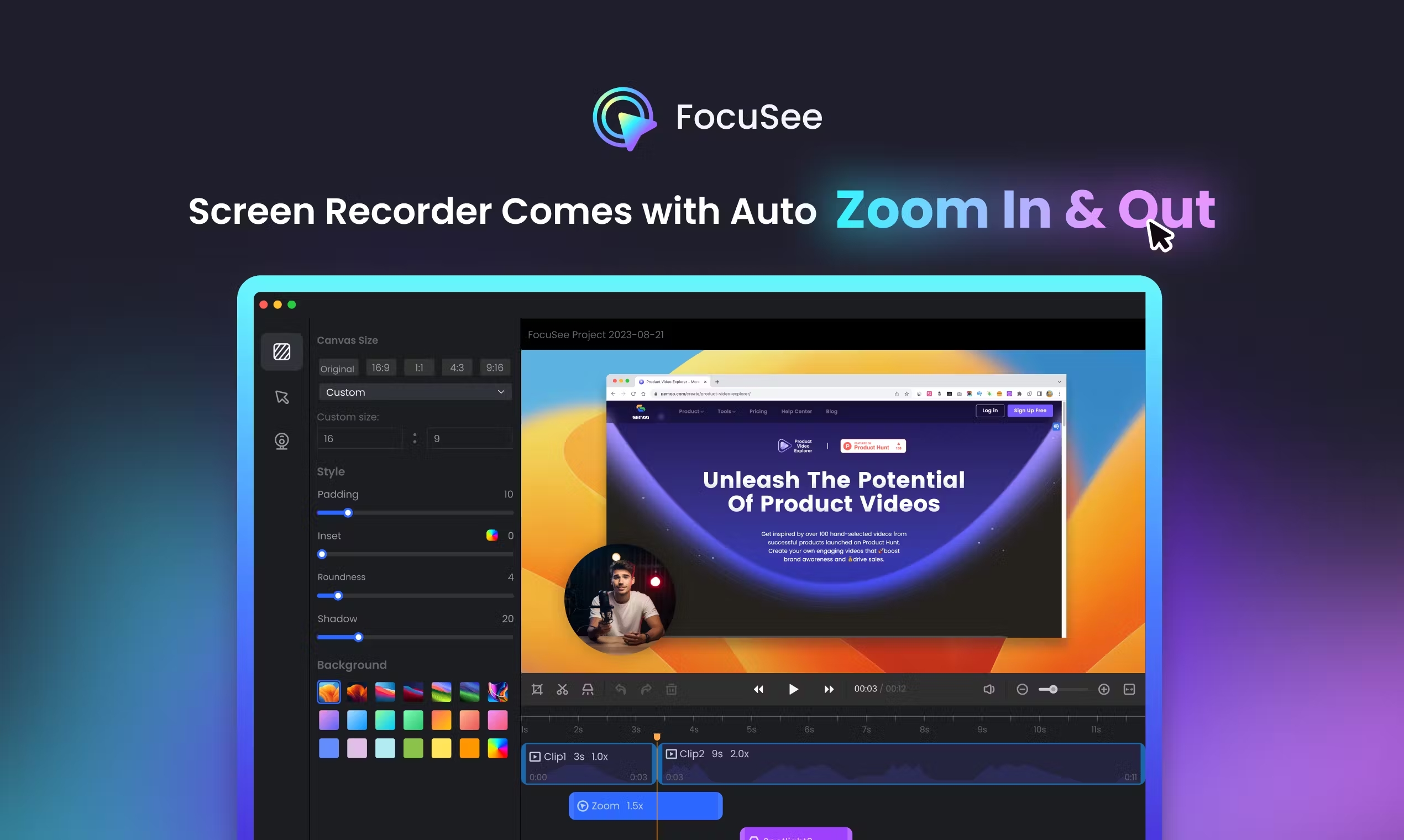   | Markup Hero Screenshots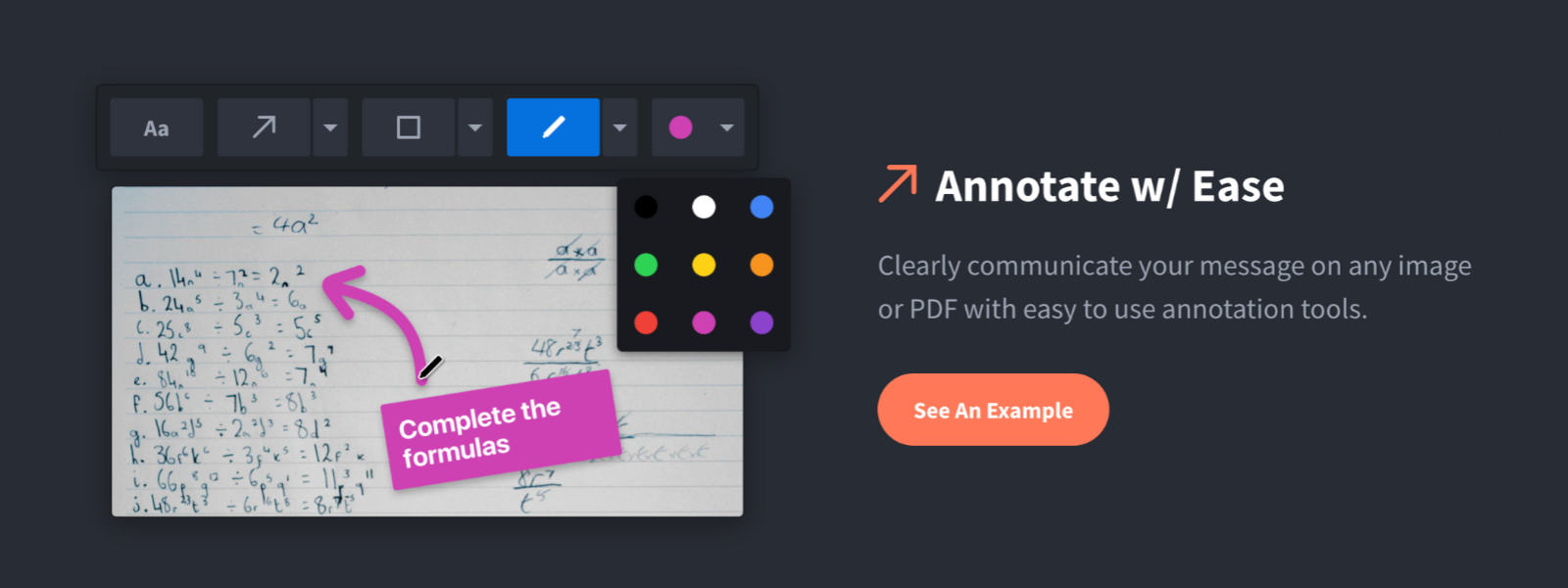 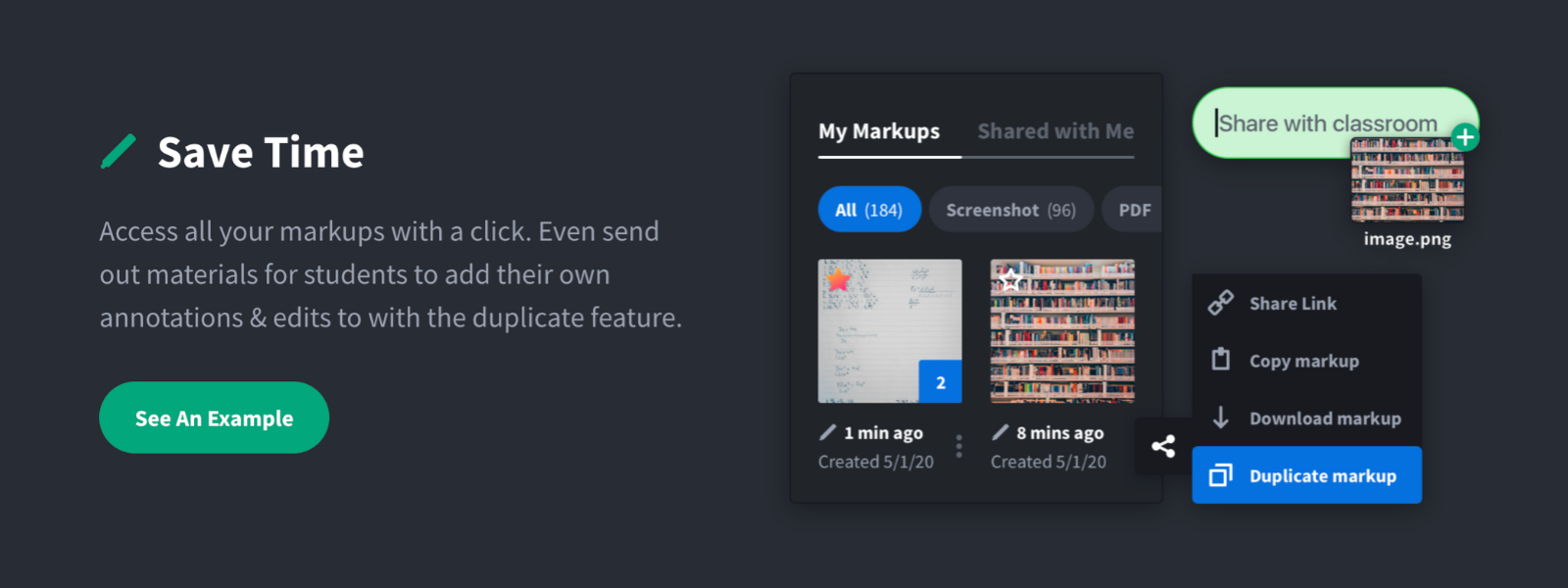     |