Chose FortiMail
Proofpoint Email Protection

| Product | Rating | Most Used By | Product Summary | Starting Price |
|---|---|---|---|---|
 FortiMail | N/A | FortiMail is an email messaging security platform, from Fortinet headquartered in Sunnyvale, California. | N/A | |
 Zoho Mail | N/A | Zoho offers their business email suite, which includes Calendar, Tasks, Notes, and Contacts bundled with an inbox. | $1 per user/per month |
| FortiMail | Zoho Mail | |||||||||||||||
|---|---|---|---|---|---|---|---|---|---|---|---|---|---|---|---|---|
| Editions & Modules | No answers on this topic |
| ||||||||||||||
| Offerings |
| |||||||||||||||
| Entry-level Setup Fee | No setup fee | No setup fee | ||||||||||||||
| Additional Details | — | — | ||||||||||||||
| More Pricing Information | ||||||||||||||||
| FortiMail | Zoho Mail | |
|---|---|---|
| Considered Both Products | FortiMail  Daniel J. Canto Bonilla Senior Network Manager Chose FortiMail For the cost and support of the brand as well as the demos made.  Tom Parker Technical Services & Information Security Specialist Chose FortiMail FortiMail works much better than the previous product we used, McAfee Email Gateway. |  Zoho Mail  Vipul Yadav SEO Executive Chose Zoho Mail Zoho is free. Also, there is no need for a separate IT guy for creating mail, or if any issues come you don't have to find anyone anyone can check and fix all issues from their super admin panel. Zoho overview is much better than outlook and its appearance of getting mail popup …  Tribett Requena Operational and Commercial Manager Chose Zoho Mail Zoho mail is a more professional and corporate email client, it shows a better image to customers, in addition to allowing you to manage the users of your company. It has accessible and competitive prices.  Tommy Parker Management Consultant Chose Zoho Mail • We were using MailsDaddy for little time since it does not have the adequate functionalities to address the business problems we have or improve the quality of collaborative work between departments. • The main reason we decided to implement Zoho Mail. It is because this … |
| FortiMail | Zoho Mail | ||||||||||||||||||||||||
|---|---|---|---|---|---|---|---|---|---|---|---|---|---|---|---|---|---|---|---|---|---|---|---|---|---|
| Secure Email Gateway |
|
| FortiMail | Zoho Mail | |
|---|---|---|
| Small Businesses | Zoho Mail Score 9.3 out of 10 |  Trend Micro Worry-Free Services Suite Score 9.5 out of 10 |
| Medium-sized Companies |  Avanan Score 9.4 out of 10 | Avanan Score 9.4 out of 10 |
| Enterprises | Avanan Score 9.4 out of 10 | Avanan Score 9.4 out of 10 |
| All Alternatives | View all alternatives | View all alternatives |
| FortiMail | Zoho Mail | |
|---|---|---|
| Likelihood to Recommend | 10.0 (0 ratings) | 6.5 (0 ratings) |
| Support Rating | 9.5 (0 ratings) | 9.0 (0 ratings) |
| FortiMail | Zoho Mail | |
|---|---|---|
| Likelihood to Recommend |
|
 Benjamin Jeffrey Director of Information Technology |
| Pros |
Tom Parker Technical Services & Information Security Specialist |
Tommy Parker Management Consultant |
| Cons |
 Cody McNeill Network and Systems Administrator II |
Tribett Requena Operational and Commercial Manager |
| Usability | No answers on this topic |
 Robin Sands CEO |
| Support Rating |
Cody McNeill Network and Systems Administrator II |
Benjamin Jeffrey Director of Information Technology |
| Alternatives Considered |
|
Vipul Yadav SEO Executive |
| Return on Investment |
Daniel J. Canto Bonilla Senior Network Manager |
Robin Sands CEO |
| ScreenShots | Zoho Mail Screenshots   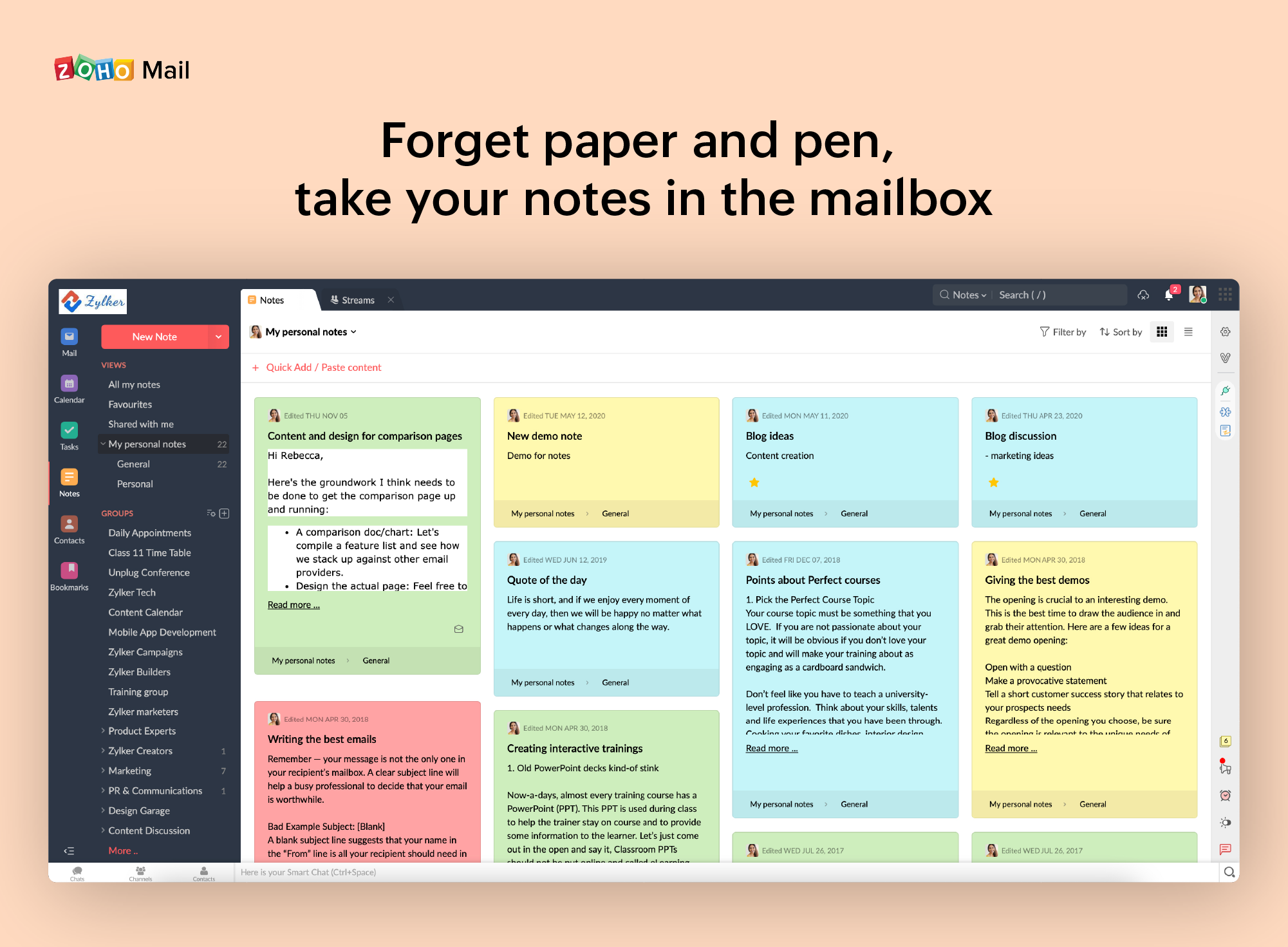  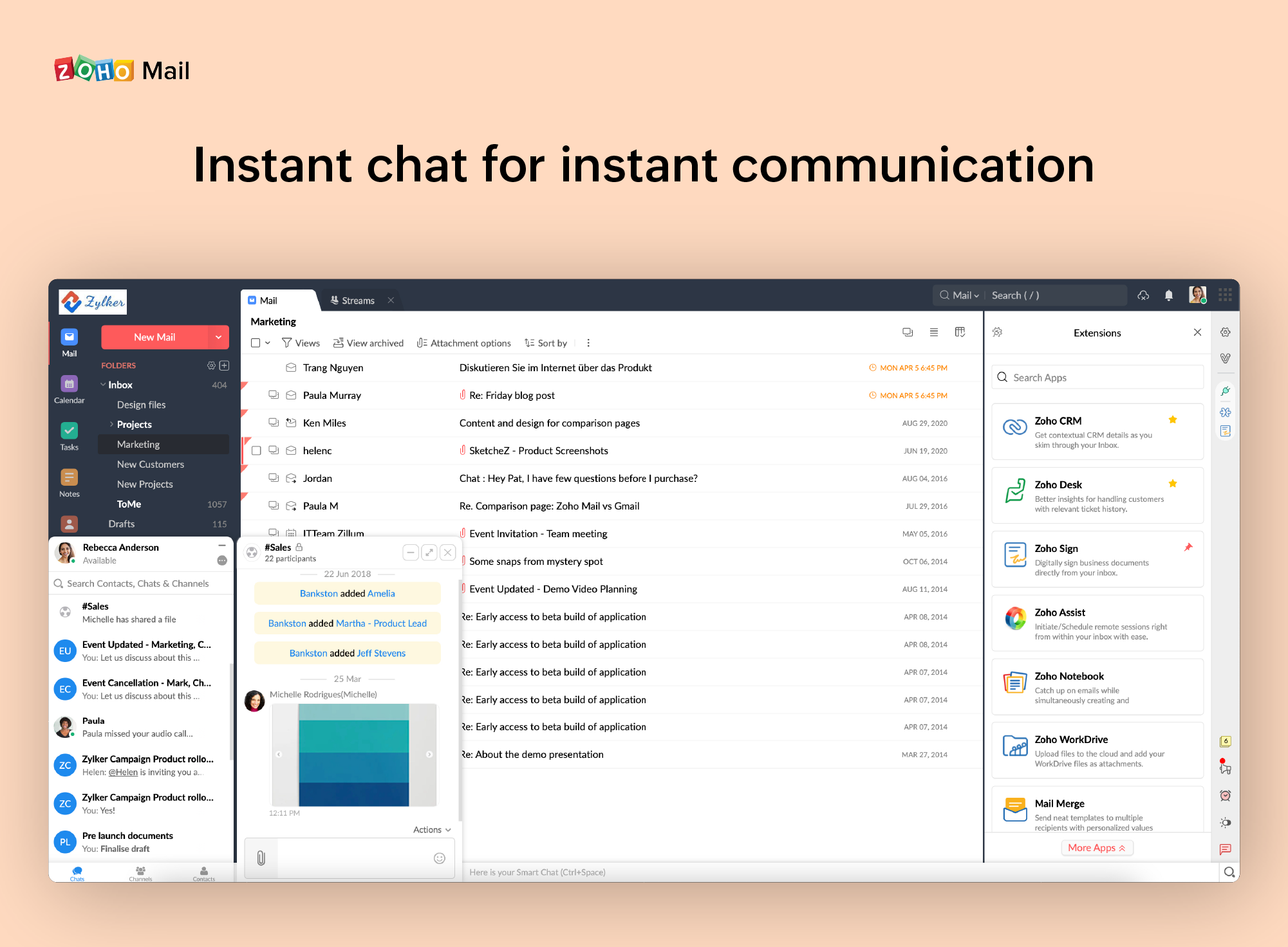 |