Foxit PDF SDK vs. Jotform PDF Editor

Overview
ProductRatingMost Used ByProduct SummaryStarting Price
Foxit PDF SDK
Score 8.0 out of 10
N/A
Foxit PDF SDK offers high performance pdf libraries to help developers build pdf technology. According to the vendor, key features include: Render PDFs: High performance PDF libraries to render PDF pages, page objects, annotations, and forms the way they were intended to be viewed: sharp, clear, accurate, and easy to read. Allows applications to view, zoom in, zoom out, and print PDF documents and forms. Reflow: PDF is a fixed-layout flat document format, it cannot…
$3,000
per platform/per year
Jotform PDF Editor
Score 9.4 out of 10
N/A
Aside from its flagship survey building product, JotForm also offers the free, online JotForm PDF Editor, which they state is designed to help users produce professional looking forms with ready-made templates, drag and drop form builders, and the ability to integrate data into new .pdf files.N/A
Pricing
Foxit PDF SDKJotform PDF Editor
Editions & Modules
Licensing PDF SDK
$3,000.00
per platform/per year
Foxit.NET PDF SDK
Contact sales team
No answers on this topic
Offerings
Pricing Offerings
Foxit PDF SDKJotform PDF Editor
Free Trial
YesNo
Free/Freemium Version
NoYes
Premium Consulting/Integration Services
NoNo
Entry-level Setup FeeRequiredNo setup fee
Additional Details
More Pricing Information
Community Pulse
Foxit PDF SDKJotform PDF Editor
User Ratings
Foxit PDF SDKJotform PDF Editor
Likelihood to Recommend
7.9
(0 ratings)
9.4
(0 ratings)
Usability
8.0
(0 ratings)
-
(0 ratings)
Performance
8.0
(0 ratings)
-
(0 ratings)
Support Rating
8.0
(0 ratings)
-
(0 ratings)
Ease of integration
7.0
(0 ratings)
-
(0 ratings)
User Testimonials
Foxit PDF SDKJotform PDF Editor
Likelihood to Recommend
The issue with the application not re-opening previously opened files is a major one for me, therefore I docked a point for that . When editing documents, it usually works well, but there are a few idiosyncrasies, such as the ability to add an extra line when changing a block of text or the inability to define page margins on the left and right. These peculiarities do not bother me, although they might be improved.
Read full review
Jotform PDF Editor has been a game-changer for a local festival which is a client of mine. I set them up with a Jotform for parade entries to pre-register, then use the PDF Editor to format each entry in an easy-to-read layout so the announcer can read the information as each entry passes during the parade. I set up another client that uses it to track new members. This scenario is a little trickier as the amount of information gathered can vary quite a bit, so it's a little harder to keep the layout of all the entries consistent
Read full review
Pros
  • It is a very cool development kit to integration different PDF functions.
  • It is user-friendly and convenient to work with.
  • It has great functionality for text. For example: adding quick markup, highlighting the text, underlining, and doing strikethrough, and adding signatures is pretty easy.
  • It offers to do encryption and add passwords for security.
  • Great search capability that helps finding the text without hassle.
Read full review
  • Complex Registration Forms
  • Parade Entries
  • Printable Contact Forms
Read full review
Cons
  • Combine multiple PDFs into one PDF
  • File explorer preview is not good
  • In the C# SDK, which is a wrapper of native C++ code. We need to be extra careful in coding and protecting the calls, because it can be very easy to crash the application in case of errors.
Read full review
  • Template library that can have a master template to apply to any/all/multiple forms instead of editing each form one by one.
  • Stockphoto or design template integration so users can easily design PDF without the need of inserting elements from external sources.
  • PDF editor versioning. Ability to revert back or restore previous design.
Read full review
Usability
Our whole takeoff department uses the Foxit PDF SDK. To read plan files, produce pdf files, and take notes, we utilize it in conjunction with other tools. We may utilize the Foxit PDF SDK to read, edit, markup, print, and produce PDF files for internal use or to distribute to clients. Some of our users adore the software, but others choose to use alternative programs because they believe Foxit PDF SDK is too restrictive.
Read full review
No answers on this topic
Performance
I rated this software very high on performance because it is really very quick on my Windows system. It can create any type of PDF files in seconds. It also gives good upload speed when I try to modify my documents for inserting digital signature space. It also gives very good encryption speed to secure my documents.
Read full review
No answers on this topic
Support Rating
I would give it this rating because I personally have never had to contact support regarding Foxit PDF SDK or anything I am trying to do within the program. As I mentioned before, it is very user-friendly and easy to navigate. I think the program in itself lends support to the user because it is so user-friendly and has an easy to use interface.
Read full review
No answers on this topic
Alternatives Considered
Foxit PDF was cheaper from a licensing perspective. It was easy on the budget and will not be getting more expensive for enterprise licenses. FoxIt also came with the same features when compared to Adobe and it was much easier to install in our environment. Being that it was lightweight we are able to install, remove and update the client very easily. Also, the support with Foxit was better suited for our needs than Adobe.
Read full review
Jotform PDF Editor has a feature that natively integrates with Jotform PDF Editor form data. I like the fact that I can easily automate and fill PDF and customise its design based on many multiple purposes of a PDF document.
Read full review
Return on Investment
  • No negative impact but only positive and fruitful I would say. It is a part of our daily work routine and enhances our products. Things are done quickly and delays are very less. Hence, it has added to the overall growth and development of our business.
Read full review
  • Has allowed for streamlining of communication.
  • Creates PDFs which are useful in digital and hard copy format.
  • Secure and foolproof.
Read full review
ScreenShots

Foxit PDF SDK Screenshots

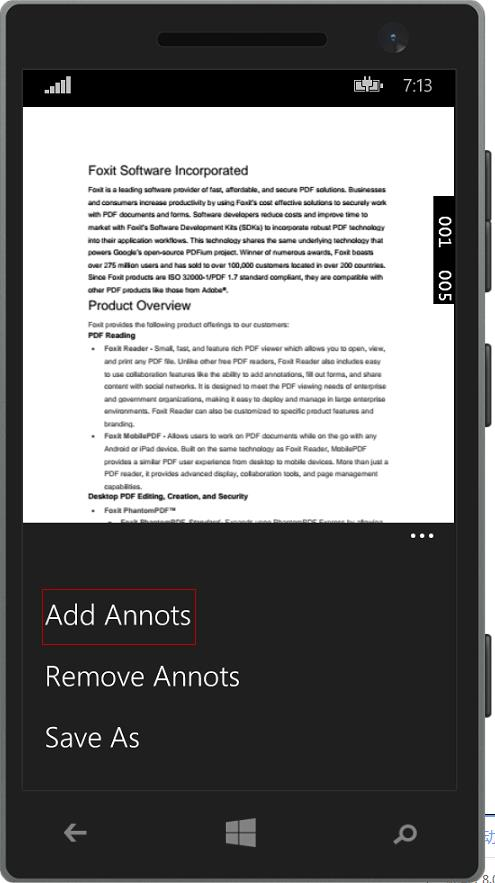
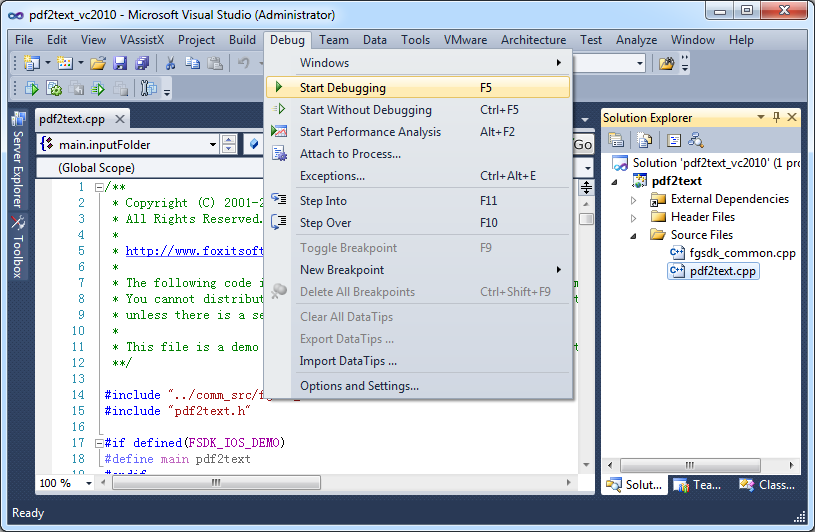
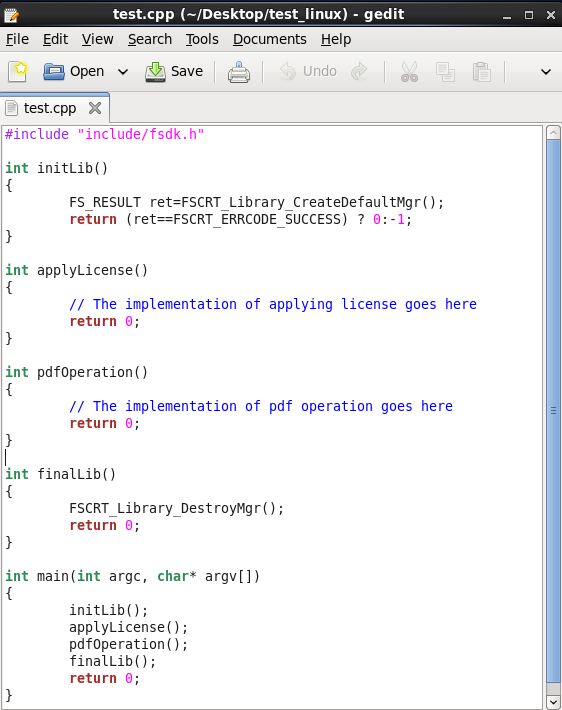
Screenshot of Foxit PDF SDK for AndroidScreenshot of Foxit PDF SDK for iOSScreenshot of Foxit PDF SDK for UWPScreenshot of Foxit PDF SDK for WindowsScreenshot of Foxit PDF SDK for Linux

Jotform PDF Editor Screenshots

Screenshot of Screenshot of Screenshot of