
Abigail Nwaocha
Founder & CEO
Chose Futuramo Time Tracker
Hubstaff and TopTracker are still better at tracking tasks because of:
- Fewer glitches with the timer.
- Desktop app.

| Product | Rating | Most Used By | Product Summary | Starting Price |
|---|---|---|---|---|
 Futuramo Time Tracker | N/A | Futuramo creates SaaS apps to provide a collaborative workspace for teams. Futuramo Time Tracker is an app used to track, analyze, and manage time, free for teams of up to 3 users, and $6 per license for each additional user. | $0 up to 3 team members | |
 Zoho Invoice | N/A | Zoho Invoice is a cloud-based invoicing solution designed to help small businesses with invoicing, tracking expenses, and accepting online payments. Key features include project billing, time tracking, reporting, customizable templates, and a client portaI. Teams using Zoho Invoice can track estimates, convert them to invoices, and send reminders to clients to complete their outstanding payments. Additionally, users can create tasks, collect advance payments for projects, and keep… | $0 Per Organisation, Per Month |
| Futuramo Time Tracker | Zoho Invoice | |||||||||||||||
|---|---|---|---|---|---|---|---|---|---|---|---|---|---|---|---|---|
| Editions & Modules |
|
| ||||||||||||||
| Offerings |
| |||||||||||||||
| Entry-level Setup Fee | No setup fee | Required | ||||||||||||||
| Additional Details | — | Zoho Invoice is a completely free product. It has no contracts, no ads, and no hidden fees | ||||||||||||||
| More Pricing Information | ||||||||||||||||
| Futuramo Time Tracker | Zoho Invoice | |
|---|---|---|
| Considered Both Products |  Futuramo Time Tracker Abigail Nwaocha Founder & CEO Chose Futuramo Time Tracker Hubstaff and TopTracker are still better at tracking tasks because of:
|  Zoho Invoice  Affri Hasan Salina Asst. Backend Developer Chose Zoho Invoice Zoho Invoice streamlines bill creation and sending by personalizing invoices with logos, identities, and terms. It offers detailed payment reports, an integrated payment system, and payment summaries for tracking success. It automates invoicing and payment tasks, saving time …  Leigh Anne Pearson Social Media Manager Chose Zoho Invoice Google Drive stored my invoices in one accessible location but required more time and maintenance. I didn't want to invest the time into building out sheet functions to carry over figures across sheets, so I researched invoicing options. I am already a fan of Zoho services, so …  .Kim Murphy Owner Chose Zoho Invoice Zoho Invoice is much easier and convenient then Microsoft Office 365 when we create invoices and track or manage payments. Furthermore, Zoho Invoice integrates effortlessly with Stripe Payments, enabling us to quickly create online payment links inside the digital online …  Paul Ellul Vice President Chose Zoho Invoice We use both. The products complement each other for our use.  Robin Bull Dark Countess of Communication / CEO Chose Zoho Invoice Before Zoho Invoice, I used Cashboard App. Cashboard App did what I needed, but it was limited as far as the reports and the types of payments I could accept. Offering a variety of payment options is important to me as a provider. It also wasn't as aesthetically pleasing as …  Tom Wondra Consultant / Account Executive Chose Zoho Invoice Zoho Invoice is easier to use, for pure invoicing and time tracking, then QuickBooks Online and O365. QuickBooks Online is more robust, but with that comes the admin overhead to learn, update and maintain. O365 requires manual creation of invoices, or searching out available …  //Roland Matte SR Partner Chose Zoho Invoice Zoho Invoice stacks up well against may other products as it brings real value for little of no investment up front...Zoho Invoice is also very easy to learn, configure, and use.  Alexis Correa Customer Service Chose Zoho Invoice The first one I used was Zoho Books. I liked it, it is very similar but has more options, it looked excellent integrated with Zoho CRM, but I really need something simpler and so, I selected Zoho Invoice. The latest update of Zoho CRM integrates well. When we grow more as a … |
| Futuramo Time Tracker | Zoho Invoice | |
|---|---|---|
| Small Businesses |  Traqq Score 9.1 out of 10 |  vCita Score 8.5 out of 10 |
| Medium-sized Companies |  TimeClock Plus Score 9.5 out of 10 |  TimeCamp Score 8.3 out of 10 |
| Enterprises |  Zoho People Score 8.4 out of 10 | TimeCamp Score 8.3 out of 10 |
| All Alternatives | View all alternatives | View all alternatives |
| Futuramo Time Tracker | Zoho Invoice | |
|---|---|---|
| Likelihood to Recommend | 5.0 (0 ratings) | 8.0 (0 ratings) |
| Usability | - (0 ratings) | 9.0 (0 ratings) |
| Futuramo Time Tracker | Zoho Invoice | |
|---|---|---|
| Likelihood to Recommend |
Abigail Nwaocha Founder & CEO |
Robin Bull Dark Countess of Communication / CEO |
| Pros |
Abigail Nwaocha Founder & CEO |
Tom Wondra Consultant / Account Executive |
| Cons |
Abigail Nwaocha Founder & CEO |
.Kim Murphy Owner |
| Usability | No answers on this topic |
|
| Alternatives Considered |
Abigail Nwaocha Founder & CEO |
Affri Hasan Salina Asst. Backend Developer |
| Return on Investment |
Abigail Nwaocha Founder & CEO |
|
| ScreenShots | Futuramo Time Tracker Screenshots   | Zoho Invoice Screenshots   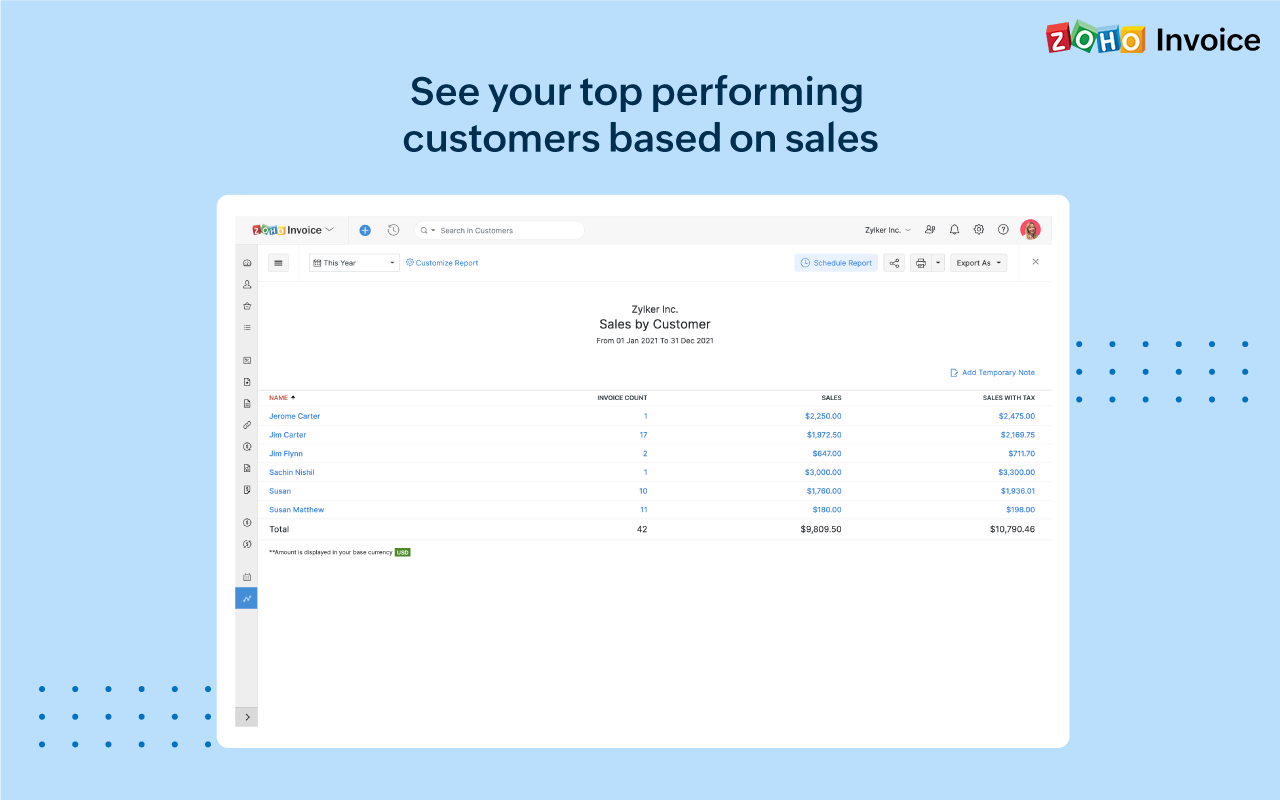 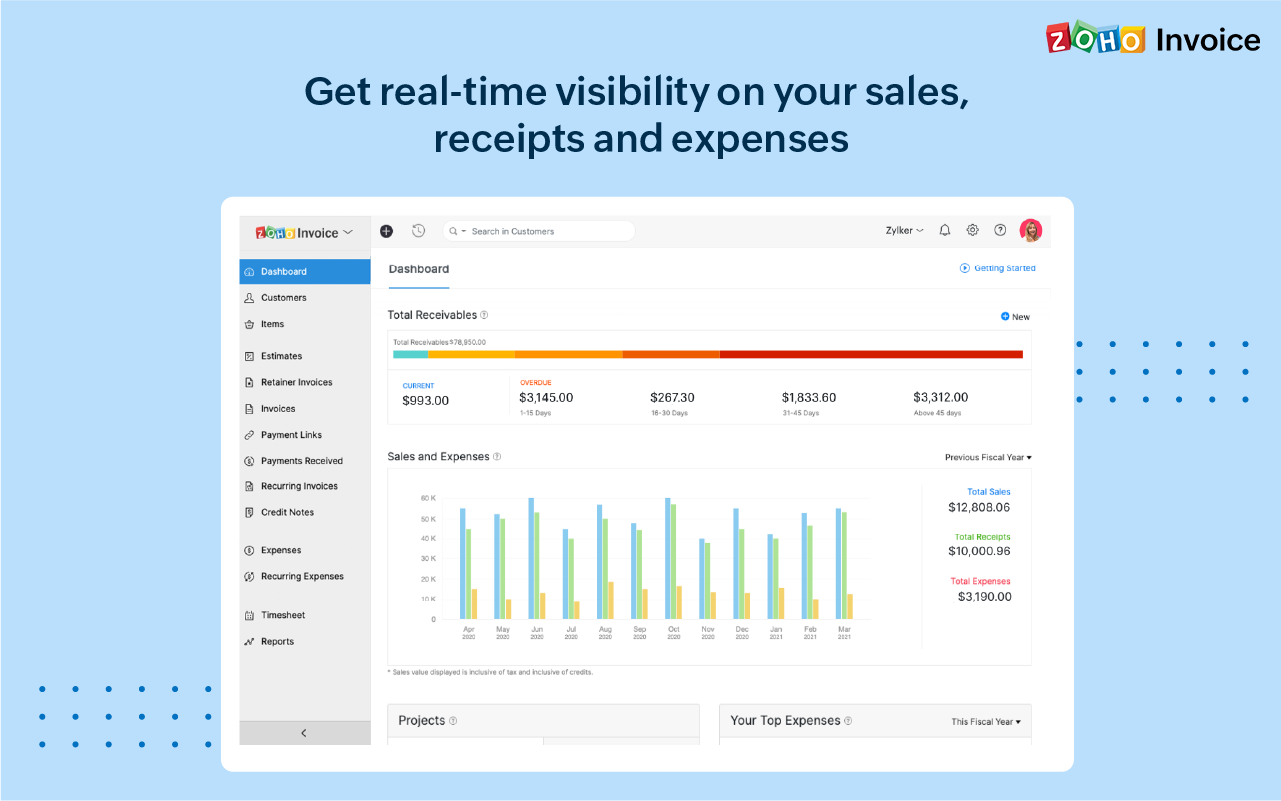 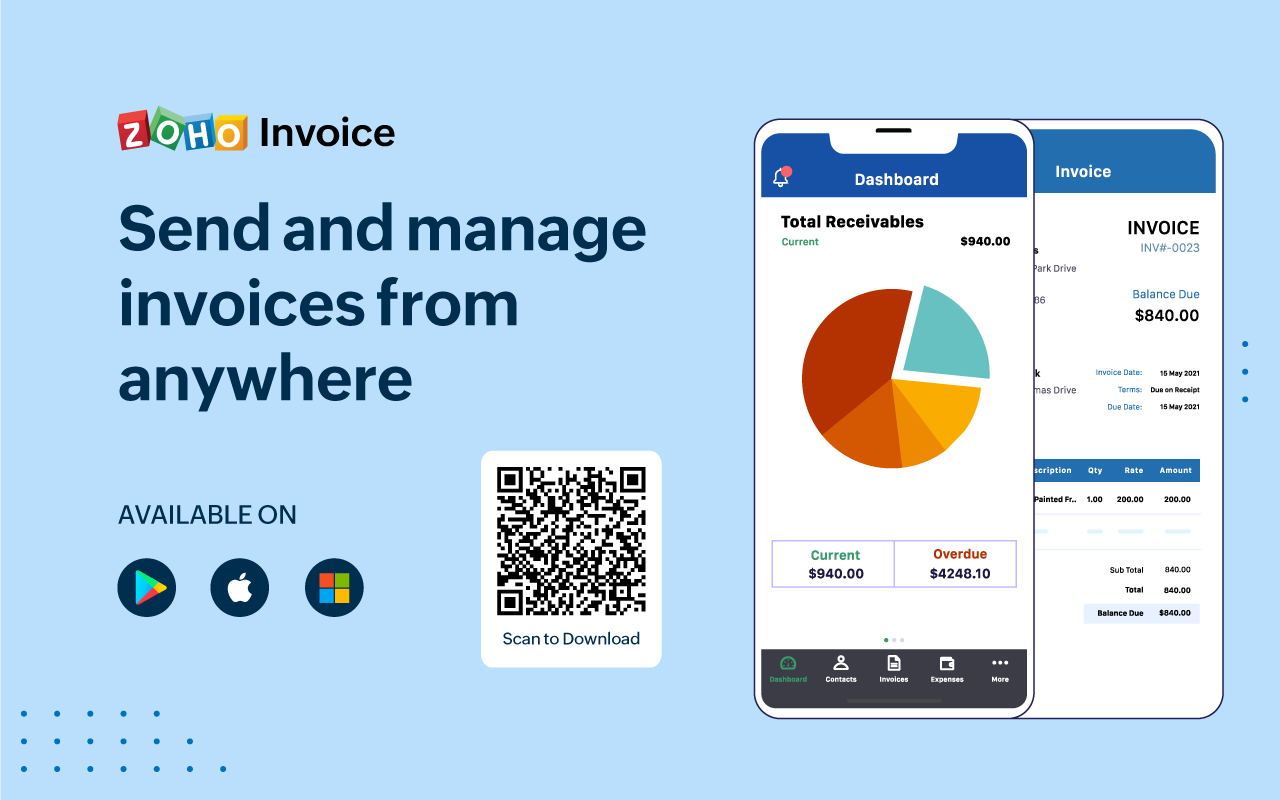 |