Google Surveys is an app for custom surveys, and is part of Google Apps for Work. The insights from audience targeted surveys can be expressed in instant, easy-to-digest graphs and charts help you make sense of the survey data. Surveys natively integrates with other solutions, allowing you to use data from one product while working in another. Survey responses from real people can be sourced by Google's Opinion Rewards app, where respondents answer questions in exchange for incentives.
$10
per completed survey
SurveyLegend
Score 8.0 out of 10
N/A
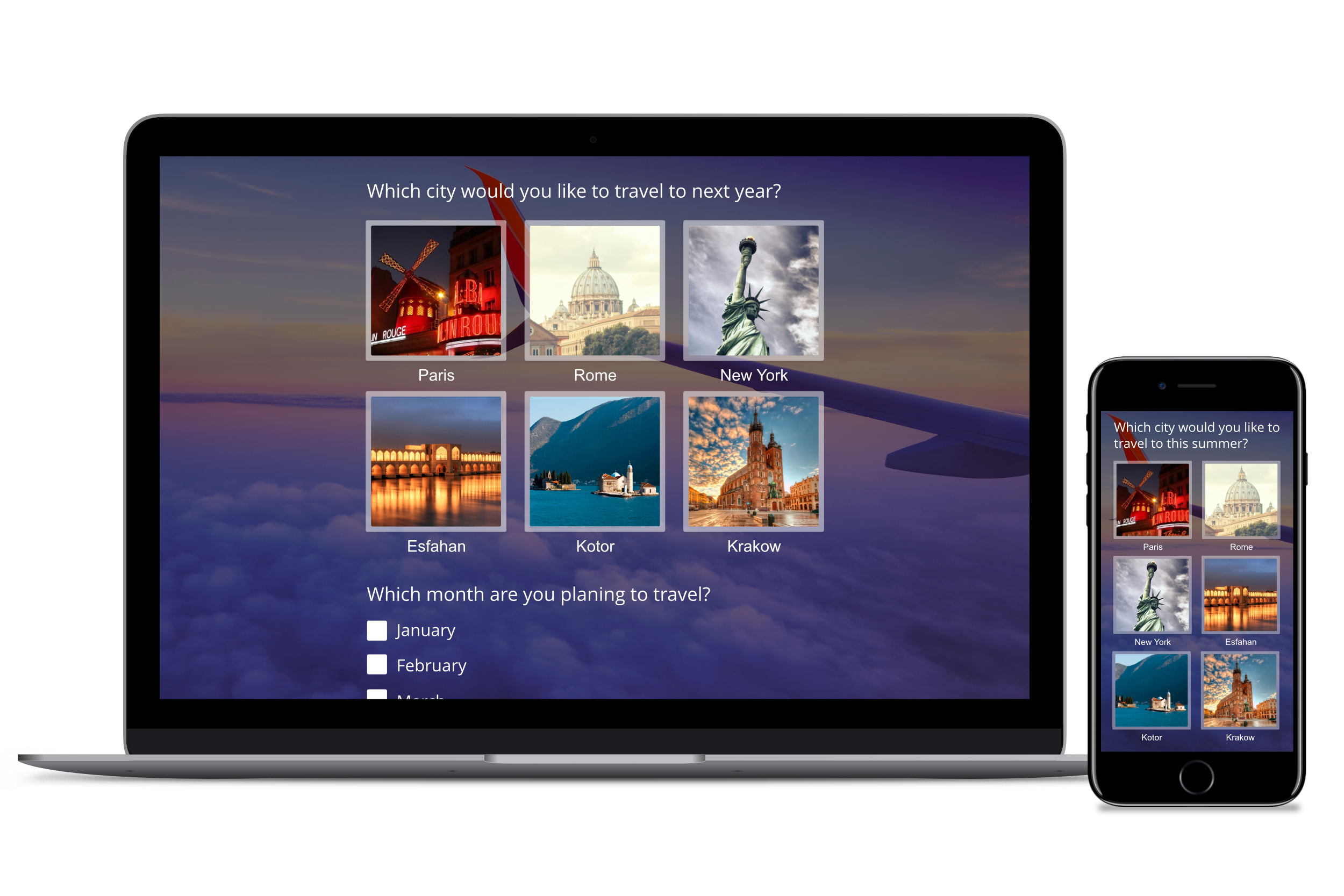
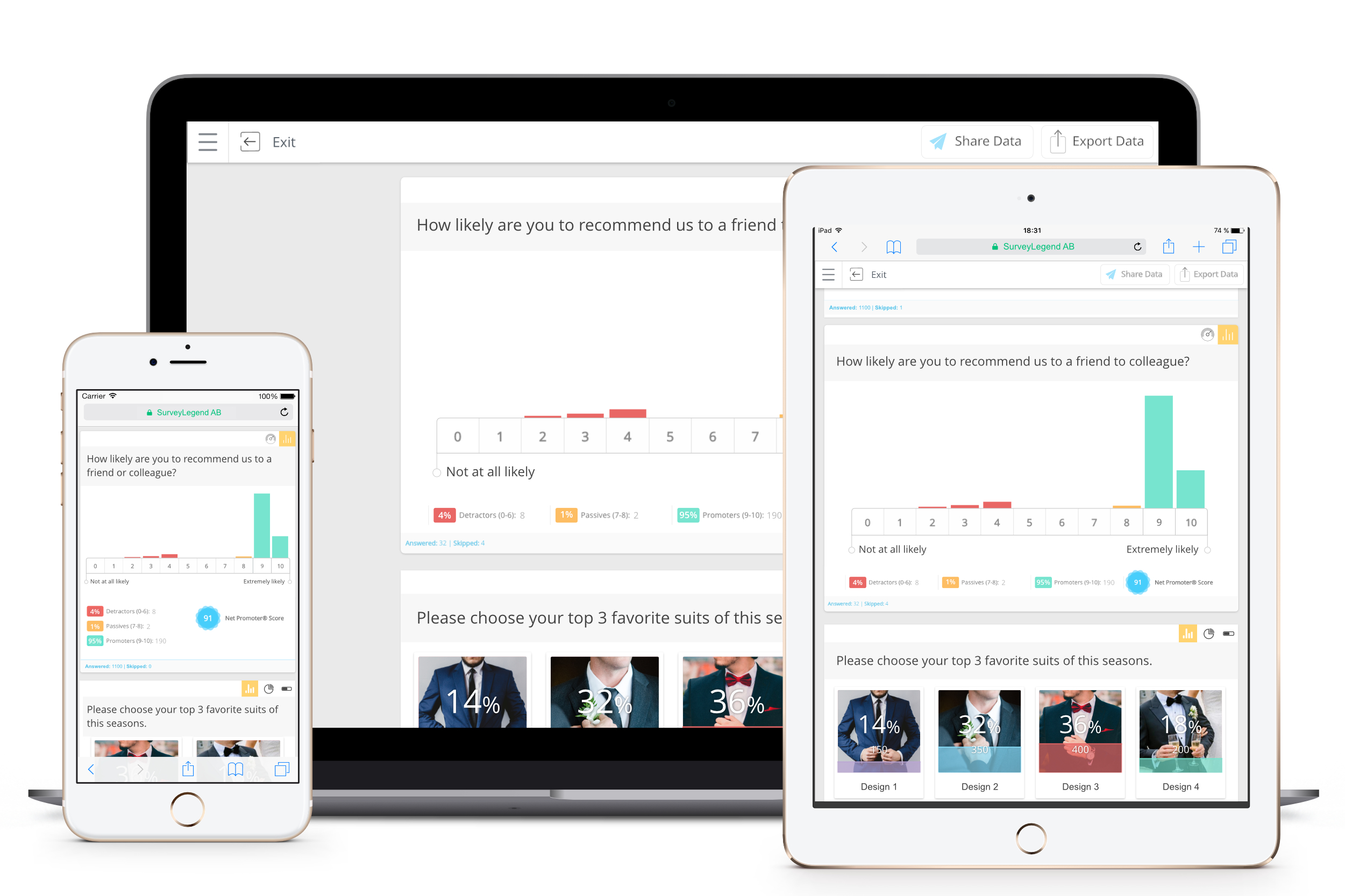
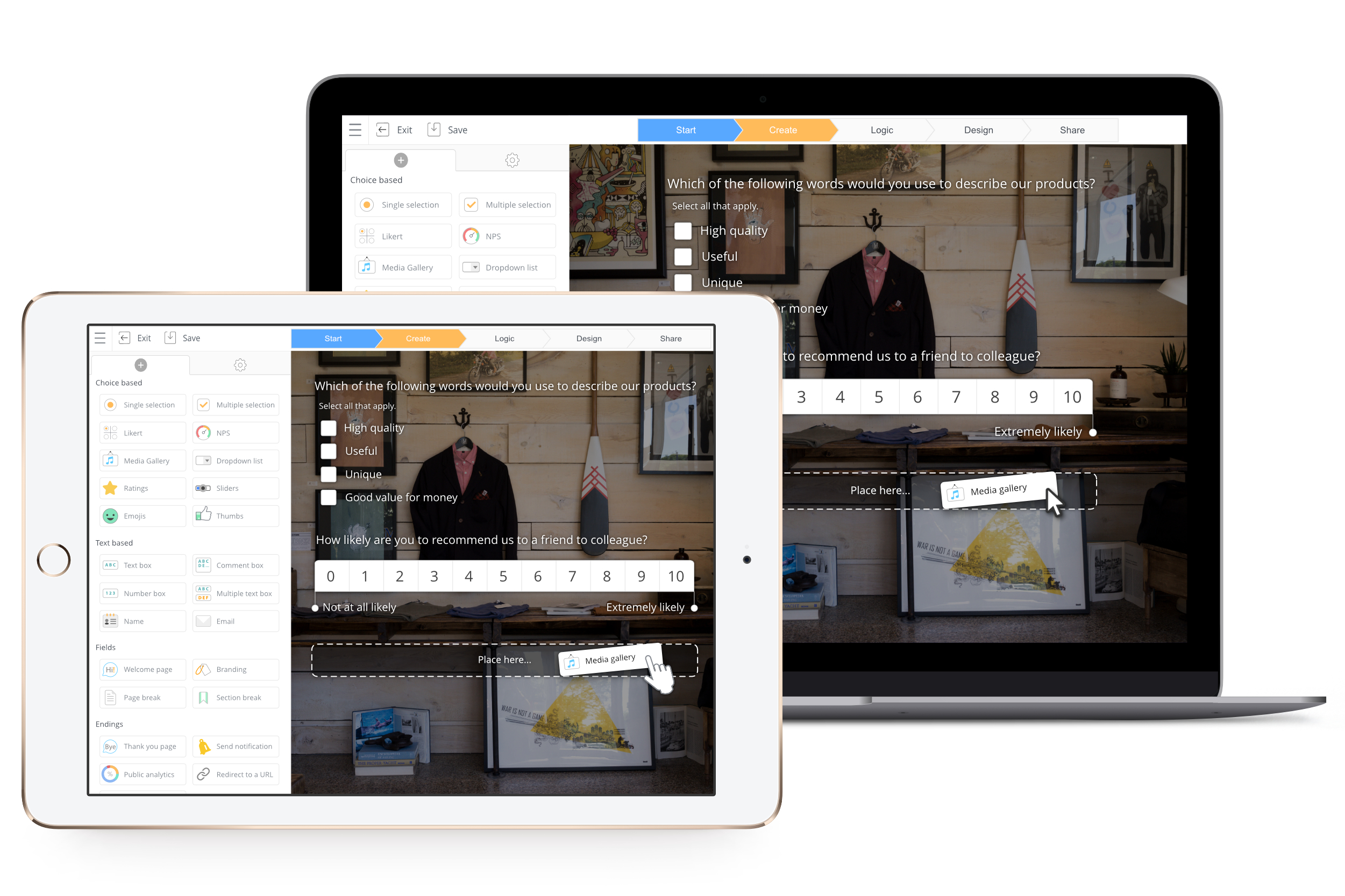
SurveyLegend aims to help individuals and companies create mobile-friendly surveys. Users can create surveys on a computer or tablet device and customize the look of the survey. Data can be displayed with eye-catching and insightful graphics. SurveyLegend's advanced users can take advantage of unlimited features, company branding, white-label questionnaires, skip logic, branching, media-rich questions and more. Customers include L'Oréal, Universal, Harvard, Greenpeace, Airbnb,…
$0
per user
Pricing
Google Surveys
SurveyLegend
Editions & Modules
Surveys
10¢
per completed survey
Starter (for ever free)
$0
per user
Pro, monthly
$19
per user
Business, monthly
$39
per user
Legendary, monthly
$89
per user
Pro yearly, (save 25% with a yearly plan)
$170
per user
Business yearly, (save 25% with a yearly plan)
$300
per user
Legendary, yearly (save 25% with a yearly plan)
$780
per user
Offerings
Pricing Offerings
Google Surveys
SurveyLegend
Free Trial
No
Yes
Free/Freemium Version
No
Yes
Premium Consulting/Integration Services
No
No
Entry-level Setup Fee
No setup fee
No setup fee
Additional Details
—
SurveyLegend gives a 25 % discount on the yearly plans for everyone.
We believe in being and doing good, so we also offer special discounts for educators and non-profit organizations that can be found here: https://www.surveylegend.com/pricing-education/ and https://www.surveylegend.com/pricing-ngo/
More Pricing Information
Community Pulse
Google Surveys
SurveyLegend
Considered Both Products
Google Surveys
Verified User
Anonymous
Chose Google Surveys
Google is a quick and easy to use survey analysis tool that allows you to send cheap or free surveys to an audience. In comparison to tools like Surveymonkey I would have more faith in the Google technology and robustness of sample.
I use Google Analytics periodically to see how our website is performing. It's so slick to be able to see how many visitors we've had from month to month and year to year, where the visitors are coming from, what search terms are most potent, the effectiveness of organic vs. …
We used Google Surveys a couple of times because it was easy to set up a quick set of questions. We also liked that it created a visual of the data and fed our analytics. But overall, we've remained with Qualtrics because many of our surveys are complicated and found it …
Honestly, in terms of scheduling, Google is about average. Obviously, this is not Google Survey's only purpose, but the poll functions are only similar to those used on websites. Some of the features are nearly identical and free (and some don't even require an account). As a …
Digital Marketing | Social Media | Advertising & Promotion
Chose Google Surveys
I selected Google Surveys to create them because it was free and helped to improve our overall information and data. It was easy to build it into our systems and get the data. Other survey providers have offered a larger variety of options, which have helped even more - but …
Google Surveys is a more complete program compared to SmartSurvey and SnapSurveys because it is well integrated within the Google Classroom and for me, that is very important because as a Teacher I want to find out what my students are thinking about a specific subject area. …
Most people use Google or have an account which makes it very easy for them to use. SurveyMonkey is also easy but lacks some of the integration that Google Surveys offers. Google Surveys has a feature where it can send the user a record of their responses. This is not a feature …
I've used SurveyMonkey before, but if you do not have an account, you are limited with what you can do on there. Since we have the GoogleSuite and can use Google Surveys, it's a much better alternative, I can do so much more with it compared to SurveyMonkey.
Google Surveys is easy to use when you are familiar with other products from the Google family and makes it quick for everyone to set up simple surveys and send them out to participants. While our organization is using Microsoft, often staff and faculty choose to use Google …
I used Google Survey instead of KeySurvey because of its functionality itself. We don't want complicated things, right? If we can make our lives easier, why not? For me, Google Surveys is easier and the easiest platform to use. You can also upload images in answering those …
Although I used the SurveyMonkey service for a few months, it did not meet the expectations of being able to reach users by sending the surveys in bulk due to their high prices. I am extremely happy with the change I made.
We decided to change from SurveyMonkey to SurveyLegend because it is more complete and allows us to have freedom when creating with the templates. Its complete tools allow us to improve texts and photos to make the questions more objective and receive answers. For users, it is …
I've used pretty much all of the free survey creation websites you'd find on Google... On the first 4 or 5 pages. SurveyLegend is the best I've found, and I suspect it's probably the best one available.
I do appreciate the ease of use and connection Google Surveys has with other Google products - that's a huge plus. While I'm a fairly digitally-minded user, some of our users are not, so that becomes a challenge if you want them to see the Data Studio reports or be able to print something for them. But if you're completely digital, gaining insight from the reports is very valuable. We've mostly used Google Surveys to generate answers to questions we have on how things are running or to collect information from our users/members/students on how they "feel" about particular topics, situations, or their work, in general. For that, it's been a breeze. But we're finding for more specific surveys that may have decision trees associated with the answers (if they answer "this" then send them to "that") we work more with Qualtrics. But you can't beat the price of Google Surveys when you can begin one for $50.
Definitely appropriate for us, with <1000 survey responses but some simple logic and routing that we wanted to build in. Nice very visual UI that lets you preview and makes it easy to test. I can't speak to how well it would work with very long, very complex surveys or more rigid work environments.
Improved correlation of the data between the analytics tool and the responses (i.e. it says 3 responses have been received, but only shows results for 2)
Relatively simple so that those who are less than familiar with computers can figure it out. User friendly and already embedded with other Google products. Receives an 8 because many features available with Google Surveys are also available with similar, free products on the internet today. Good, but not stellar.
Google Surveys has a world-class support team. If you have any questions you can reach out to support and gain additional insight on how the product can meet your needs. As part of Google, the support team is very reliable. Our team has not had any issues reaching support and having a quick resolution turnaround.
I use Google Analytics periodically to see how our website is performing. It's so slick to be able to see how many visitors we've had from month to month and year to year, where the visitors are coming from, what search terms are most potent, the effectiveness of organic vs. paid advertisements.
We decided to change from SurveyMonkey to SurveyLegend because it is more complete and allows us to have freedom when creating with the templates. Its complete tools allow us to improve texts and photos to make the questions more objective and receive answers. For users, it is possible to answer them from emails or mobile devices so that they get more comfortable and it is possible to improve the data of the analytics.