
Dylan Caraker
Manager of Customer Marketing
Chose Opensense
We used to use Sigstr, but the security wasn't as strong as Opensense.

| Product | Rating | Most Used By | Product Summary | Starting Price |
|---|---|---|---|---|
 gSignature | Mid-Size Companies (51-1,000 employees) | gSignature helps businesses create professional email signatures for employees. It integrates with Google Workspace to automatically populate user information like names, titles, and contact details. Email signatures can be designed with logos, banners, disclaimers, and social media links. gSignature also offers features for managing large teams, including user acceptance of pre-installed signatures, CSV import/export for employee data, and scheduled signature updates for employees. This… | $1 per month per user | |
 Opensense | Mid-Size Companies (51-1,000 employees) | Effortlessly manage company-wide email signatures, launch powerful email ad campaigns, gain valuable sales insights & ensure compliance, all within a single, user-friendly platform with Opensense. Opensense seamlessly integrates with popular productivity suites, email clients, CRMs, and marketing automation tools. | N/A |
| gSignature | Opensense | |||||||||||||||
|---|---|---|---|---|---|---|---|---|---|---|---|---|---|---|---|---|
| Editions & Modules |
| No answers on this topic | ||||||||||||||
| Offerings |
| |||||||||||||||
| Entry-level Setup Fee | No setup fee | Optional | ||||||||||||||
| Additional Details | Premium package - Aligns employee data with the company's signature template. Supported by the automatic assignment of signatures for new hires in the company. Theconsole for central management of signatures is pay per use. | Minimum pricing is $350/month. See the pricing page for more details. | ||||||||||||||
| More Pricing Information | ||||||||||||||||
| gSignature | Opensense | |
|---|---|---|
| Considered Both Products |  gSignature No answer on this topic |  Opensense Dylan Caraker Manager of Customer Marketing Chose Opensense We used to use Sigstr, but the security wasn't as strong as Opensense.  Graham Staniforth Computer Systems Arhcitect Chose Opensense Opensense was the first company we interviewed, so cannot compare them well against industry competition.  Jesse Miller Digital Marketing Manager Chose Opensense Opensense was much cheaper and better integrated with my existing ABM platform. We used RollWorks and there was a native integration that allowed me to sync target account lists to email banner campaigns. This made it a no-brainer to go with Opensense over Sigstr and amplify …  Max Safier Contact Center Solutions Engineer Chose Opensense Haven't used anything like this before; no tool has matched what they can do. They were the first ones we demoed, and we loved the platform and loved the team! There wasn't anything we didn't like, and even the price was perfect! I would go with them again at any time! I think … |
| gSignature | Opensense | |
|---|---|---|
| Small Businesses |  Terminus ABM Platform Score 8.0 out of 10 | Terminus ABM Platform Score 8.0 out of 10 |
| Medium-sized Companies | Terminus ABM Platform Score 8.0 out of 10 | Terminus ABM Platform Score 8.0 out of 10 |
| Enterprises | No answers on this topic | No answers on this topic |
| All Alternatives | View all alternatives | View all alternatives |
| gSignature | Opensense | |
|---|---|---|
| Likelihood to Recommend | - (0 ratings) | 9.5 (0 ratings) |
| Usability | - (0 ratings) | 10.0 (0 ratings) |
| Support Rating | - (0 ratings) | 10.0 (0 ratings) |
| gSignature | Opensense | |
|---|---|---|
| Likelihood to Recommend | No answers on this topic |
Jesse Miller Digital Marketing Manager |
| Pros | No answers on this topic |
Dylan Caraker Manager of Customer Marketing |
| Cons | No answers on this topic |
Graham Staniforth Computer Systems Arhcitect |
| Usability | No answers on this topic |
Max Safier Contact Center Solutions Engineer |
| Support Rating | No answers on this topic |
Max Safier Contact Center Solutions Engineer |
| Alternatives Considered | No answers on this topic |
|
| Return on Investment | No answers on this topic |
Max Safier Contact Center Solutions Engineer |
| ScreenShots | gSignature Screenshots 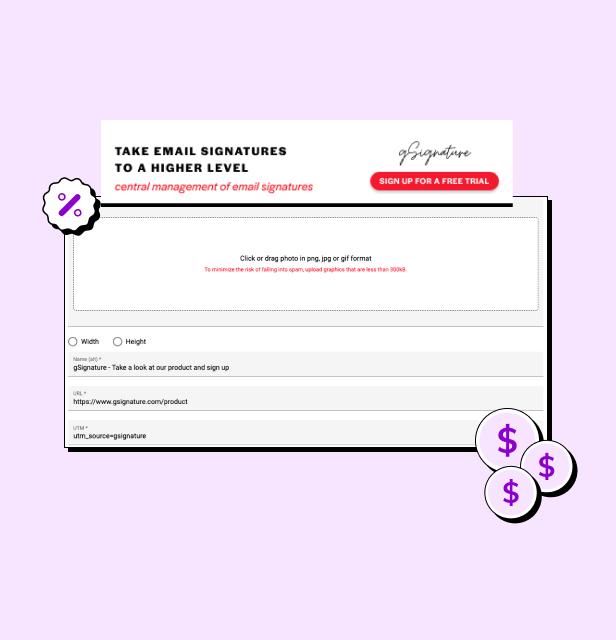 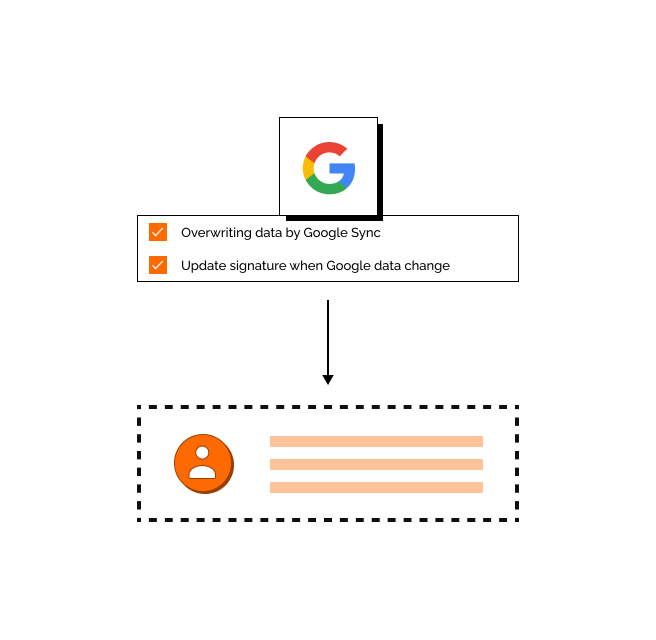 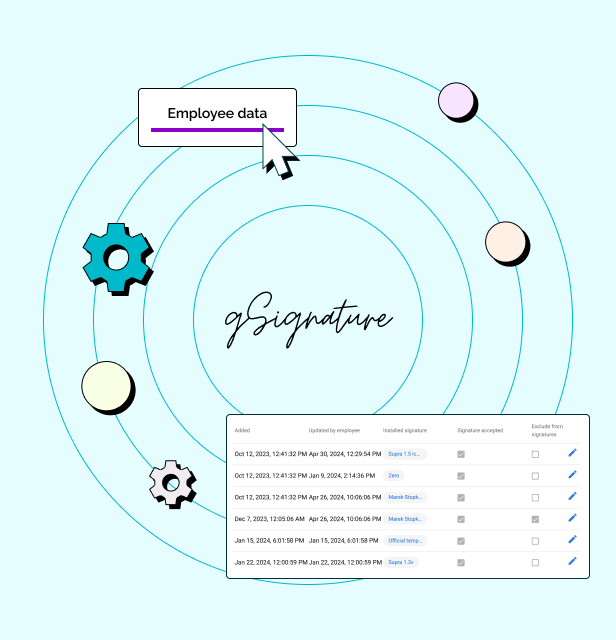 | Opensense Screenshots  |