
Ben Mercier
Director of Business Operations
Chose WiseStamp
Exclaimer's templates are not as nice and aren't as easy to use

| Product | Rating | Most Used By | Product Summary | Starting Price |
|---|---|---|---|---|
 gSignature | Mid-Size Companies (51-1,000 employees) | gSignature helps businesses create professional email signatures for employees. It integrates with Google Workspace to automatically populate user information like names, titles, and contact details. Email signatures can be designed with logos, banners, disclaimers, and social media links. gSignature also offers features for managing large teams, including user acceptance of pre-installed signatures, CSV import/export for employee data, and scheduled signature updates for employees. This… | $1 per month per user | |
 WiseStamp | Small Businesses (1-50 employees) | WiseStamp is an email signature solution for both small and large companies. It was acquired by vCita in August 2019, and is now a vCita solution. | $1.90 per month (billed annually) per seat |
| gSignature | WiseStamp | |||||||||||||||
|---|---|---|---|---|---|---|---|---|---|---|---|---|---|---|---|---|
| Editions & Modules |
|
| ||||||||||||||
| Offerings |
| |||||||||||||||
| Entry-level Setup Fee | No setup fee | No setup fee | ||||||||||||||
| Additional Details | Premium package - Aligns employee data with the company's signature template. Supported by the automatic assignment of signatures for new hires in the company. Theconsole for central management of signatures is pay per use. | WiseStamp has 3 pricing editions. A free trial of WiseStamp is also available. | ||||||||||||||
| More Pricing Information | ||||||||||||||||
| gSignature | WiseStamp | |
|---|---|---|
| Considered Both Products |  gSignature No answer on this topic |  WiseStamp Ben Mercier Director of Business Operations Chose WiseStamp Exclaimer's templates are not as nice and aren't as easy to use  Dana Glaze Director of Marketing Chose WiseStamp I didn’t look at any others.  Taylor Scheuermann Sales & Marketing Manager Chose WiseStamp WiseStamp makes it easier to change data in one place, and that's why we are sold on it. I wish there were some more creative designs for the signature, but I like the clean-looking templates.  Wes Temple Director of Marketing Chose WiseStamp I tried to use hubspot for email signature generation. but it was just a bit clunky.  Waide Riddle Author Chose WiseStamp The presentation of WiseStamp is just far more impressive and professional.  Will Crockett Auto Transport Specialist Chose WiseStamp WiseStamp is clearly better and easier to use than the other two I tried. That's not saying much, though.  Elizabeth Pampalone Professional Speaker Chose WiseStamp This is the ONLY program that has this feature for Outlook and other mail services so you don't have to switch to another service just because you use multiple mail delivery programs. It is also expandable which others are not. This was one of many I evaluated and I have been …  Gary Shouldis Founder & CEO Chose WiseStamp Hubspot offers a free email signature tool that we used in the past. While it's a nice and easy tool to use, it lacks the dynamic content options that WiseStamp offers, so we switched to WiseStamp and never looked back. There are also many other free email signature … |
| gSignature | WiseStamp | |
|---|---|---|
| Small Businesses |  Terminus ABM Platform Score 8.0 out of 10 | Terminus ABM Platform Score 8.0 out of 10 |
| Medium-sized Companies | Terminus ABM Platform Score 8.0 out of 10 | Terminus ABM Platform Score 8.0 out of 10 |
| Enterprises | No answers on this topic | No answers on this topic |
| All Alternatives | View all alternatives | View all alternatives |
| gSignature | WiseStamp | |
|---|---|---|
| Likelihood to Recommend | - (0 ratings) | 8.9 (0 ratings) |
| Likelihood to Renew | - (0 ratings) | 9.1 (0 ratings) |
| Usability | - (0 ratings) | 8.9 (0 ratings) |
| gSignature | WiseStamp | |
|---|---|---|
| Likelihood to Recommend | No answers on this topic |
|
| Pros | No answers on this topic |
|
| Cons | No answers on this topic |
Dana Glaze Director of Marketing |
| Likelihood to Renew | No answers on this topic |
|
| Usability | No answers on this topic |
 Stephen Lalla World Ruler |
| Alternatives Considered | No answers on this topic |
|
| Return on Investment | No answers on this topic |
Taylor Scheuermann Sales & Marketing Manager |
| ScreenShots | gSignature Screenshots 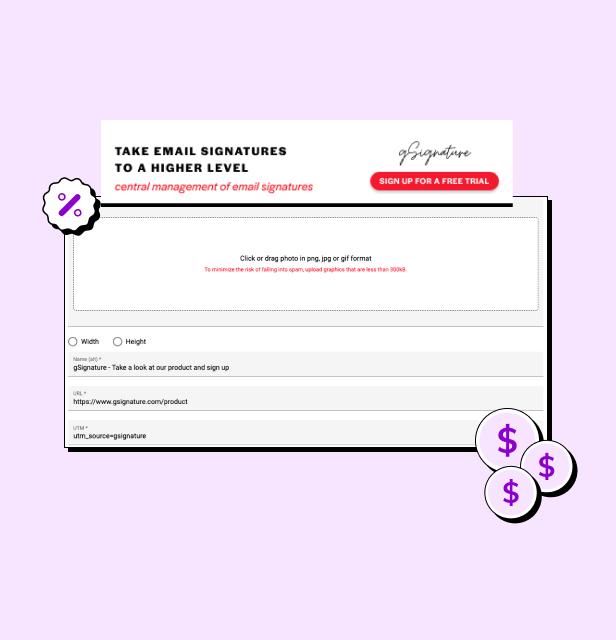 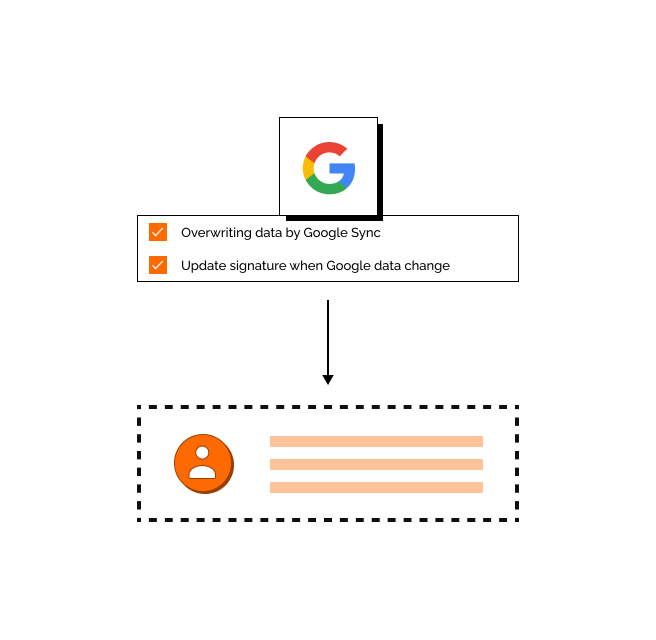 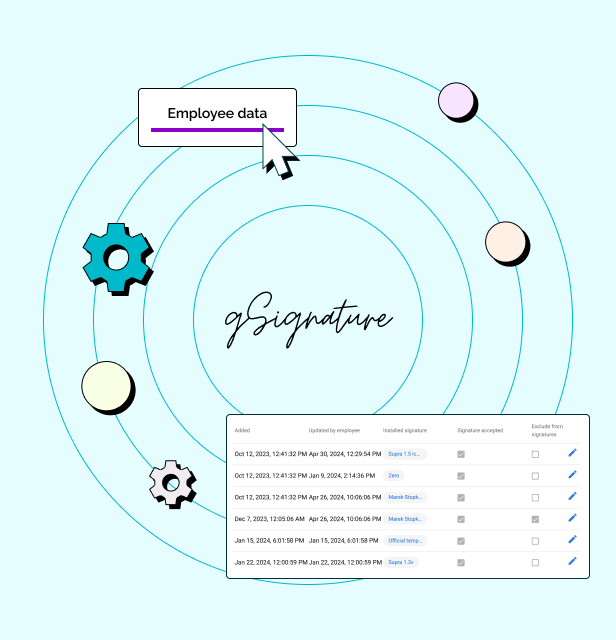 | WiseStamp Screenshots      |