Cisco offers Meraki Systems Manager (SM), an enterprise mobility management platform supporting the monitoring, provisioning and securing of mobile devices across an enterprise network.
N/A
Hexnode UEM
Score 8.4 out of 10
N/A
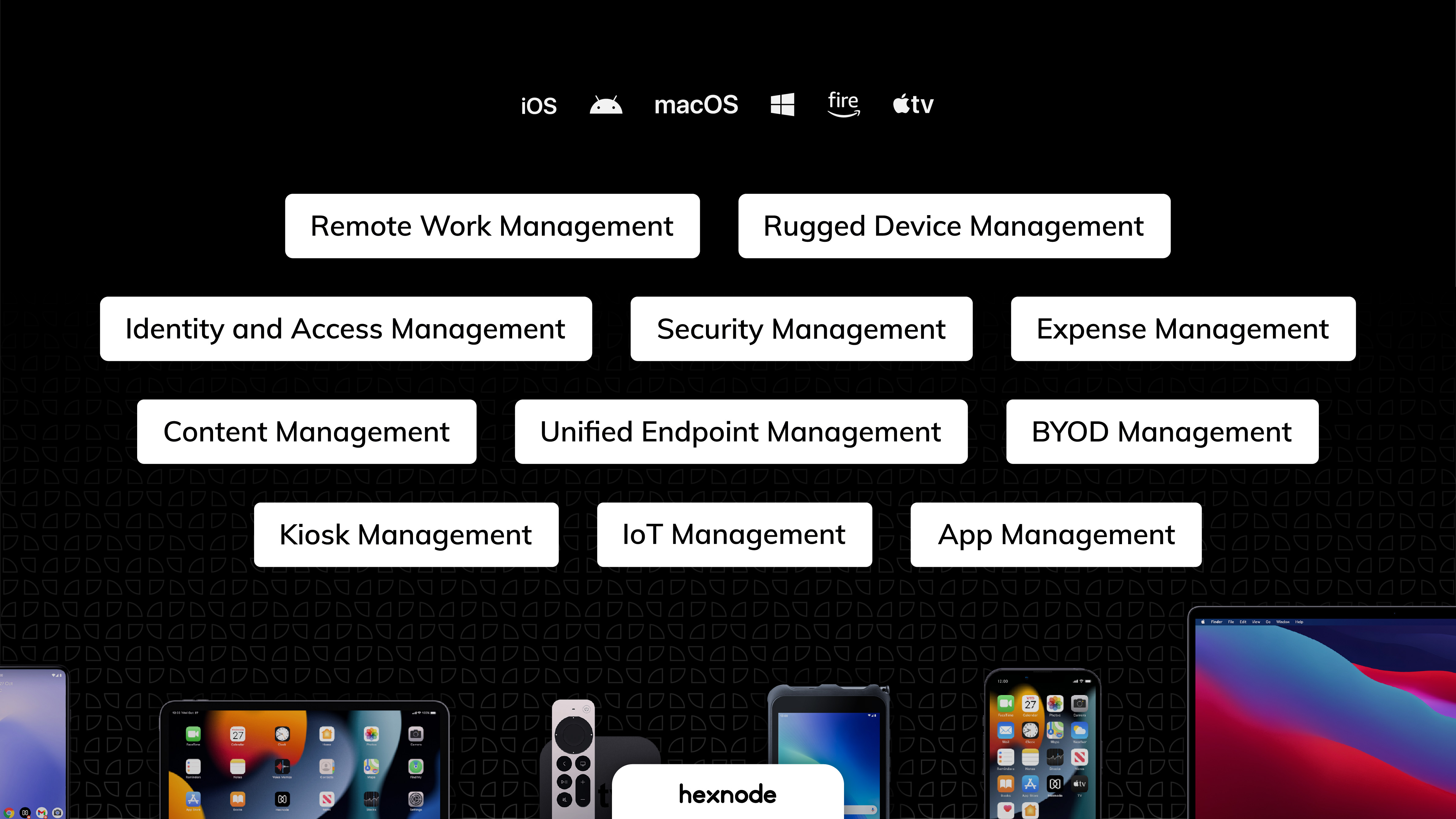
Hexnode is a Unified Endpoint Management solution from Mitsogo Inc. that aims to simplify the way people work with the help of intelligent tools. The management platform streamlines the device lifecycle model to offer its support at every stage, from device onboarding to the end of its life. It also gives a hands-free experience with automatic enrollment using Zero-touch enrollment, Knox Mobile Enrollment, and ABM and endpoint management with the help of dynamic group allocation in…
$2.40
per month per device
Pricing
Cisco Meraki SM
Hexnode UEM
Editions & Modules
No answers on this topic
Pro
$2.40
per month per device
Enterprise
$3.60
per month per device
Ultimate
$5.20
per month per device
Ultra
Contact Hexnode for a Quote
Offerings
Pricing Offerings
Cisco Meraki SM
Hexnode UEM
Free Trial
No
Yes
Free/Freemium Version
No
Yes
Premium Consulting/Integration Services
No
No
Entry-level Setup Fee
No setup fee
No setup fee
Additional Details
—
No support costs, No maintenance charges. Per device pricing. Discount available for annual pricing.
The free tier of Meraki SM was excellent and we used it for a few years. We now use the paid version. Meraki SM is excellent for schools that need to manage large amounts of iPads without needing to maintain physical contact with them. We are a small primary school on a single site however Meraki SM is able to handle larger sites. Devices are able to be configured so that the permissions are automatically set depending on the current user, or the current location. This allows for excellent customization. In my experience, Meraki SM works best when used with iPads. It does have some features for managing other devices but I have not used it for this.
Hexnode was best suited for us to manage android devices and more specifically for Kiosk Lockdown and restrictions. Hexnode being a UEM offers support for platforms as well. It certainly does open doors for us to increase and take up more devices under the management of Hexnode. As said earlier, Hexnode does not support wearables as of now; would be great if they could start supporting them soon.
Currently the application addition to Meraki has gone through some changes that make it not as user friendly as it used to be but has improved some areas of the function such as easy of deployment.
It would be nice to have the ability to reset a users password from the control panel. This function is currently missing.
Some of the navigation within the panel is not the best. It is a little obscure at times where you need to go for certain functions. For instance, to manage users, instead of a nav feature just saying, Manager Users, you have to know to click on a link simply called, "General". This could be improved.
We utilize a small number of Windows devices in addition to Android ones, however, Hexnode UEM has very few Windows-specific restrictions compared to those for other platforms.
When we turned on the remote control, the Hexnode for Work app would periodically crash.
We had to get in touch with their tech support to resolve the issue because the Multi app kiosk mode for Windows devices was not correctly pushed.
It has is easy to use overall and is very powerful. The learning curve for the system is very small and I have found it easy to train members of our team to use it. It can fit any size organization and the support is excellent. The ROI is well worth it. If you have a multiplatform ecosystem, this tool is near perfect.
UX is pretty good, but various screens are a bit redundant. Managing user and managing devices is often one in the same operation, but is broken across multiple screens. Device management policies are strange because if you make a "macOS" policy, why does it have all the Windows, iOS, Android etc options? It's unlikely you'll want all of these options for all possible OSes in one policy, but that's the only way to build a policy. Manage policy changes require remote system restart which is highly disruptive to employees.
We have found that Cisco Meraki has always had very good customer support. In the rare case, when we have needed assistance they have always been quick to respond and solve the issue.
I used TechPilot to manage mobile devices which was a great product and had some useful features. I say had, because after it was purchased by Securly the software support and functionary went downhill fast. Securly MDM is an inferior product.
We previously utilized Miradore MDM for all of our tablets and management. We have since made the switch to Hexnode UEM and are migrating all of our tablets to it instead. We have saved money with this switch and we have been able to easily remove our tablets from Miradore and set them up within Hexnode UEM instead.
It’s scalable up to a point and will scale well from small to a medium business, however, as a business grows and policies get more mature or detailed, you might have to later upgrade to a more appropriate enterprise solution such as MaaS360 or AirWatch. This solution however, will last quite a long tome for a growing business.
It has come in handy several times, especially when it comes to remotely wiping a device that was lost or stolen.
This has allowed us to push applications to devices, which helps our employees to have easy access to tools related to Healthcare and Business Expense tracking.
Meraki Systems Manager is excellent at allowing us to remotely administer our wireless access points, but has been a source of frustration (at times) when trying to use as an MDM solution.
We already had someone try to walk away with an ipad after deploying Hexnode, and we were immediately able to force an activation lock telling them to bring it back and they did.
It has saved us a lot of time setting up ios devices as we have a limited amount of IT staff and Hexnode makes it take probably around ten minutes an ipad.
Employee experience has improved since we can reset code remotely and they no longer have to send the ipads back to the corporate office to get reset.