Chose Heyflow
none

| Product | Rating | Most Used By | Product Summary | Starting Price |
|---|---|---|---|---|
 Heyflow | N/A | Heyflow is a no-code platform to build, design and integrate clickflows, headquartered in Hamburg. They state their belief that user interaction is the most important activity on the web. And they believe that clickflows are the best way to achieve great interactions. They aim to empower businesses to convert more traffic with clickflows. | $72 per month | |
 Leadpages | Small Businesses (1-50 employees) | Leadpages is a landing page software that helps to grow small businesses without tech headaches. Leadpages can be used with or without WordPress, on Leadpages' servers or on the user's own. Leadpages aims to eliminate the high cost of website developers and freelancers when creating a company's most important marketing web pages. Included in all plans: Unlimited landing pages, pop-ups, and alert bars for lead generation and sales Website builder for a… | $49 per month |
| Heyflow | Leadpages | |||||||||||||||
|---|---|---|---|---|---|---|---|---|---|---|---|---|---|---|---|---|
| Editions & Modules |
|
| ||||||||||||||
| Offerings |
| |||||||||||||||
| Entry-level Setup Fee | No setup fee | No setup fee | ||||||||||||||
| Additional Details | Discount available for annual subscription as well as for start ups. | Save 25% by choosing an annual plan (3 months free). Standard ($444), Pro ($888), Advanced (Call Us) | ||||||||||||||
| More Pricing Information | ||||||||||||||||
| Heyflow | Leadpages | |
|---|---|---|
| Considered Both Products |  Heyflow  André Kleinhans Projektmanagement Chose Heyflow Better support, better form builder, more options |  Leadpages  Amy Hayes Owner & Founder Chose Leadpages I have used Mailchimp for clients, and use ActiveCampaign personally for my email marketing and have used it for clients, but prefer Leadpages for the frontend of the opt-in process because of its analytics and performance metrics. Leadpages makes it super easy to see what's …  John Pohly Real Estate Agent & Author Chose Leadpages I used Unbounce in 2012 for a year before Leadpages. Unbounce did not have the features I needed and was not very intuitive. ClickFunnels is designed to be a full-funnel system but I have found the beginning part of a funnel (mainly the landing page) with ClickFunnels to be very …  Haley Fox President & CEO Chose Leadpages Well, Drip is part of leadpages, however it is more of what the title means. It does drip campaigns, where they come in and it drips them all over the place finding out what they truly need. The other platforms are fairly good, but they do not have all the functions that …  Matthew Gehrman Agency Principal Chose Leadpages When test driving Leadpages we also took a look at Instapage which, though powerful in a variety of ways, was, in my opinion, overpriced for what you were getting. I will say during our Instapage trial I was impressed by the integration and reporting capabilities, however, they …  Javier Velazquez Co-Founder Chose Leadpages Unbounce is a great product, but if you're new to landing page builders and running lead generation campaigns in general, then I would recommend Leadpages due to the pricing and scalability (unlimited pages). You'll soon find out how important landing page design is, and how …  Justin Roodman Product Marketing Manager Chose Leadpages Leadpages' and Unbounce's landing pages are both built using drag-and-drop editors, are mobile friendly (responsive), and feature a reasonable suite of integrations - including Wordpress. Both offer plans that feature A/B testing. The deciding factor for us in choosing …  Evan Kubitschek Digital Marketing Manager Chose Leadpages We selected Leadpages over Unbounce because Unbounce had awful analytics options - it was incredibly difficult to measure ROI on that platform. The builders are roughly the same, from the perspective of using a WYSIWYG editor.  Stacy Brookman Creator/Instructor/Podcaster Chose Leadpages I have used Podcast Websites and Kajabi both with Leadpages and outside of LeadPages. I ended up leaving LeadPages because Kajabi and Podcast Websites have everything I need and the cost overall was less. LeadPages is a good starter program, so don't hesitate to get it if …  Davide Di Giorgio Founder & President Chose Leadpages While ClickFunnels offers some features that LeadPages does not, it is far more complex to use (when you really get into it) and their support is absolutely terrible in comparison.  Tim Bost Owner Chose Leadpages Leadpages is much more flexible, easier to use, and generally satisfying in delivering high-quality results. Compared to other page builders, it offers an experience that features a lot fewer moments of frustration or bewilderment. Although it represents a noteworthy financial …  Greg Dungan Owner Chose Leadpages I believe that Leadpages is the most full-featured and reliable solution for hosting landing pages and creating forms. What it didn't offer until recently was the ability to manage email campaigns and customer lists. Their Drip product offers some of that functionality now. …  Ashlie Pappas Holistic Health Practitioner / Personal Trainer / Essential Oil Expert Chose Leadpages Infusionsoft and Mailchimp both prohibit the ability to really do a lot in terms of easily customizing the landing page. Divi does allow for almost limitless customization but it is not time efficient and there are too many working parts to make sure are in place to confidently …  Conrad O'Connell Lead Consultant & Founder Chose Leadpages Leadpages is less expensive, has options for WordPress import and also has a better support team in place in my opinion. I actually use both Leadpages and Unbounce depending on the goal of the page -- for speed, Leadpages wins but for custom and the drag/drop builder, Unbounce …  Liam Crow Senior Marketing Director Chose Leadpages They crush Infusionsoft's landing pages which seem like a very low priority for Infusionsoft. It is a necessity to have Leadpages if you are making landing pages and using Leadpages.  Johanna Goode Marketing and Customer Advocate Chose Leadpages Generally found Leadpages to be more flexible for building content, to better match them to our branding and our website.  Katie Bentley Media Marketing Manager Chose Leadpages Other than Leadpages, I also use Instapage for creating high quality landing pages for my business. While I like them both I tend to lean towards Leadpages because of Leadpages integration settings. I love how customization is so easy and flexible with Instapage but I found … |
| Heyflow | Leadpages | |||||||||||||||||||||||||||||||||||||||
|---|---|---|---|---|---|---|---|---|---|---|---|---|---|---|---|---|---|---|---|---|---|---|---|---|---|---|---|---|---|---|---|---|---|---|---|---|---|---|---|---|
| Lead Management |
| |||||||||||||||||||||||||||||||||||||||
| Lead Management Integrations |
| |||||||||||||||||||||||||||||||||||||||
| Conversion Rate Optimization |
| |||||||||||||||||||||||||||||||||||||||
| Form Building |
| |||||||||||||||||||||||||||||||||||||||
| SEO and Conversion Optimization |
|
| Heyflow | Leadpages | |
|---|---|---|
| Small Businesses |  Lead Forensics Score 9.4 out of 10 |  Zoho LandingPage Score 9.4 out of 10 |
| Medium-sized Companies | Lead Forensics Score 9.4 out of 10 |  LocaliQ Score 9.0 out of 10 |
| Enterprises |  DiscoverOrg (discontinued) Score 6.0 out of 10 |  Adobe Marketo Engage Score 8.1 out of 10 |
| All Alternatives | View all alternatives | View all alternatives |
| Heyflow | Leadpages | |
|---|---|---|
| Likelihood to Recommend | 8.3 (0 ratings) | 1.0 (0 ratings) |
| Usability | 8.2 (0 ratings) | 9.0 (0 ratings) |
| Support Rating | - (0 ratings) | 6.4 (0 ratings) |
| Heyflow | Leadpages | |
|---|---|---|
| Likelihood to Recommend |
|
|
| Pros |
|
 Michelle Markelz ABM Manager |
| Cons |
|
|
| Likelihood to Renew |
| No answers on this topic |
| Usability |
|
John Pohly Real Estate Agent & Author |
| Support Rating | No answers on this topic |
Tim Bost Owner |
| Alternatives Considered |
|
Tim Bost Owner |
| Return on Investment |
|
Amy Hayes Owner & Founder |
| ScreenShots | Heyflow Screenshots     | Leadpages Screenshots 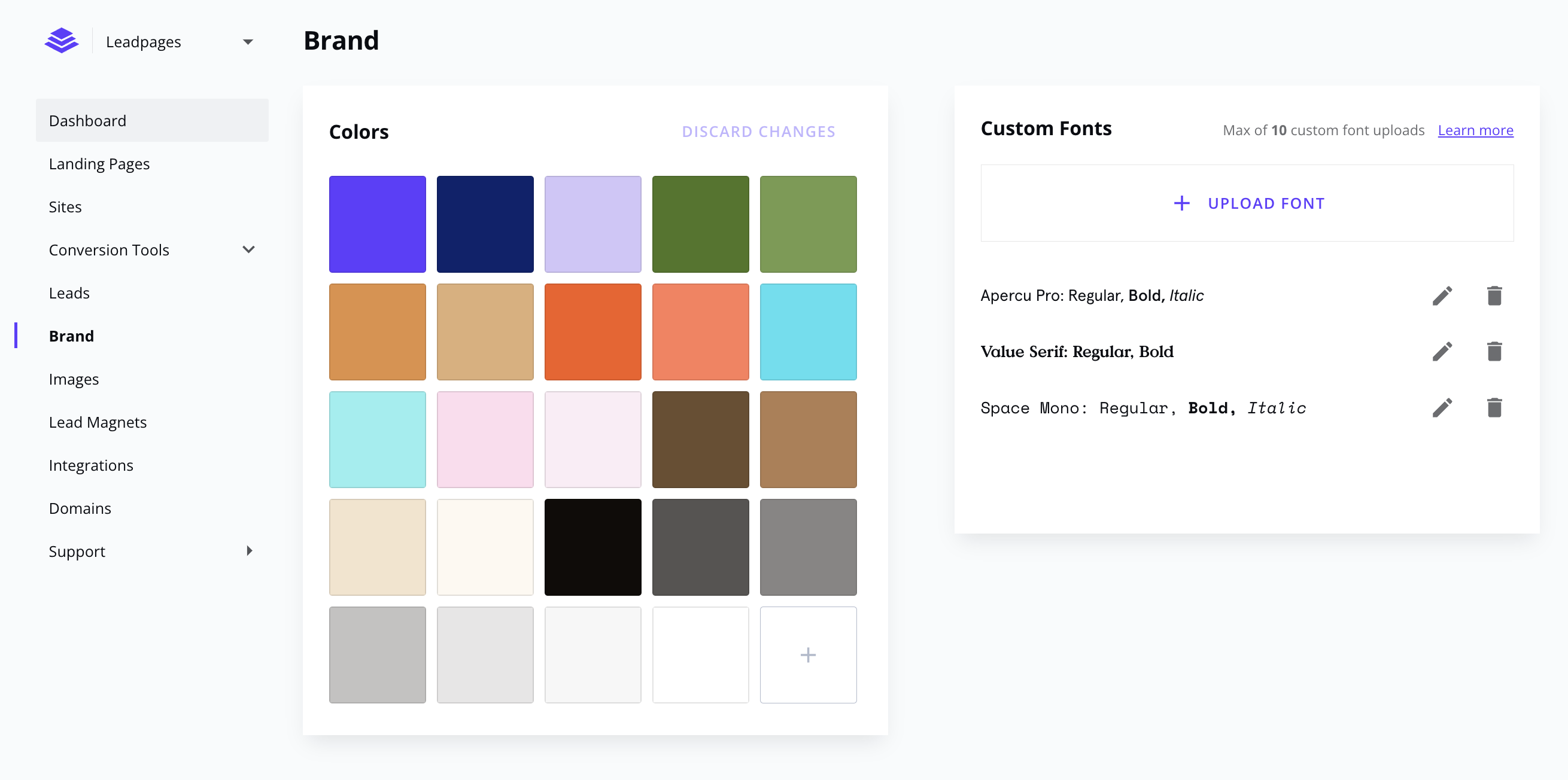     |