HiBob is an HR management platform that provides features supporting talent management including onboarding administration and task management, payroll reporting and time tracking, and manager dashboard for tracking employee performance.
N/A
Patriot Payroll
Score 9.7 out of 10
N/A
Patriot Software headquartered in Canton, Ohio offers Patriot PAY, their benefits administration and payroll software.
$174
Pricing
HiBob
Patriot Payroll
Editions & Modules
No answers on this topic
Basic Payroll
$17/mo + $4 per employee/contractor
Accounting Basic
$20/mo (unlimited use)
Accounting Premium
$30/mo (unlimited use)
Full Service Payroll
$37/mo + $4 per employee/contractor
Offerings
Pricing Offerings
HiBob
Patriot Payroll
Free Trial
No
Yes
Free/Freemium Version
No
No
Premium Consulting/Integration Services
No
No
Entry-level Setup Fee
No setup fee
No setup fee
Additional Details
—
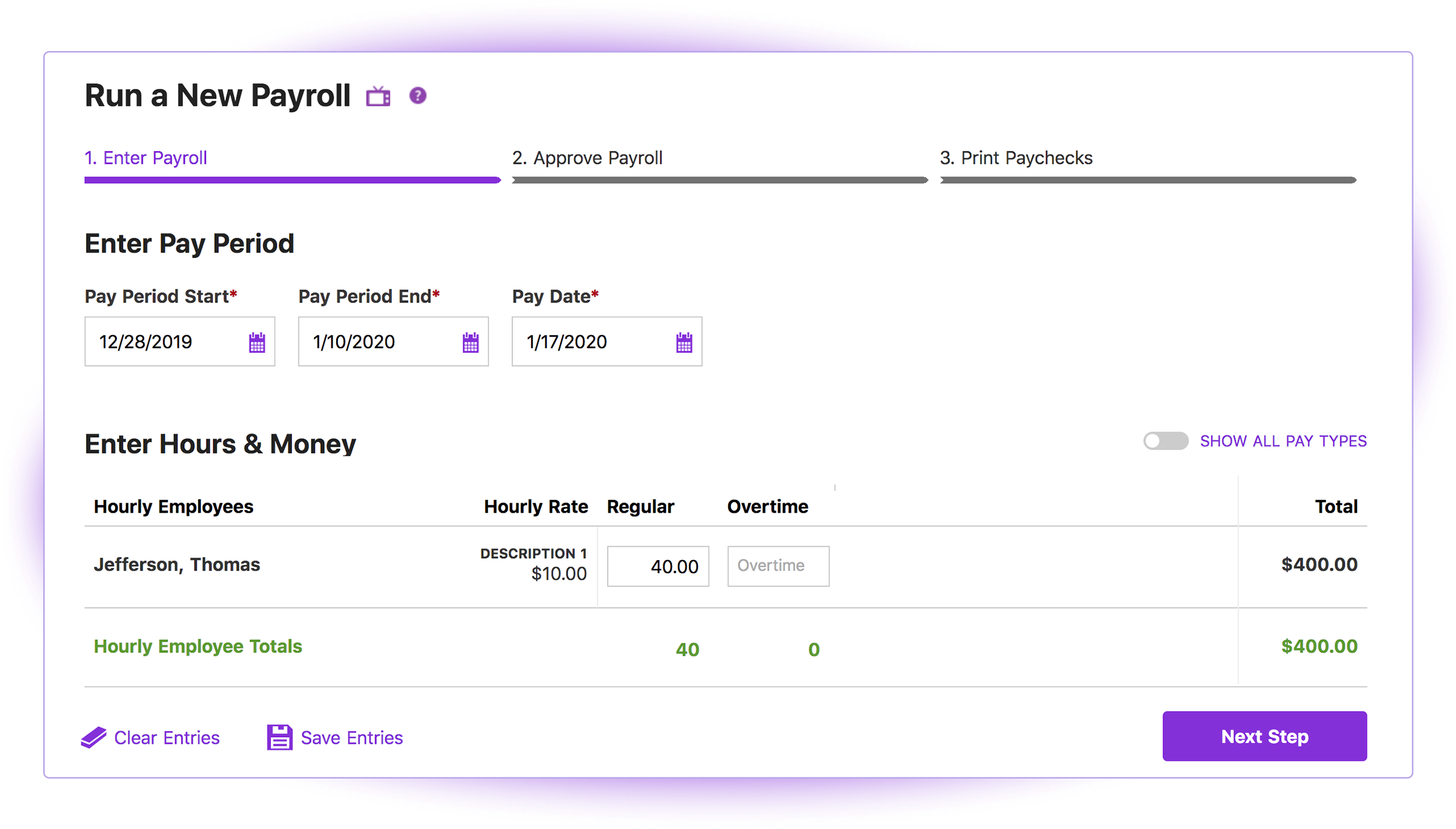
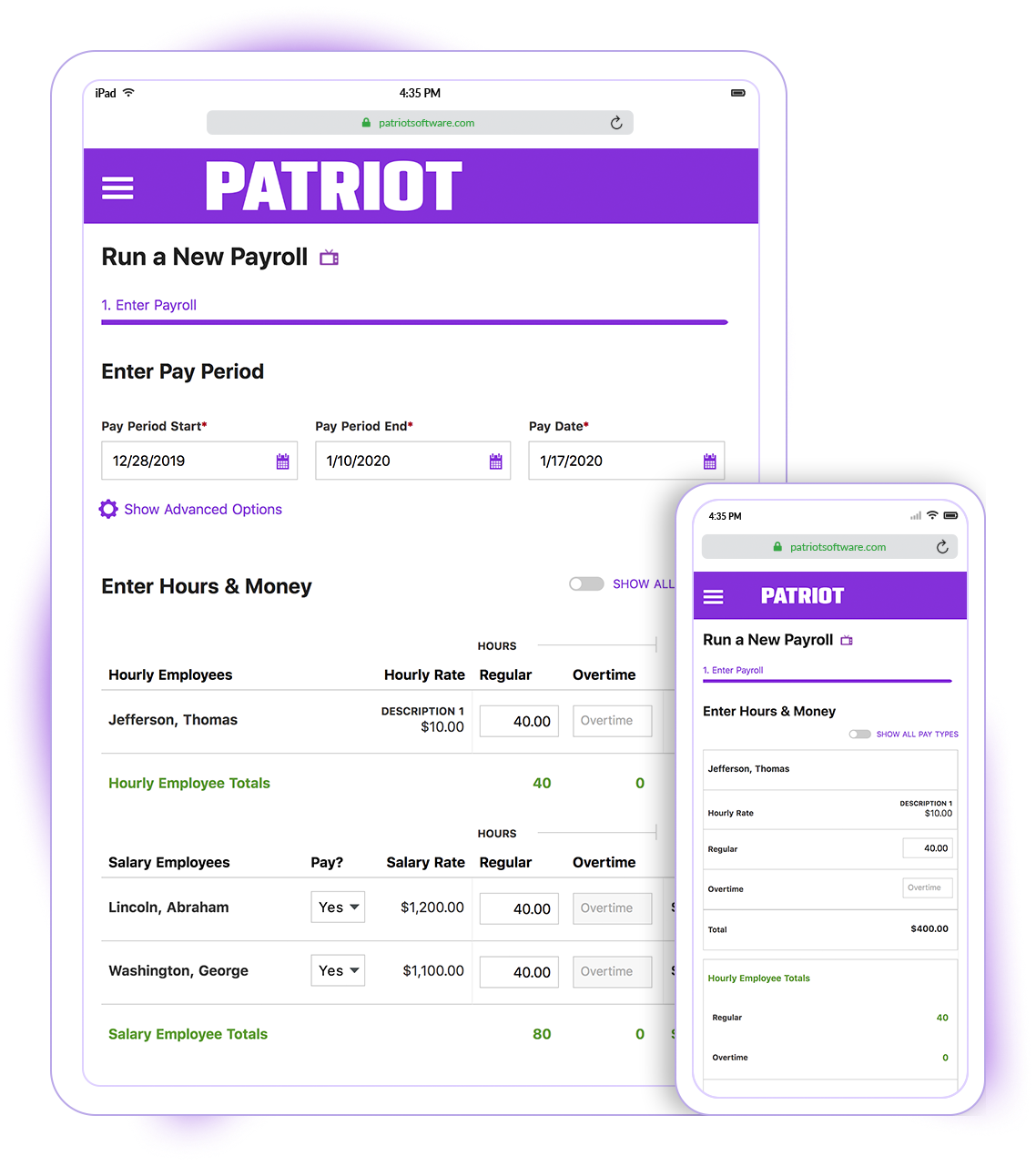
Patriot Software has two payroll options to choose from: Basic Payroll, and Full Service payroll software. Both start with a simple three-step payroll process. With the Full Service Payroll, Patriot will collect, deposit, and file federal, state, and local payroll taxes on the customer's behalf; end-of-the-year payroll tax filing is included at no extra charge.
Print W2s on 8 x 1/2 x 11 plain white office paper to hand to employees, or post to the free employee portal. Also, Patriot Software offers free direct deposit.
More Pricing Information
Community Pulse
HiBob
Patriot Payroll
Considered Both Products
HiBob
Verified User
Anonymous
Chose HiBob
HiBob is solid, again for a 50 - 250 or so employer. I perfer ADP Workforce Now because it has more robust features, however, HiBob can house international employee's data, which is why we went with it
I don't remember the names of other similar products that I have used as I am not in HR so I don't work with it daily and didn't evaluate the products. But! I am in UX, and I can tell you that from that perspective, HiBob is really head and shoulders above the rest. If you are …
HiBob balances functionality, usability, pricing and client control to a much greater level than other systems. Enterprise systems such as SAP and Oracle offer greater functionality but at a much greater cost. Similar offerings from BambooHR, Dayforce and Workday are lacking in …
We used Small Improvements for our 1-1s and annual reviews before using Hibob. It worked for us, but nothing beats one login for all of our people processes. Key efficiencies for the win!
mostly because of the user friendly it is. you or your employees can't get wrong. it is super intuitive. has all the relevant data to manage your human source at the company great support team, although I had some troubles when you can get your CSM over the phone when it is …
BambooHR is a great platform for small business but we found it wasn't conducive to our organization as we began to grow. While very user friendly, the Performance Management was limited and basic. HiBob has a better social platform where employees can be publicly recognized. …
I used this in my previous job and the system was internal so hard to say but completley different in the fact Hibob has a 'familiar' and friendlier feel - almost feels like a social media page and it is much more inviting for new employee and current. It also gives employees …
HIbob is customisable and fun and really personal which is great for us as a business as we like to keep our tone of voice throughout our communications. Deel is great for various uses but doesn't have the same customisable options. HIbob is also super user friendly. None of …
Hibob has more customizable performance management, employee surveys, and PTO cycles than most of the tools I've evaluated. Hibob also includes many features for one-on-one tracking, Slack integration, and employee engagement (Kudos/Accounements/Polls) that other platforms …
I love Bamboo HR but according to me, it is suited more for small or medium size companies. Bamboo HR is less custom. The survey, compensation, and performance module are better on HiBob. However, maybe Hibob has this option but we don't use it in my current company, but …
Hibob was ultimately more flexible and offered a strong customer support network which is why we selected it over others. It's also well-priced and while not "cheap", it was more inexpensive than other larger systems. Their sales team was so supportive the entire time and as we …
Hibob is much easier to use than Oracle Cloud. The UE is much better - from the look of the home page to finding where to book leave or set goals etc, it is much better. I would also say that it is better in that you can set up flows so you get automatic reminders for certain …
We used Breathe before and it had incredibly basic functionality. It's hard to compare because there's a big difference in price point - but no one interacted with Breathe and it was only used for tracking holidays.
Namely did not have connected modules, so it was difficult to manage data across the different sites. They didn't have a large suite of API connections. Workday required technical experts to code and manage everything, is not user-friendly, and did not have historical data …
Hibob has a lot more features than PeopleHR. Just missing the overtime and expenses calculation Hibob is much more user friendly than our previous system, it is prettier, much more customisable and to be used similarly to a social media platform has really helped people engage …
We quickly outgrew our old HRIS, Breathe. Hibob was scalable, whereas we had reached user capacity with Breathe. We couldn't customise employee fields, permissions, or reports which made things like payroll and integration very challenging. All of these issues were resolved …
Hibob offers a lot of features and customization compared to BambooHR. You can have workflows only apply to select groupings of employees, whether by location, job type, or a custom group. It has built in surveys that you can customize; I had to use an expensive external system …
Paychex is considerably more expensive software granted they have services and analytics that are not available in Patriot. I am a small business with a tight budget, and that's why I ultimately selected Patriot Software because I can reinvest the savings in so many ways.
I briefly used Intuit Online Payroll, and it was expensive, had no support, and was very frustrating to use. I also used 3 local tax companies for payroll - they were extremely expensive and messed up all of the time. Their employee turnover was very annoying (and it seemed to …
Patriot Payroll is cheaper with their partner program and customer service seems better. As well Quickbooks Desktop Payroll specifically was charging per direct deposit action which is cost prohibitive and Quickbooks customer service is virtually non existent. As well, Patriot …
I found Patriot Software to offer the best price and service package for me to be able to process payroll for a number of my smaller clients while still allowing me to make a profit on the added revenue.
Quickbooks Online Payroll is literally the devil. They make things unclear, very difficult to tell what has been filed and what has been missed, hard to adjust owner salary whenever you want. I hate it! Gusto is more robust than Patriot and so for bigger companies with more …
My early experience with Gusto was exceptional...then the wheels started falling off. I won't go into the details but I lost a couple payroll clients due to their errors and was on the verge of losing more. That coupled with massive fee increases made it necessary to find …
I did A LOT of research prior to making a decision on which software to use. Patriot had an abundance of high reviews, so I finally decided to give them a try. And while I don't normally find reasons to rave about software, I loved both the product and the service!
I switched from ADP to Patriot PAY almost 2 years ago. I switched because Patriot was a much better financial deal. Also, Patriot has MUCH better customer service than ADP. They have an online chat, which is very quick and easy to obtain an answer. They also (usually) …
I prefer Patriot to Paychex for several reasons. First of all, for a small business with less than 10 employees, the fees charged by Paychex are unnecessary overhead when Patriot offers high quality and more than sufficient tools to perform the same tasks. Paychex also does not …
Cost is the major factor here, but the ease of use (and design of the interface) is a big advantage for Patriot PAY. Items are (ironically) more "intuitive" to find and manage in Patriot PAY than Intuit.
Patriot PAY is closer to ADP/Gusto/Paychex in how it looks and feels and …
The system is very well suited for the stage we are at as a company. We did a lot via Excel and old processes, but once we hit the 100-person mark, our work would have been challenging to execute without Hibob. We eliminated 3 systems by consolidating to the one Hibob system - it was almost a cost-neutral swap for us.
Patriot is well suited for an office with a small staff without complicated tax issues to manage. My office had 2 employees: one full-time and one part-time. There were no 1099's issued, and no special tax exemptions or other special tax situations for employees. The owner was a sole proprietor, so she was not paid as an employee through Patriot. It was easy to quickly run simple payroll tasks on a bi-weekly basis in my situation. However, I believe a more complex situation with more employees would still be suitable for this software if there was an employee dedicated to performing payroll and human resources tasks. Information must be manually entered each payroll period and submitted before 8pm to process at the scheduled pay date, so if there was not a dedicated employee for the task, it would be easy to end up paying employees a business-day late. I know that Patriot offers add-on services for human resource tasks, such as time sheets and tools to manage sick days, benefits, and record employee attendance. I did not require these extra services, but I like that Patriot offers services a la carte so that there is no need to pay for tools you do not need
Patriot's software is very easy to use for running payroll. It takes about 30 seconds to do.
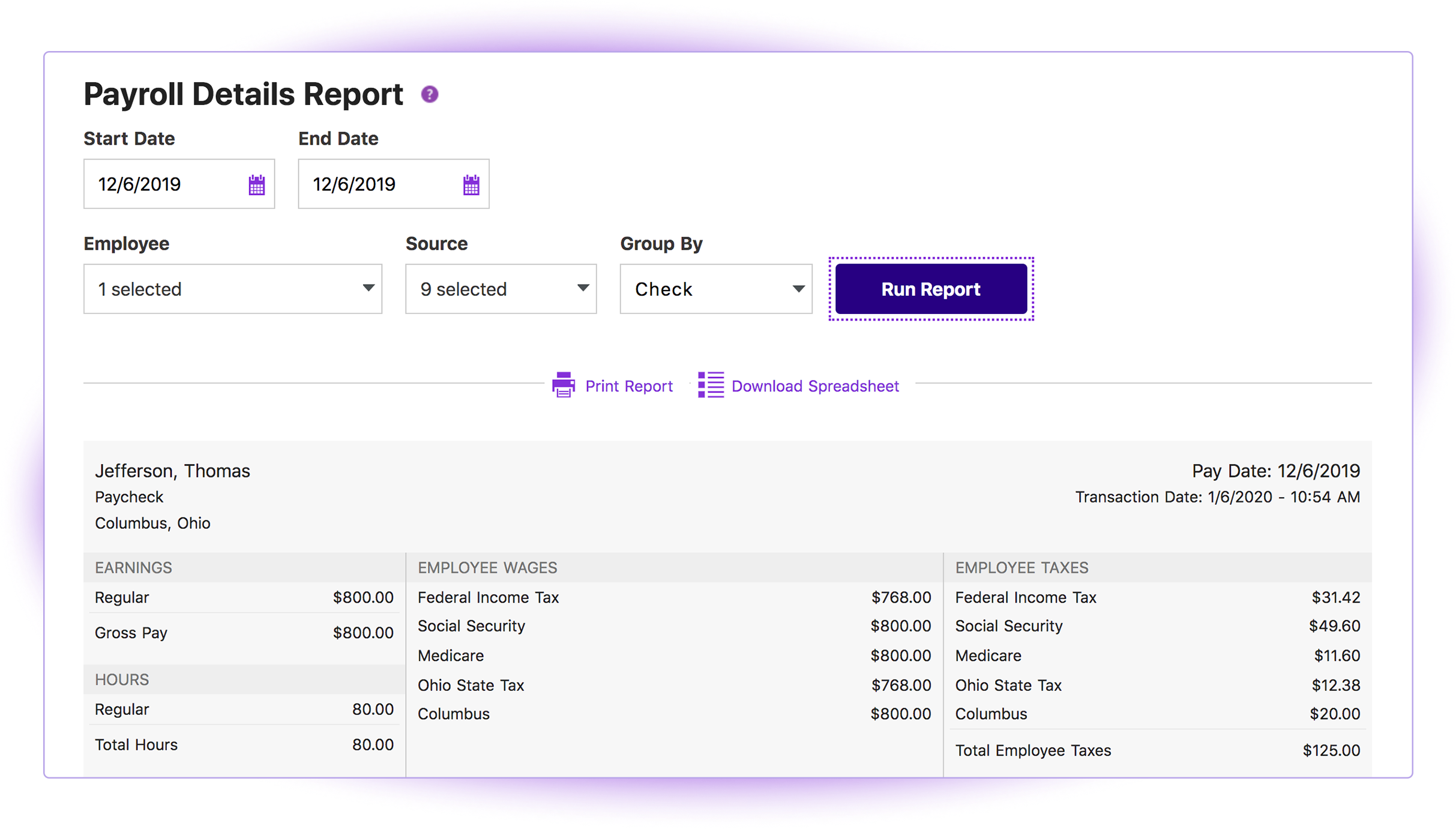
The payroll reports are abundant, easy to find and print, and make my accounting very easy.
Having a full service payroll provider as easy to use as Patriot leaves me with more availability to focus on treating patients and running other aspects of my business.
Tasks - For something like onboarding, I wish there was a way to set up the tasks so that the person setting up the employee profile would be the only person to get the assigned tasks. It's hard to describe but for example, if there are multiple on-boarders on the team, is there a way to set up the tasks so that technically every on-boarder would be assigned to the task, but the person setting up the profile is the one that triggers the task for themselves.
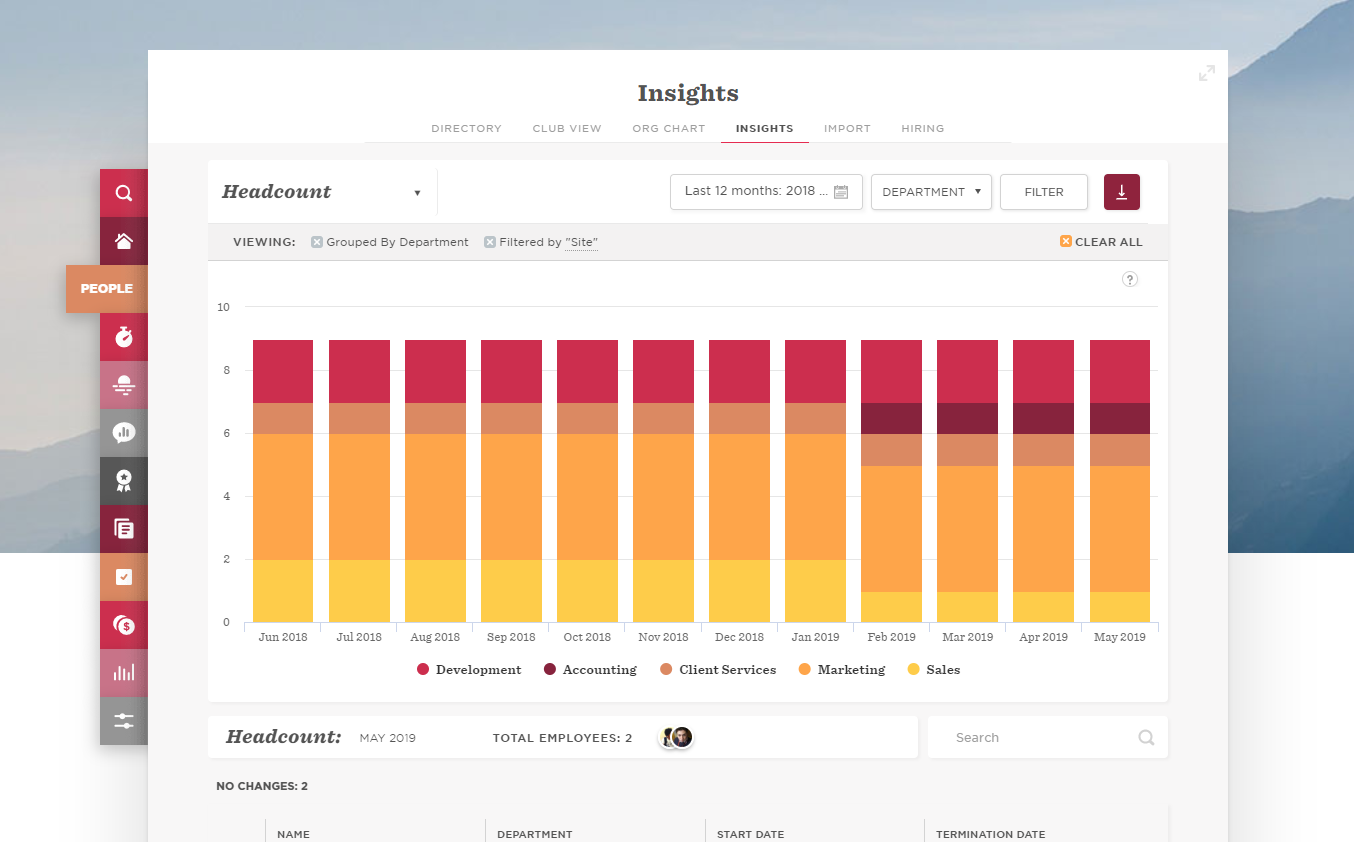
Reports - I find pulling reports a bit complicated, especially if I am asked to pull data that involves info being located in different areas of an employee profile. For example, for a couple of months, I thought it was impossible to pull a variable pay report along with the base salary (in one report rather than pull two separate reports) only to find out that you can do that via the Total Compensation report. Also when I have to pull data for headcount since a certain day, I wish you can make the settings so that data can appear after a certain day, rather than sorting it manually via Excel/Google sheets.
Timesheet - I love the functionality of the timesheet that hibob provided, but I also wish they included an option where people can set up predicted work schedules for future dates. Currently, the timesheets are ideals for scenarios where employees time in and out of work.
The third party direct deposit processor Patriot previously used was not particularly easy to work with...but Patriot just brought all direct deposit processing in house.
Clergy housing allowance has to be manually entered each payday. They tell me they're close to adding the capability of making it (and other similar pay types) as a recurring item.
The setup process is geared toward novice users who need to be hand-held through the process. That's great for those who need it but a more streamlined, no-frills process payroll pros would be welcome.
We will without a doubt be continuing to use Hibob, it is convenient, being engaged with and great value for money. A one stop shop for all things HR related to keep policies and safe financial information has been so beneficial to the business meaning less risk to GDPR breaches and somewhere for employees to refer back to in future has been invaluable
It's a solid HRIS system, it's user friendly to employees and employers, but they've changed the user interface 2 times now in the last 2.5 years, so having to find where certain things are after the change can be tedious
I think it is great once things are setup as for general user looking to look for simple things like a copy of a paystub or a current pay rate for an employee. However, to find specialized things like a state withholding number or payroll integration settings those do require a bit more digging to find or possibly a call to customer service for help.
A lot of support is self-service from the users themselves, via a guide hosted on HiBob's website. I have found the guide helpful 10% of the time when I needed support. The support team is quite quick to reply, but not everyone is helpful unfortunately, and in many cases a lot of emails, messages and back and forth were needed to get to the bottom of an issue. When I pointed out that a video call would be a quicker way to tell people "this is how it's done", I was told that it's not the way they deliver support. I had to beg our account managers for a video chat with some skilled users to show me how to do certain things that (a) were nowhere to be found on the guide, and (b) the support team wasn't able to solve. Additionally, to find solutions, I was pointed to a forum where other users exchange tips on how they managed to solve problems - again, not really helpful as I would like to know this from Bob's team themselves since we're paying for the product, and I shouldn't rely on other users to tell me how they managed their way around a problem
Generally speaking it is pretty good that when I need to call somebody up for a payroll question I can generally within five minutes get somebody on the phone and they can help me resolve the problem or specify where specifically I need to go or contact to find my answers. However, that being said, for my specific situation as a partner my assigned contact has not always been very responsive.
HiBob balances functionality, usability, pricing and client control to a much greater level than other systems. Enterprise systems such as SAP and Oracle offer greater functionality but at a much greater cost. Similar offerings from BambooHR, Dayforce and Workday are lacking in their functionality, user experience, pricing or customizability. Overall, the Customer Support experience with HiBob is now, and always has been out of this world in terms of response times, helpfulness and a strong willingness to adapt to the client requirements in terms of feature implementation and roadmapping.
Cost is the major factor here, but the ease of use (and design of the interface) is a big advantage for Patriot PAY. Items are (ironically) more "intuitive" to find and manage in Patriot PAY than Intuit.
Patriot PAY is closer to ADP/Gusto/Paychex in how it looks and feels and operates in a full-service capacity, but it is much more affordable.
Our HR Coordinator is the main administrator and is the go-to for all thing Bob. This has freed up time for me (VP) and for our HR Manager to spend time on strategy and implementation of employee experience programs. Before HiBob, our HR Manager spent approximately 20% of her time on administrative items that Bob takes care of in minutes and I would have spent around 10% of my time on Performance Management. We invest around $20k in HiBob, but it has saved us approximately $45k in time. So, an ROI of $25,000.
Patriot allows the entire team to be on the same page when it comes to a campaign or donor. All of the information is in one place to see how much a donor gave or communication with that donor by a specific team member.
It provides comparative historic data and donor analysis. The organization of donations by appeal allows teams to know which campaigns were successful in previous years.