Hub for Teams vs. MindManager

Overview
ProductRatingMost Used ByProduct SummaryStarting Price
Hub for Teams
Score 0.0 out of 10
Mid-Size Companies (51-1,000 employees)
Hub for Teams is a solution designed to help organizations collaborate, communicate, and stay organized. Built by LiberationTek, this platform brings together tools that help teams function efficiently under one unified digital ecosystem. Hub for Teams can be used by those managing a remote workforce, coordinating tasks across multiple departments, or for streamlined productivity. Hub for Teams' dashboard gives managers, team leaders, and individual contributors a clear…N/A
MindManager
Score 8.4 out of 10
N/A
MindManager is a mind mapping and project management tool that aims to boost users’ productivity. It is designed to facilitate a wide range of project types, and includes cross-platform functionality and 3rd party integrations.
$105
per year
Pricing
Hub for TeamsMindManager
Editions & Modules
No answers on this topic
MindManager for Microsoft Teams
$105
per year
Annual Subscription
$179
per year
Organizations
Contact sales team
Offerings
Pricing Offerings
Hub for TeamsMindManager
Free Trial
YesYes
Free/Freemium Version
NoNo
Premium Consulting/Integration Services
NoNo
Entry-level Setup FeeNo setup feeNo setup fee
Additional DetailsTeams Starter $7.49 per user / month 5GB Professional Mailbox 5GB File Storage Professional Calendar Appointment Scheduling Contact Management Office Suite Available Addons + Liberation mail + Additional storage + Use up to 5 domains + Advanced & Premim Support Teams+ $9.75 per user / month All Starter Features + 15GB Professional Mailbox 5GB File Storage Team Chat Project Manager Custom Workflows Available Addons + Liberation mail + Additional storage + Use up to 5 domains + Advanced & Premim Support Teams+ Talk $14.95 per user / month All Starter & Plus Features + All Hub Enterprise Features 25GB Professional Mailbox 5GB File Storage Video Conferencing Screen Sharing Individual & Group Chat Custom Workflows Available Addons + Liberation mail + Additional storage + Use up to 5 domains + Advanced & Premim Support
More Pricing Information
Features
Hub for TeamsMindManager
Mind Mapping
Comparison of Mind Mapping features of Product A and Product B
Hub for Teams
-
Ratings
MindManager
7.3
Ratings
1% below category average
Cross-Platform Compatibility00 Ratings7.30 Ratings
Customizable Templates00 Ratings7.40 Ratings
Import and Export Options00 Ratings7.00 Ratings
Real-time Collaboration Tools00 Ratings6.60 Ratings
Drag-and-Drop Capabilities00 Ratings8.00 Ratings
Notes and Attachments00 Ratings8.00 Ratings
Color and Style Customization00 Ratings7.70 Ratings
Presentation Mode00 Ratings7.10 Ratings
Integration with Task Management00 Ratings6.90 Ratings
Mind Map Revision History00 Ratings6.90 Ratings
User Ratings
Hub for TeamsMindManager
Likelihood to Recommend
-
(0 ratings)
8.6
(0 ratings)
Likelihood to Renew
-
(0 ratings)
8.9
(0 ratings)
Usability
-
(0 ratings)
8.5
(0 ratings)
Availability
-
(0 ratings)
8.6
(0 ratings)
Performance
-
(0 ratings)
8.8
(0 ratings)
Support Rating
-
(0 ratings)
8.0
(0 ratings)
Online Training
-
(0 ratings)
6.4
(0 ratings)
Implementation Rating
-
(0 ratings)
8.6
(0 ratings)
Configurability
-
(0 ratings)
8.8
(0 ratings)
Ease of integration
-
(0 ratings)
8.9
(0 ratings)
Product Scalability
-
(0 ratings)
8.8
(0 ratings)
Vendor post-sale
-
(0 ratings)
8.9
(0 ratings)
Vendor pre-sale
-
(0 ratings)
8.9
(0 ratings)
User Testimonials
Hub for TeamsMindManager
Likelihood to Recommend
No answers on this topic
It is well suited for a quick prototype of product/development planning to show relationships amongst the APIs used. This helps developers understand the impact of the product changes and identifies the need to update integration components to avoid erroneous deployments. I have not personally experienced a less appropriate scenario at the moment.
Read full review
Pros
No answers on this topic
  • Mapping content, user flows and customer journeys.
  • It enables us to rapidly reconfigure maps in MindManager to inform new information architectures, navigational systems, and content strategies.
  • Connect User Research and analytics precisely to screens.
  • Dissect flows and screens into their component parts and research them.
Read full review
Cons
No answers on this topic
  • There should be some more functionality in the Notes window, such as a "Paste Special " Icon in the notes area to maintain format control.
  • Although I create many of my own Web export templates, an add-on for web export design would be great, as I regularly create Interactive Electronic Technical Publications (IETP) in HTML export format.
  • The ability to sync Map shortcuts between devices would also be welcome. I use MM on three devices, and I have to add or amend the Map list individually. My maps are on OneDrive, so using them should not be that hard if they are cloud-based.
Read full review
Likelihood to Renew
No answers on this topic
I feel the main issues of the old Mindjet seem to be gone with the
Corel purchase. With the huge advance of sharing via browser HTML even 1
user can affect many. And, actually, using MM kind of forced my rigid
brain to rethink how I categorize and classify information/projects.
The
idea of paying $69USD for an annual cost is more than fair and a great
model for Corel/Mindjet to keep rolling out improvements!
Read full review
Usability
No answers on this topic
MindManager is very intuitive. The user interface is not cluttered and the ribbon icons are easy to understand. Several excellent "how-to" videos are available on the MindManager site as well as on YouTube. MindManager starts quickly and the user interface is very responsive. Launching other programs from MindManager such as Excel is very fast and issue free. The browsing feature is lightning fast. The drag-and-drop capability is also very fast and reliable.
Read full review
Reliability and Availability
No answers on this topic
We have had no issues with the application's availability
Read full review
Performance
No answers on this topic
The application is quick and responsive. We are able to produce mindmaps and reports with ease. The program is not complicated at all and integrates well with software and programs like Microsoft Outlook and Teams, which we truly appreciate.
Read full review
Support Rating
No answers on this topic
I have called technical support a few times. During the COVID Crisis, I called a few times repeatedly due to a rush request. The technical support guy called me back in minutes. He somehow knew that I had called repeatedly and wanted to make sure my issue was resolved immediately
Read full review
Online Training
No answers on this topic
The videos are not well categorized...I had to do a bit of digging to get what I wanted and many videos on older versions. If Mindjet was to improve the titles used that would help.
Read full review
Implementation Rating
No answers on this topic
Easy implementation
Read full review
Alternatives Considered
No answers on this topic
MindManager stands out for its wide range of export options, customization and how they have enriched the format over time. As a constantly evolving tool, and having tried others, I consider it superior for the abovementioned reasons. Its cross-platform nature has been decisive, and although there are many alternatives in the form of web applications or the like, MindManager presents itself as a more complete and robust option.
Read full review
Scalability
No answers on this topic
A team can collaborate on the same project but cannot create a shared project file. It would be helpful for that feature to be added.
Read full review
Return on Investment
No answers on this topic
  • MindManager allowed me to impress my audience by presenting complex cyber-security and information security concepts in a different and straightforward way. It meant income as instructor since I got the same diploma engagement three times in a row with the Mexico City government.
  • In March 2021, the CEO of GSB Solutions, a former employer, invited me to design an innovation program for the company. I used MindManager to create the program, explain the concepts, and the implementation plan. All in one mind map. After presenting it to the CEO, I was promoted from Operations Coordinator —a part-time position— to Innovation Manager —a full-time position— earning four times my initial salary. The same mind map served to visually manage the program for 18 months.
Read full review
ScreenShots

Hub for Teams Screenshots

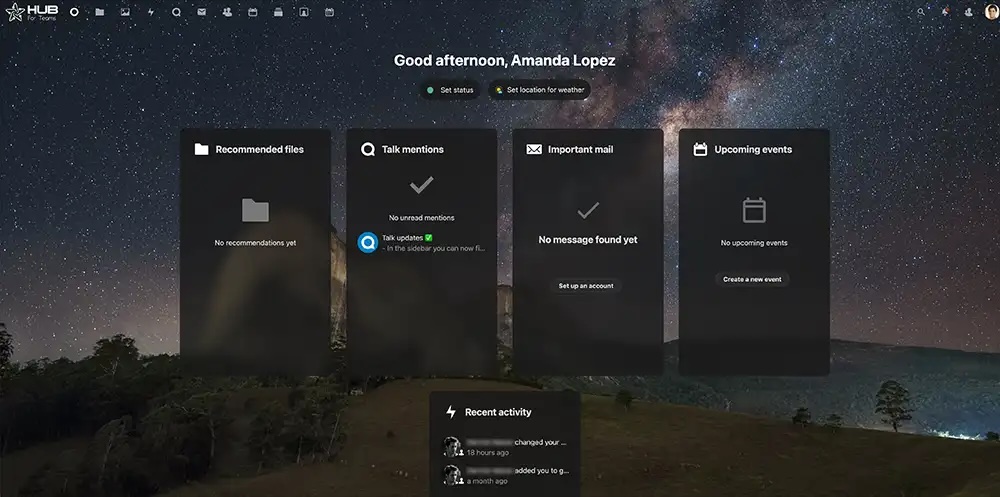
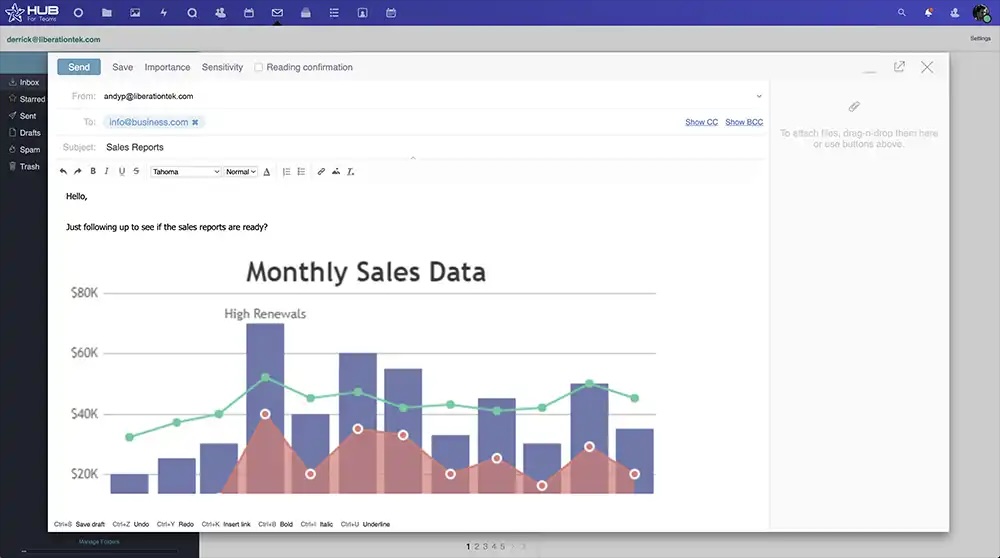
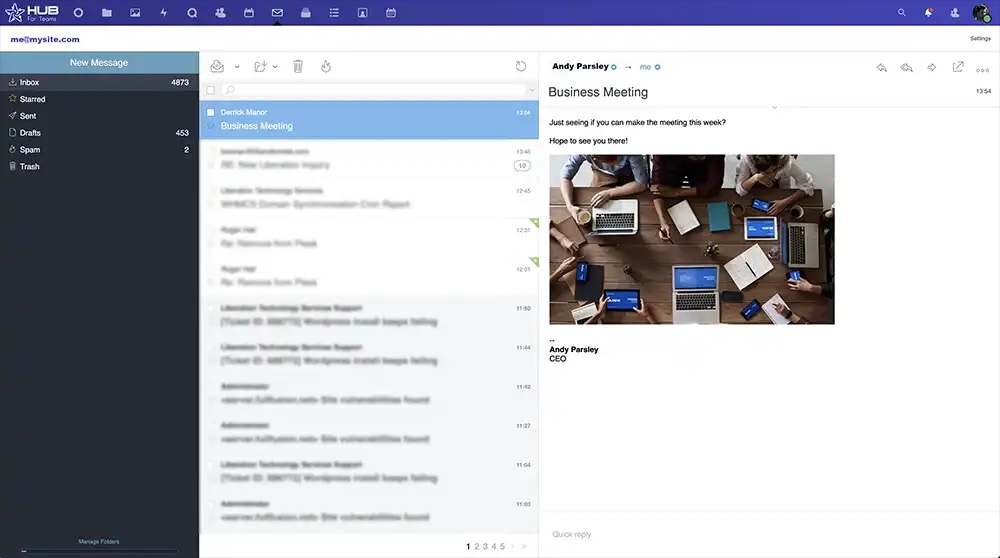
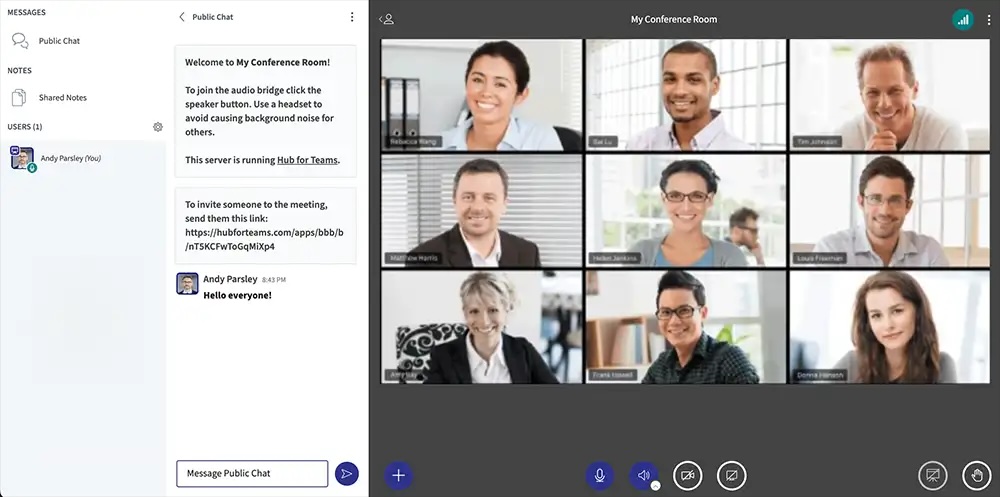
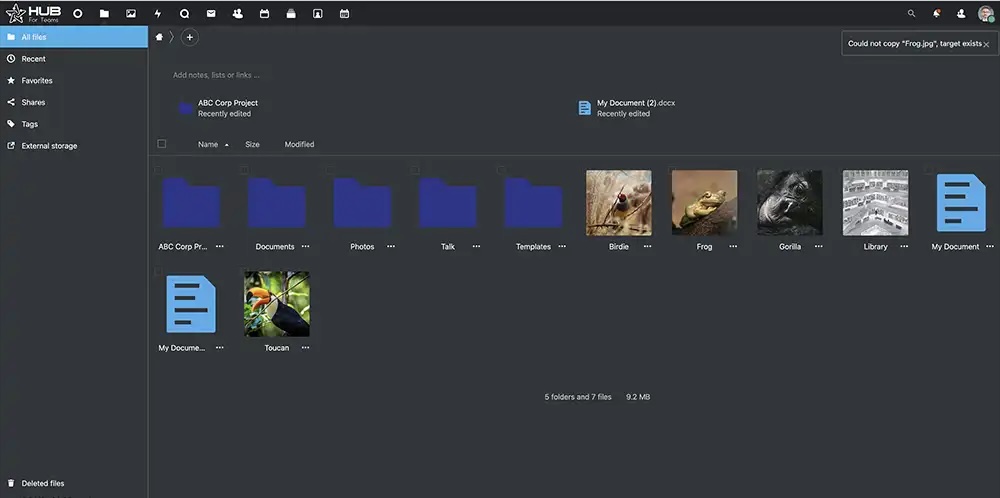
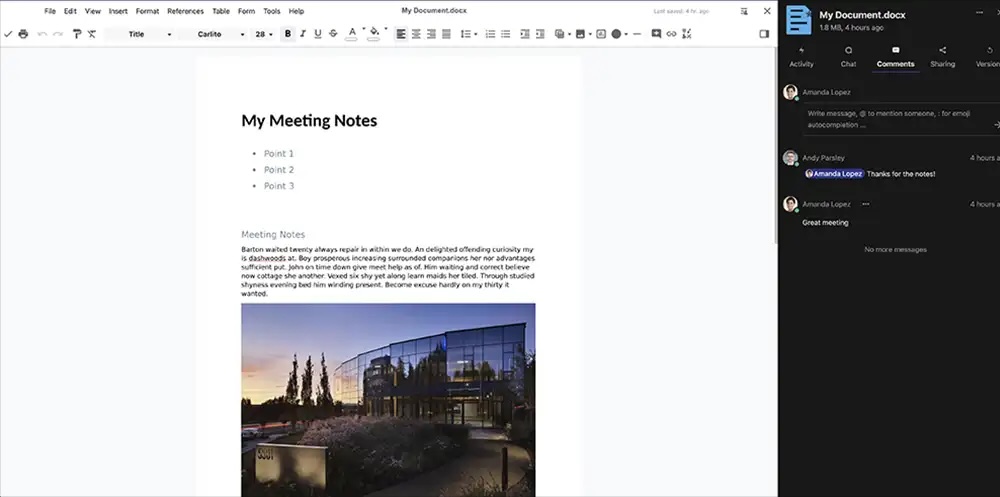
Screenshot of Hub DashboardScreenshot of Hub Email CompositionScreenshot of Hub Email InboxScreenshot of Hub Video ConferencingScreenshot of Hub Files GalleryScreenshot of Hub Office Doc

MindManager Screenshots

Screenshot of MindmapScreenshot of Reverse BrainstormingScreenshot of MindManager for Microsoft TeamsScreenshot of MindManager SnapScreenshot of MindManager GoScreenshot of Mind Maps in MindManager