Hubstaff is a workforce analytics software tailored to boost productivity in remote, hybrid, and in-house teams while fostering a positive employee experience. Integrating with over 30 apps, Hubstaff's key features include time tracking, screenshots, activity tracking, URL and app monitoring, workforce analytics, automatic payroll and invoicing, scheduling, GPS and location monitoring, and timesheets. Hubstaff is compatible with Mac, Windows, Linux, Chrome, iOS, and…
$7
per month per user (2 seat minimum)
Teamwork.com
Score 8.9 out of 10
N/A
Teamwork.com is a project management platform built specifically for client work. The platform helps users deliver work on time and on budget, eliminate client chaos, and understand profitability. Teamwork.com’s customers track and manage their projects with a suite of integrated solutions such as helpdesk, collaboration, knowledge sharing and customer relationship management add-ons, enabling Teamwork.com to be the ‘one-stop shop’ solution for business owners. Headquartered in Cork,…
$13.99
per month per user
Pricing
Hubstaff
Teamwork.com
Editions & Modules
Starter
$7
per month per user (2 seat minimum)
Grow
$9
per month per user (2 seat minimum)
Team
$12
per month per user (2 seat minimum)
Enterprise
$300
per year per seat
Deliver
$13.99
per month per user
Grow
$25.99
per month per user
Free Forever
Free
Up to 5 users
Scale
Contact sales team
Offerings
Pricing Offerings
Hubstaff
Teamwork.com
Free Trial
Yes
Yes
Free/Freemium Version
Yes
Yes
Premium Consulting/Integration Services
No
No
Entry-level Setup Fee
No setup fee
Optional
Additional Details
Discount available for annual pricing.
A discount is offered for annual billing.
More Pricing Information
Community Pulse
Hubstaff
Teamwork.com
Features
Hubstaff
Teamwork.com
Project Management
Comparison of Project Management features of Product A and Product B
Hubstaff
-
Ratings
Teamwork.com
9.3
Ratings
19% above category average
Task Management
00 Ratings
10.00 Ratings
Resource Management
00 Ratings
10.00 Ratings
Gantt Charts
00 Ratings
9.00 Ratings
Scheduling
00 Ratings
10.00 Ratings
Workflow Automation
00 Ratings
9.00 Ratings
Team Collaboration
00 Ratings
10.00 Ratings
Support for Agile Methodology
00 Ratings
9.00 Ratings
Support for Waterfall Methodology
00 Ratings
9.00 Ratings
Document Management
00 Ratings
9.00 Ratings
Email integration
00 Ratings
9.00 Ratings
Mobile Access
00 Ratings
9.00 Ratings
Timesheet Tracking
00 Ratings
9.00 Ratings
Change request and Case Management
00 Ratings
9.00 Ratings
Budget and Expense Management
00 Ratings
9.00 Ratings
Professional Services Automation
Comparison of Professional Services Automation features of Product A and Product B
It enables you to monitor workers' time on every project. It monitors productivity even if an internet connection is not available. It provides a customizable interface. Every task is customizable to suit project requirements. It allows you to track time from anywhere in the world. In this way, it provides powerful insights to determine how many hours are required to do a project.
Teamwork is awesome for teams who need a flexible tool that supports all types of projects. Since it supports kanban it makes visualizing the work to be done and the work in progress very easy. The Gantt chart support is decent and helps to understand how a team is doing when it comes to getting work done in a given time frame. Teamwork isn't a great option for companies that have a bunch of projects going simultaneously due to the way Teamwork structures their billing based on a number of active projects.
It has all the features that need to have while managing the project like screen capturing, sending invoices, create and view reports, pay and quick insights.
It also gives me the reports of my team effectiveness.
It tracks all the project progress along with team effectiveness and productivity at the workplace, gives me all the insights into team performance, and also helps me to track team productivity easily.
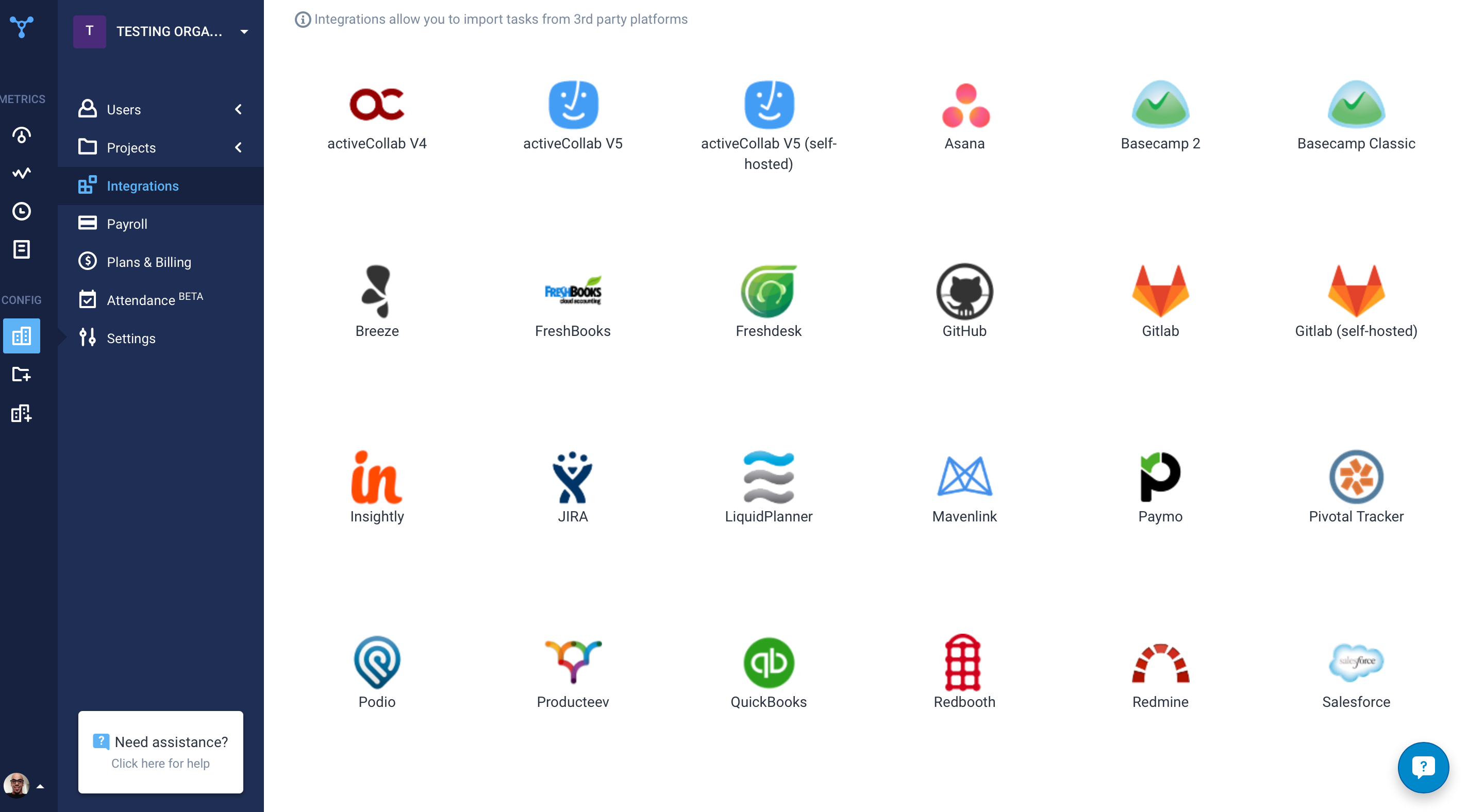
Another great feature that Hubstaff has which is its integration module.
[Hubstaff] is limited to integrations, while working on the projects I face difficulty to drag the drop because sometimes the plan requires to be discussed and it becomes a necessity to insert various attachments on the spot so that we could achieve the maximum.
Visualization needs to be improved, charts graphs are limited
Value stream mapping should be available to determine and prioritize the work.
Documentation should be available stepwise with export and printable facility.
It should be configurable like ERP with cross functionalities of different users, where users login, assign and approve the work, job or project details, where it should be collectively effected on a project.
Add many examples, little more AI, Machine learning required for suggestion and recommendation. It would be a plus point
We are already at an annual contract, and have been for the past 5 years; so far the system has delivered, and our personal is already trained in it. A major overhaul of our entire infrastructure (as in moving everything to a single, unified platform) might change the current continuity of Teamwork Projects on our organization, but that's not feasible in the near future.
I give it 9 because it is really good for time tracking and managing remote teams. It helps me to manage my team very efficiently. Still, prices are high, so don't give 10. I need more discounts to add more team. Also need more accuracy as users are now fooling the tools with various cheats. Overall it is good and helfull
The web based user interface is familiar, flexible (boards, task lists, and Gantts) and feature-rich. It is simple enough for the beginner to be effective and robust enough for experienced users to gain efficiencies with advanced techniques. Reporting is intuitive and can be customized for transfer via email or to paper. Great interoperability with other tools make teamwork dependable and a good partner for the overall technology stack.
I've never had any issues and always received proper support. They let you know in advance when they'll be in maintenance and it's always in odd hours, so it's good. You still can use it when they are maintaining it.
Hubstaff has always responded to support requests in a timely manner and has kept me in the loop of changes. When contacting them about future changes/features they've always been upfront on whether that is a change they are looking to make and when that change may occur. Finally, if the person I have communicated with was unable to resolve, they always escalated to the next best person who can answer/resolve.
The support service provided by Teamwork is excellent, and one of the best I've experienced. This is for the following reasons: (1) The speed at which they respond to queries I raise (2) The depth of understanding they have of the product (3) The way in which they are able to understand my questions without needing me to re-explain (4) The quality of the documentation available online (5) The openness they express about current issues and downtime
Hubstaff is a better tool than Hubstaff. There are certain details which if present can enhance the overall user experience and I must mention that Hubstaff has carefully taken into account and has given attention to detail by even making easy to understand training videos available for beginners that can further help and aid them in training.
I spoke about this quite a bit before, but as far as usability goes, Microsoft Projects is totally useless for me, so I avoid it at all costs. Basecamp was just a task management app and had very small feature set beyond that. We had to rig it to do other things for us, but it failed at that. Asana was a very nice app to trial, but it lacked many of the features that we were looking for.
The availability of the recording feature is the biggest plus of this software so that I can easily record things that can be proved helpful to me further.
It has replaced timesheets with spreadsheets and this is how it makes my work easier and interesting for me.
Overall, it keeps our team on track ensuring that all of our projects are on time and on budget, which definitely contributes to our retention rates.
It ensures that we're tracking time on billable tasks which contributes directly to our bottom line.
Teamwork Projects also helps us better forecast when a clients project can be completed (alongside the other work our team needs to accomplish) AND it helps us more accurately quote projects in the future because we have historical time tracking data saved.