Hubstaff is a workforce analytics software tailored to boost productivity in remote, hybrid, and in-house teams while fostering a positive employee experience. Integrating with over 30 apps, Hubstaff's key features include time tracking, screenshots, activity tracking, URL and app monitoring, workforce analytics, automatic payroll and invoicing, scheduling, GPS and location monitoring, and timesheets. Hubstaff is compatible with Mac, Windows, Linux, Chrome, iOS, and…
$7
per month per user (2 seat minimum)
Zoho Invoice
Score 8.8 out of 10
N/A
Zoho Invoice is a cloud-based invoicing solution designed to help small businesses with invoicing, tracking expenses, and accepting online payments. Key features include project billing, time tracking, reporting, customizable templates, and a client portaI. Teams using Zoho Invoice can track estimates, convert them to invoices, and send reminders to clients to complete their outstanding payments. Additionally, users can create tasks, collect advance payments for projects, and keep…
$0
Per Organisation, Per Month
Pricing
Hubstaff
Zoho Invoice
Editions & Modules
Starter
$7
per month per user (2 seat minimum)
Grow
$9
per month per user (2 seat minimum)
Team
$12
per month per user (2 seat minimum)
Enterprise
$300
per year per seat
Free
$0
Per Organisation, Per Month
Offerings
Pricing Offerings
Hubstaff
Zoho Invoice
Free Trial
Yes
No
Free/Freemium Version
Yes
Yes
Premium Consulting/Integration Services
No
No
Entry-level Setup Fee
No setup fee
Required
Additional Details
Discount available for annual pricing.
Zoho Invoice is a completely free product. It has no contracts, no ads, and no hidden fees
It enables you to monitor workers' time on every project. It monitors productivity even if an internet connection is not available. It provides a customizable interface. Every task is customizable to suit project requirements. It allows you to track time from anywhere in the world. In this way, it provides powerful insights to determine how many hours are required to do a project.
Zoho Invoice is well suited for any business, regardless of size, that needs to have a way to create invoices with hourly or flat rates. It's easy to create and archive projects. It also integrates into their other tools, including Zoho Projects. Zoho is great for businesses who want to accept online payments.You can use PayPal, Stripe, and a few others. Clients can also pay via ACH. It lets you know when a payment is processing AND when it clears. I believe that it would not be well suited in instances where a company creates lots of credit notes (because from the invoice screen the credit will appear to grow, but when you check active credit notes, it is the right amount) or estimates (I can't figure out how to use this feature)
It has all the features that need to have while managing the project like screen capturing, sending invoices, create and view reports, pay and quick insights.
It also gives me the reports of my team effectiveness.
It tracks all the project progress along with team effectiveness and productivity at the workplace, gives me all the insights into team performance, and also helps me to track team productivity easily.
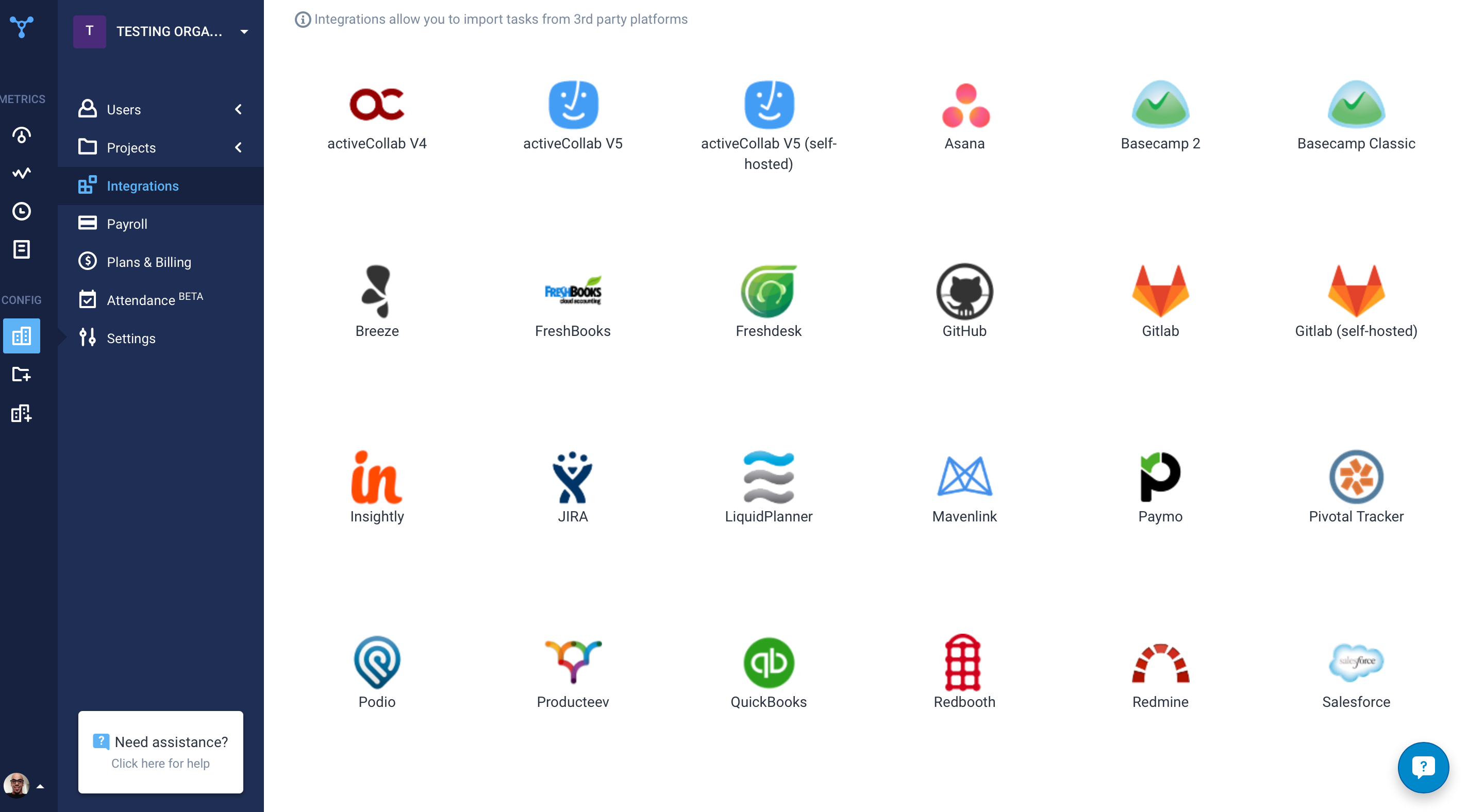
Another great feature that Hubstaff has which is its integration module.
Time tracking. Zoho invoice makes it super easy to track time and hours against specific clients and specific tasks.
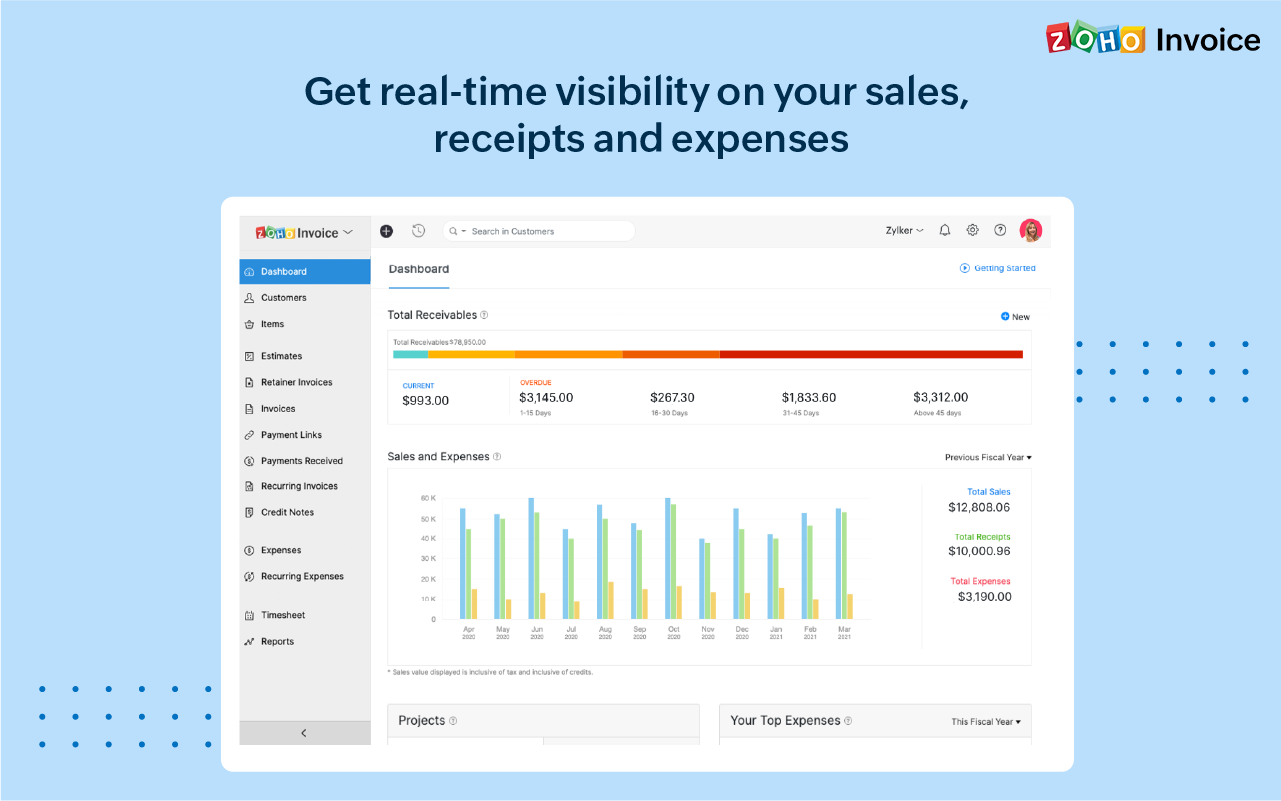
Unbilled / billed time reporting. Zoho Invoice gives a dashboard view of hours yet to be billed, which helps keep on top of invoicing so nothing is missed.
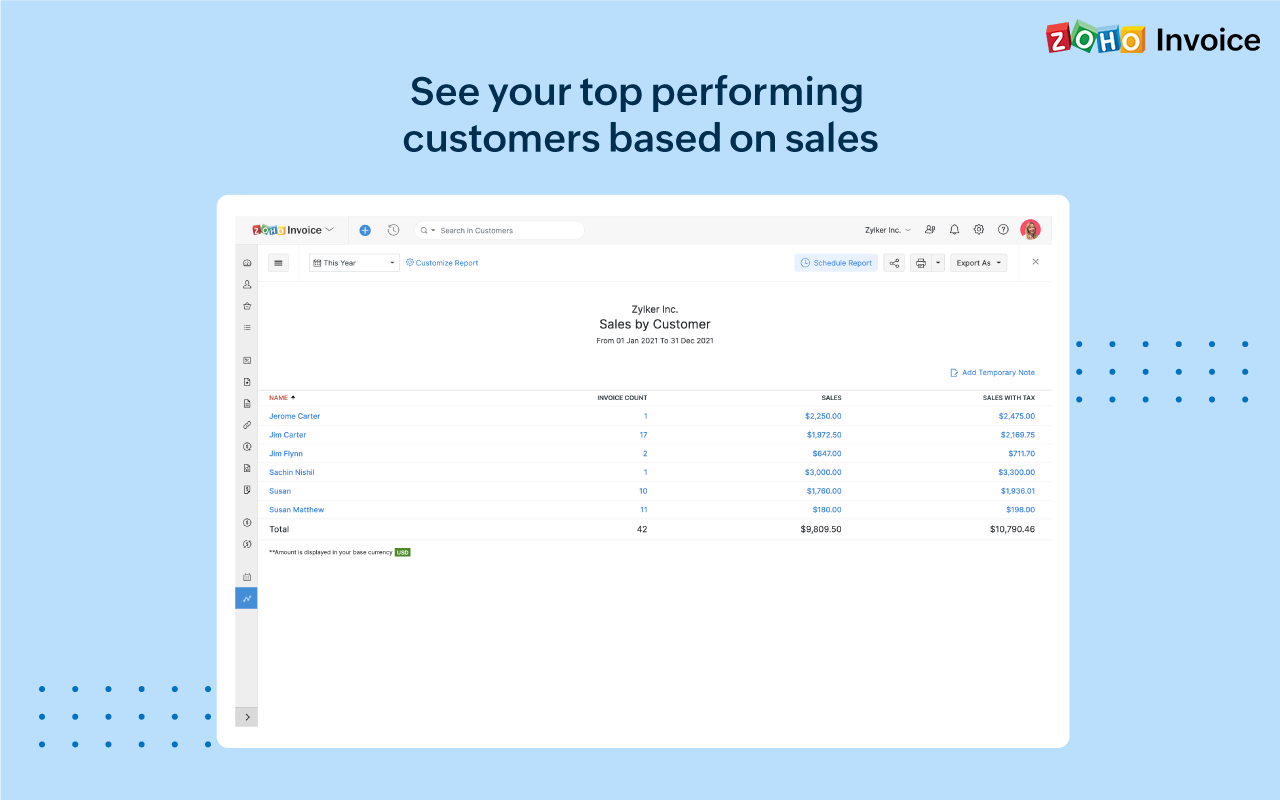
Reporting. Zoho Invoice offers a robust reporting module for the price point. Canned reports can be customized easily.
Invoice sending and tracking. Zoho Invoice makes it easy to create and send invoices. Invoices are easy to clone, which makes creating regular, repeatable invoices a snap.
[Hubstaff] is limited to integrations, while working on the projects I face difficulty to drag the drop because sometimes the plan requires to be discussed and it becomes a necessity to insert various attachments on the spot so that we could achieve the maximum.
I give it 9 because it is really good for time tracking and managing remote teams. It helps me to manage my team very efficiently. Still, prices are high, so don't give 10. I need more discounts to add more team. Also need more accuracy as users are now fooling the tools with various cheats. Overall it is good and helfull
Ease of access of using the dashboard the buttons I mean like if it is taught in 10th I would have worked it. Simple and minimal hi give good entry to be more transparent and sharable to clients in seconds. The client also get shocked by saying it's fast.
I've never had any issues and always received proper support. They let you know in advance when they'll be in maintenance and it's always in odd hours, so it's good. You still can use it when they are maintaining it.
Hubstaff has always responded to support requests in a timely manner and has kept me in the loop of changes. When contacting them about future changes/features they've always been upfront on whether that is a change they are looking to make and when that change may occur. Finally, if the person I have communicated with was unable to resolve, they always escalated to the next best person who can answer/resolve.
Hubstaff is a better tool than Hubstaff. There are certain details which if present can enhance the overall user experience and I must mention that Hubstaff has carefully taken into account and has given attention to detail by even making easy to understand training videos available for beginners that can further help and aid them in training.
Zoho Invoice streamlines bill creation and sending by personalizing invoices with logos, identities, and terms. It offers detailed payment reports, an integrated payment system, and payment summaries for tracking success. It automates invoicing and payment tasks, saving time and money for companies. Zoho Invoice integrates with Stripe Payments, enhancing settlement processes and promoting digital payment adoption.
The availability of the recording feature is the biggest plus of this software so that I can easily record things that can be proved helpful to me further.
It has replaced timesheets with spreadsheets and this is how it makes my work easier and interesting for me.
The biggest ROI for my business is that Zoho Invoice reduced the cost of invoicing so much, that I was able to invest that savings back into the business development allowing us to grow.
Zoho Invoice provides the option of giving your clients a client portal through which they have access to their own accounts and can see and print their own reports as needed. That helps to create a transparency that our clients love.
Zoho Invoice has been dependable. I have not had one issue with using the platform or its functions since I switched to it a few years ago.