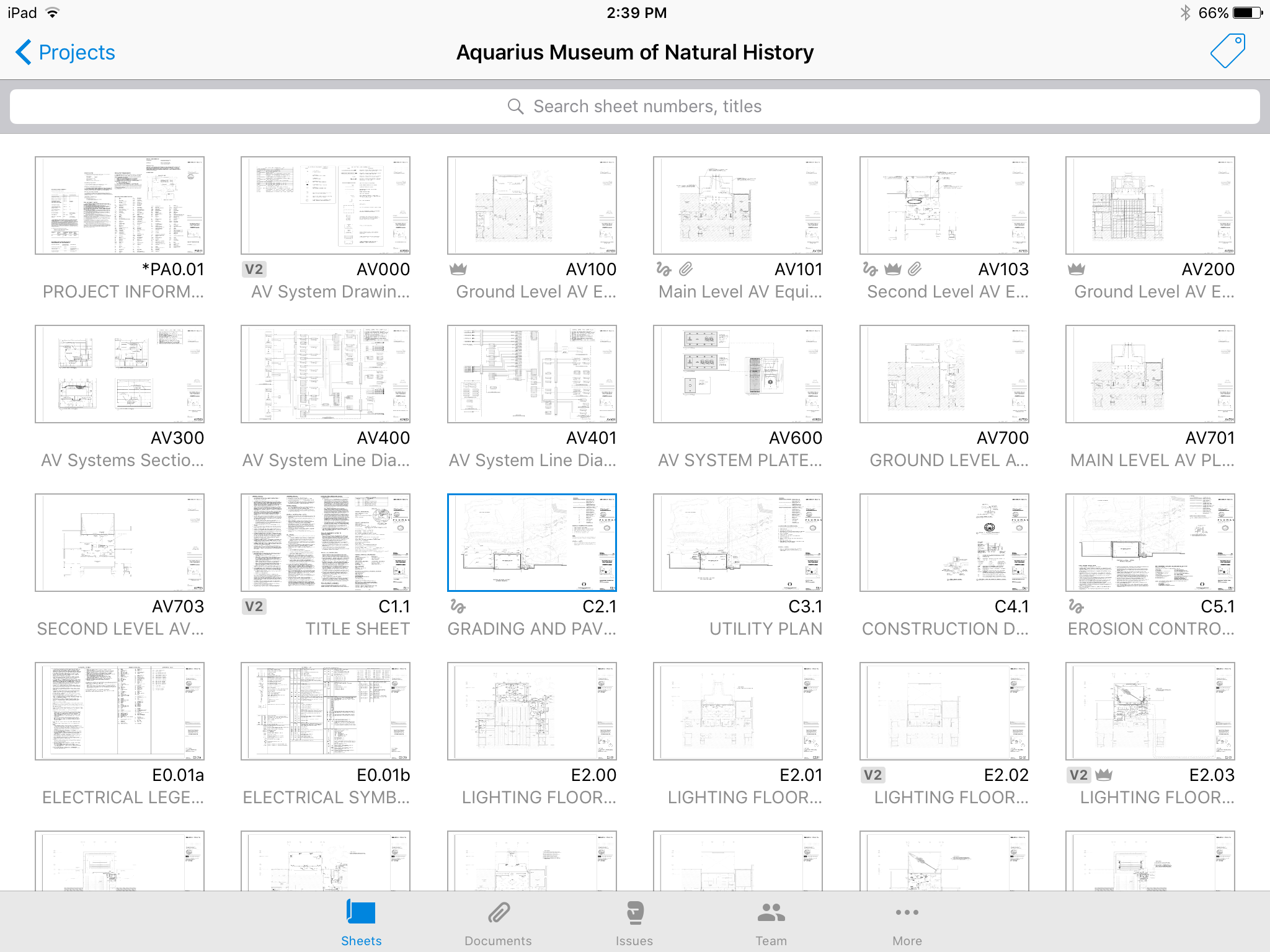
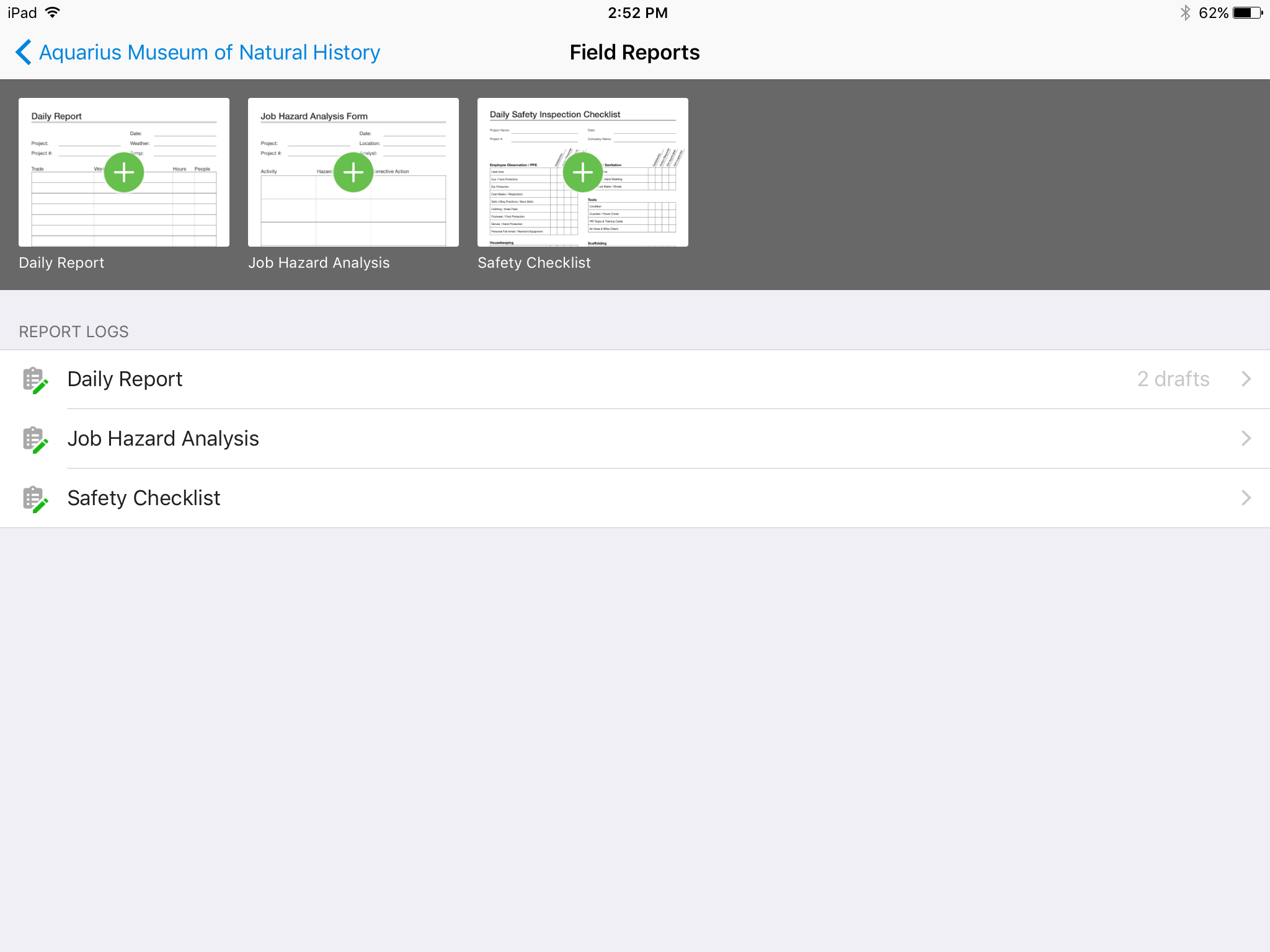
Autodesk Build, based on the former PlanGrid, is construction productivity software. It includes tools to collaborate, collect, and manage project information throughout the project’s construction and operations lifespan. It enables document centralization and tracking.
$39
user per month
InEight
Score 8.3 out of 10
N/A
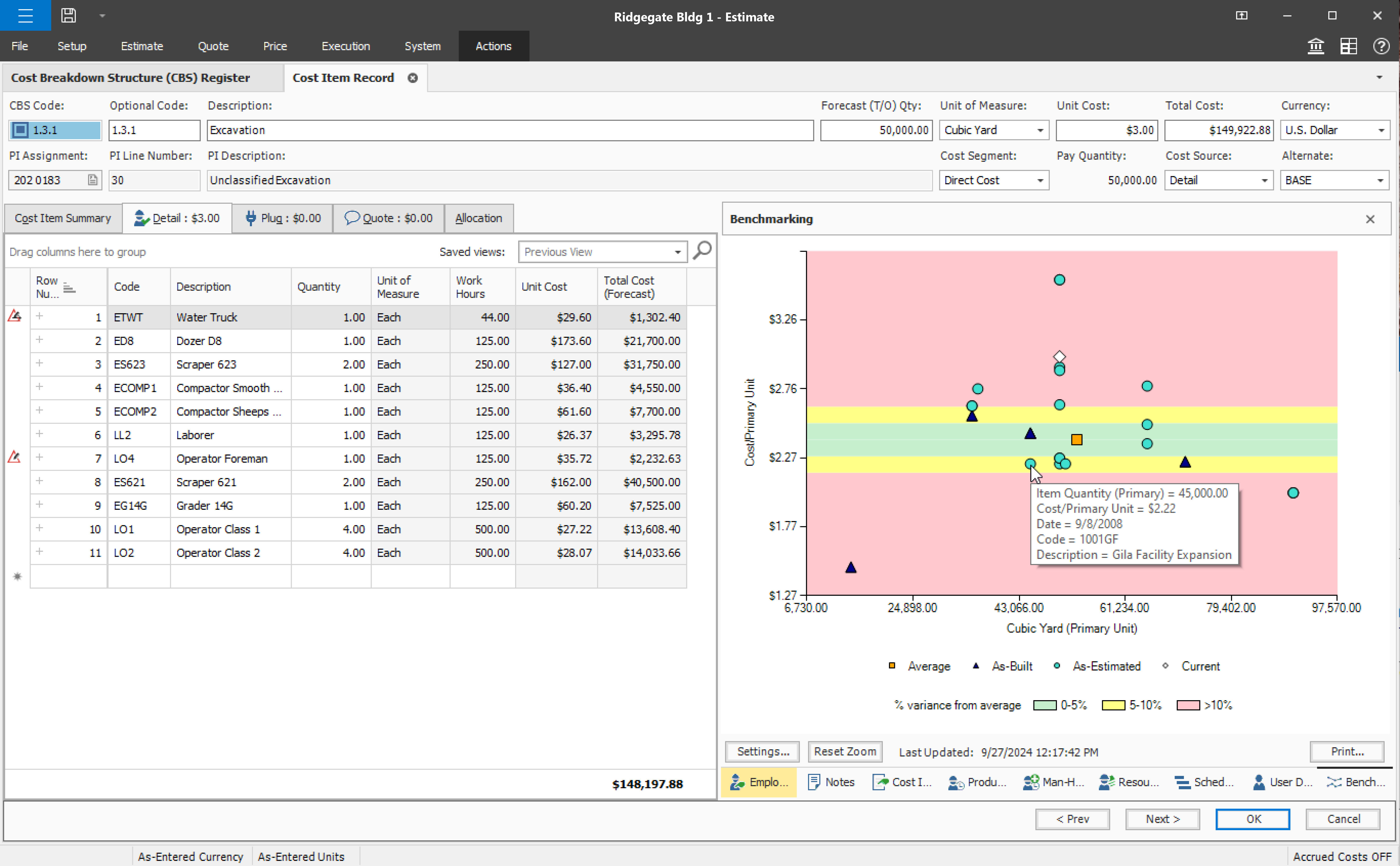
InEight's modular project controls software connects complex project data to improve visibility and delivery in capital construction.
N/A
Pricing
Autodesk Build
InEight
Editions & Modules
Nailgun
$39
user per month
Dozer
$59
user per month
Crane
$139
user per month
No answers on this topic
Offerings
Pricing Offerings
Autodesk Build
InEight
Free Trial
Yes
No
Free/Freemium Version
No
No
Premium Consulting/Integration Services
No
No
Entry-level Setup Fee
No setup fee
No setup fee
Additional Details
—
InEight offers a modular, integrated project controls platform. Because the InEight platform covers the entire construction lifecycle, customers purchase the software based on their specific needs – purchasing stand-alone products, a bundle of products, or the entire platform. As a result, the pricing will vary depending on the specific product, number of users and length of contract. Once InEight has identified the highest impact areas, they offer potential customers a custom proposal. The options they consider include:
Per user pricing: typically annual subscriptions.
Revenue-based: using a percentage of the customer’s revenue.
Project-based: software use dedicated to a specific project or program of work.
More Pricing Information
Community Pulse
Autodesk Build
InEight
Considered Both Products
Autodesk Build
Verified User
Anonymous
Chose Autodesk Build
I have only used Autodesk Build at work. Compared to Procore which I have recently been introduced to, Autodesk Build has a more modern look and accessibility features. I can not give an in-depth review between the two products as I do not spend a lot of time using Procore.
Procore and PlanGrid are the most direct competitors. The pricing structures are very dynamically different between PlanGrid and Procore. Procore tends to succeed better in the "project management" realm, while PlanGrid succeeds far beyond Procore in its ability to deal with …
PlanGrid is very similar to Procore but offers a slightly more straightforward user interface and seems not to be loaded with extra options that rarely would get used like Procore. PlanGrid is a much smoother software than Submittal Exchange or CMiC due to that same interface. …
Compared on pricing, PlanGrid was best. Procore does submittals and pay apps, but GoBridgit was completely unrealistic in price for us to consider them. The overall use of PlanGrid along with current pricing makes it worthwhile for us. If pricing goes up, it would no longer be …
BlueBeam is a program that some of our customers use as their management tool. It is a little more cumbersome than Plan Grid. We would certainly prefer using PlanGrid over other products that we have tried. Our field staff prefers to have a consistent platform to share the …
Plangrid would sit in between these two when it comes to mobile job site collaboration and document management. Procore is more a full-featured product but it is 2X-3X the cost and there is some question whether the extra costs actual turns in to an ROI at the end of the day. …
PlanGrid is an easier system to use then Procore; however, Procore offers more of a full management software than PlanGrid does with plan distribution.
PlanGrid provides the perfect balance of simplicity and accuracy. As I've noted, ProCore is more robust but the learning curve is steep, and, for my company, the majority of features would go unused (and thus would be a waste of money). PlanGrid offers a few solid features and …
The programs are not exactly parallel, however, we formerly posted RFIs on Bluebeam and by owner request we are now using Plangrid. I have found that this feature on Plangrid is slightly more intuitive and the interface is more user-friendly. Bluebeam, on the other hand, has …
PlanGrid is great for quickly communicating information within the field, however, its office capabilities are more limited compared to some alternative software I have used.
They have similar platforms and uses. At this time we use both because General Contractors require we use some of these programs to work on their projects, and we don't have a choice which one we use. It's tough because we then have multiple platforms to learn, manage and use …
I feel that Plangrid does a good job at combining most of the best attributes of the above programs into one solid software. Finishline seems to be a bit stronger punchlist tool but it doesnt have any other features, can't be used a doc control, etc.
I've used SAP for more than 10 years before my current job in this company. The best thing in SAP, is exactly what I have commented before, it's a single one tool, that does all what InEight do. Here at CCC, we have COINS for cost management, and I don't know exactly if InEight …
InEight seems to be an improvement on SAP BPC, though I haven't used SAP BPC for invoice processing, But in terms of planning, forecasting, budgeting and variance analysis. InEight has an edge because it is mor user friendly and the data you get is more streamlined and fit for …
InEight has been the first product that I have used and I wouldn't change it. Coming up from a hand to staff it has made my job easier to perform. Easier to keep track of quantities, hours, production being made throughout the project and makes it easier to access work plans …
The two items that set InEight apart was the estimating module with the ability to track cost to the exact estimate line item and the ability to export manhours to payroll. The other software's were either lacking or deficient in these items.
Both Sage Estimating and InEight programs have their unique capabilities. Sage Estimating is much more configured for use in detailed construction, the majority of which are for non-nuclear projects. InEight has so many more capabilities, especially in creating our own …
InEight is perfect for our work in Heavy Civil construction. Some of the other products are designed for different workflows and industries. We chose InEight specifically because it was related to the construction industry. Procore is incredibly comprehensive, and we just don't …
We looked at HCSS and Bid 2 Win but chose Ineight due to the fact that it seemed more user friendly, plus I had used it at a former company when it was available from the Grantlun Corporation and was very familiar with it in its ease of use and reliability.
heavy bid is okay for bid item work and has a few things in the quote folder screen that are nice and user friendly but the ability to tag is not as useful.
InEight is more robust than the other services I have used. I think it does a better job of rolling up a massive amount of individual user data into one complete project progress report. I like that most of our clients also use it, which makes collaboration easier. I think it …
As an issuing tool, InEight's TeamBinder is on par with Aconex. Solidworks EPDM creation of review workflows and revision numbering is better placed with handling multiple versions of the same document with the ability to revert to older versions if required. InEight's support …
Plangrid is well suited for companies (that are not currently using a different SaaS construction package) to make their construction document management more collaborative and mobile friendly. Companies requiring/wanting their subs and owners to collaborate with them as part of the life of a construction project will find Plangrid very helpful in fulfilling this goal. On the negative side, companies that are fully entrenched in using other construction suites will struggle to fully use Plangrid to its potential as pre-built integration between Plangrid and other packages is limited
Compared to other Estimating software I have used, InEight has superior capabilities and features. The ability to use a line item or an assembly to create an estimate is an outstanding feature of the program. The ability to create crew rates and use them in the estimate is a handy feature, especially when estimating construction projects.
It'd be nice to have access to upload and edit documents from the app. Only for certain users.
A small business billing option that addresses multiple users of a single account would make managing access simpler. Being able to load unlimited sheets, but only access a specific limit on your team's devices.
Allow users to integrate their own RFI templates into the app, so RFIs can be generated in your own format right from the field, immediately ready to ship.
We are at the point where we have shown our teams what is possible with this software. We cannot take it away and go back to the way we used to do things. I think that they would push back on us to give them access to something electronic. It is a good program that we will continue to use
Some features with InEight's TeamBinder are worthy of single use, however the review feature and subsequent revision and version numbering could be improved. We will be aiming to roll out the package to encompass our internal documentation in the near future and will be in a better position to judge the usability after that point in time.
Hard to get the hang of this software, but with time it become very repetitive and easier to navigate. I have used this software for over a year now and the constant updates by Autodesk have made the software better and better to use at work. This allows me to use this tool more effectively
I would give it an 8 out of 10 because the software can be a bit cumbersome to new users. It also takes a long time to set up the library and input all of your companies needs so that the software will provide the level of service required to estimate projects. However, once the software is set up it is a powerful tool. We only use a portion of what the software is capable of delivering
Online chat during business hours is extremely helpful. The Plangrid staff has gone above and beyond many times to help us. One time they even offered to completely rebuild our 900+ sheet project so I could slip sheet a few old drawing revisions! This undoubtedly would have taken hours on Plangrid's end. They are always responsive and are continually improving, listening to user feedback.
Every time I have contacted support, they have gotten back to [me] quickly and with a few solutions. I like that they seem to be US-based, so there is no language barrier when I try to communicate my problem. For the few times, they did not have a solution ready, they told me they would respond later after further research, and they actually followed up! Better than most support I have used in the past with other software.
Since the original inception, I have been required to overhaul the system so that it is more user friendly and combines both aspects of our business, documentation and drawings. Being able to control revision and version numbering has been a key struggle that only staff training has been able to mark this as complete.
Procore and PlanGrid are the most direct competitors. The pricing structures are very dynamically different between PlanGrid and Procore. Procore tends to succeed better in the "project management" realm, while PlanGrid succeeds far beyond Procore in its ability to deal with project documentation (plans and specs). Bim360 is a great product, but it is limited in its use due to the modeling requirement; while PlanGrid bridges that gap and plays in both 2D and 3D spaces. Buildertrend has some aspects of plan distribution, but it is limited in functionality.
I've used SAP for more than 10 years before my current job in this company. The best thing in SAP, is exactly what I have commented before, it's a single one tool, that does all what InEight do. Here at CCC, we have COINS for cost management, and I don't know exactly if InEight would be able to do whatever that COINS does, but what I'm trying to say is that, for systems, as much less external communication, better. InEight is covering a great portion on planning, we will see schedule and estimate, it will definitely improve, so, waiting on that to see.
InEight is a good system that has scaled nicely as the company has grown. the tools are still readily available and applicable for our larger scope of work. It has kept up with the growth of the company very nicely
Positive: Syncing drawings. As I said, keeping an up-to-date set of drawings is seamless on ProCore, as compared to a traditional server or even the cloud. The software is designed to see and mark-up drawings. Though markup tools aren't as robust as, say, Bluebeam Revu (I wouldn't expect all of that from a web app, anyway), it's very nice to easily see all the newest drawings.
Positive: Saved time. Documents are updated at the same time, across all devices, with only one upload.
Positive: Punch list is easy. ProCore punch lists are quite complicated. In PlanGrid, with 1-tap we can add items and give a brief description. When doing a walk-thru, it should be easy to jot down notes. These can be detailed once you're sitting at a desk, and PlanGrid allows for that. But for field personnel, punch lists are an easy and efficient use of time.
Negative: Photo management. For us, there should be a way to just upload photos, and not require to use the photo tool within the app.